
About
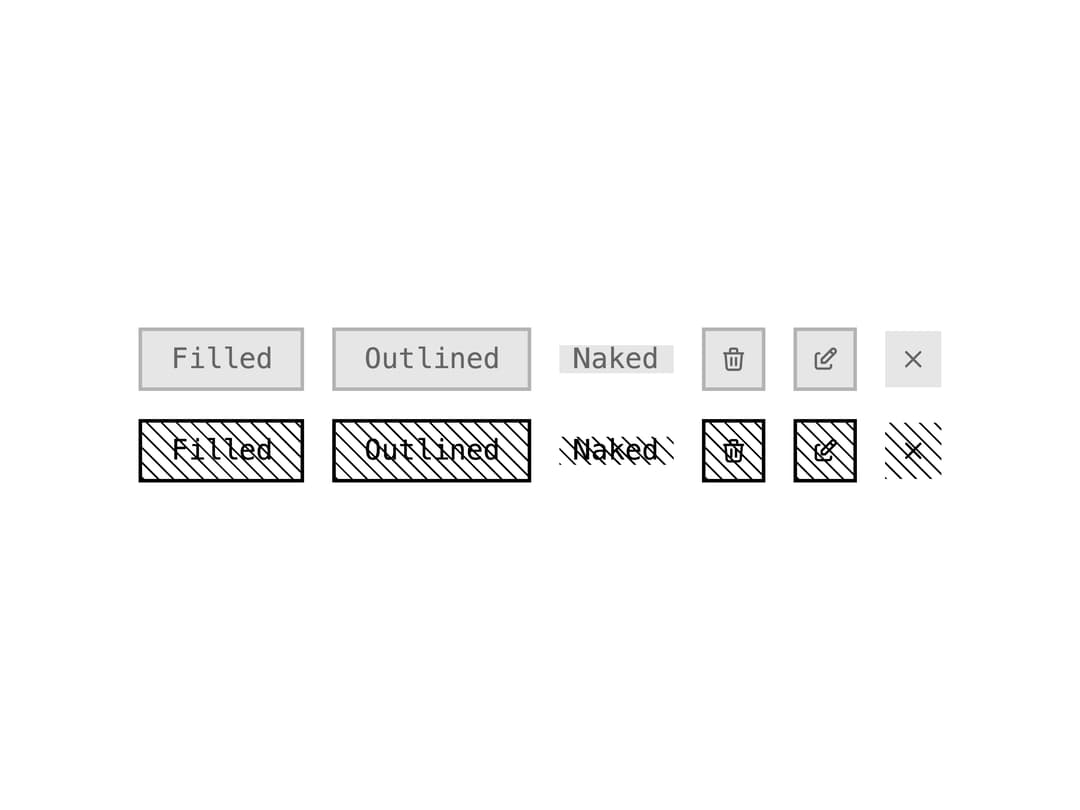
A monochrome, compound button with filled, outlined, naked and icon-only variants, built for e-ink screens with press-invert interaction and a flipping-icon loading state.
Built with React and Tailwind. Copy the prompt and paste it into Claude Code, Cursor or Lovable: your agent adds E-Ink Button to your project and fits it to your theme.
Code
How E-Ink Button is used: the demo's code. The component's own source comes with a free account.
Usage.tsx
import { Button } from "@/components/ui/eink-button";

export default function EinkButtonDisabledDemo() {
  return (
    <div
      className="eink-button-demo"
      style={{
        display: "flex",
        flexDirection: "column",
        gap: 16,
        padding: 24,
        background: "var(--eink-color-background)",
        color: "var(--eink-color-primary)",
      }}
    >
      <div style={{ display: "flex", alignItems: "center", gap: 16 }}>
        <Button disabled>Filled</Button>
        <Button.Outlined disabled>Outlined</Button.Outlined>
        <Button.Naked disabled>Naked</Button.Naked>
        <Button.Icon icon="trash" aria-label="Delete" disabled />
        <Button.IconOutlined icon="edit" aria-label="Edit" disabled />
        <Button.IconNaked icon="close" aria-label="Close" disabled />
      </div>
      <div style={{ display: "flex", alignItems: "center", gap: 16 }}>
        <Button disabled mono>
          Filled
        </Button>
        <Button.Outlined disabled mono>
          Outlined
        </Button.Outlined>
        <Button.Naked disabled mono>
          Naked
        </Button.Naked>
        <Button.Icon icon="trash" aria-label="Delete" disabled mono />
        <Button.IconOutlined icon="edit" aria-label="Edit" disabled mono />
        <Button.IconNaked icon="close" aria-label="Close" disabled mono />
      </div>
    </div>
  );
}
More by alexisroe
View all
Log
8
Notification
2
Number Stepper
2
Segmented Control
2
Chip
2
Checkbox
1
E-Ink Code
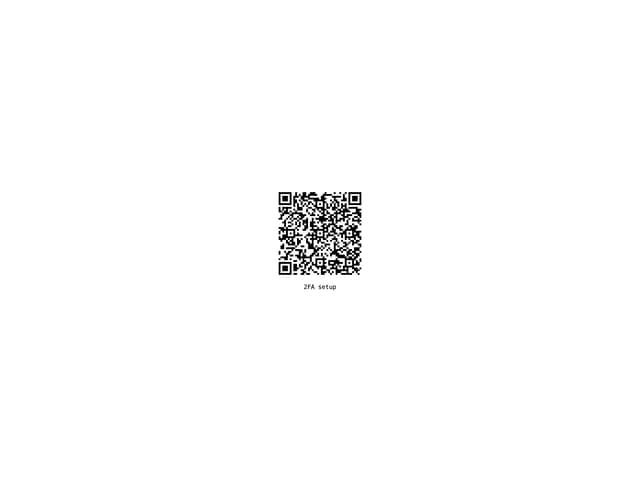
QR Code
More in Buttons
View all

Button
37
Button
20
Texture Button
113

Icon Label Subtext Button
68

Astryx Chat Send Button
5

Button
16

Minimal Button
15

Button
146

