About
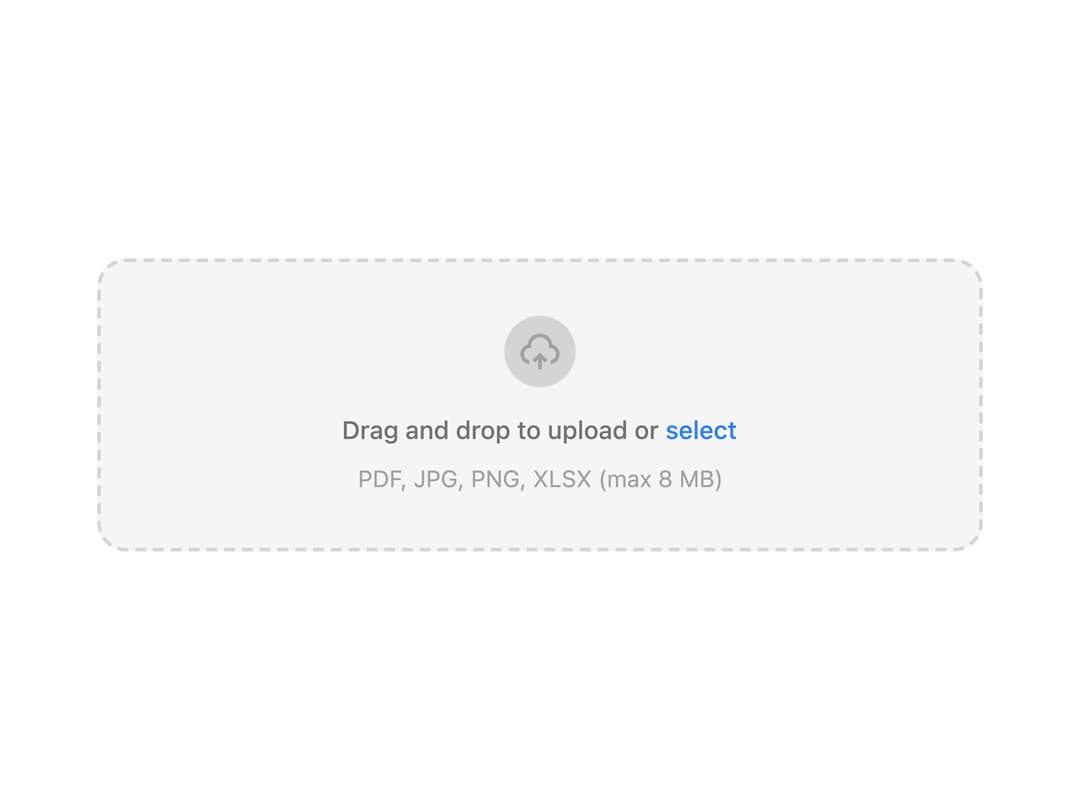
A drag-and-drop file upload dropzone with extension/size validation, an animated progress ring, and a completion callback.
Built with React and Tailwind. Copy the prompt and paste it into Claude Code, Cursor or Lovable: your agent adds File Upload to your project and fits it to your theme.
Code
How File Upload is used: the demo's code. The component's own source comes with a free account.
Usage.tsx
import { FileUpload } from "@/components/ui/file-upload";

export default function FileUploadDemo() {
  return (
    <div className="flex w-full max-w-[560px] items-center justify-center p-8">
      <FileUpload
        onUploadComplete={(file) => {
          console.log("Ready to persist:", file);
        }}
      />
    </div>
  );
}
Dependencies
More by boardui
View all

Social Button
3
Modal Dialog
1
Segmented Control
Date Calendar
Select

Composer Loader
Slider

Context Menu
More in Forms
View all

Login 1
64

Premium Auth
571

Contact Card
1.1K

Form
18

Book A Demo 1
91
Authentication Card
52

Card Studio
47

Login Card
35
