
About
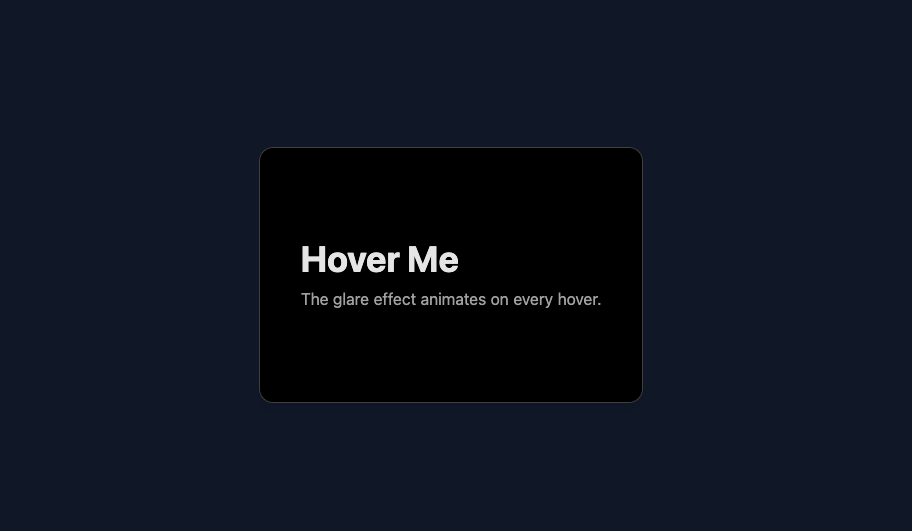
here is hover glare card effect
Built with React and Tailwind. Copy the prompt and paste it into Claude Code, Cursor or Lovable: your agent adds hover-glare-card to your project and fits it to your theme.
Code
How hover-glare-card is used: the demo's code. The component's own source comes with a free account.
Usage.tsx
import React from 'react';
import Image from 'next/image';
import HoverGlareCard from '@/components/ui/hover-glare-card';


function HoverGlareCardDemo() {
  return (
    <main className="flex min-h-screen w-full flex-col items-center justify-center gap-12 bg-gray-100 p-8 dark:bg-gray-900 transition-colors duration-300">


      <HoverGlareCard
        className="h-64 w-96 rounded-xl border border-neutral-300 bg-white p-8 shadow-lg dark:border-neutral-700 dark:bg-black"
        glareColor="#ff7b00"
        glareOpacity={0.2}
      >
        <h2 className="text-4xl font-bold text-neutral-800 dark:text-neutral-200">
          Hover Me
        </h2>
        <p className="mt-2 text-neutral-600 dark:text-neutral-400">
          The glare effect animates on every hover.
        </p>
      </HoverGlareCard>

    </main>
  );
}

export default HoverGlareCardDemo;More by deleted
View all

Splash Cursor
1.3K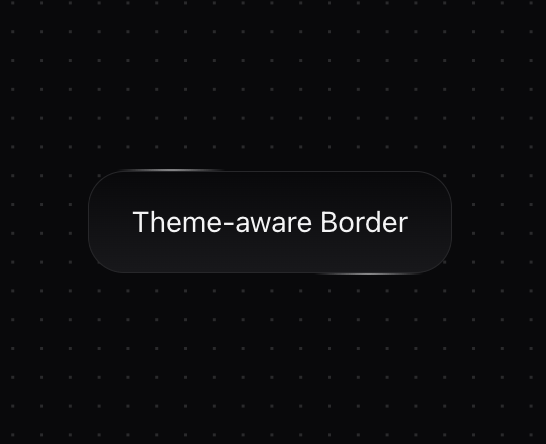
Star Border
728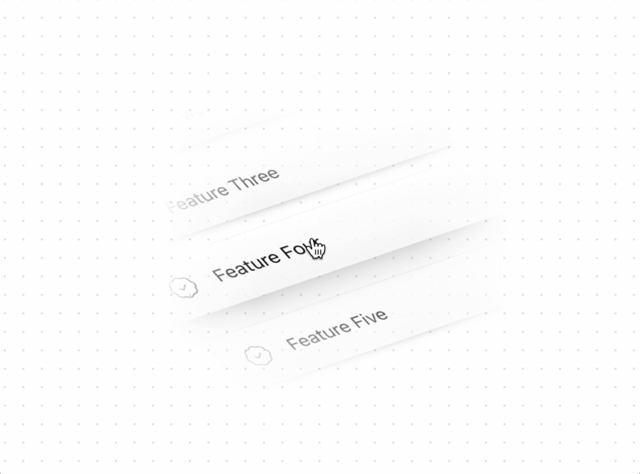
Tilted Scroll
433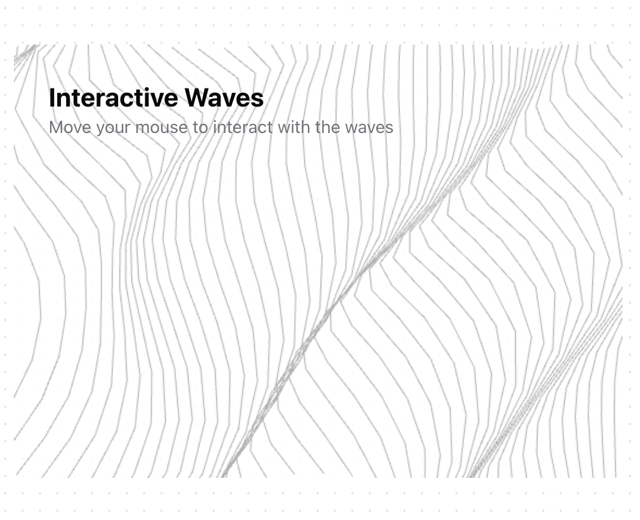
Waves Background
362
Squares Background
326
Prism
218
Grid Motion
183
Circular Gallery
173
More in Cards
View all

Statistics Card 2
263
Stats cards with links
39
Card
70

Course Design Cards
1.1K
The Item one
3

Card Studio
7
Statistics Card 7
291

Item
10
