
About
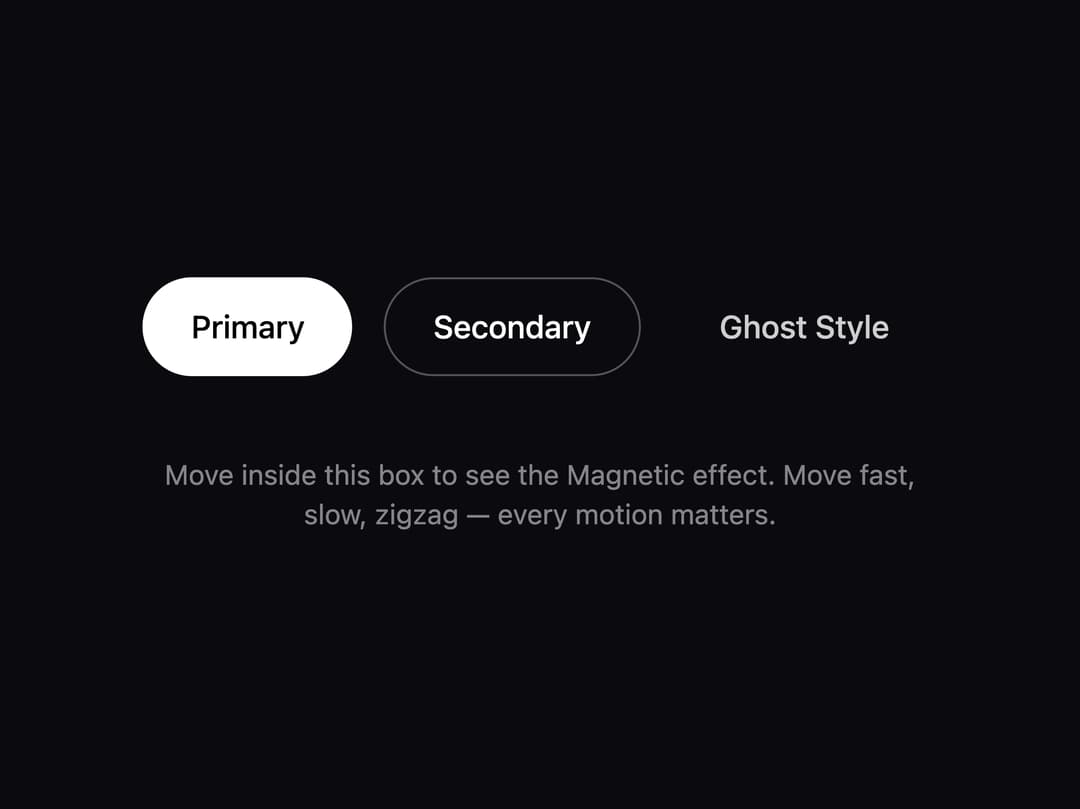
A custom cursor effect that magnetically pulls buttons and interactive elements toward the mouse pointer, with hover and click scale animations.
Built with React and Tailwind. Copy the prompt and paste it into Claude Code, Cursor or Lovable: your agent adds Magnetic Cursor to your project and fits it to your theme.
Code
How Magnetic Cursor is used: the demo's code. The component's own source comes with a free account.
Usage.tsx
"use client";

import MagneticCursor from "@/components/ui/magnetic-cursor";
import { useRef } from "react";

export default function MagneticCursorDemo() {
  const containerRef = useRef(null);

  return (
    <div
      ref={containerRef}
      style={{ cursor: "none" }}
      className="relative w-full h-screen overflow-hidden bg-[#0a0a0f] text-white flex flex-col items-center justify-center gap-10"
    >
      <MagneticCursor
        containerRef={containerRef}
        config={{
          color: "#ffffff",
          size: 12,
          strength: 0.075,
          pointerAnim: true,
          pointerScale: 2.0,
          clickAnim: true,
          clickScale: 2.5,
        }}
      />

      <div className="absolute top-8 left-1/2 -translate-x-1/2 text-sm text-white/50">
        🧲 Hover the demo buttons - feel the pull
      </div>

      <div className="flex gap-4">
        <button
          data-magnetic="true"
          className="px-6 py-3 rounded-full bg-white text-black font-medium"
        >
          Primary
        </button>
        <button
          data-magnetic="true"
          className="px-6 py-3 rounded-full border border-white/30 text-white font-medium"
        >
          Secondary
        </button>
        <button
          data-magnetic="true"
          className="px-6 py-3 rounded-full text-white/80 font-medium"
        >
          Ghost Style
        </button>
      </div>

      <p className="max-w-md text-center text-white/50 text-sm px-6">
        Move inside this box to see the Magnetic effect. Move fast, slow, zigzag
        — every motion matters.
      </p>
    </div>
  );
}
More by felix-au
View all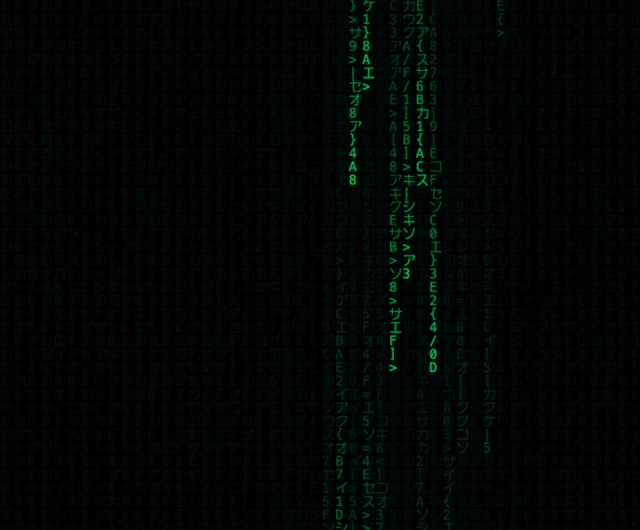
Matrix Rain Cursor
43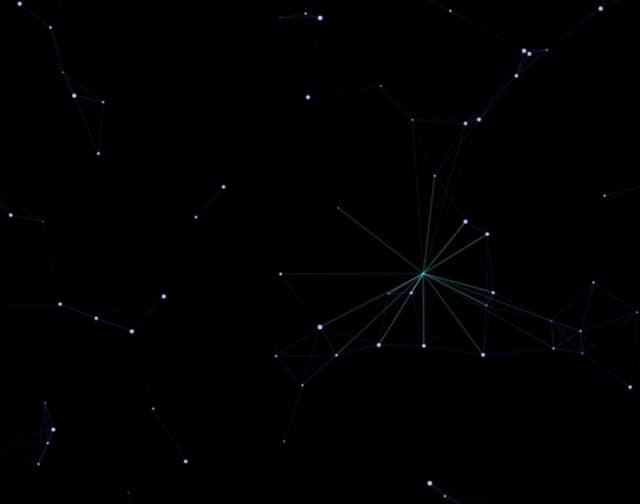
Constellation Cursor
19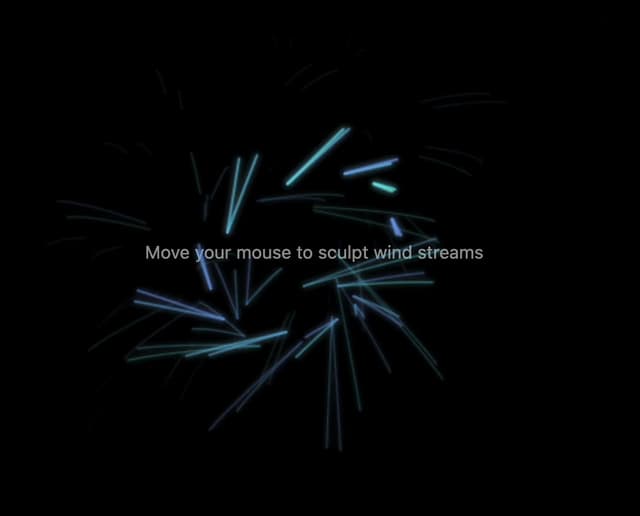
Wind Stream Cursor
8
Rainbow Comet Cursor
8
DNA Helix Cursor
7
Pixel Shatter Cursor
4
Fire Trail Cursor
4
Bubble Float Cursor
3
More in Buttons
View all
Button
20

Button
3

Button Group
18

Button
149

Icon Label Subtext Button
69

Button
9

Button
37
Texture Button
113

