
About
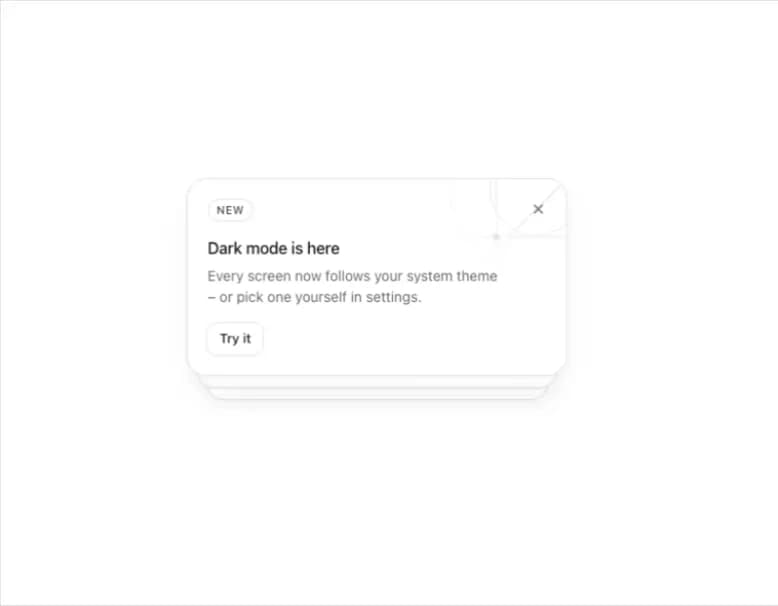
A stack of dismissible notification cards that peek out behind one another, showing only the front card until it's dismissed and the next slides into place.
Built with React and Tailwind. Copy the prompt and paste it into Claude Code, Cursor or Lovable: your agent adds Notification Stack to your project and fits it to your theme.
Code
How Notification Stack is used: the demo's code. The component's own source comes with a free account.
Usage.tsx
"use client";

import {
  NotificationStack,
  type Notice,
} from "@/components/ui/notification-stack";

const notices: Notice[] = [
  {
    id: "dark-mode",
    badge: "New",
    title: "Dark mode is here",
    text: "Every screen now follows your system theme – or pick one yourself in settings.",
    action: { label: "Try it", onClick: () => {} },
    pattern: "orbit",
  },
  {
    id: "maintenance",
    badge: "Notice",
    title: "Scheduled maintenance",
    text: "We'll be offline on Sunday from 02:00 to 03:00 UTC. Your data stays safe.",
    action: { label: "View status", href: "#", external: true },
    pattern: "grid",
  },
  {
    id: "invite",
    badge: "Invite",
    title: "Mara invited you to Design Ops",
    text: "Join the workspace to see shared projects, files and comments.",
    action: { label: "Accept invite", onClick: () => {} },
    pattern: "rays",
  },
];

export default function NotificationStackDemo() {
  return (
    <div className="flex min-h-[420px] w-full items-center justify-center bg-background p-10">
      <NotificationStack
        notices={notices}
        onDismiss={(n) => console.log("dismissed", n.id)}
      />
    </div>
  );
}
More by flohoeller
View all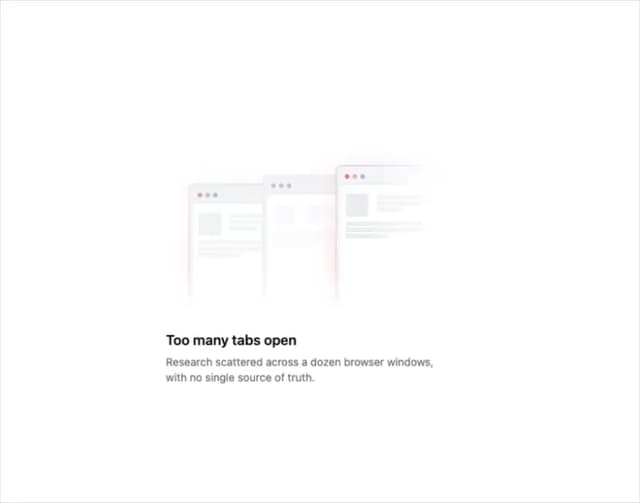
Tab Overload
6
Side Folder
5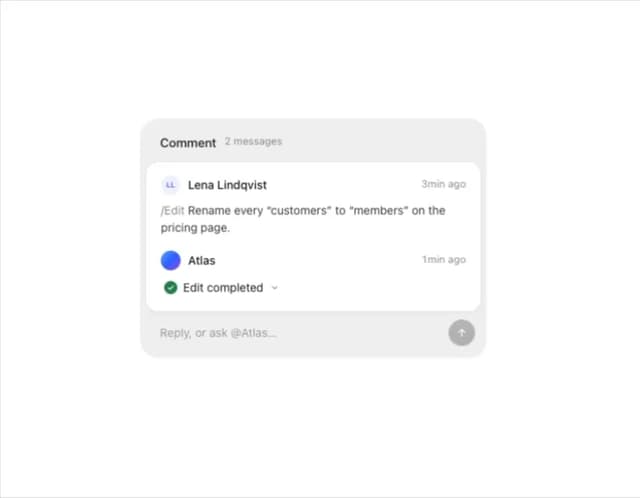
Comment Thread
5
Agent Team
4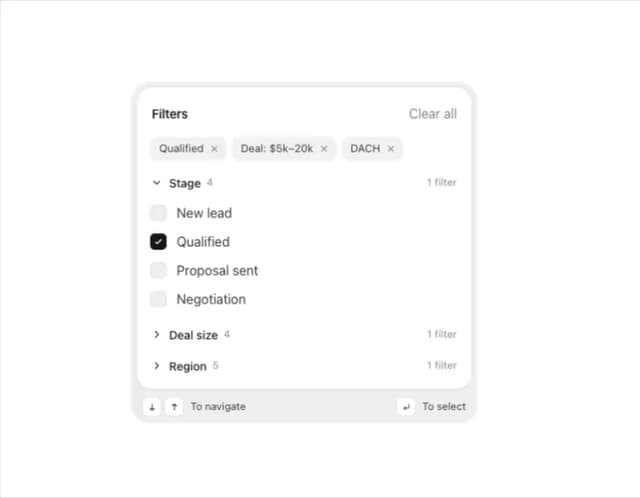
Filter Menu
4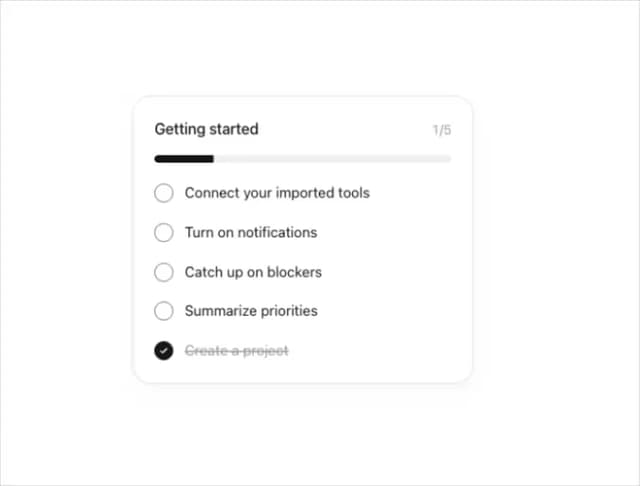
Progress Tracker
3
Team Invite
2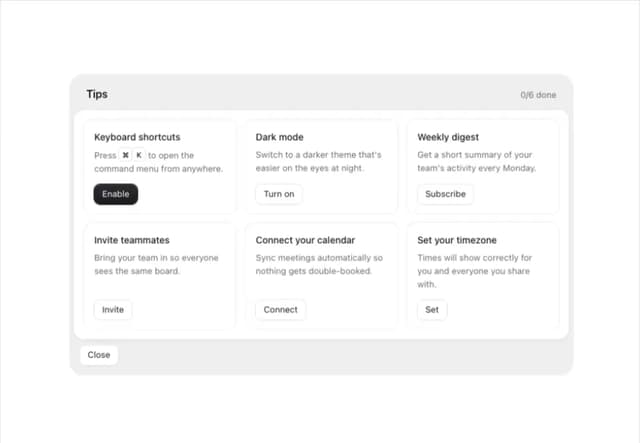
Tips Panel
2