
About
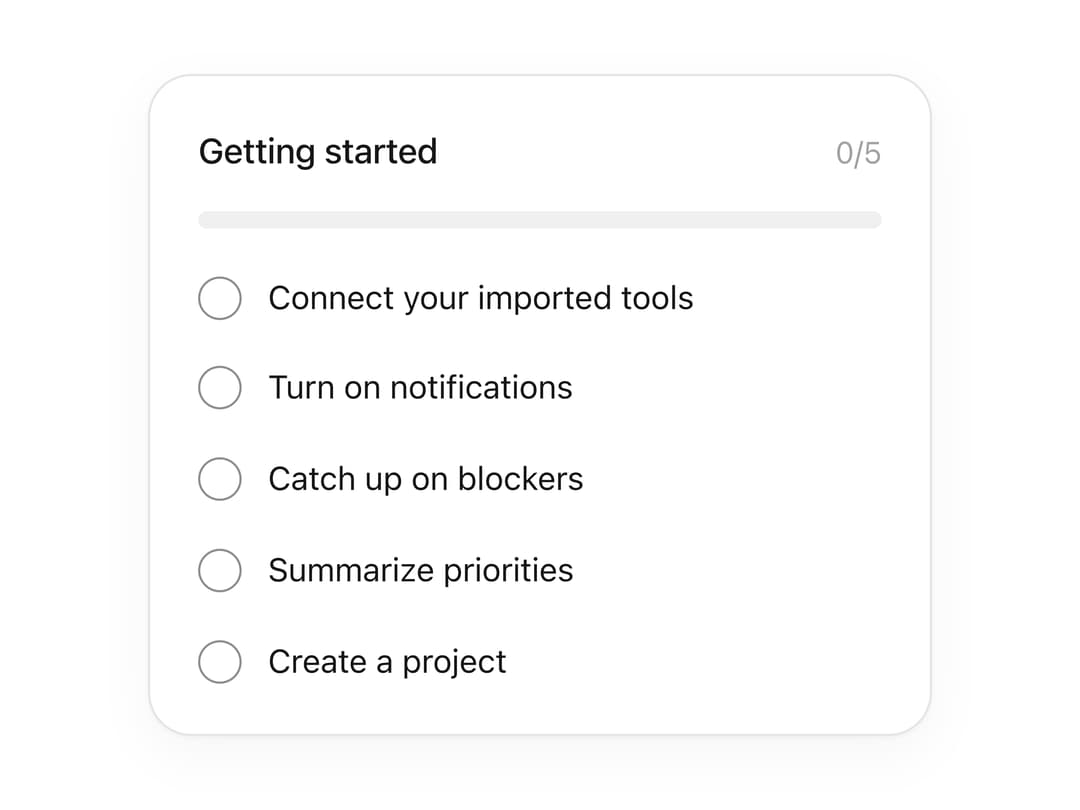
An onboarding checklist card with an animated progress bar, where each step is a toggleable checkbox that draws its own checkmark and can auto-play through the remaining steps.
Built with React and Tailwind. Copy the prompt and paste it into Claude Code, Cursor or Lovable: your agent adds Progress Tracker to your project and fits it to your theme.
Code
How Progress Tracker is used: the demo's code. The component's own source comes with a free account.
Usage.tsx
import { ProgressTracker } from "@/components/ui/progress-tracker";

const steps = [
  { id: "tools", label: "Connect your imported tools" },
  { id: "notify", label: "Turn on notifications" },
  { id: "blockers", label: "Catch up on blockers" },
  { id: "priorities", label: "Summarize priorities" },
  { id: "project", label: "Create a project" },
];

export default function ProgressTrackerAutoplayDemo() {
  return (
    <div className="flex min-h-screen w-full items-center justify-center bg-background p-8 text-foreground">
      <ProgressTracker
        title="Getting started"
        steps={steps}
        autoPlay
        interval={2500}
      />
    </div>
  );
}
More by flohoeller
View all
Tab Overload
12
Side Folder
10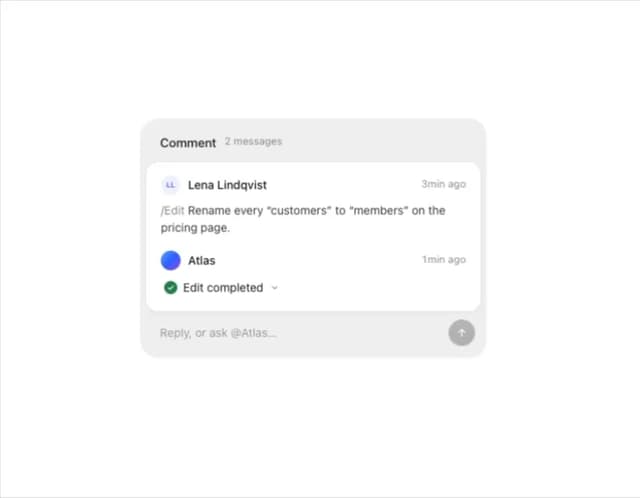
Comment Thread
9
Filter Menu
9
Agent Team
6
Tips Panel
5
Empty Calendar
4
Team Invite
3