
About
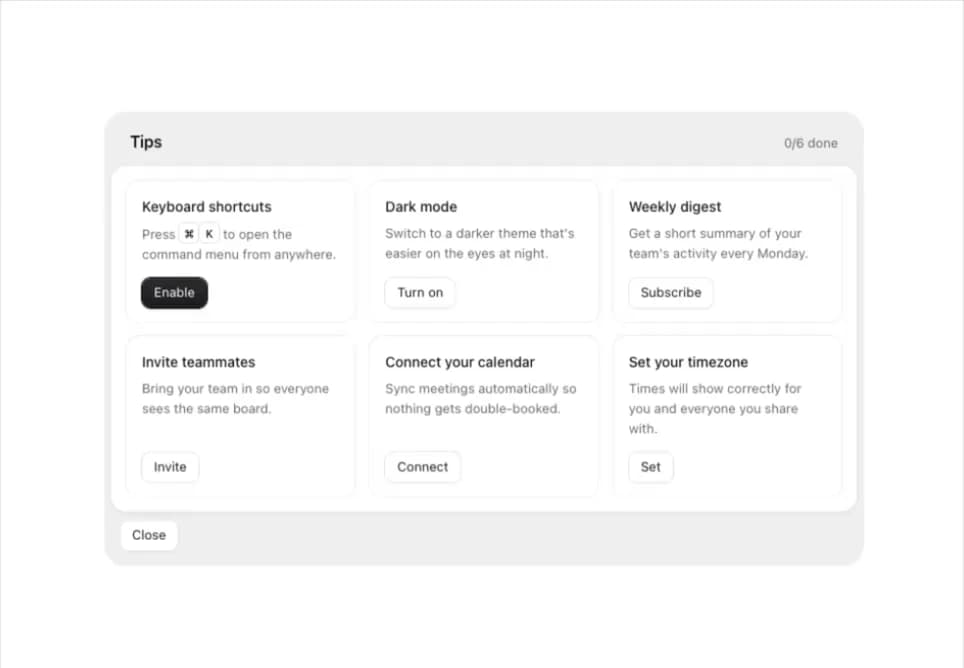
A gray tray of short actionable tips arranged in a grid, where each tip has one action button that turns it into a done state when taken.
Built with React and Tailwind. Copy the prompt and paste it into Claude Code, Cursor or Lovable: your agent adds Tips Panel to your project and fits it to your theme.
Code
How Tips Panel is used: the demo's code. The component's own source comes with a free account.
Usage.tsx
import TipsPanel, { Kbd } from "@/components/ui/tips-panel";

export default function TipsPanelDemo() {
  return (
    <div className="flex min-h-screen w-full items-center justify-center bg-background p-6">
      <TipsPanel
        title="Tips"
        closeLabel="Close"
        onClose={() => {}}
        tips={[
          {
            id: "shortcut",
            title: "Keyboard shortcuts",
            description: (
              <>
                Press <Kbd>⌘</Kbd>
                <Kbd>K</Kbd> to open the command menu from anywhere.
              </>
            ),
            action: "Enable",
            doneLabel: "Enabled",
            primary: true,
          },
          {
            id: "dark-mode",
            title: "Dark mode",
            description:
              "Switch to a darker theme that's easier on the eyes at night.",
            action: "Turn on",
            doneLabel: "On",
          },
          {
            id: "digest",
            title: "Weekly digest",
            description:
              "Get a short summary of your team's activity every Monday.",
            action: "Subscribe",
            doneLabel: "Subscribed",
          },
          {
            id: "invite",
            title: "Invite teammates",
            description: "Bring your team in so everyone sees the same board.",
            action: "Invite",
            doneLabel: "Invited",
          },
          {
            id: "calendar",
            title: "Connect your calendar",
            description:
              "Sync meetings automatically so nothing gets double-booked.",
            action: "Connect",
            doneLabel: "Connected",
          },
          {
            id: "timezone",
            title: "Set your timezone",
            description:
              "Times will show correctly for you and everyone you share with.",
            action: "Set",
            doneLabel: "Set",
          },
        ]}
      />
    </div>
  );
}
More by flohoeller
View all
Tab Overload
6
Side Folder
5
Comment Thread
5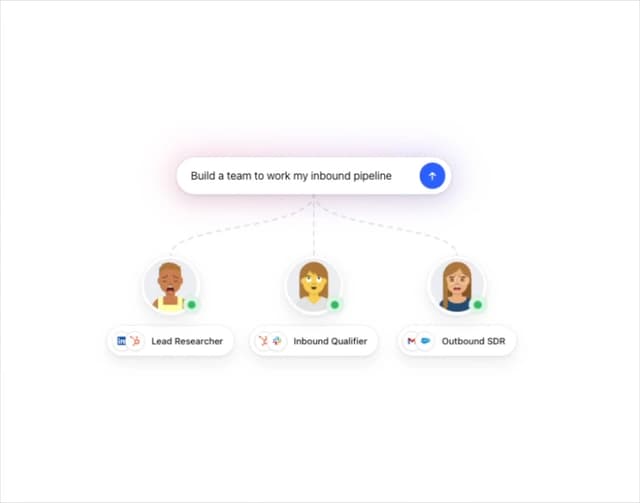
Agent Team
4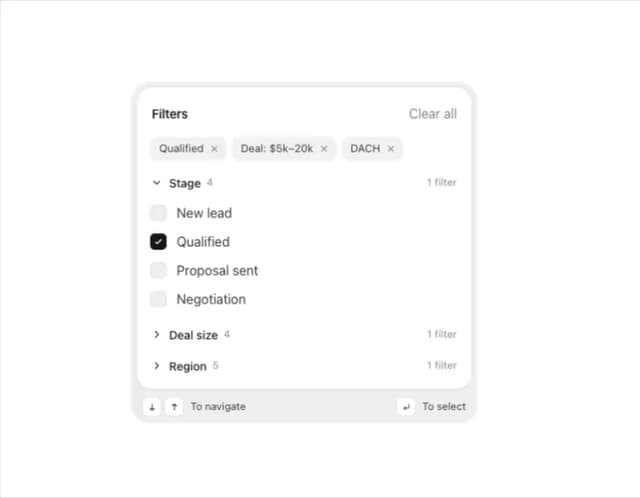
Filter Menu
4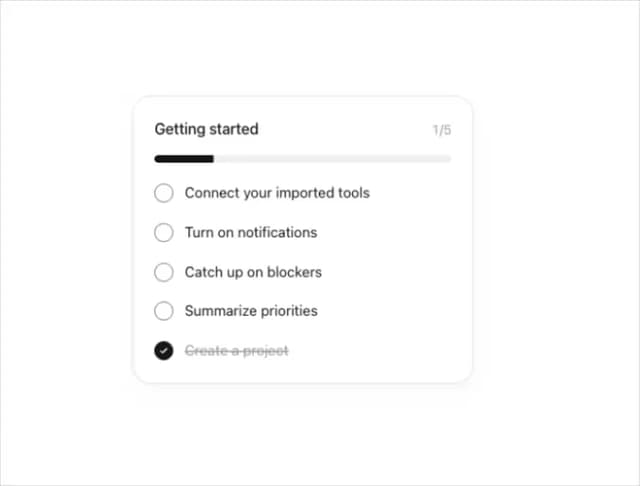
Progress Tracker
3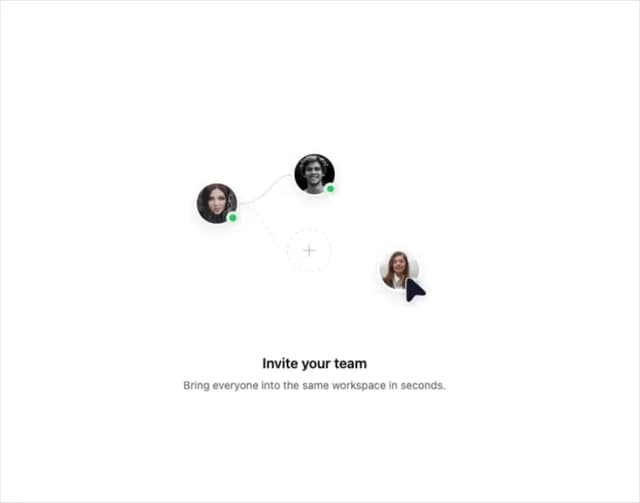
Team Invite
2
Reaction Bar
2