
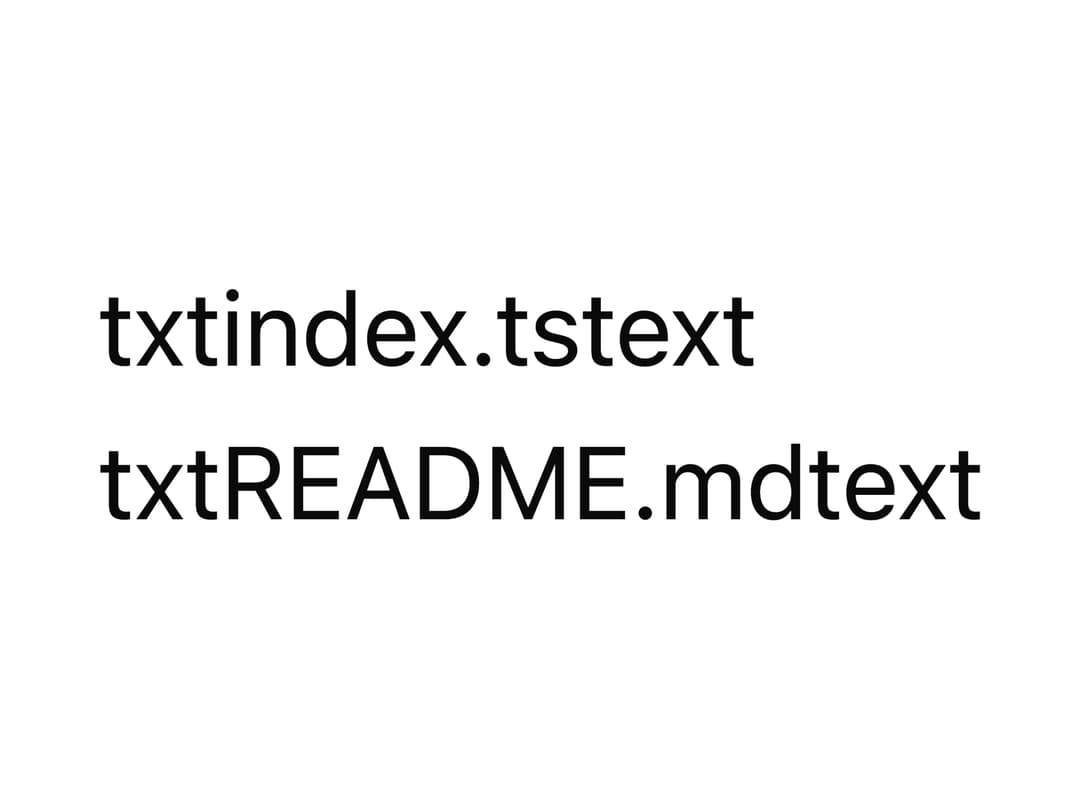
About
A clickable list that lets users browse and select MCP (Model Context Protocol) resources, showing each resource's name, mime type and a loading skeleton state.
Built with React and Tailwind. Copy the prompt and paste it into Claude Code, Cursor or Lovable: your agent adds MCP Resource Browser to your project and fits it to your theme.
Code
How MCP Resource Browser is used: the demo's code. The component's own source comes with a free account.
Usage.tsx
import { McpResourceBrowser } from "@/components/ui/mcp-resource-browser";

const resources = [
  {
    uri: "file:///src/index.ts",
    name: "index.ts",
    mimeType: "text/typescript",
  },
  { uri: "file:///README.md", name: "README.md", mimeType: "text/markdown" },
];

export default function Example() {
  return (
    <McpResourceBrowser
      resources={resources}
      onSelect={(r) => console.log("selected", r.uri)}
    />
  );
}
Dependencies
More by mayurrawte
View all
Skeleton
2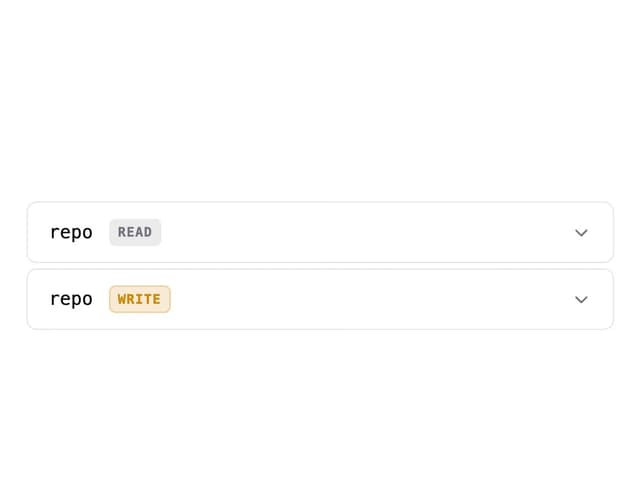
MCP Scope Inspector
1
Feedback Buttons
1
Tooltip
1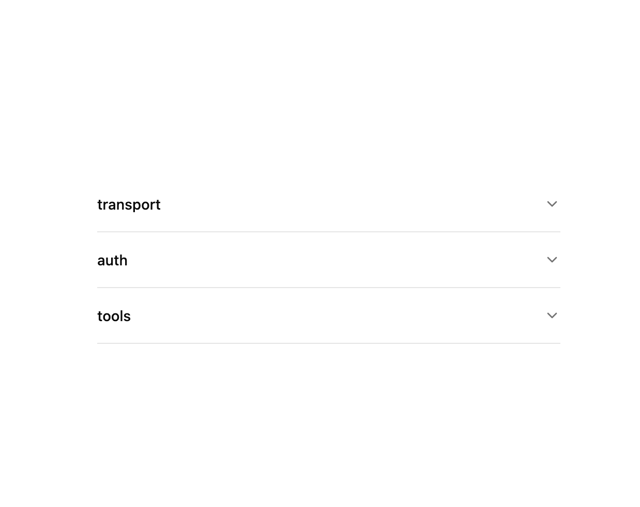
Accordion
1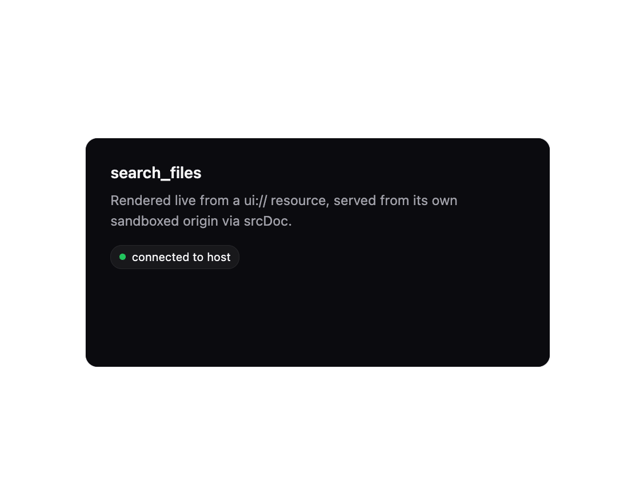
MCP App Frame
Counter

Dropdown Menu