
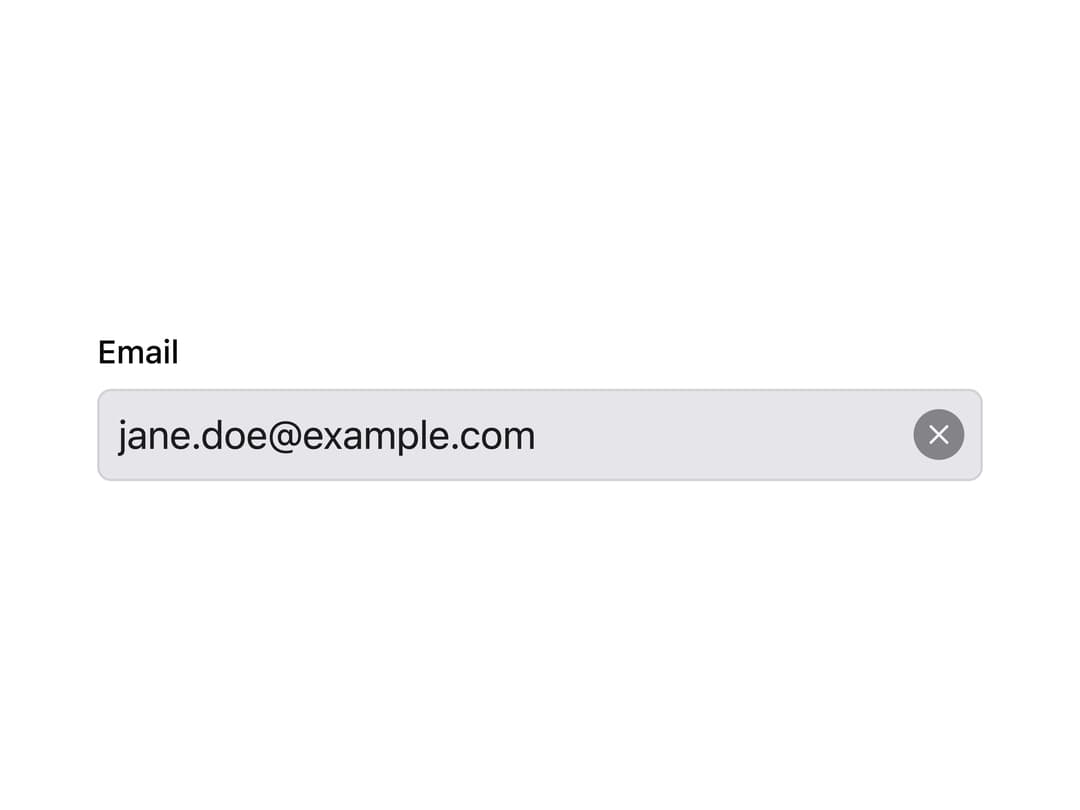
About
A single-line text input with a built-in clear button that appears once it has a value; ported to React from Millai Studio's Millai UI Vue component library.
Built with React and Tailwind. Copy the prompt and paste it into Claude Code, Cursor or Lovable: your agent adds MText Input to your project and fits it to your theme.
Code
How MText Input is used: the demo's code. The component's own source comes with a free account.
Usage.tsx
"use client";

import * as React from "react";
import MTextInput from "@/components/ui/mtext-input";

export default function MTextInputDemo() {
  const [email, setEmail] = React.useState("jane.doe@example.com");

  return (
    <div className="flex w-full max-w-sm flex-col gap-1.5">
      <label htmlFor="email" className="text-sm font-medium text-foreground">
        Email
      </label>
      <MTextInput
        id="email"
        type="email"
        autoComplete="email"
        value={email}
        onChange={(event) => setEmail(event.target.value)}
      />
    </div>
  );
}
Dependencies
More by millaistudio
View all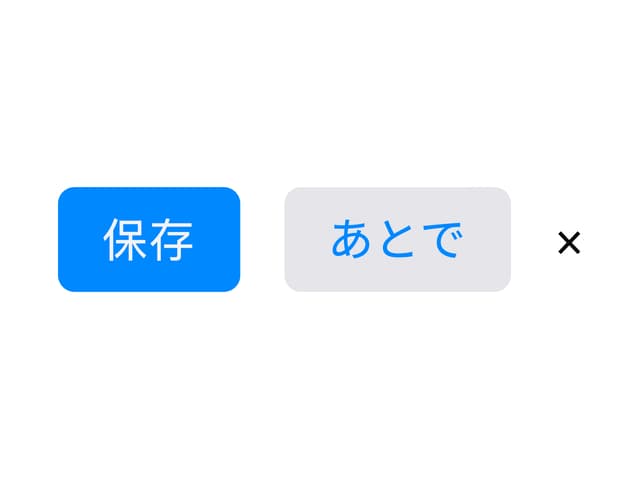
M Button
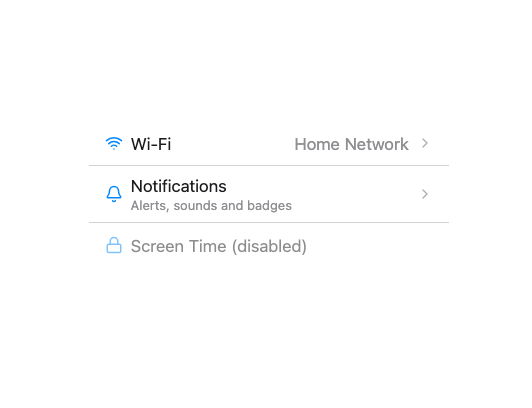
MListItem
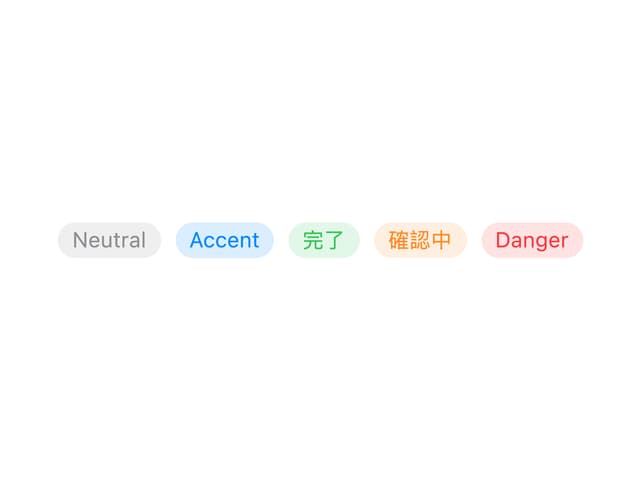
MBadge
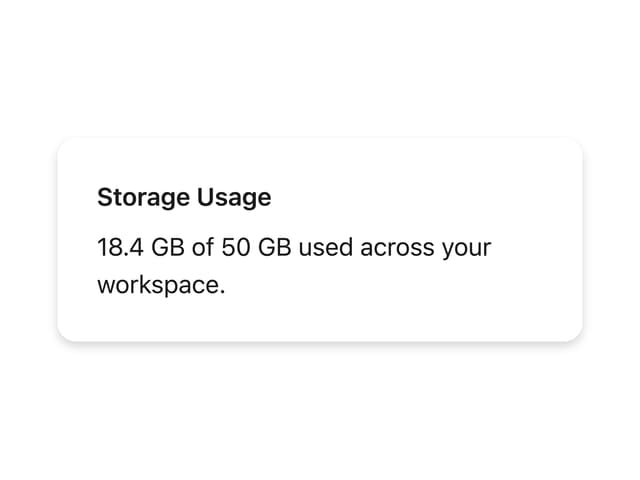
MCard
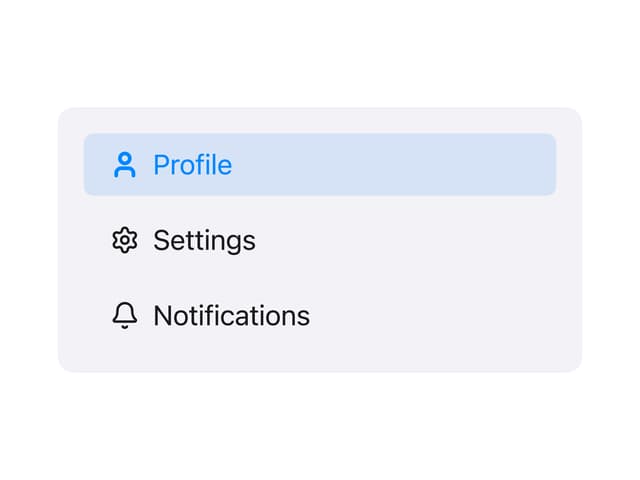
Side Panel Item
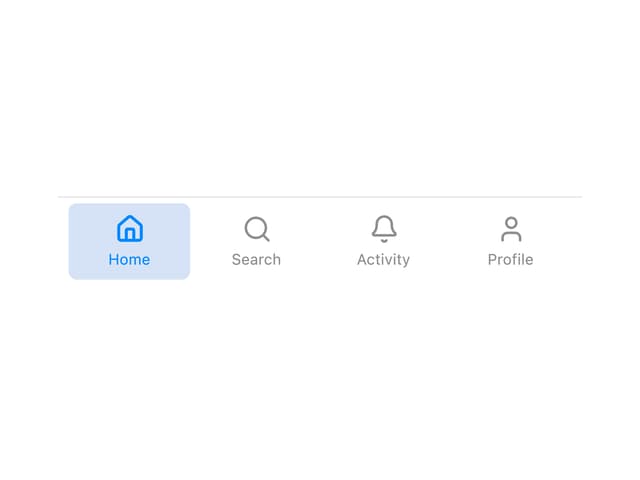
Tab Bar Item
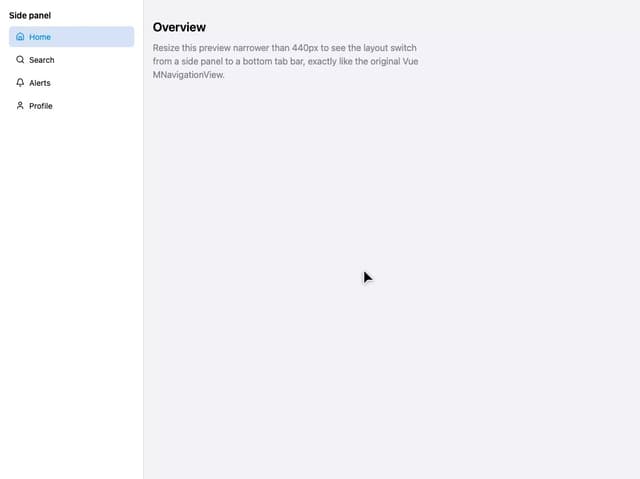
Navigation View
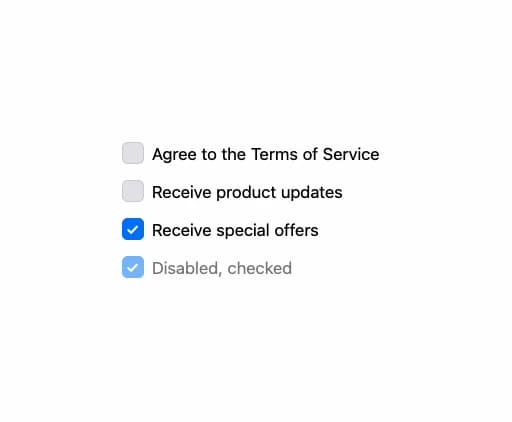
MCheckbox
More in Forms
View all

Premium Auth
519

Contact Card
1K

Book A Demo 1
72

Login 1
52
Authentication Card
48

Form
16
Login Card
6

Modern & Stunning sign in
1.6K

