
About
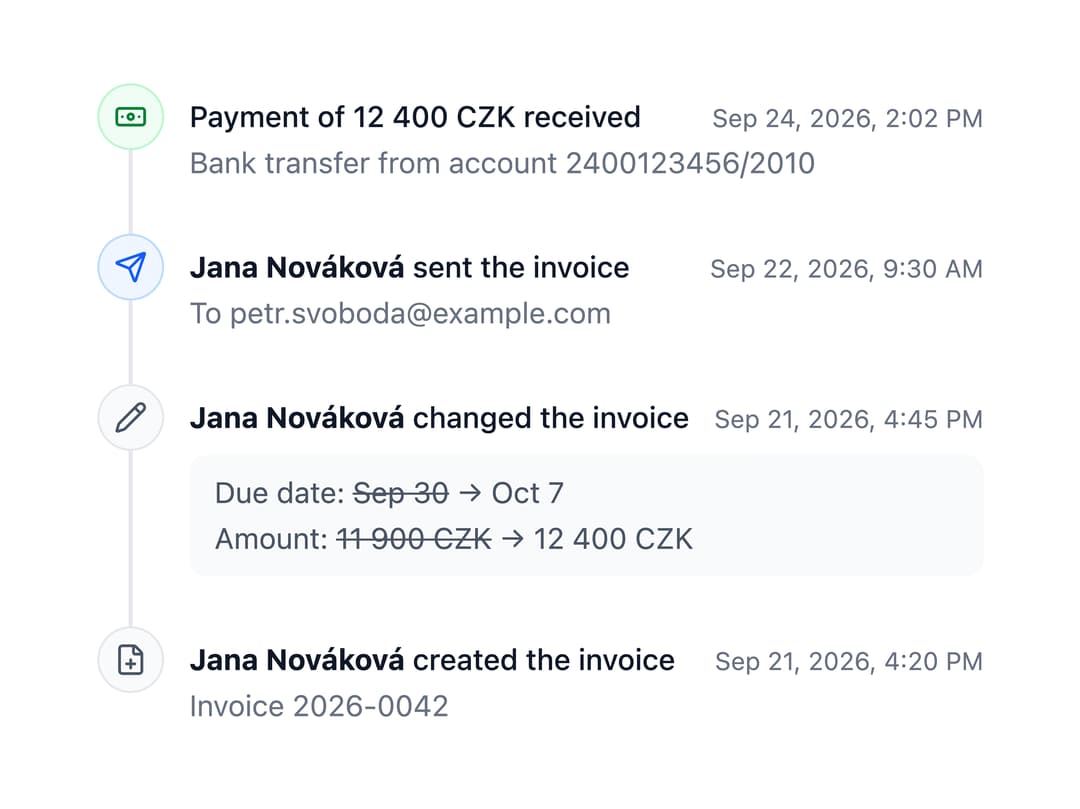
A vertical list of dated events — an activity feed, audit log or project history — with colored/icon markers, optional alternating layout, locale-aware timestamps and a loading skeleton state.
Built with React and Tailwind. Copy the prompt and paste it into Claude Code, Cursor or Lovable: your agent adds Timeline to your project and fits it to your theme.
Code
How Timeline is used: the demo's code. The component's own source comes with a free account.
Usage.tsx
import Timeline from "@/components/ui/timeline";

import { Banknote, FilePlus, Pencil, Send } from "lucide-react";

// The history of an invoice, newest first. The dates are written by the
// locale - switch the language in the top bar.
export default function Activity() {
  return (
    <Timeline
      items={[
        {
          color: "success",
          description: "Bank transfer from account 2400123456/2010",
          icon: <Banknote />,
          id: 4,
          time: new Date(2026, 8, 24, 14, 2),
          title: "Payment of 12 400 CZK received",
        },
        {
          description: "To petr.svoboda@example.com",
          icon: <Send />,
          id: 3,
          time: new Date(2026, 8, 22, 9, 30),
          title: (
            <>
              <strong>Jana Nováková</strong> sent the invoice
            </>
          ),
        },
        {
          color: "neutral",
          content: (
            <ul className="space-y-0.5 rounded-md bg-neutral-50 px-3 py-2 text-neutral-600 dark:bg-neutral-900 dark:text-neutral-300">
              <li>
                Due date: <del>Sep 30</del> → Oct 7
              </li>
              <li>
                Amount: <del>11 900 CZK</del> → 12 400 CZK
              </li>
            </ul>
          ),
          icon: <Pencil />,
          id: 2,
          time: new Date(2026, 8, 21, 16, 45),
          title: (
            <>
              <strong>Jana Nováková</strong> changed the invoice
            </>
          ),
        },
        {
          color: "neutral",
          description: "Invoice 2026-0042",
          icon: <FilePlus />,
          id: 1,
          time: new Date(2026, 8, 21, 16, 20),
          title: (
            <>
              <strong>Jana Nováková</strong> created the invoice
            </>
          ),
        },
      ]}
    />
  );
}
Dependencies
More by robertlib
View all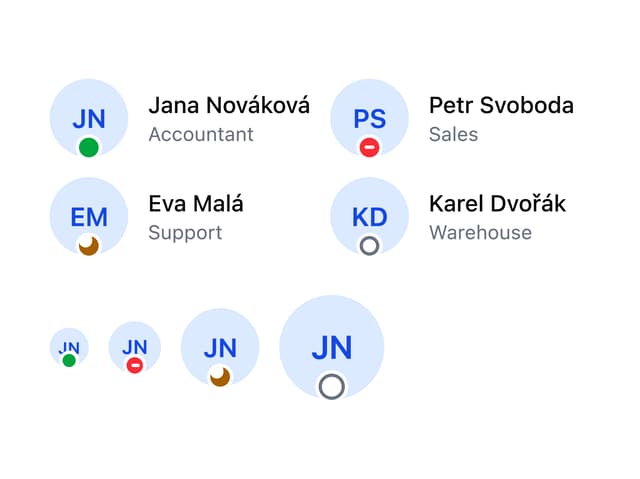
Avatar
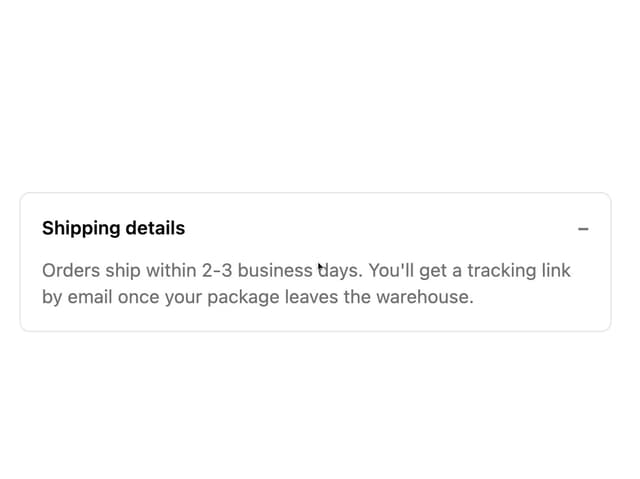
Collapsible Content
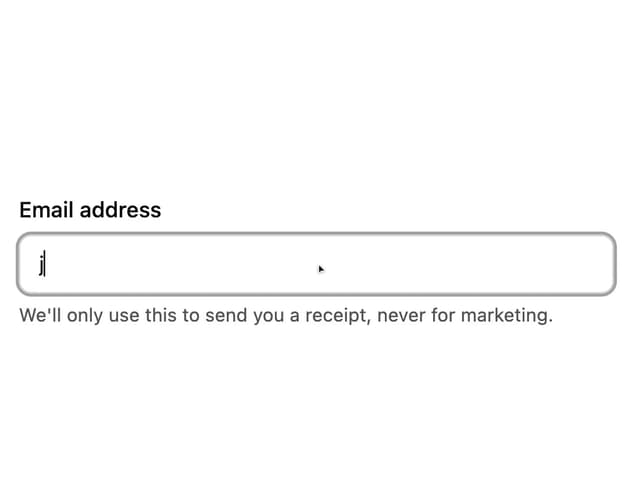
Form Description
Chip
Switch

Form Error
Select
Spinner