
About
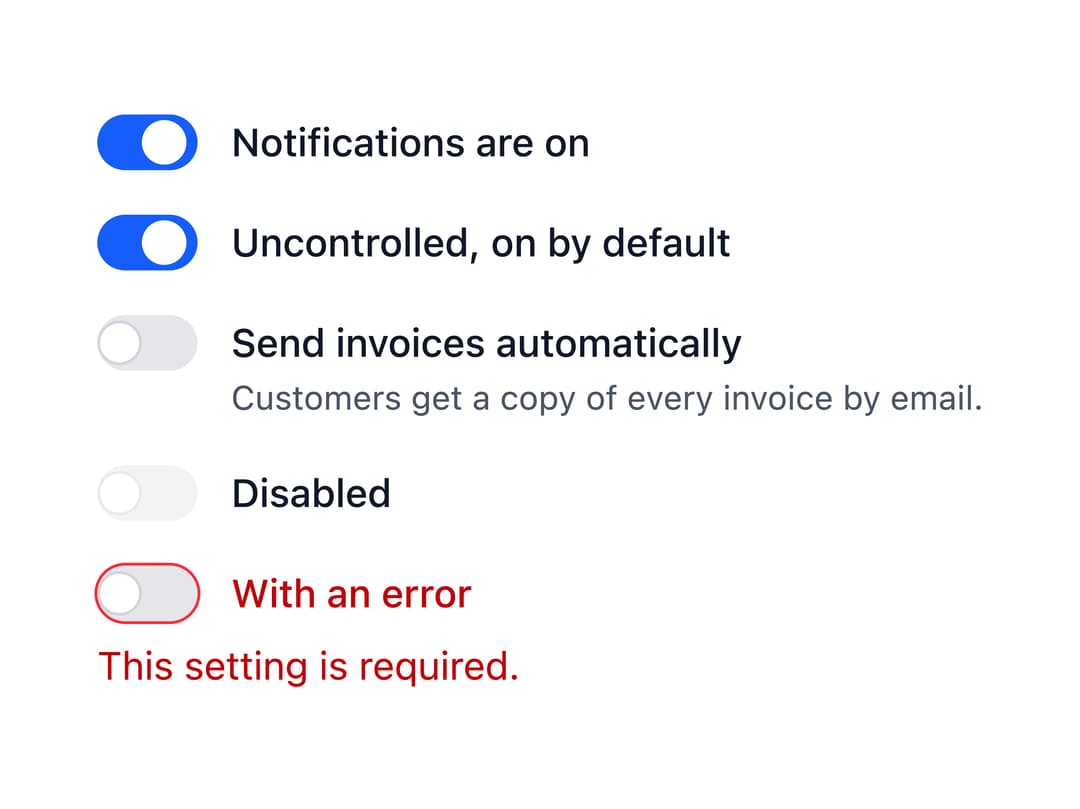
An accessible on/off toggle control built on a native checkbox, with support for labels, descriptions, sizes, validation errors and a read-only state, that works in forms like a regular checkbox.
Built with React and Tailwind. Copy the prompt and paste it into Claude Code, Cursor or Lovable: your agent adds Switch to your project and fits it to your theme.
Code
How Switch is used: the demo's code. The component's own source comes with a free account.
Usage.tsx
import Switch from "@/components/ui/switch";
import { useState } from "react";

export default function Basic() {
  const [notifications, setNotifications] = useState(true);

  return (
    <div className="space-y-4">
      <Switch
        checked={notifications}
        label={`Notifications are ${notifications ? "on" : "off"}`}
        onChange={(event) => setNotifications(event.target.checked)}
      />
      <Switch defaultChecked label="Uncontrolled, on by default" name="beta" />
      <Switch
        description="Customers get a copy of every invoice by email."
        label="Send invoices automatically"
        name="autoSend"
      />
      <Switch disabled label="Disabled" />
      <Switch error="This setting is required." label="With an error" />
    </div>
  );
}
More by robertlib
View all
Timeline
1
Avatar
Collapsible Content
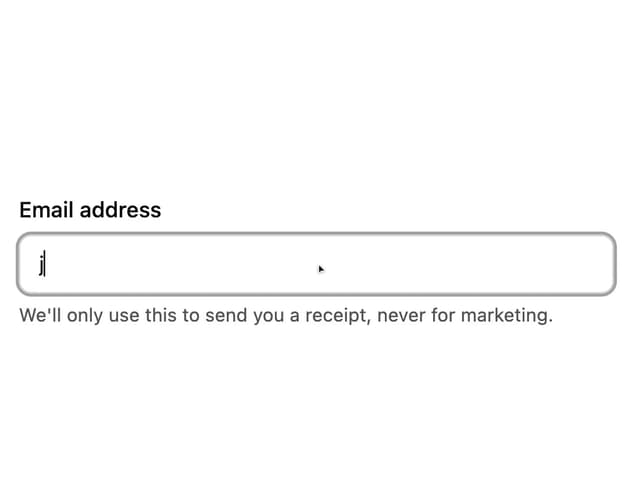
Form Description
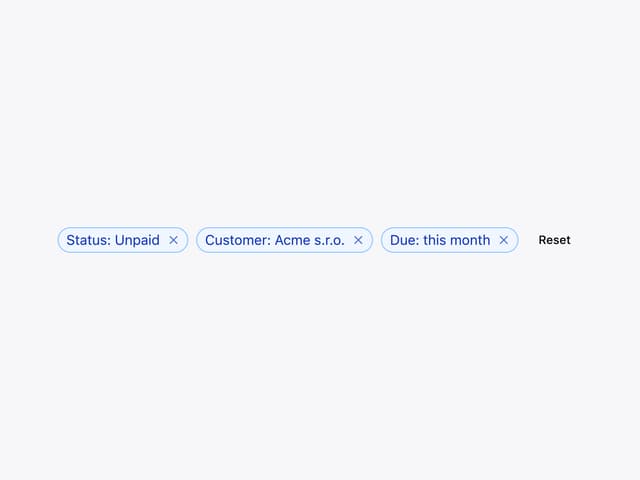
Chip

Form Error
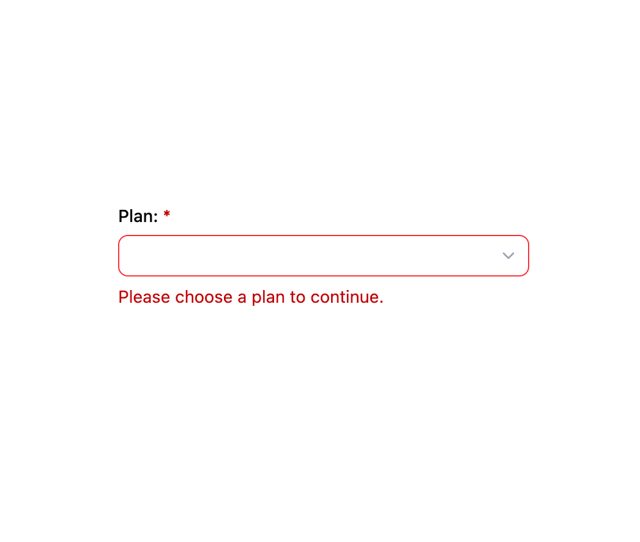
Select
Spinner
More in Forms
View all

Premium Auth
504

Login 1
52
Authentication Card
47

Book A Demo 3
83

Contact Card
1K
Book A Demo 1
70
Book A Demo 4
52

Form
136
