
About
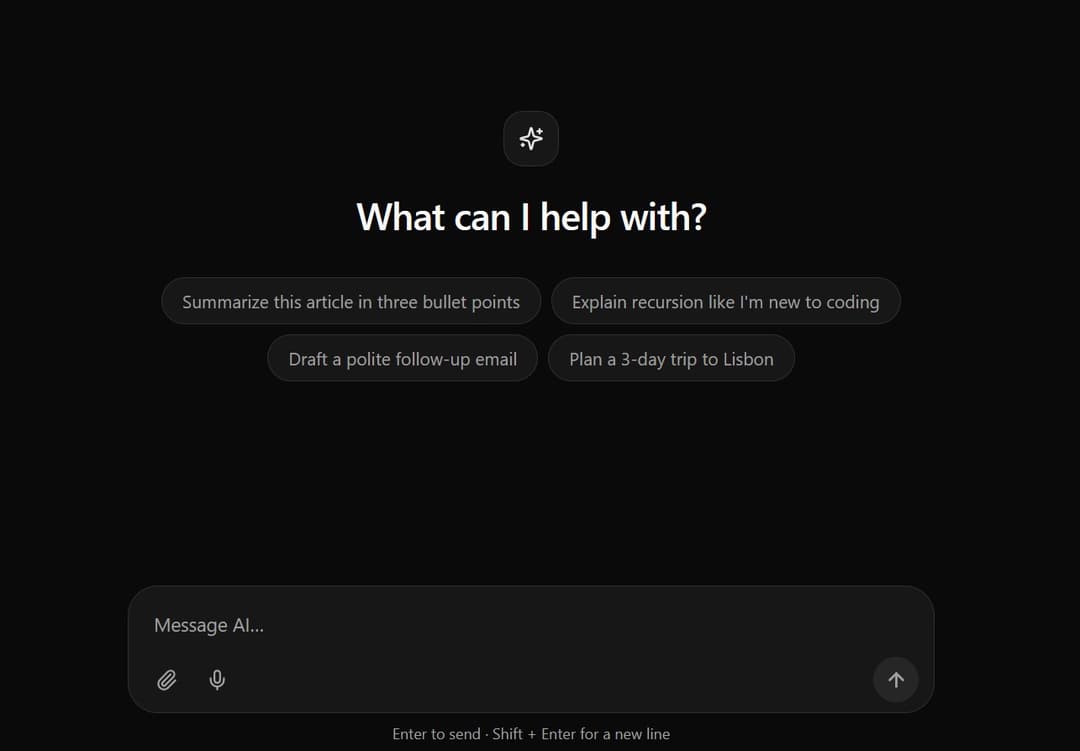
A highly polished, responsive AI chat input component built with React, Tailwind CSS, and Lucide icons. Supports expand-on-type, file attachments visualization, and smooth focus-ring states for modern AI applications.
Built with React and Tailwind. Copy the prompt and paste it into Claude Code, Cursor or Lovable: your agent adds Interactive AI Chat Input with Micro-Interactions to your project and fits it to your theme.
Code
How Interactive AI Chat Input with Micro-Interactions is used: the demo's code. The component's own source comes with a free account.
Usage.tsx
// This is a file with a demo for your component
// That's what users will see in the preview
// Create new files in this directory to add more demos

"use client";

import * as React from "react";
import { Sparkles } from "lucide-react";
import { AIChatInput } from "@/components/ui/interactive-ai-chat-input-with-micro-interactions";


/* ------------------------------------------------------------------ */
/* Mock data                                                           */
/* ------------------------------------------------------------------ */

const SUGGESTIONS = [
  "Summarize this article in three bullet points",
  "Explain recursion like I'm new to coding",
  "Draft a polite follow-up email",
  "Plan a 3-day trip to Lisbon",
];

interface ChatMessage {
  id: number;
  role: "user" | "assistant";
  text: string;
}


/* ------------------------------------------------------------------ */
/* Demo                                                                */
/* ------------------------------------------------------------------ */

export default function DemoOne() {
  const [value, setValue] = React.useState("");
  const [isLoading, setIsLoading] = React.useState(false);
  const [messages, setMessages] = React.useState<ChatMessage[]>([]);
  const timer = React.useRef<number | undefined>(undefined);
  const bottomRef = React.useRef<HTMLDivElement>(null);

  // Keep the newest message in view and clear any pending reply on unmount
  React.useEffect(() => { bottomRef.current?.scrollIntoView({ behavior: "smooth" }); }, [messages, isLoading]);
  React.useEffect(() => () => window.clearTimeout(timer.current), []);

  const handleSubmit = (text: string, files: File[]) => {
    const suffix = files.length ? ` (${files.length} attachment${files.length > 1 ? "s" : ""})` : "";
    setMessages((m) => [...m, { id: Date.now(), role: "user", text: (text || "Attached files") + suffix }]);
    setIsLoading(true);

    // Simulated AI reply
    timer.current = window.setTimeout(() => {
      setMessages((m) => [...m, { id: Date.now() + 1, role: "assistant", text: "Here is a quick answer. In a real app this is where your model response would stream in." }]);
      setIsLoading(false);
    }, 1600);
  };

  const handleStop = () => {
    window.clearTimeout(timer.current);
    setIsLoading(false);
  };

  return (
    <div className="flex min-h-dvh flex-col bg-background text-foreground">
      {/* Conversation or empty state */}
      <div className="flex flex-1 flex-col items-center justify-center overflow-y-auto px-4 py-10">
        {messages.length === 0 ? (
          <div className="w-full max-w-2xl text-center">
            <div className="mx-auto mb-5 grid size-11 place-items-center rounded-2xl border border-border bg-card shadow-sm">
              <Sparkles className="size-5 text-primary" />
            </div>
            <h1 className="text-2xl font-semibold tracking-tight sm:text-3xl">What can I help with?</h1>
            <div className="mt-8 flex flex-wrap justify-center gap-2">
              {SUGGESTIONS.map((s) => (
                <button
                  key={s}
                  type="button"
                  onClick={() => setValue(s)}
                  className="rounded-full border border-border bg-card px-4 py-2 text-sm text-muted-foreground transition-colors hover:bg-accent hover:text-accent-foreground focus-visible:outline-none focus-visible:ring-2 focus-visible:ring-ring"
                >
                  {s}
                </button>
              ))}
            </div>
          </div>
        ) : (
          <div className="mx-auto mt-auto w-full max-w-2xl space-y-4">
            {messages.map((m) => (
              <div key={m.id} className={m.role === "user" ? "flex justify-end" : "flex justify-start"}>
                <p
                  className={
                    m.role === "user"
                      ? "max-w-[85%] rounded-2xl rounded-br-md bg-primary px-4 py-2.5 text-sm text-primary-foreground"
                      : "max-w-[85%] rounded-2xl rounded-bl-md border border-border bg-card px-4 py-2.5 text-sm"
                  }
                >
                  {m.text}
                </p>
              </div>
            ))}
            {isLoading && <p className="text-sm text-muted-foreground" role="status">Thinking…</p>}
            <div ref={bottomRef} />
          </div>
        )}
      </div>

      {/* Input pinned to the bottom */}
      <div className="mx-auto w-full max-w-2xl px-4 pb-[max(1rem,env(safe-area-inset-bottom))]">
        <AIChatInput
          value={value}
          onChange={setValue}
          onSubmit={handleSubmit}
          onStop={handleStop}
          isLoading={isLoading}
          placeholder="Message AI…"
        />
      </div>
    </div>
  );
}
Dependencies
More by themeocean
View all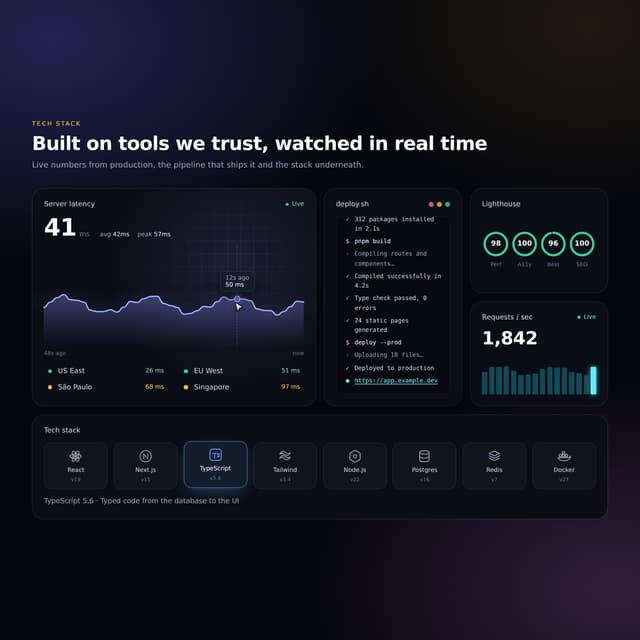

Interactive Tech Stack Bento Grid with Hover Effects
390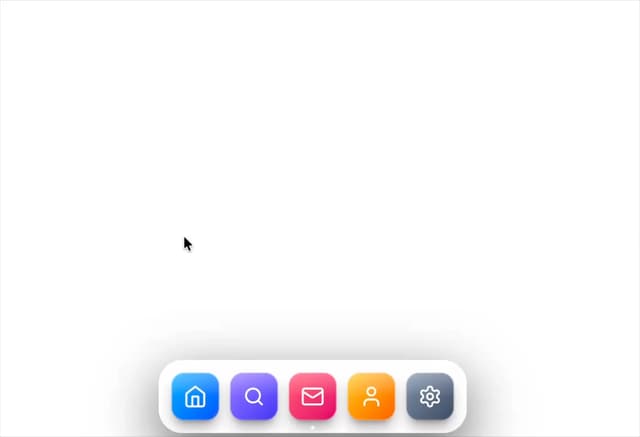
Mac-Style Floating Dock
57
Nexus 3D Animated Login - Futuristic Authentication UI
19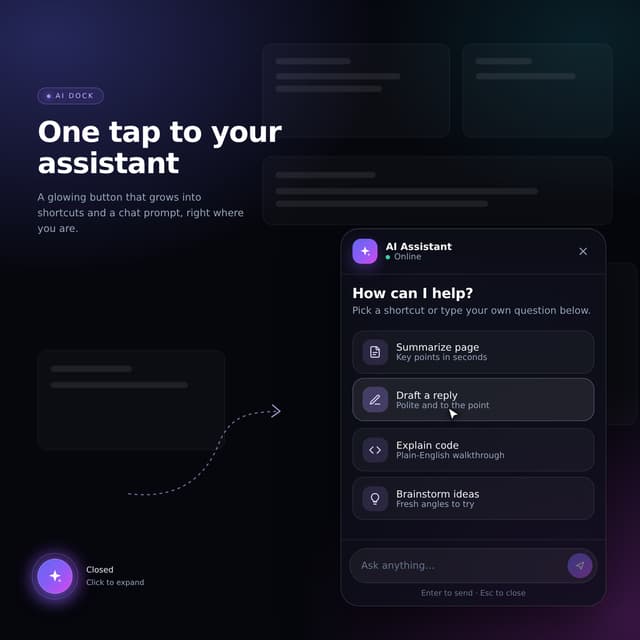
Expandable Floating Action Button (FAB) AI Dock
2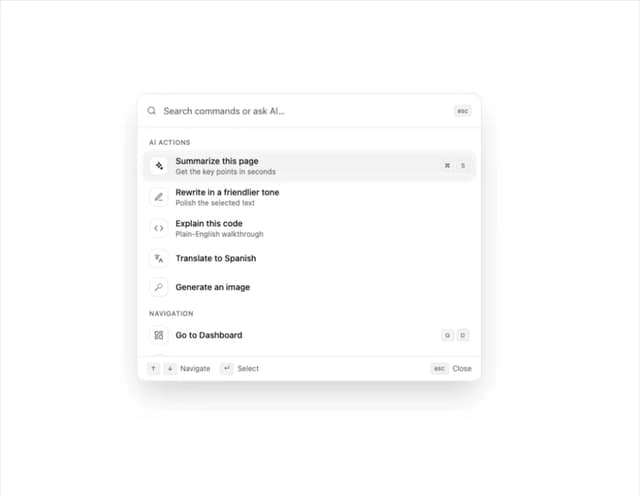
Sleek AI Command Menu (CMDK) with Fuzzy Search
1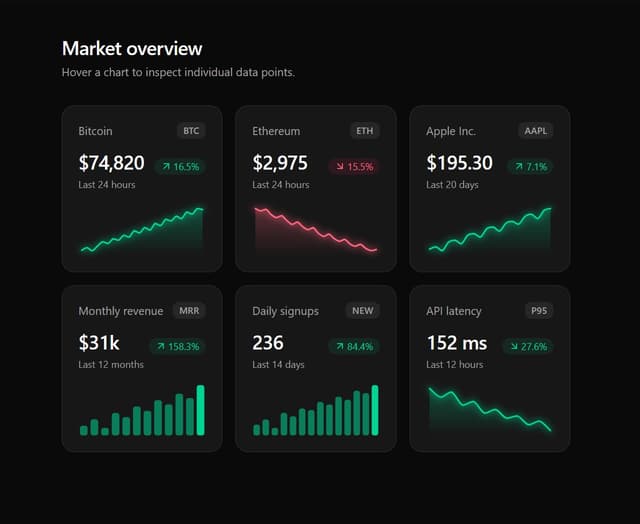
Premium Micro Sparkline Charts for Dashboards
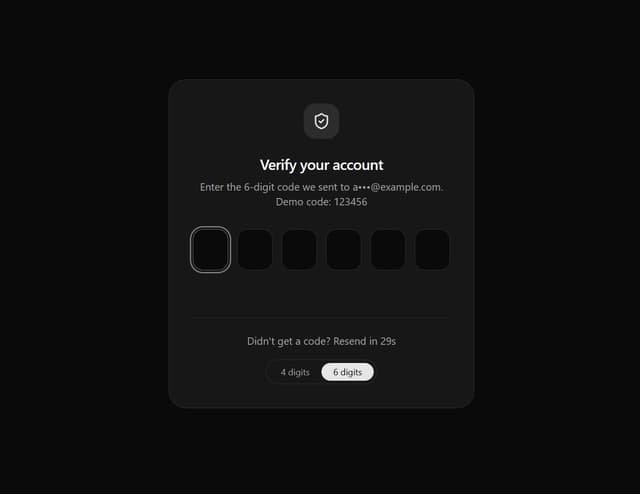
Smart OTP Input with Auto-Focus and Error Shake Effect
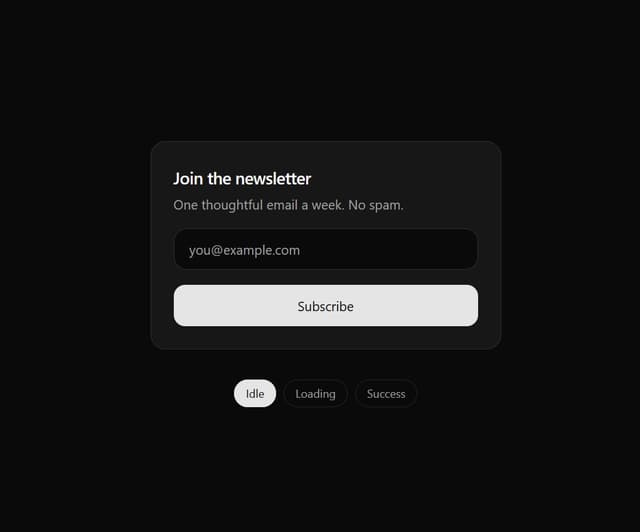
Multi-State Action Button with Micro-Animations
More in AI chats
View all

AI Actions
335
Color Picker
149
Source Lens
7

Message With Header And Delivery Status
47

AI Task List
179

System Message
70
Commit
26
Agent Chat
18


