
About
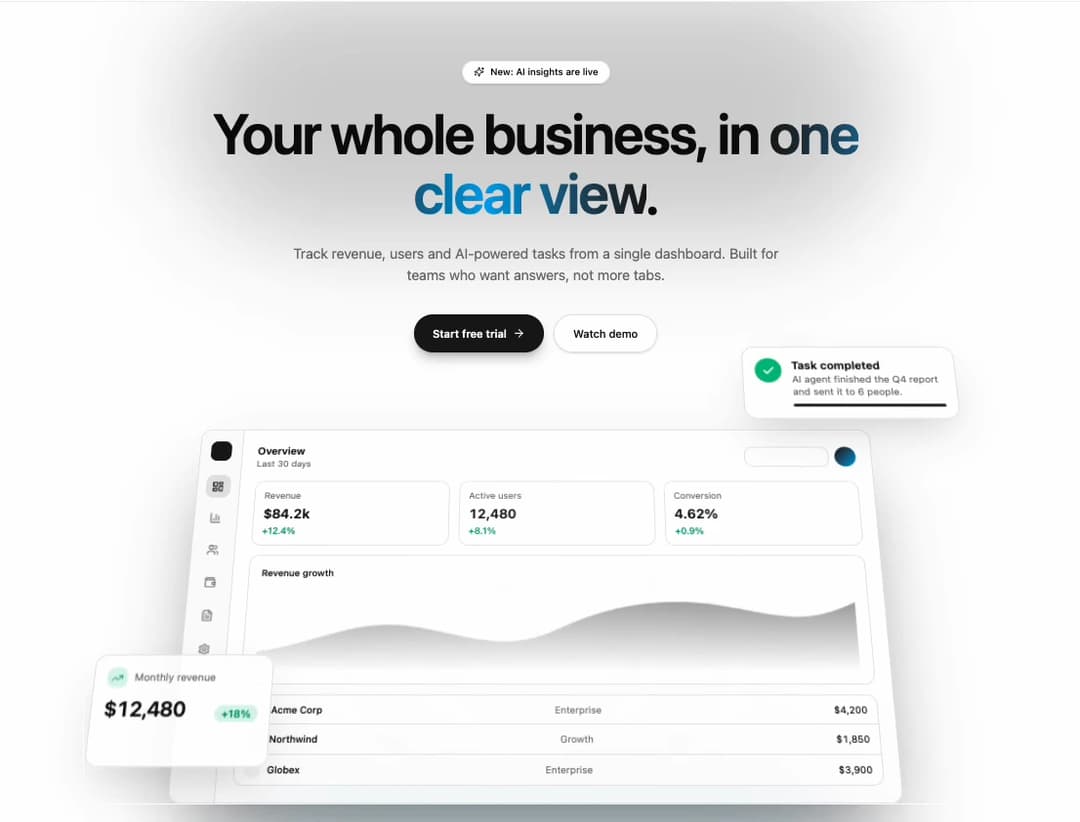
A visually striking 3D perspective hero section featuring cursor-reactive parallax depth, floating glassmorphic UI cards, ambient radial lighting, and staggered kinetic typography.
Built with React and Tailwind. Copy the prompt and paste it into Claude Code, Cursor or Lovable: your agent adds Animated 3D Perspective Hero with Floating Glass Layers to your project and fits it to your theme.
Code
How Animated 3D Perspective Hero with Floating Glass Layers is used: the demo's code. The component's own source comes with a free account.
Usage.tsx
// This is a file with a demo for your component
// That's what users will see in the preview
// Create new files in this directory to add more demos

"use client";

import * as React from "react";
import { BarChart3, Check, FileText, LayoutDashboard, Settings, TrendingUp, Users, Wallet } from "lucide-react";
import { Component } from "@/components/ui/animated-3d-perspective-hero-with-floating-glass-layers";


/* ------------------------------------------------------------------ */
/* The pieces that go into the 3D stage                                */
/* ------------------------------------------------------------------ */

const NAV = [LayoutDashboard, BarChart3, Users, Wallet, FileText, Settings];

const STATS = [
  { label: "Revenue", value: "$84.2k", change: "+12.4%" },
  { label: "Active users", value: "12,480", change: "+8.1%" },
  { label: "Conversion", value: "4.62%", change: "+0.9%" },
];

const ROWS = [
  { name: "Acme Corp", plan: "Enterprise", amount: "$4,200" },
  { name: "Northwind", plan: "Growth", amount: "$1,850" },
  { name: "Globex", plan: "Enterprise", amount: "$3,900" },
];

// One smooth line and its filled area, drawn by hand so no chart library is needed
const LINE = "M0 78 C 40 70, 70 40, 110 48 S 180 82, 220 52 S 300 14, 340 24 S 400 50, 440 20";

function Dashboard() {
  return (
    <div className="flex">
      {/* Sidebar */}
      <div className="hidden w-14 shrink-0 flex-col items-center gap-3 border-r border-border bg-muted/40 py-4 sm:flex">
        <span className="mb-2 size-7 rounded-lg bg-primary" />
        {NAV.map((Icon, i) => (
          <span key={i} className={"grid size-8 place-items-center rounded-lg " + (i === 0 ? "bg-primary/10 text-primary" : "text-muted-foreground")}>
            <Icon className="size-4" aria-hidden="true" />
          </span>
        ))}
      </div>

      <div className="min-w-0 flex-1 p-4 sm:p-5">
        {/* Header */}
        <div className="flex items-center justify-between">
          <div>
            <p className="text-sm font-semibold">Overview</p>
            <p className="text-xs text-muted-foreground">Last 30 days</p>
          </div>
          <div className="flex items-center gap-2">
            <span className="hidden h-7 w-28 rounded-lg border border-border bg-background sm:block" />
            <span className="size-7 rounded-full bg-gradient-to-br from-primary to-sky-500" />
          </div>
        </div>

        {/* Stat cards */}
        <div className="mt-4 grid grid-cols-3 gap-2.5 sm:gap-3">
          {STATS.map((s) => (
            <div key={s.label} className="rounded-xl border border-border bg-background/70 p-2.5 sm:p-3">
              <p className="truncate text-[10px] text-muted-foreground sm:text-xs">{s.label}</p>
              <p className="mt-1 text-sm font-semibold tabular-nums sm:text-lg">{s.value}</p>
              <p className="text-[10px] font-medium text-emerald-600 dark:text-emerald-400 sm:text-xs">{s.change}</p>
            </div>
          ))}
        </div>

        {/* Chart */}
        <div className="mt-3 rounded-xl border border-border bg-background/70 p-3 sm:p-4">
          <p className="text-xs font-medium">Revenue growth</p>
          <svg viewBox="0 0 440 100" className="mt-2 h-20 w-full sm:h-28" preserveAspectRatio="none" aria-hidden="true">
            <defs>
              <linearGradient id="hero-area" x1="0" x2="0" y1="0" y2="1">
                <stop offset="0" stopColor="hsl(var(--primary))" stopOpacity="0.35" />
                <stop offset="1" stopColor="hsl(var(--primary))" stopOpacity="0" />
              </linearGradient>
            </defs>
            <path d={LINE + " L440 100 L0 100 Z"} fill="url(#hero-area)" />
            <path d={LINE} fill="none" stroke="hsl(var(--primary))" strokeWidth="2.5" strokeLinecap="round" vectorEffect="non-scaling-stroke" />
          </svg>
        </div>

        {/* Table */}
        <div className="mt-3 hidden divide-y divide-border rounded-xl border border-border bg-background/70 sm:block">
          {ROWS.map((r) => (
            <div key={r.name} className="flex items-center justify-between px-3 py-2 text-xs">
              <span className="flex items-center gap-2 font-medium">
                <span className="size-5 rounded-md bg-muted" />
                {r.name}
              </span>
              <span className="text-muted-foreground">{r.plan}</span>
              <span className="tabular-nums">{r.amount}</span>
            </div>
          ))}
        </div>
      </div>
    </div>
  );
}

function RevenueBadge() {
  return (
    <div className="w-52 rounded-2xl border border-border bg-card/90 p-3.5 shadow-2xl shadow-black/15 backdrop-blur-xl dark:shadow-black/60">
      <div className="flex items-center gap-2 text-xs text-muted-foreground">
        <span className="grid size-6 place-items-center rounded-lg bg-emerald-500/15 text-emerald-600 dark:text-emerald-400">
          <TrendingUp className="size-3.5" aria-hidden="true" />
        </span>
        Monthly revenue
      </div>
      <div className="mt-2 flex items-end justify-between">
        <p className="text-2xl font-semibold tabular-nums tracking-tight">$12,480</p>
        <span className="rounded-full bg-emerald-500/15 px-2 py-0.5 text-xs font-semibold text-emerald-600 dark:text-emerald-400">+18%</span>
      </div>
      <svg viewBox="0 0 120 28" className="mt-2 h-7 w-full" aria-hidden="true">
        <polyline points="0,22 15,18 30,20 45,12 60,15 75,8 90,10 105,4 120,6" fill="none" stroke="hsl(var(--primary))" strokeWidth="2" strokeLinecap="round" strokeLinejoin="round" />
      </svg>
    </div>
  );
}

function TaskToast() {
  return (
    <div className="flex w-64 items-start gap-3 rounded-2xl border border-border bg-card/90 p-3.5 shadow-2xl shadow-black/15 backdrop-blur-xl dark:shadow-black/60">
      <span className="grid size-8 shrink-0 place-items-center rounded-full bg-emerald-500 text-white">
        <Check className="size-4" strokeWidth={3} aria-hidden="true" />
      </span>
      <div className="min-w-0">
        <p className="text-sm font-semibold leading-5">Task completed</p>
        <p className="text-xs leading-4 text-muted-foreground">AI agent finished the Q4 report and sent it to 6 people.</p>
        <div className="mt-2 h-1 overflow-hidden rounded-full bg-muted">
          <div className="h-full w-full rounded-full bg-primary" />
        </div>
      </div>
    </div>
  );
}


/* ------------------------------------------------------------------ */
/* Demo                                                                */
/* ------------------------------------------------------------------ */

export default function DemoOne() {
  return (
    <Component
      badge="New: AI insights are live"
      title="Your whole business, in [[one clear view]]."
      subtitle="Track revenue, users and AI-powered tasks from a single dashboard. Built for teams who want answers, not more tabs."
      primaryAction={{ label: "Start free trial", href: "#start" }}
      secondaryAction={{ label: "Watch demo", href: "#demo" }}
      mainStageContent={<Dashboard />}
      leftFloatingWidget={<RevenueBadge />}
      rightFloatingWidget={<TaskToast />}
    />
  );
}
Dependencies
More by themeocean
View all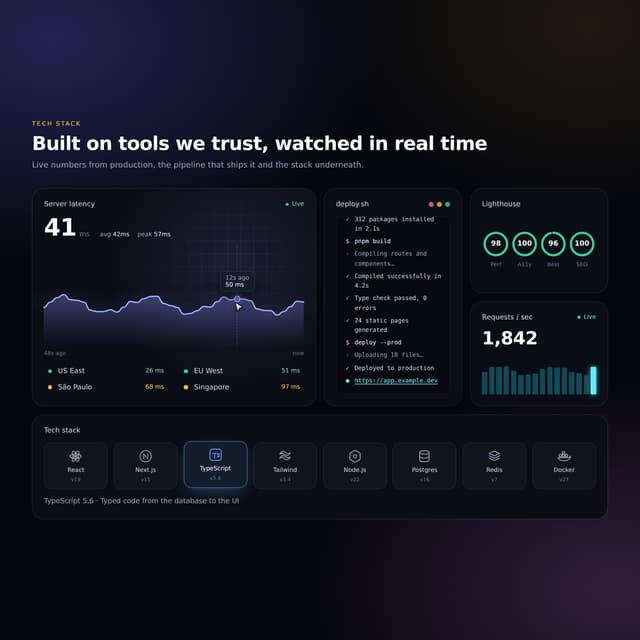

Interactive Tech Stack Bento Grid with Hover Effects
707
Mac-Style Floating Dock
74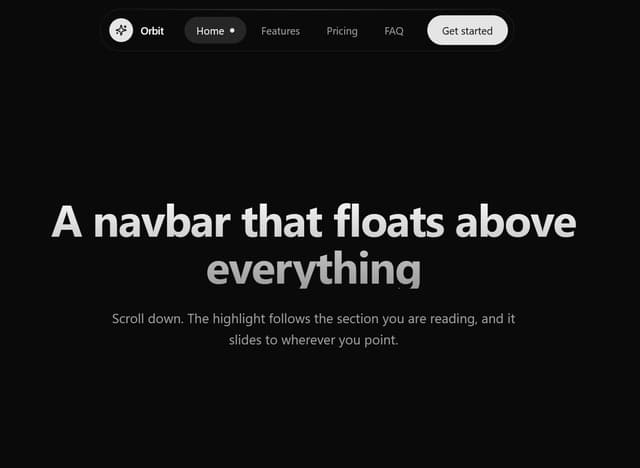
Floating Glassmorphic Navbar with Morphing Pill Indicator
62
Nexus 3D Animated Login - Futuristic Authentication UI
51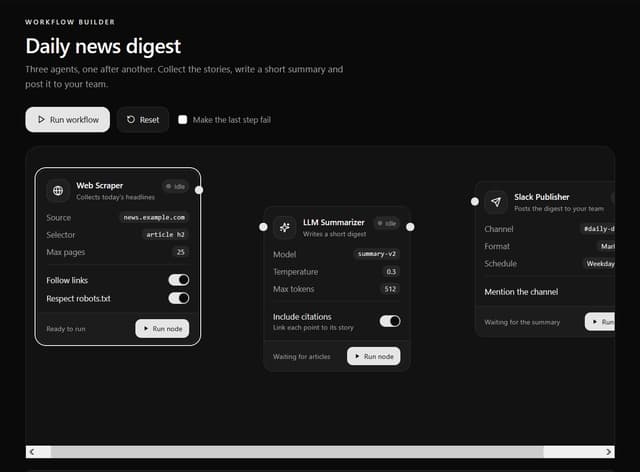
Interactive AI Agent Workflow Node Card
23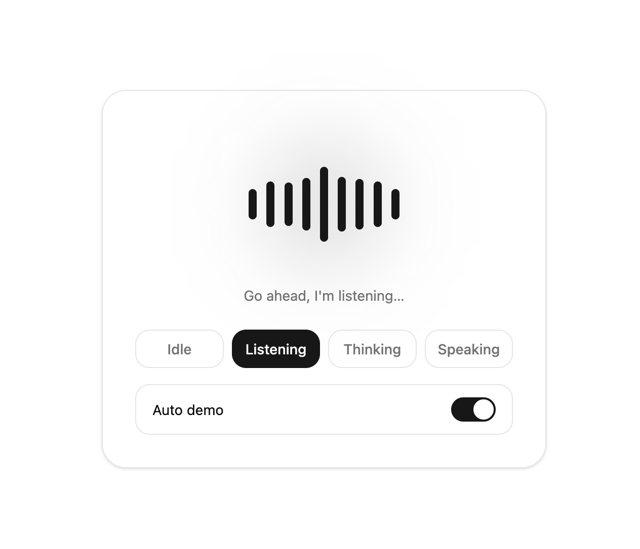
Interactive AI Voice Assistant Audio Visualizer
18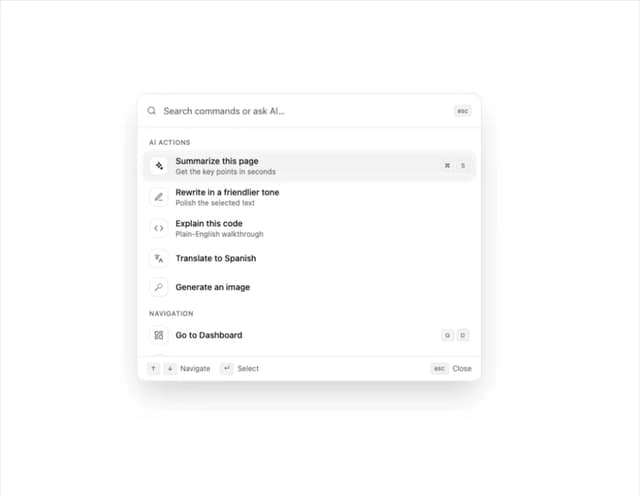
Sleek AI Command Menu (CMDK) with Fuzzy Search
18
3D Animated Tilt & Dynamic Glow Card
14
More in Heroes
View all
Agency Hero Section
1.1K

SaaS Template
2.7K

Hero Section 01
56

Responsive Hero Banner
2.2K

Hero
1.4K
Centered Hero with Image Fan
1.1K
Split Hero With Image Cards
466

Facts Hero
6
