
About
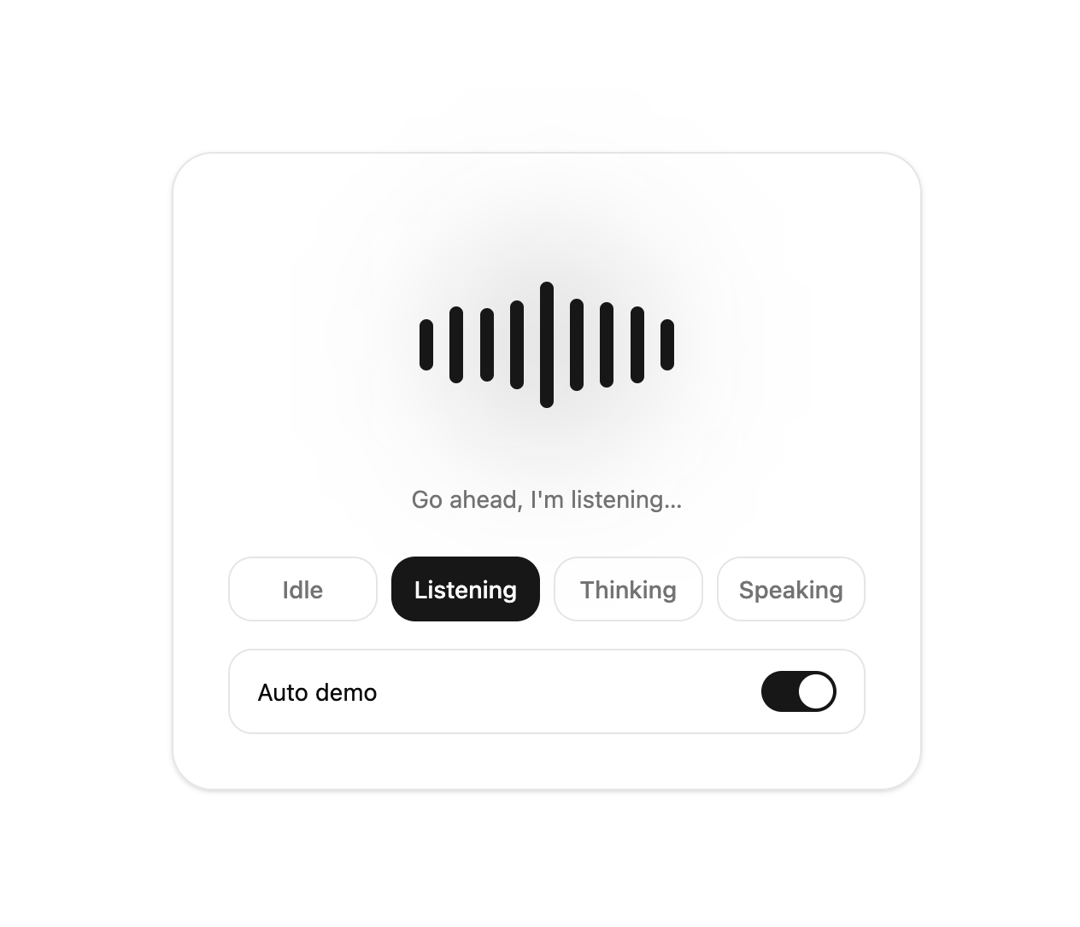
A highly polished, state-driven audio wave visualizer designed for AI voice interactions. Features seamless switching between 'listening', 'thinking', and 'speaking' states using hardware-accelerated fluid animations.
Built with React and Tailwind. Copy the prompt and paste it into Claude Code, Cursor or Lovable: your agent adds Interactive AI Voice Assistant Audio Visualizer to your project and fits it to your theme.
Code
How Interactive AI Voice Assistant Audio Visualizer is used: the demo's code. The component's own source comes with a free account.
Usage.tsx
// This is a file with a demo for your component
// That's what users will see in the preview
// Create new files in this directory to add more demos

"use client";

import * as React from "react";
import { AIVoiceVisualizer, type VisualizerState } from "@/components/ui/interactive-ai-voice-assistant-audio-visualizer";


/* ------------------------------------------------------------------ */
/* Demo                                                                */
/* ------------------------------------------------------------------ */

const STATES: { id: VisualizerState; label: string; caption: string }[] = [
  { id: "idle", label: "Idle", caption: "Ready when you are" },
  { id: "listening", label: "Listening", caption: "Go ahead, I'm listening…" },
  { id: "thinking", label: "Thinking", caption: "Working on it…" },
  { id: "speaking", label: "Speaking", caption: "Here's what I found…" },
];

export default function DemoOne() {
  const [state, setState] = React.useState<VisualizerState>("idle");
  const [auto, setAuto] = React.useState(false);

  // Auto demo: idle, listening, thinking, speaking, then around again
  React.useEffect(() => {
    if (!auto) return;
    const order = STATES.map((s) => s.id);
    const id = window.setInterval(() => setState((cur) => order[(order.indexOf(cur) + 1) % order.length]), 3200);
    return () => window.clearInterval(id);
  }, [auto]);

  const current = STATES.find((s) => s.id === state)!;

  return (
    <div className="flex min-h-dvh items-center justify-center bg-background px-4 py-10 text-foreground">
      <div className="w-full max-w-md rounded-3xl border border-border bg-card p-6 text-card-foreground shadow-sm sm:p-8">
        {/* Stage */}
        <div className="flex flex-col items-center gap-6 py-6">
          <AIVoiceVisualizer state={state} size="lg" />
          <p className="h-5 text-sm text-muted-foreground" role="status" aria-live="polite">
            {current.caption}
          </p>
        </div>

        {/* State switcher */}
        <div role="group" aria-label="Visualizer state" className="grid grid-cols-2 gap-2 sm:grid-cols-4">
          {STATES.map((s) => (
            <button
              key={s.id}
              type="button"
              aria-pressed={state === s.id}
              onClick={() => { setAuto(false); setState(s.id); }}
              className={
                "rounded-xl border px-3 py-2 text-sm font-medium transition-colors focus-visible:outline-none focus-visible:ring-2 focus-visible:ring-ring " +
                (state === s.id
                  ? "border-primary bg-primary text-primary-foreground"
                  : "border-border text-muted-foreground hover:bg-accent hover:text-accent-foreground")
              }
            >
              {s.label}
            </button>
          ))}
        </div>

        {/* Auto demo switch */}
        <button
          type="button"
          role="switch"
          aria-checked={auto}
          onClick={() => setAuto((a) => !a)}
          className="mt-4 flex w-full items-center justify-between rounded-xl border border-border px-4 py-3 text-sm focus-visible:outline-none focus-visible:ring-2 focus-visible:ring-ring"
        >
          Auto demo
          <span className={"relative h-6 w-11 rounded-full transition-colors " + (auto ? "bg-primary" : "bg-muted")}>
            <span className={"absolute top-0.5 size-5 rounded-full bg-background shadow transition-all " + (auto ? "left-[22px]" : "left-0.5")} />
          </span>
        </button>
      </div>
    </div>
  );
}
Dependencies
More by themeocean
View all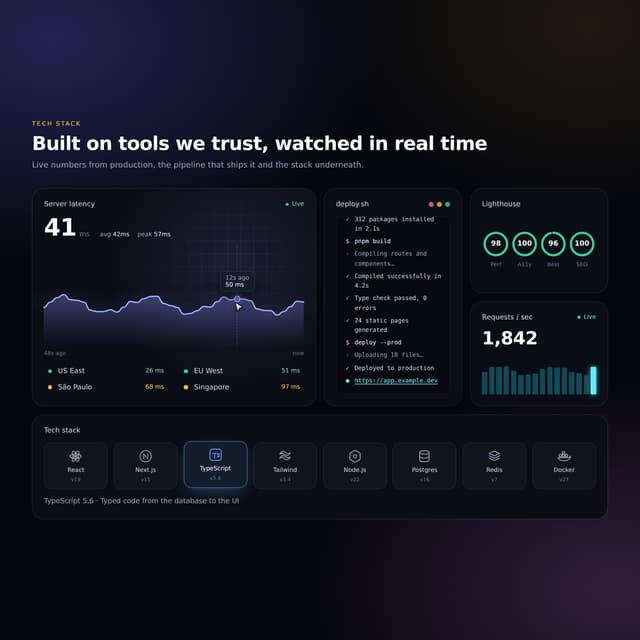

Interactive Tech Stack Bento Grid with Hover Effects
443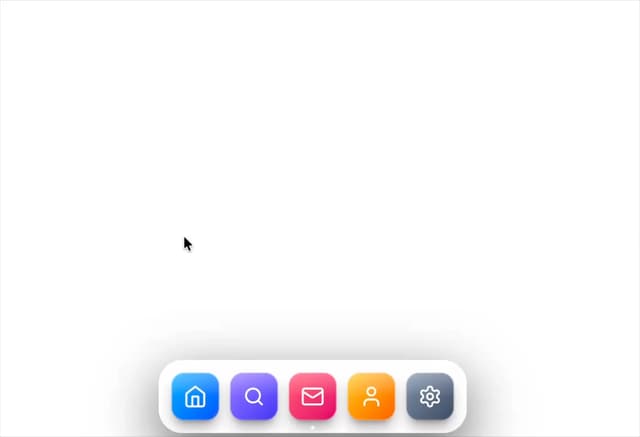
Mac-Style Floating Dock
60
Nexus 3D Animated Login - Futuristic Authentication UI
26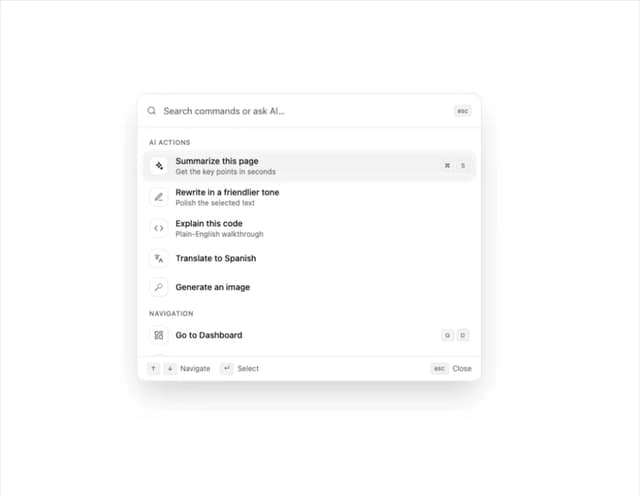
Sleek AI Command Menu (CMDK) with Fuzzy Search
8
3D Animated Tilt & Dynamic Glow Card
5
Split Developer Hero with Interactive Code Terminal
2
Multi-State Action Button with Micro-Animations
2
Interactive AI Chat Input with Micro-Interactions
2