
About
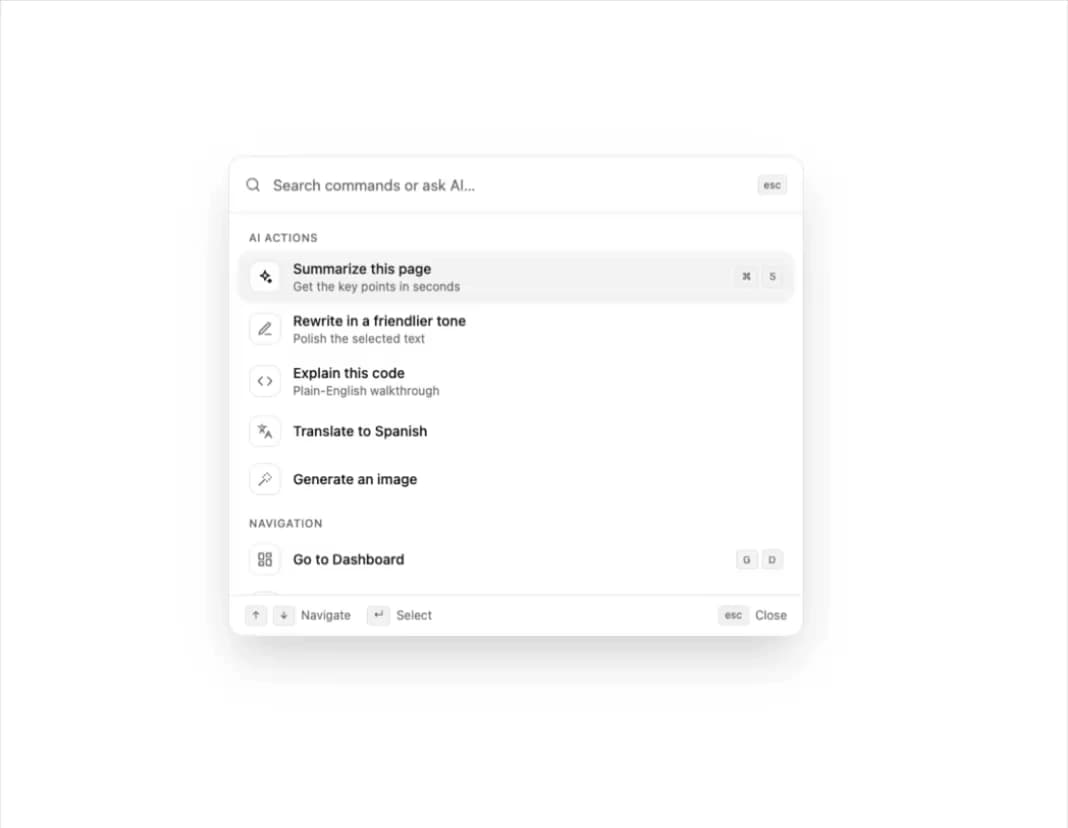
A premium, keyboard-accessible command menu dialog optimized for AI platforms. Features dynamic search filtering, shortcut key indicators, recent AI prompts history, and buttery smooth fade/scale transitions.
Built with React and Tailwind. Copy the prompt and paste it into Claude Code, Cursor or Lovable: your agent adds Sleek AI Command Menu (CMDK) with Fuzzy Search to your project and fits it to your theme.
Code
How Sleek AI Command Menu (CMDK) with Fuzzy Search is used: the demo's code. The component's own source comes with a free account.
Usage.tsx
// This is a file with a demo for your component
// That's what users will see in the preview
// Create new files in this directory to add more demos

"use client";

import * as React from "react";
import {
  CommandMenu, Kbd, SearchIcon, useCommandShortcut, type CommandMenuItem,
} from "@/components/ui/sleek-ai-command-menu-cmdk-with-fuzzy-search";


/* ------------------------------------------------------------------ */
/* Inline icon paths (no icon library needed)                          */
/* ------------------------------------------------------------------ */

const ICONS = {
  sparkles: "M12 3l1.9 5.1L19 10l-5.1 1.9L12 17l-1.9-5.1L5 10l5.1-1.9L12 3z M19 15l.8 2.2L22 18l-2.2.8L19 21l-.8-2.2L16 18l2.2-.8z",
  pen: "M12 20h9 M16.5 3.5a2.1 2.1 0 013 3L7 19l-4 1 1-4L16.5 3.5z",
  code: "M16 18l6-6-6-6 M8 6l-6 6 6 6",
  languages: "M5 8l6 6 M4 14l6-6 2-3 M2 5h12 M7 2h1 M22 22l-5-10-5 10 M14 18h6",
  wand: "M15 4V2 M15 16v-2 M8 9h2 M20 9h2 M17.8 11.8L19 13 M17.8 6.2L19 5 M3 21l9-9 M12.2 6.2L11 5",
  dashboard: "M3 3h7v9H3z M14 3h7v5h-7z M14 12h7v9h-7z M3 16h7v5H3z",
  folder: "M4 20h16a2 2 0 002-2V8a2 2 0 00-2-2h-7.9a2 2 0 01-1.7-.9l-.8-1.2A2 2 0 007.9 3H4a2 2 0 00-2 2v13c0 1.1.9 2 2 2z",
  inbox: "M22 12h-6l-2 3h-4l-2-3H2 M5.5 5.1L2 12v6a2 2 0 002 2h16a2 2 0 002-2v-6l-3.5-6.9A2 2 0 0016.8 4H7.2a2 2 0 00-1.7 1.1z",
  users: "M17 21v-2a4 4 0 00-4-4H5a4 4 0 00-4 4v2 M9 11a4 4 0 100-8 4 4 0 000 8z M23 21v-2a4 4 0 00-3-3.9 M16 3.1a4 4 0 010 7.8",
  user: "M20 21v-2a4 4 0 00-4-4H8a4 4 0 00-4 4v2 M12 11a4 4 0 100-8 4 4 0 000 8z",
  card: "M3 5h18a1 1 0 011 1v12a1 1 0 01-1 1H3a1 1 0 01-1-1V6a1 1 0 011-1z M2 10h20",
  moon: "M21 12.8A9 9 0 1111.2 3a7 7 0 009.8 9.8z",
  keyboard: "M3 6h18a1 1 0 011 1v10a1 1 0 01-1 1H3a1 1 0 01-1-1V7a1 1 0 011-1z M6 10h.01 M10 10h.01 M14 10h.01 M18 10h.01 M8 14h8",
};

function Icon({ name }: { name: keyof typeof ICONS }) {
  return (
    <svg viewBox="0 0 24 24" fill="none" stroke="currentColor" strokeWidth="2" strokeLinecap="round" strokeLinejoin="round" aria-hidden="true">
      <path d={ICONS[name]} />
    </svg>
  );
}


/* ------------------------------------------------------------------ */
/* Demo                                                                */
/* ------------------------------------------------------------------ */

export default function DemoOne() {
  const [isOpen, setIsOpen] = React.useState(false);
  const [lastAction, setLastAction] = React.useState<string | null>(null);
  const [mod, setMod] = React.useState("⌘"); // Ctrl on Windows and Linux

  React.useEffect(() => {
    if (!/Mac|iPhone|iPad/.test(navigator.platform)) setMod("Ctrl");
  }, []);

  // Cmd+K / Ctrl+K toggles the menu
  useCommandShortcut(() => setIsOpen((open) => !open));

  const items = React.useMemo<CommandMenuItem[]>(
    () => [
      // AI Actions
      { id: "summarize", group: "AI Actions", label: "Summarize this page", description: "Get the key points in seconds", icon: <Icon name="sparkles" />, shortcut: [mod, "S"], keywords: ["tldr", "short"] },
      { id: "rewrite", group: "AI Actions", label: "Rewrite in a friendlier tone", description: "Polish the selected text", icon: <Icon name="pen" />, keywords: ["edit", "tone"] },
      { id: "explain", group: "AI Actions", label: "Explain this code", description: "Plain-English walkthrough", icon: <Icon name="code" />, keywords: ["developer", "snippet"] },
      { id: "translate", group: "AI Actions", label: "Translate to Spanish", icon: <Icon name="languages" />, keywords: ["language", "español"] },
      { id: "image", group: "AI Actions", label: "Generate an image", icon: <Icon name="wand" />, keywords: ["art", "picture"] },

      // Navigation
      { id: "dashboard", group: "Navigation", label: "Go to Dashboard", icon: <Icon name="dashboard" />, shortcut: ["G", "D"] },
      { id: "projects", group: "Navigation", label: "Go to Projects", icon: <Icon name="folder" />, shortcut: ["G", "P"] },
      { id: "inbox", group: "Navigation", label: "Go to Inbox", icon: <Icon name="inbox" />, shortcut: ["G", "I"] },
      { id: "team", group: "Navigation", label: "Go to Team", icon: <Icon name="users" />, shortcut: ["G", "T"] },

      // Settings
      { id: "profile", group: "Settings", label: "Edit profile", icon: <Icon name="user" /> },
      { id: "billing", group: "Settings", label: "Billing and plans", icon: <Icon name="card" />, keywords: ["invoice", "payment"] },
      {
        id: "theme", group: "Settings", label: "Toggle dark mode", icon: <Icon name="moon" />, keywords: ["appearance", "theme", "light"],
        onSelect: () => document.documentElement.classList.toggle("dark"),
      },
      { id: "shortcuts", group: "Settings", label: "Keyboard shortcuts", icon: <Icon name="keyboard" />, shortcut: [mod, "/"] },
    ],
    [mod]
  );

  return (
    <div className="flex min-h-dvh flex-col items-center justify-center gap-6 bg-background px-4 text-foreground">
      <div className="space-y-2 text-center">
        <h1 className="text-2xl font-semibold tracking-tight sm:text-3xl">Command menu</h1>
        <p className="text-sm text-muted-foreground">Jump anywhere, run an AI action or ask a question.</p>
      </div>

      {/* Trigger button */}
      <button
        type="button"
        onClick={() => setIsOpen(true)}
        className="flex h-11 w-full max-w-sm items-center gap-3 rounded-xl border border-border bg-card px-4 text-sm text-muted-foreground shadow-sm transition-colors hover:bg-accent hover:text-accent-foreground focus-visible:outline-none focus-visible:ring-2 focus-visible:ring-ring"
      >
        <SearchIcon className="size-4" />
        <span className="flex-1 text-left">Search or ask AI…</span>
        <span className="flex gap-1"><Kbd>{mod}</Kbd><Kbd>K</Kbd></span>
      </button>

      <p className="h-5 text-sm text-muted-foreground" role="status" aria-live="polite">
        {lastAction ? `Last action: ${lastAction}` : "Nothing selected yet"}
      </p>

      <CommandMenu
        isOpen={isOpen}
        onClose={() => setIsOpen(false)}
        items={items}
        onSelect={(item) => setLastAction(item.label)}
        onAskAI={(query) => setLastAction(`Asked AI “${query}”`)}
      />
    </div>
  );
}
More by themeocean
View all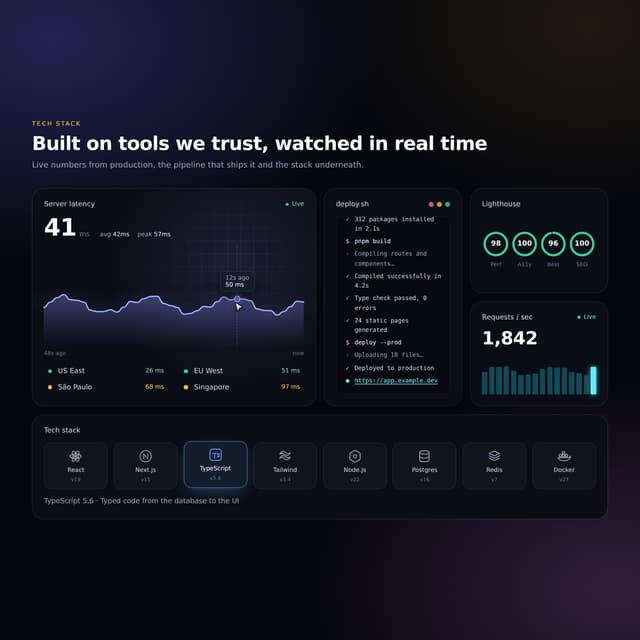

Interactive Tech Stack Bento Grid with Hover Effects
389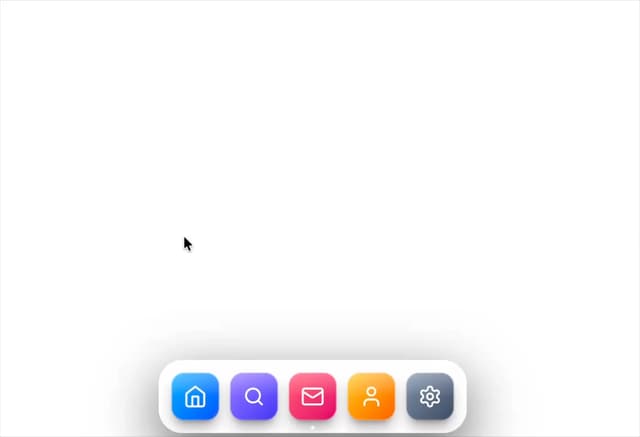
Mac-Style Floating Dock
57
Nexus 3D Animated Login - Futuristic Authentication UI
19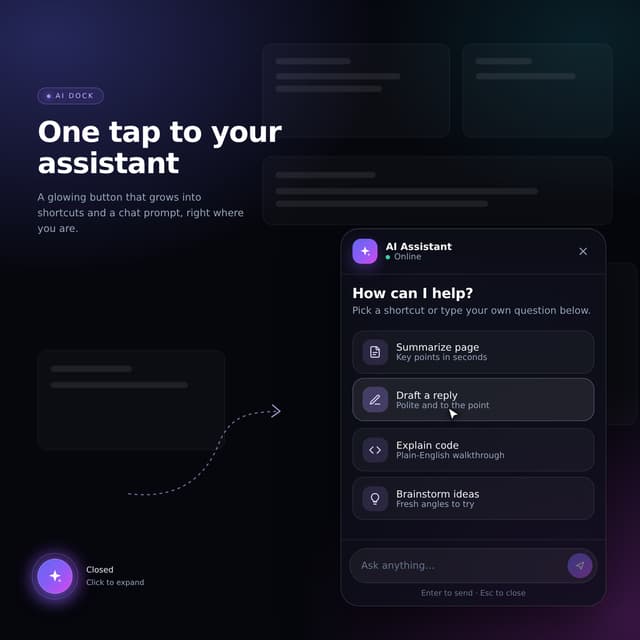
Expandable Floating Action Button (FAB) AI Dock
2
Premium Micro Sparkline Charts for Dashboards
Smart OTP Input with Auto-Focus and Error Shake Effect
Multi-State Action Button with Micro-Animations
Interactive AI Chat Input with Micro-Interactions