
About
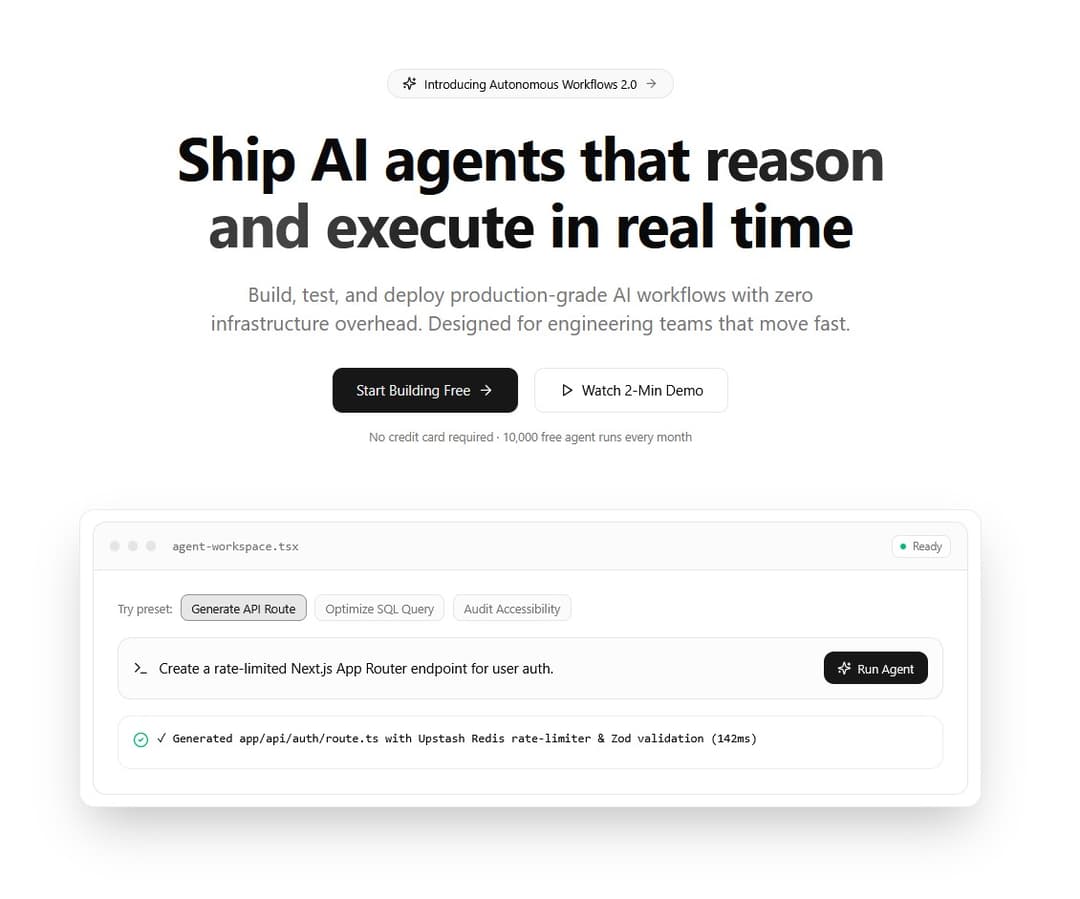
A conversion-focused SaaS hero section featuring a subtle animated background grid, gradient badge, staggered text reveal, dual CTAs, and an interactive product preview frame.
Built with React and Tailwind. Copy the prompt and paste it into Claude Code, Cursor or Lovable: your agent adds Modern AI SaaS Hero with Interactive Live Preview to your project and fits it to your theme.
Code
How Modern AI SaaS Hero with Interactive Live Preview is used: the demo's code. The component's own source comes with a free account.
Usage.tsx
// This is a file with a demo for your component
// That's what users will see in the preview
// Create new files in this directory to add more demos

"use client";

import * as React from "react";
import { Play, Sparkles, Terminal, CheckCircle2, Loader2 } from "lucide-react";
import { Component } from "@/components/ui/modern-ai-saa-s-hero-with-interactive-live-preview";

const SAMPLE_PROMPTS = [
  {
    label: "Generate API Route",
    prompt: "Create a rate-limited Next.js App Router endpoint for user auth.",
    output: "✓ Generated app/api/auth/route.ts with Upstash Redis rate-limiter & Zod validation (142ms)",
  },
  {
    label: "Optimize SQL Query",
    prompt: "Analyze slow PostgreSQL join on orders and customers tables.",
    output: "✓ Added composite index on orders(customer_id, created_at). Query time reduced from 840ms → 12ms.",
  },
  {
    label: "Audit Accessibility",
    prompt: "Check contrast ratios and ARIA landmarks across dashboard layout.",
    output: "✓ Passed 18/18 WCAG AA checks. Suggested aria-live='polite' on async status banner.",
  },
];

function InteractiveAiPreview() {
  const [selectedIndex, setSelectedIndex] = React.useState(0);
  const [isRunning, setIsRunning] = React.useState(false);
  const [hasResult, setHasResult] = React.useState(true);

  const activePrompt = SAMPLE_PROMPTS[selectedIndex];

  const handleRun = () => {
    setIsRunning(true);
    setHasResult(false);
    setTimeout(() => {
      setIsRunning(false);
      setHasResult(true);
    }, 800);
  };

  return (
    <div className="flex flex-col text-left">
      {/* Window Top Bar */}
      <div className="flex items-center justify-between border-b border-border bg-muted/40 px-4 py-3">
        <div className="flex items-center gap-2">
          <span className="size-2.5 rounded-full bg-border" />
          <span className="size-2.5 rounded-full bg-border" />
          <span className="size-2.5 rounded-full bg-border" />
          <span className="ml-2 font-mono text-xs text-muted-foreground">
            agent-workspace.tsx
          </span>
        </div>
        <div className="flex items-center gap-1.5 rounded-md border border-border bg-background px-2 py-0.5 text-[11px] font-medium text-muted-foreground">
          <span className="size-1.5 rounded-full bg-emerald-500" />
          Ready
        </div>
      </div>

      {/* Interactive Workspace Body */}
      <div className="space-y-4 p-5 sm:p-6">
        {/* Preset Prompt Pills */}
        <div className="flex flex-wrap items-center gap-2">
          <span className="text-xs font-medium text-muted-foreground">Try preset:</span>
          {SAMPLE_PROMPTS.map((item, idx) => (
            <button
              key={item.label}
              type="button"
              onClick={() => {
                setSelectedIndex(idx);
                setHasResult(true);
              }}
              className={`rounded-md border px-2.5 py-1 text-xs font-medium transition-colors ${
                selectedIndex === idx
                  ? "border-primary/40 bg-primary/10 text-primary"
                  : "border-border bg-muted/40 text-muted-foreground hover:text-foreground"
              }`}
            >
              {item.label}
            </button>
          ))}
        </div>

        {/* Prompt Input Box */}
        <div className="flex flex-col justify-between gap-3 rounded-xl border border-border bg-muted/30 p-3.5 sm:flex-row sm:items-center">
          <div className="flex items-center gap-2.5 text-sm text-foreground">
            <Terminal className="size-4 shrink-0 text-primary" />
            <span>{activePrompt.prompt}</span>
          </div>
          <button
            type="button"
            onClick={handleRun}
            disabled={isRunning}
            className="inline-flex shrink-0 items-center justify-center gap-1.5 rounded-lg bg-primary px-3.5 py-2 text-xs font-medium text-primary-foreground transition-colors hover:bg-primary/90 disabled:opacity-60"
          >
            {isRunning ? (
              <>
                <Loader2 className="size-3.5 animate-spin" />
                Running...
              </>
            ) : (
              <>
                <Sparkles className="size-3.5" />
                Run Agent
              </>
            )}
          </button>
        </div>

        {/* Live Output Box */}
        <div className="min-h-[54px] rounded-xl border border-border/70 bg-background p-3.5 font-mono text-xs">
          {isRunning ? (
            <span className="text-muted-foreground">Executing workflow pipeline...</span>
          ) : hasResult ? (
            <div className="flex items-start gap-2 text-foreground">
              <CheckCircle2 className="mt-0.5 size-4 shrink-0 text-emerald-500" />
              <span>{activePrompt.output}</span>
            </div>
          ) : null}
        </div>
      </div>
    </div>
  );
}

export default function DemoOne() {
  return (
    <Component
      badgeText="Introducing Autonomous Workflows 2.0"
      onBadgeClick={() => {}}
      title={
        <>
          Ship AI agents that{" "}
          <span className="bg-gradient-to-r from-primary via-primary/80 to-foreground bg-clip-text text-transparent">
            reason and execute
          </span>{" "}
          in real time
        </>
      }
      subtitle="Build, test, and deploy production-grade AI workflows with zero infrastructure overhead. Designed for engineering teams that move fast."
      primaryAction={{
        label: "Start Building Free",
        onClick: () => {},
      }}
      secondaryAction={{
        label: "Watch 2-Min Demo",
        icon: <Play className="size-3.5" />,
        onClick: () => {},
      }}
      footerNote="No credit card required · 10,000 free agent runs every month"
      previewContent={<InteractiveAiPreview />}
    />
  );
}
Dependencies
More by themeocean
View all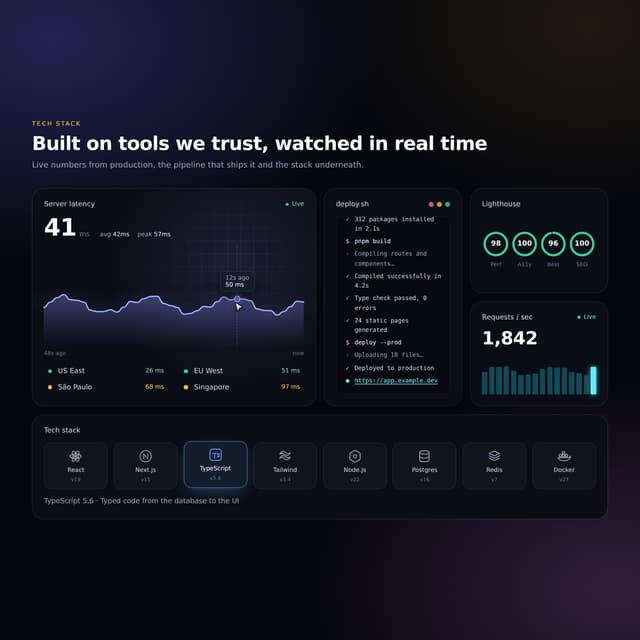

Interactive Tech Stack Bento Grid with Hover Effects
443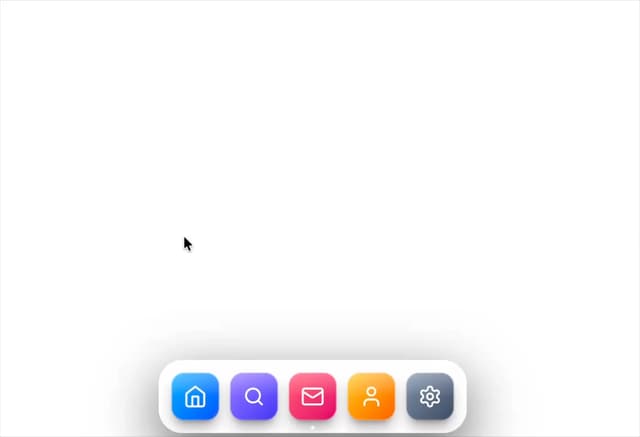
Mac-Style Floating Dock
60
Nexus 3D Animated Login - Futuristic Authentication UI
26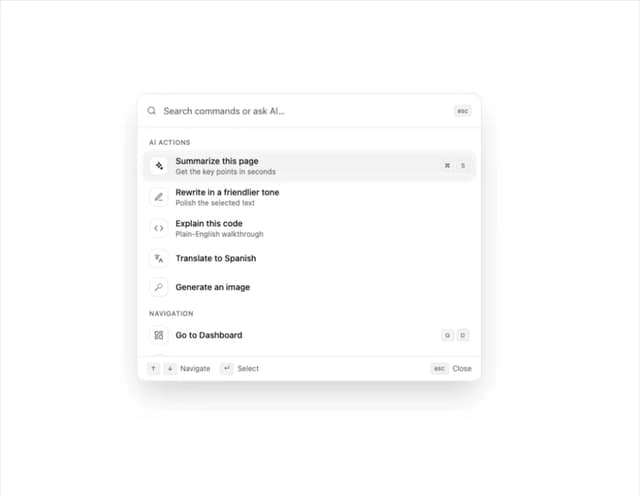
Sleek AI Command Menu (CMDK) with Fuzzy Search
8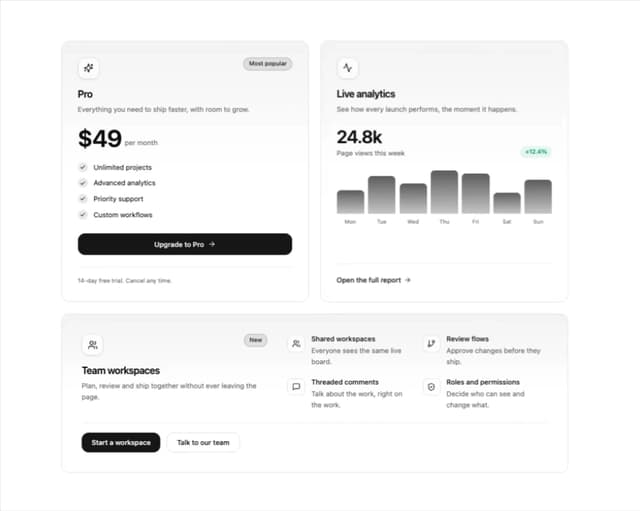
3D Animated Tilt & Dynamic Glow Card
5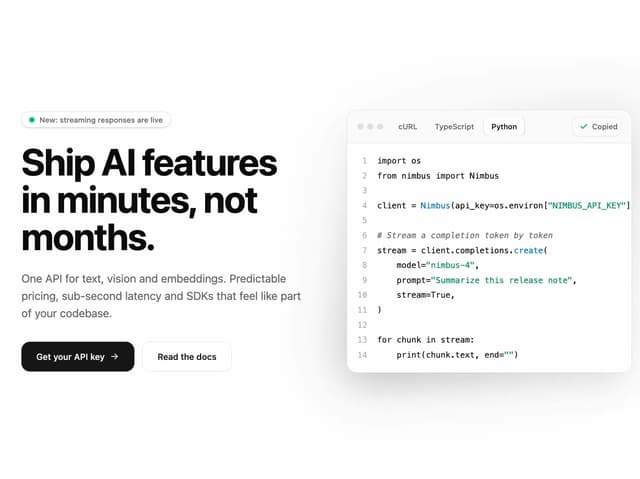
Split Developer Hero with Interactive Code Terminal
2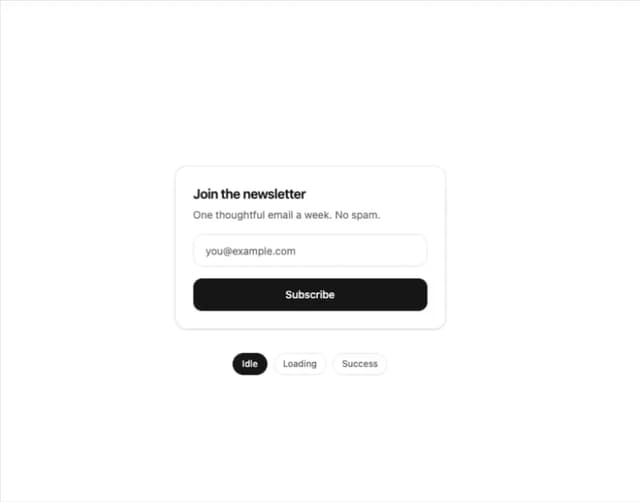
Multi-State Action Button with Micro-Animations
2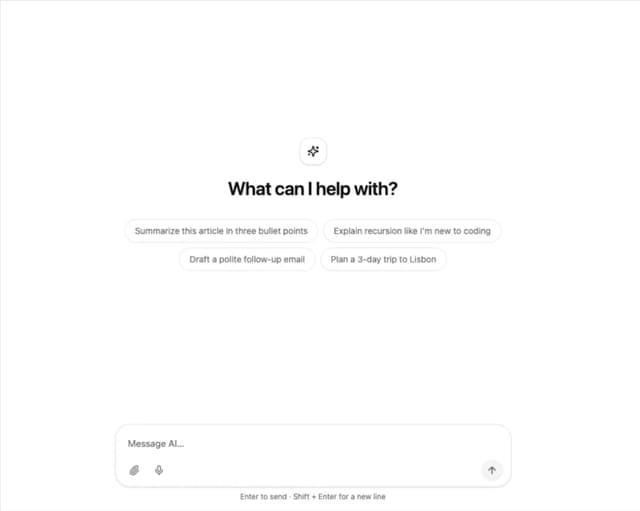
Interactive AI Chat Input with Micro-Interactions
2
More in Heroes
View all

Responsive Hero Banner
2.1K

SaaS Template
2.6K

Hero
1.3K
Centered Hero with Image Fan
1K

Hero 03
350

Hero Section
177

HeroSectionWithGradient
368
Glass Fold
400
