About
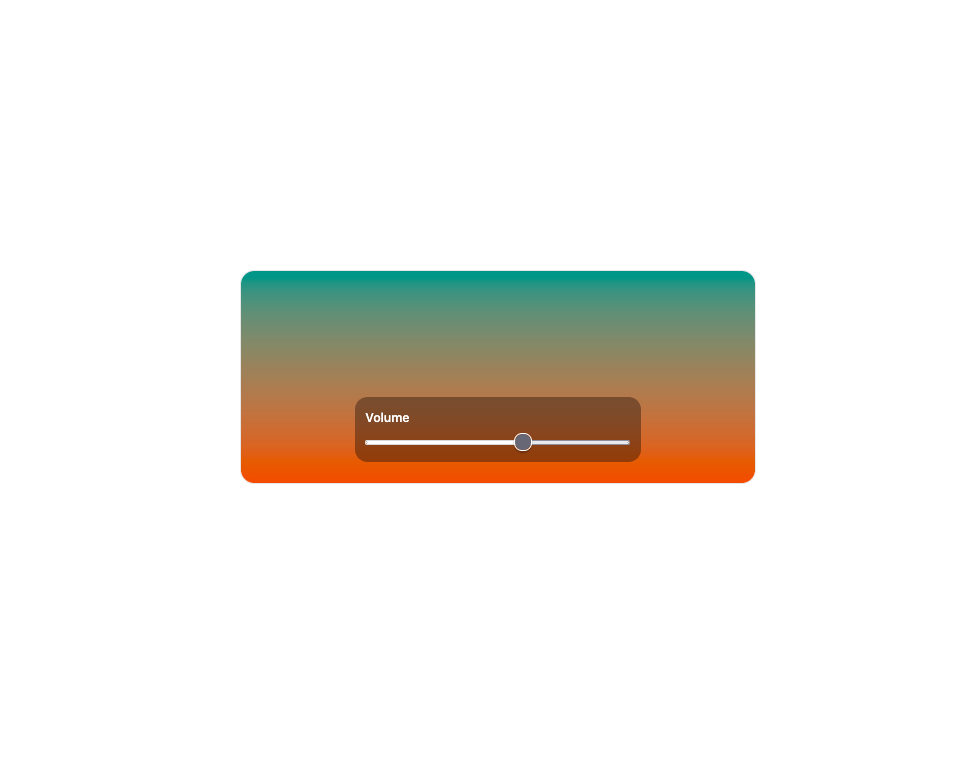
A transient macOS-style on-screen display for volume, brightness or keyboard brightness changes that pops in, auto-hides after a timeout, and announces the new level to screen readers.
Built with React and Tailwind. Copy the prompt and paste it into Claude Code, Cursor or Lovable: your agent adds HUD to your project and fits it to your theme.
Code
How HUD is used: the demo's code. The component's own source comes with a free account.
Usage.tsx
"use client";

import * as React from "react";
import { Hud, useTransientHud } from "@/components/ui/hud";

export default function HudPill() {
  const hud = useTransientHud();
  const [value, setValue] = React.useState(35);
  return (
    <div className="relative isolate h-[240px] w-full max-w-xl overflow-hidden rounded-2xl border border-foreground/10">
      <div
        aria-hidden="true"
        className="absolute inset-0 -z-10 bg-linear-to-b from-chart-2 to-chart-1 dark:brightness-[0.6]"
      />
      <div className="flex h-full items-end justify-center gap-4 p-6">
        <label className="flex w-full max-w-xs flex-col gap-2 rounded-xl bg-black/35 p-3 text-sm font-medium text-white backdrop-blur">
          Volume
          <input
            type="range"
            min={0}
            max={100}
            value={value}
            onChange={(e) => {
              setValue(Number(e.target.value));
              hud.show();
            }}
            className="w-full accent-white"
          />
        </label>
      </div>
      <Hud
        variant="pill"
        value={value}
        visible={hud.visible}
        onVisibleChange={hud.onVisibleChange}
      />
    </div>
  );
}
Dependencies
More by vamsiy78
View all

Segmented Control
7
Border Beam
Bar List
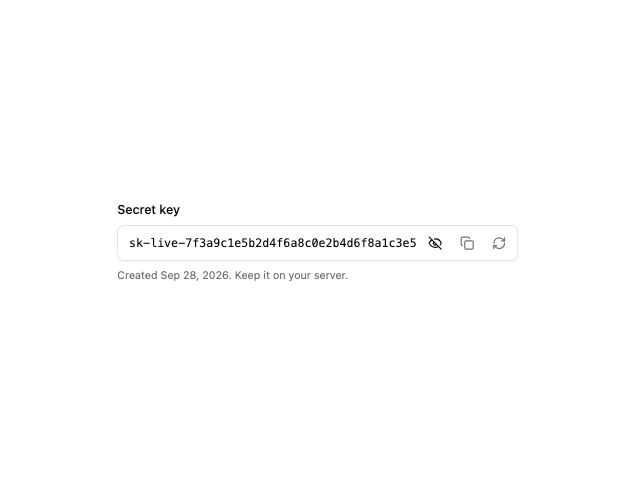
API Key Field
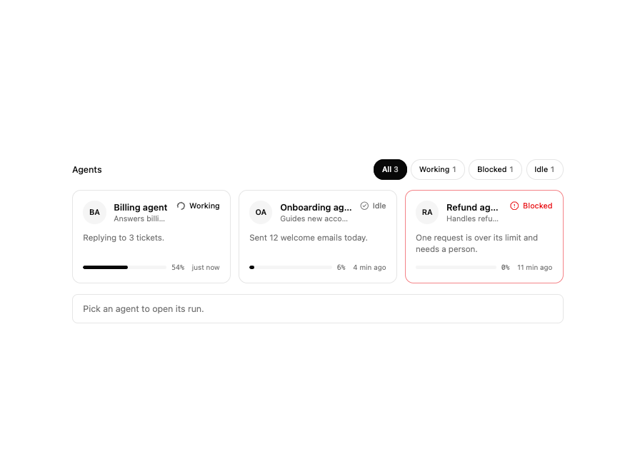
Agent Roster