About
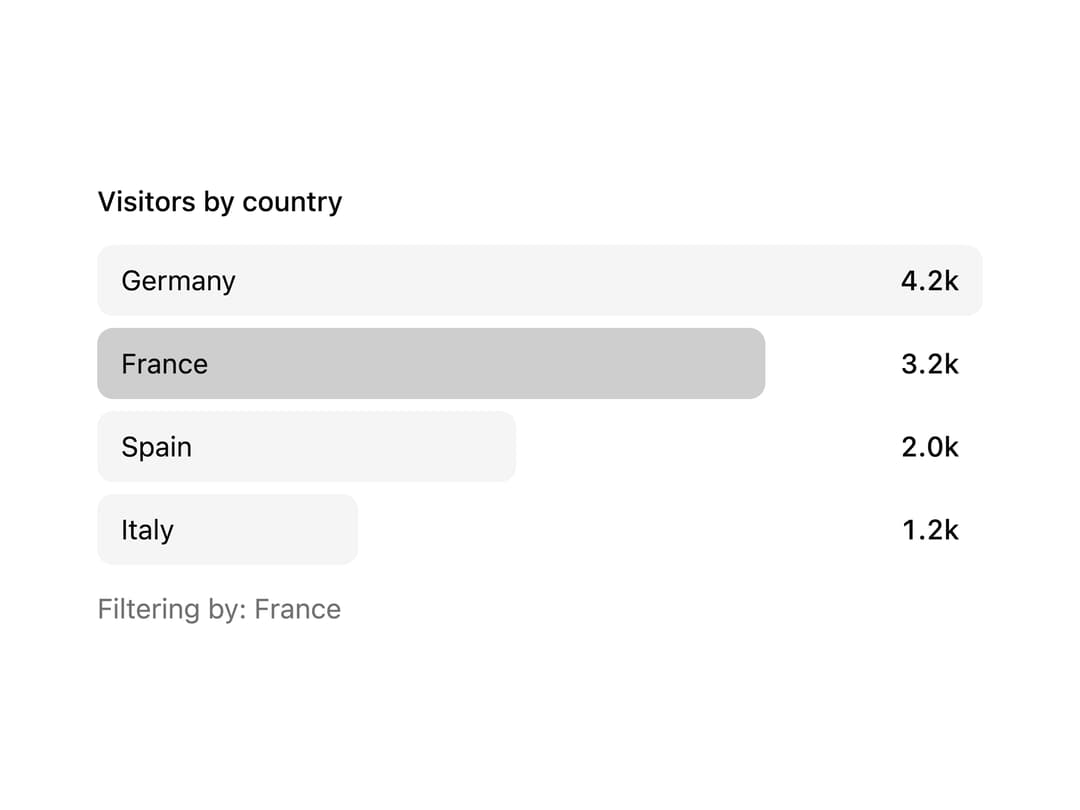
A ranked list of items shown as horizontal bars with the label and value as real text on top, useful for analytics dashboards like top pages, countries, or leaderboards.
Built with React and Tailwind. Copy the prompt and paste it into Claude Code, Cursor or Lovable: your agent adds Bar List to your project and fits it to your theme.
Code
How Bar List is used: the demo's code. The component's own source comes with a free account.
Usage.tsx
"use client";

import * as React from "react";
import { BarList } from "@/components/ui/bar-list";

const items = [
  { id: "de", label: "Germany", value: 4210 },
  { id: "fr", label: "France", value: 3180 },
  { id: "es", label: "Spain", value: 1990 },
  { id: "it", label: "Italy", value: 1240 },
];

export default function BarListSelect() {
  const [sel, setSel] = React.useState<string | null>("fr");
  return (
    <div className="grid w-full max-w-md gap-3">
      <BarList
        title="Visitors by country"
        items={items}
        selected={sel}
        onSelect={setSel}
        format={(v) => `${(v / 1000).toFixed(1)}k`}
      />
      <p aria-live="polite" className="text-sm text-muted-foreground">
        Filtering by: {items.find((i) => i.id === sel)?.label ?? "everything"}
      </p>
    </div>
  );
}
Dependencies
More by vamsiy78
View all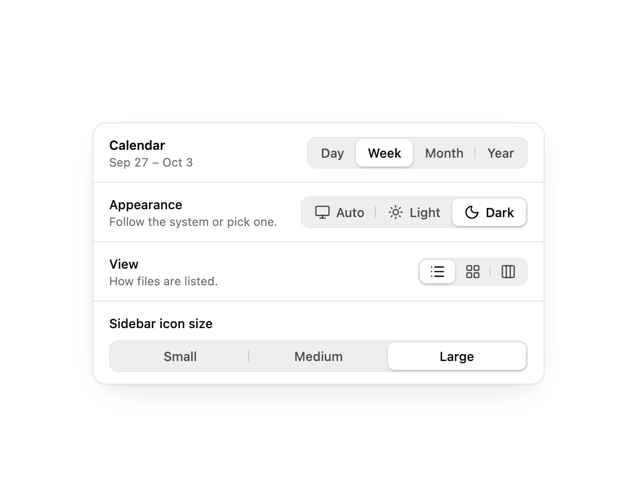

Segmented Control
7
HUD
Border Beam
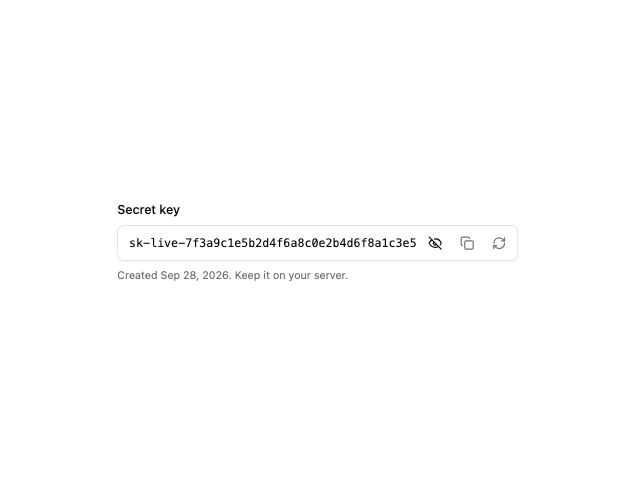
API Key Field
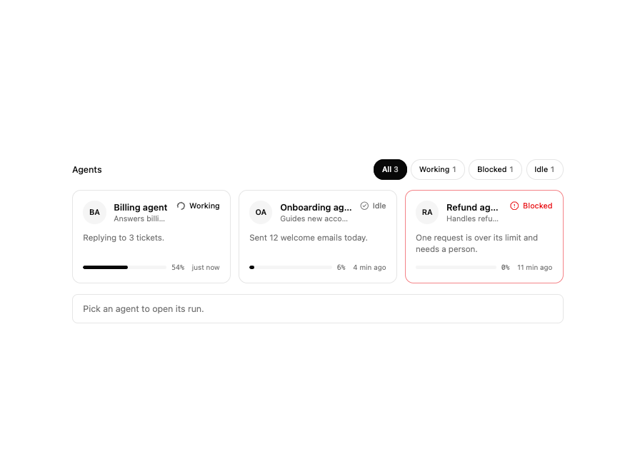
Agent Roster
More in Buttons
View all
Texture Button
108
Button
14

Notification Button
117

HeroUI Button Group
2

Eclipse Button
44
Button Save
50

App Store Button
484

Base Button
1


