About
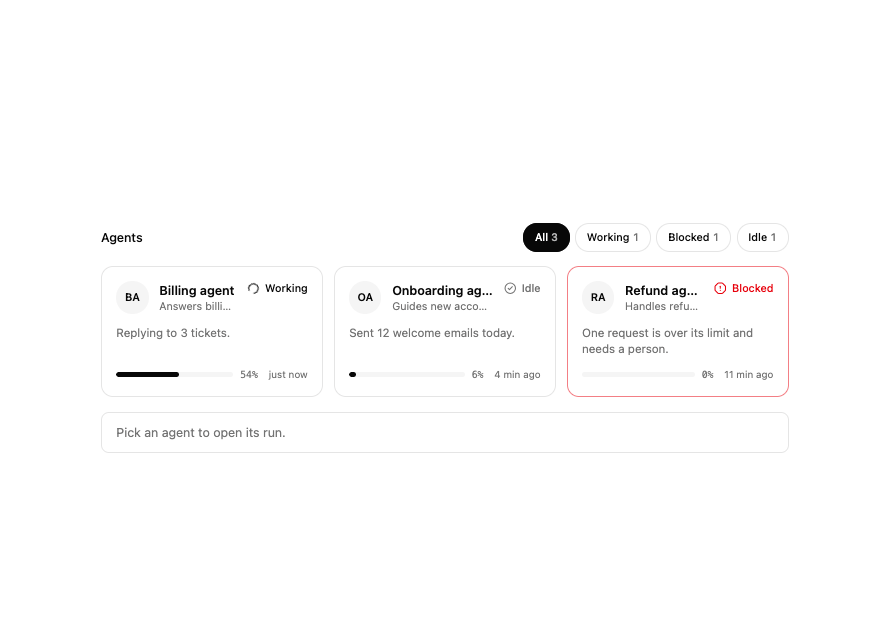
A card grid showing every agent on a multi-agent team with its status (working, waiting, blocked, idle, offline), current task, load meter and last-active time, with status counts that filter the grid.
Built with React and Tailwind. Copy the prompt and paste it into Claude Code, Cursor or Lovable: your agent adds Agent Roster to your project and fits it to your theme.
Code
How Agent Roster is used: the demo's code. The component's own source comes with a free account.
Usage.tsx
"use client";

import * as React from "react";

import { AgentRoster, type RosterAgent } from "@/components/ui/agent-roster";

const agents: RosterAgent[] = [
  {
    id: "a",
    name: "Billing agent",
    role: "Answers billing questions",
    status: "working",
    task: "Replying to 3 tickets.",
    load: 54,
    lastActive: "just now",
  },
  {
    id: "b",
    name: "Onboarding agent",
    role: "Guides new accounts",
    status: "idle",
    task: "Sent 12 welcome emails today.",
    load: 6,
    lastActive: "4 min ago",
  },
  {
    id: "c",
    name: "Refund agent",
    role: "Handles refund requests",
    status: "blocked",
    task: "One request is over its limit and needs a person.",
    load: 0,
    lastActive: "11 min ago",
  },
];

export default function AgentRosterSelect() {
  const [picked, setPicked] = React.useState<string | null>(null);
  const agent = agents.find((a) => a.id === picked);
  return (
    <div className="grid w-full max-w-3xl gap-4">
      <AgentRoster
        agents={agents}
        selected={picked}
        onSelectedChange={setPicked}
      />
      <p
        aria-live="polite"
        className="rounded-lg border bg-card px-4 py-3 text-sm text-muted-foreground"
      >
        {agent ? (
          <>
            Opening the run for{" "}
            <strong className="text-foreground">{agent.name}</strong>.
          </>
        ) : (
          "Pick an agent to open its run."
        )}
      </p>
    </div>
  );
}
Dependencies
More by vamsiy78
View all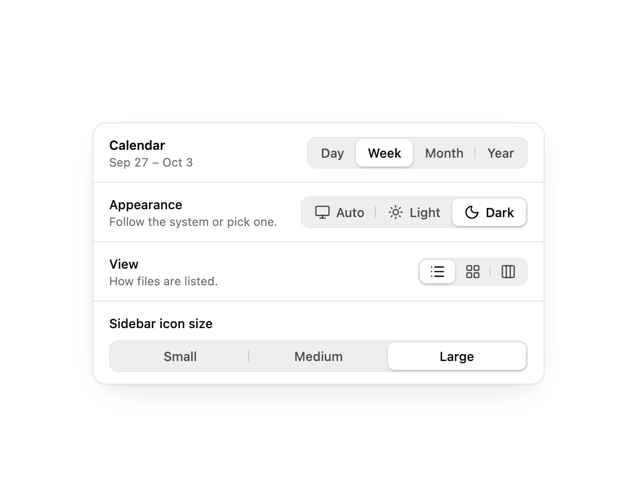

Segmented Control
7
HUD
Border Beam
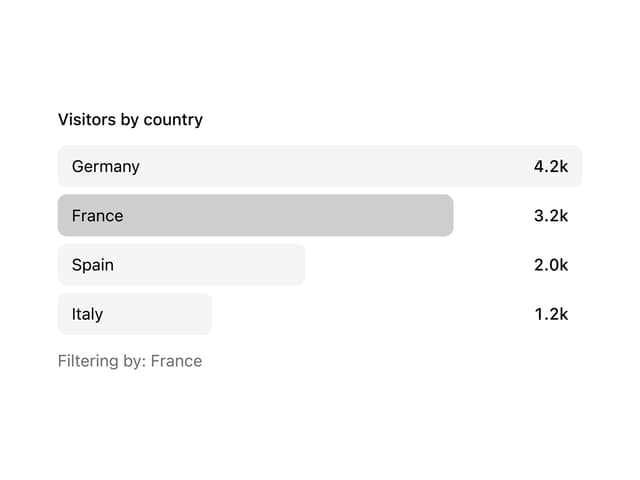
Bar List
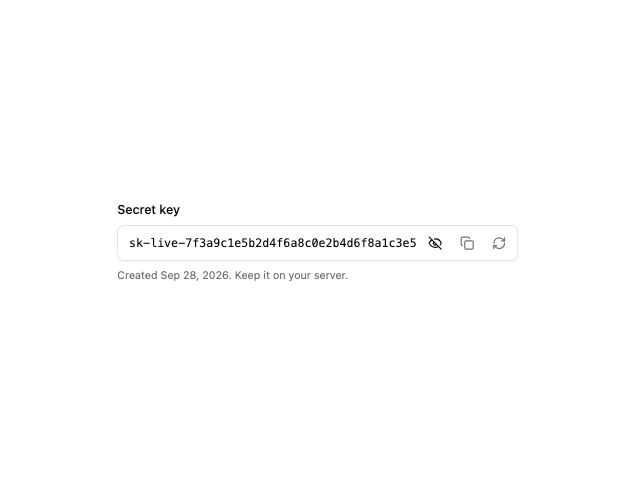
API Key Field
More in AI chats
View all

AI Actions
352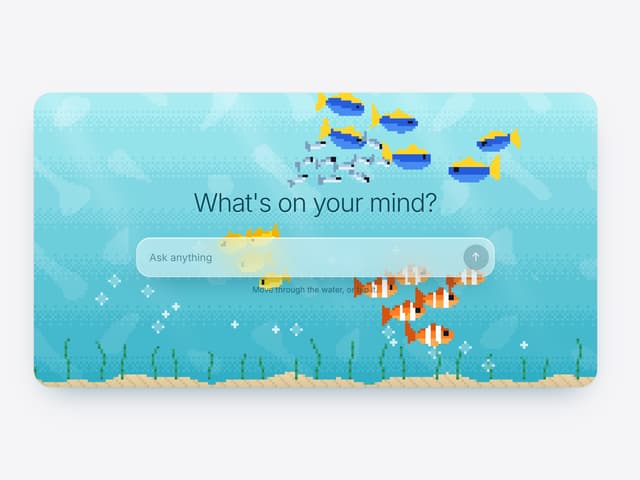

Aquarium Prompt
115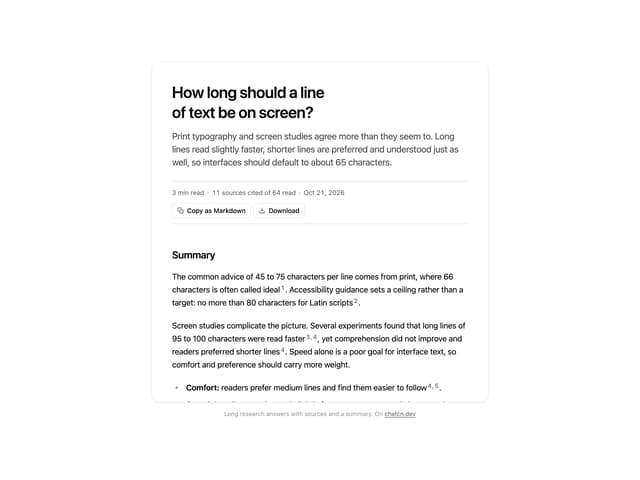
Research Report
7
Agent Chat
21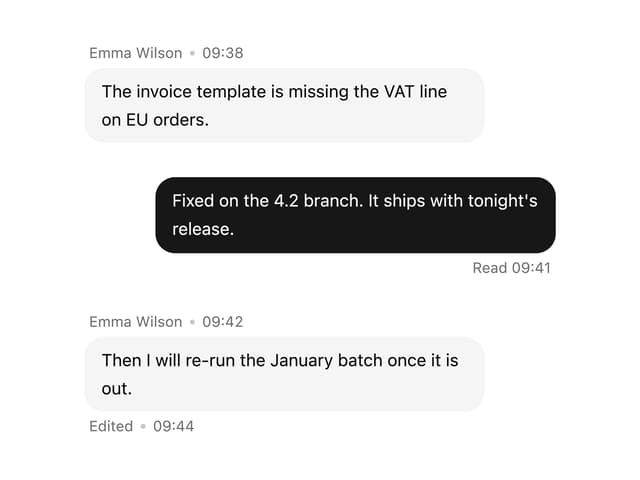

Message With Header And Delivery Status
62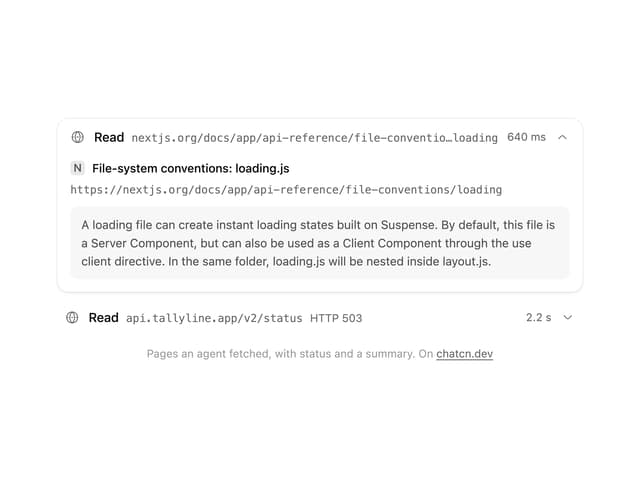
Tool Web Fetch
4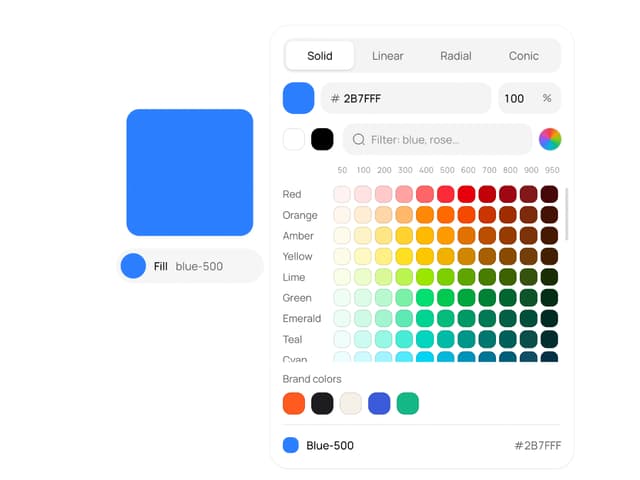
Color Picker
204
Suggestions
40


