
About
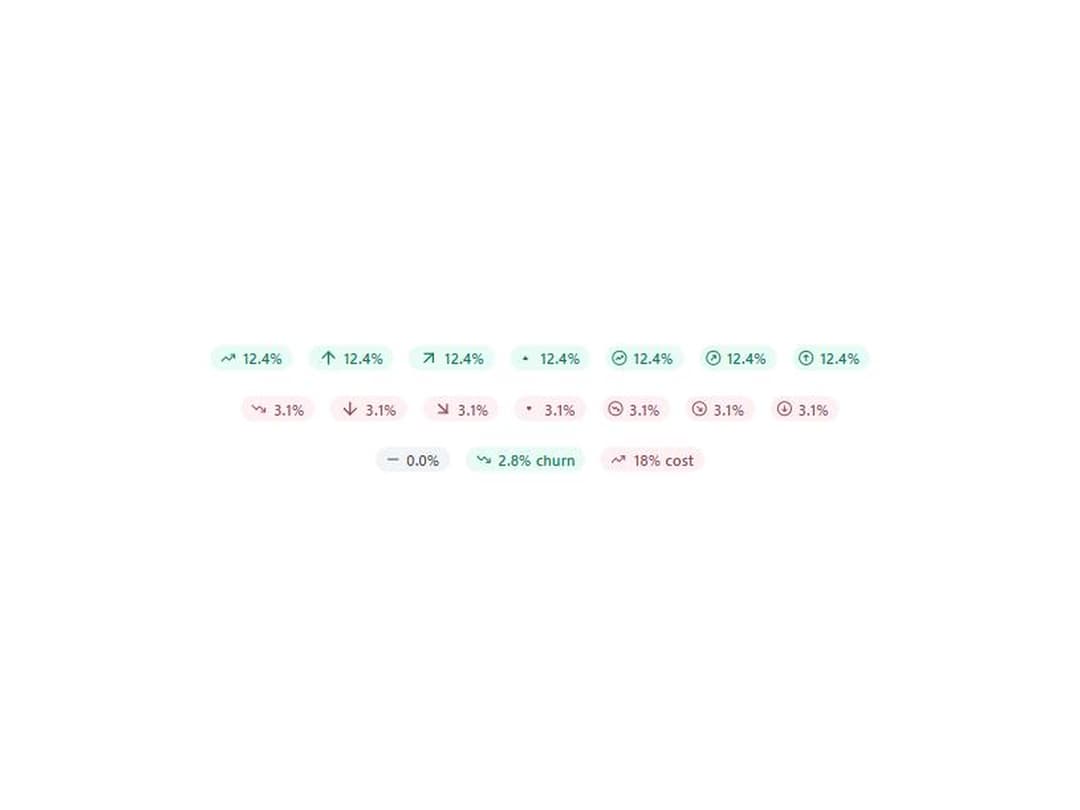
A small pill that shows a change, up or down, in seven icon styles with positive, negative and neutral tones. From WunderUI, free, MIT.
Built with React and Tailwind. Copy the prompt and paste it into Claude Code, Cursor or Lovable: your agent adds Trend Chip to your project and fits it to your theme.
Code
How Trend Chip is used: the demo's code. The component's own source comes with a free account.
Usage.tsx
import { TrendChip, type TrendChipIcon } from "@/components/ui/trend-chip";

const ICONS: TrendChipIcon[] = [
  "trending",
  "arrow",
  "arrow-diagonal",
  "triangle",
  "circle-trending",
  "circle-diagonal",
  "circle-arrow",
];

export default function TrendChipDemo() {
  return (
    <div className="flex min-h-72 flex-col items-center justify-center gap-5 p-8">
      <div className="flex flex-wrap items-center justify-center gap-3">
        {ICONS.map((icon) => (
          <TrendChip key={icon} icon={icon} value="12.4%" direction="up" />
        ))}
      </div>
      <div className="flex flex-wrap items-center justify-center gap-3">
        {ICONS.map((icon) => (
          <TrendChip key={icon} icon={icon} value="3.1%" direction="down" />
        ))}
      </div>
      <div className="flex flex-wrap items-center justify-center gap-3">
        <TrendChip value="0.0%" direction="neutral" />
        <TrendChip value="2.8% churn" direction="down" sentiment="positive" />
        <TrendChip value="18% cost" direction="up" sentiment="negative" />
      </div>
    </div>
  );
}
Dependencies
More by WunderUI
View all

Pull to Refresh
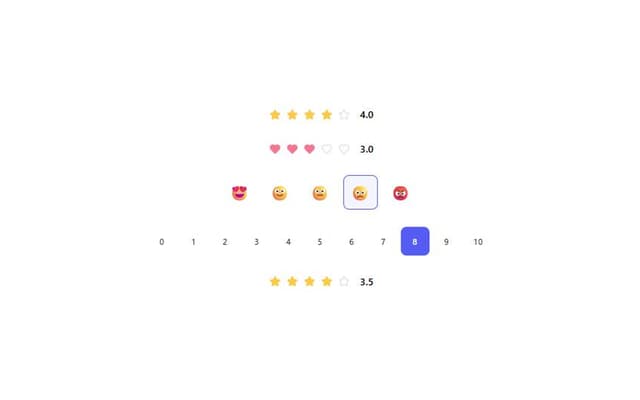
Rating
Holo Card
Theme Split

Logo Marquee

Deck Shuffle

Converge Spinner
Button