
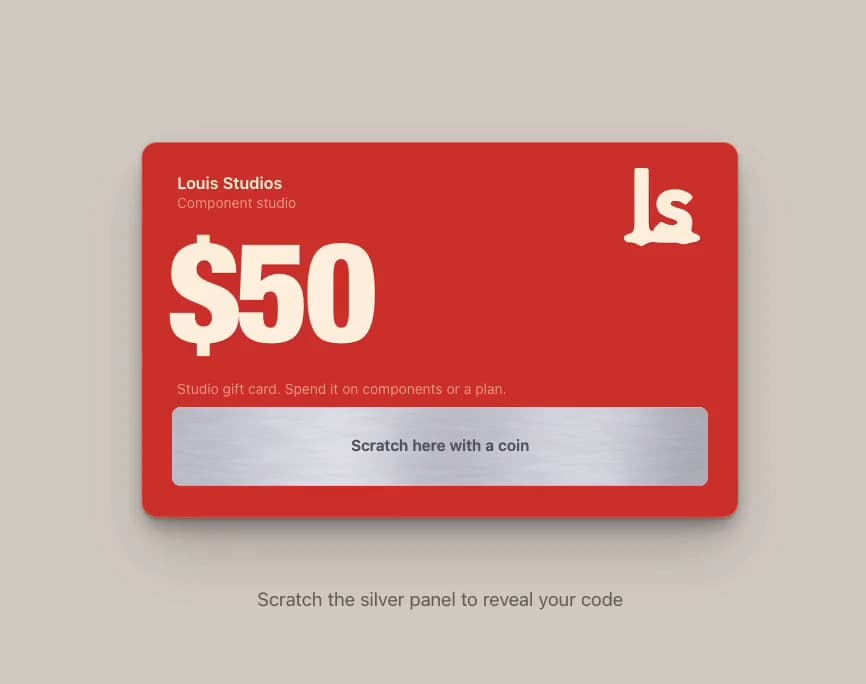
About
A red gift card with a brushed silver panel: drag a gold coin to scratch away grainy foil, flakes scatter, and the code appears with a copy button.
Built with React and Tailwind. Copy the prompt and paste it into Claude Code, Cursor or Lovable: your agent adds Scratch Card to your project and fits it to your theme.
Code
How Scratch Card is used: the demo's code. The component's own source comes with a free account.
Usage.tsx
"use client";

import * as React from "react";
import { ScratchCard } from "@/components/ui/scratch-card";

/** Scratch Card filling the preview. Drag the coin over the silver panel, or let it play by itself. */
export default function ScratchCardDemo() {
  return (
    <main className="relative h-screen min-h-[340px] w-full overflow-hidden" style={{ backgroundColor: "#d8d4cc" }}>
      <ScratchCard autoplay amount="$50" code="DEMO-LS50-GIFT" style={{ width: "100%", height: "100%" }} />
    </main>
  );
}
More by Louis Studios
View all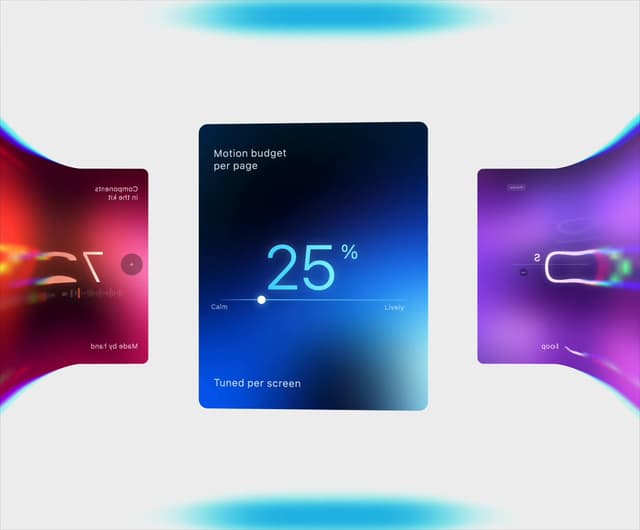

Warp Carousel
492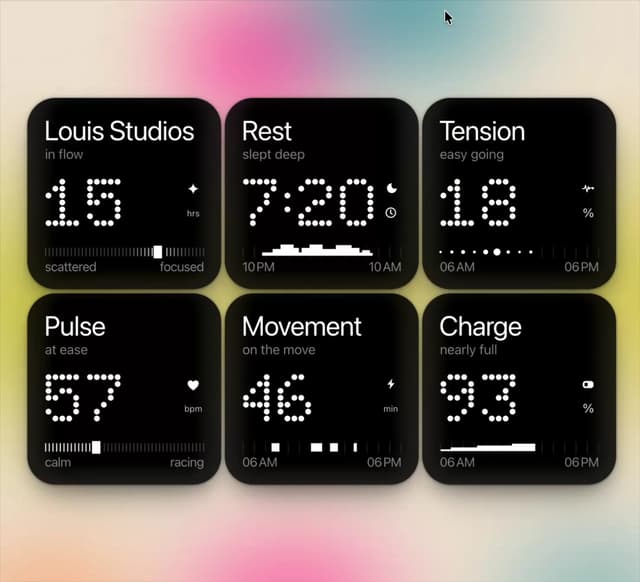
Dot Tiles
120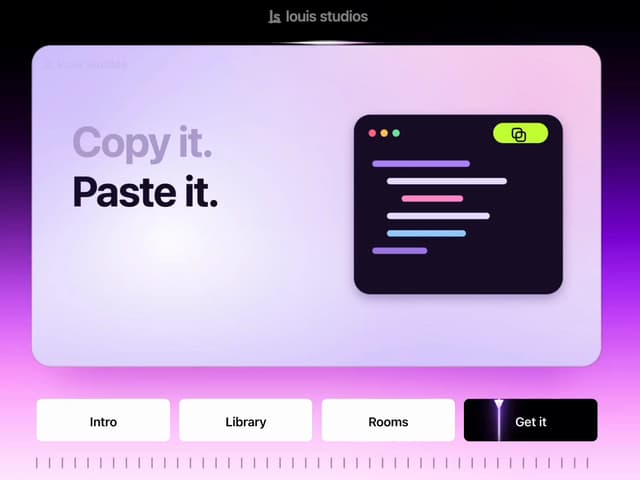
Chapter Player
73
LED Badges
57
Glow Rocker
51
Lens Clock
46
Chrome Arcs
44
Assistant Wall
39
More in Buttons
View all

Button
4
Button
10

Button Group
38
Native Button
12
Texture Button
102

HeroUI Button Group
11
Button
76
Split Button
36


