About
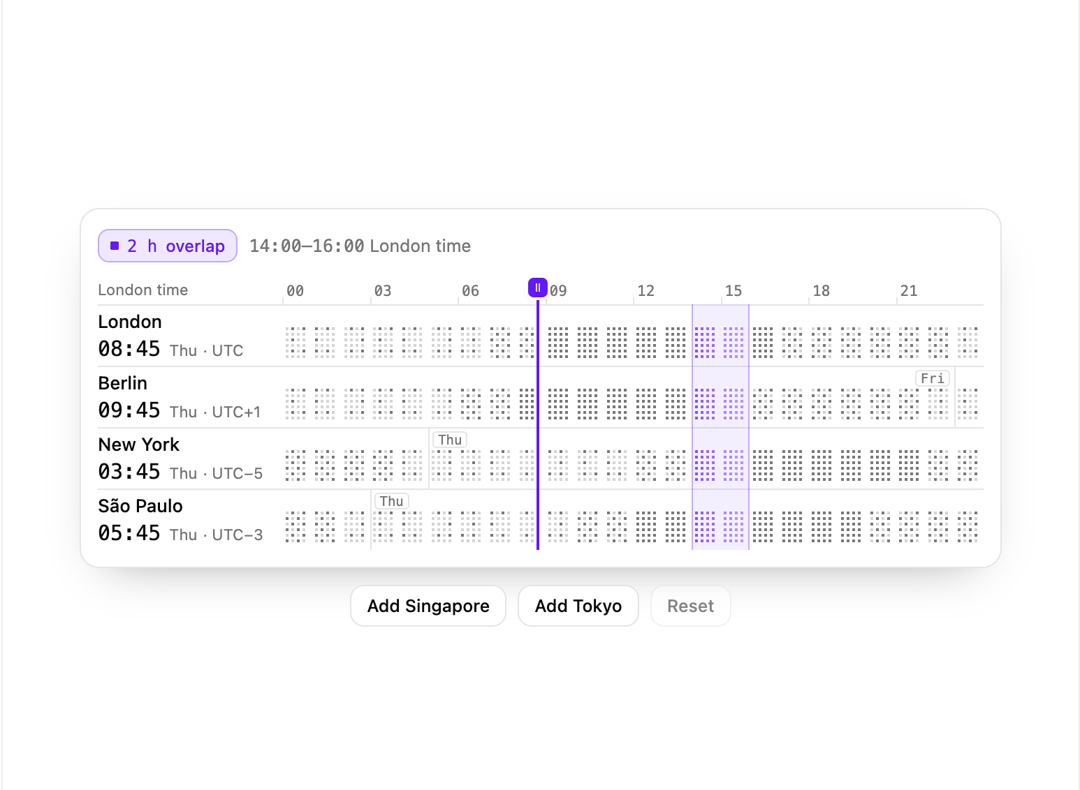
A meeting planner that lines up several cities on one draggable time cursor, drawing each city's local hours as dot blocks and lighting up the hours every city has free to work together.
Built with React and Tailwind. Copy the prompt and paste it into Claude Code, Cursor or Lovable: your agent adds Timezone Meeting Planner to your project and fits it to your theme.
Code
How Timezone Meeting Planner is used: the demo's code. The component's own source comes with a free account.
Usage.tsx
"use client";

import * as React from "react";

import { GeoTimezones, type TimeZoneCity } from "@/components/ui/geo-timezones";

const BUTTON =
  "h-[30px] cursor-pointer rounded-lg border border-border bg-card px-[11px] font-[inherit] text-[12.5px] font-medium text-foreground outline-none hover:border-[color-mix(in_srgb,var(--lumesec)_50%,var(--border))] focus-visible:outline-2 focus-visible:outline-offset-2 focus-visible:outline-solid focus-visible:outline-lumesec disabled:cursor-default disabled:opacity-50 disabled:hover:border-border";

const CITIES: readonly TimeZoneCity[] = [
  { id: "london", label: "London", timeZone: "Europe/London" },
  { id: "berlin", label: "Berlin", timeZone: "Europe/Berlin" },
  { id: "new-york", label: "New York", timeZone: "America/New_York" },
  { id: "sao-paulo", label: "São Paulo", timeZone: "America/Sao_Paulo" },
];

const EXTRA_CITIES: readonly TimeZoneCity[] = [
  { id: "singapore", label: "Singapore", timeZone: "Asia/Singapore" },
  { id: "tokyo", label: "Tokyo", timeZone: "Asia/Tokyo" },
];

export default function GeoTimezonesDemo() {
  const [cities, setCities] = React.useState<readonly TimeZoneCity[]>(CITIES);

  return (
    <div className="grid w-full max-w-[660px] justify-items-center gap-3">
      <GeoTimezones cities={cities} onCitiesChange={setCities} removable />
      <div className="flex flex-wrap justify-center gap-2">
        {EXTRA_CITIES.map((city) => (
          <button
            key={city.id}
            type="button"
            disabled={cities.some((entry) => entry.id === city.id)}
            onClick={() =>
              setCities((current) =>
                current.some((entry) => entry.id === city.id)
                  ? current
                  : [...current, city],
              )
            }
            className={BUTTON}
          >
            Add {city.label}
          </button>
        ))}
        <button
          type="button"
          disabled={cities === CITIES}
          onClick={() => setCities(CITIES)}
          className={BUTTON}
        >
          Reset
        </button>
      </div>
    </div>
  );
}
More by lumesec
View all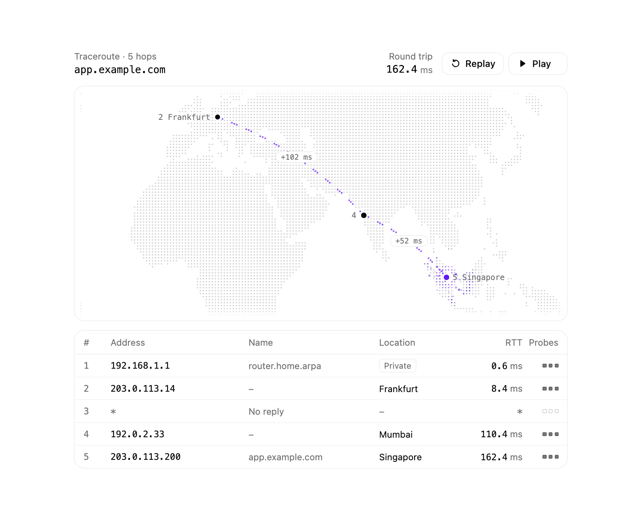

Geo Traceroute
78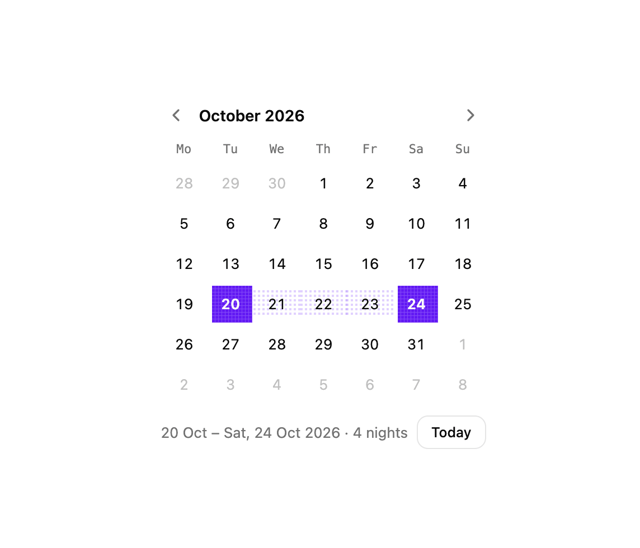
Date Picker
24
Region Picker
18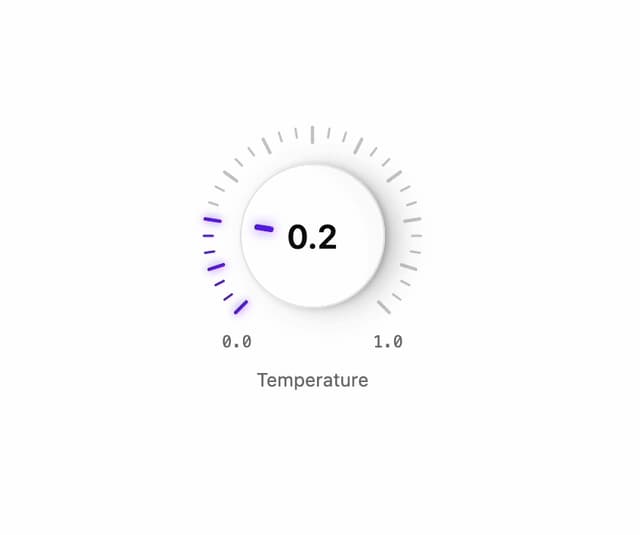
Rotary Dial
18
Pixel Toaster
14
Command Palette
11
Pixel Select
6
Pixel Bar Chart
6