
About
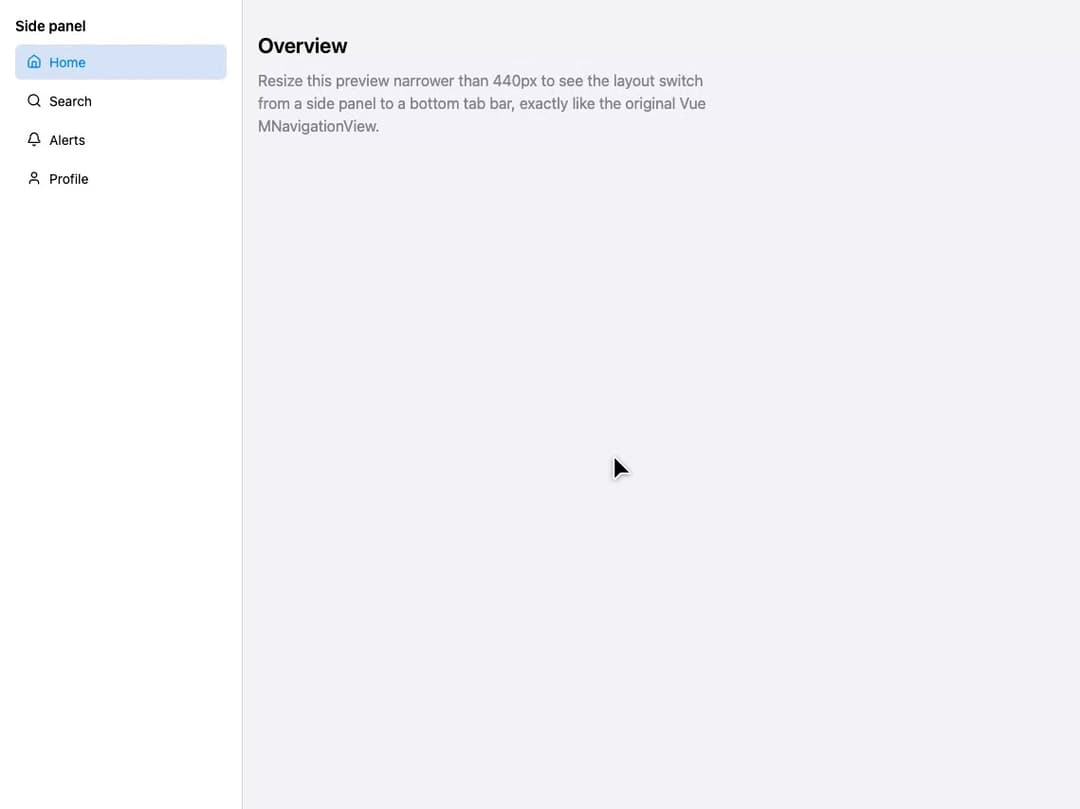
A responsive app shell that swaps between a side panel layout on wide screens and a bottom tab bar layout on narrow/mobile screens, ported from the Vue MNavigationView component in Millai Studio's millai-ui library.
Built with React and Tailwind. Copy the prompt and paste it into Claude Code, Cursor or Lovable: your agent adds Navigation View to your project and fits it to your theme.
Code
How Navigation View is used: the demo's code. The component's own source comes with a free account.
Usage.tsx
"use client";

import * as React from "react";
import MNavigationView from "@/components/ui/mnavigation-view";
import { Home, Search, Bell, User } from "lucide-react";

const items = [
  { id: "home", label: "Home", icon: Home },
  { id: "search", label: "Search", icon: Search },
  { id: "alerts", label: "Alerts", icon: Bell },
  { id: "profile", label: "Profile", icon: User },
];

export default function MNavigationViewDemo() {
  const [active, setActive] = React.useState("home");

  const navButtonStyle = (selected: boolean): React.CSSProperties => ({
    display: "inline-flex",
    alignItems: "center",
    gap: 8,
    width: "100%",
    border: 0,
    borderRadius: 6,
    padding: "8px 12px",
    background: selected ? "rgb(214,227,246)" : "transparent",
    color: selected ? "#0088ff" : "black",
    cursor: "pointer",
    textAlign: "left",
    fontSize: 14,
  });

  const tabButtonStyle = (selected: boolean): React.CSSProperties => ({
    display: "inline-flex",
    flex: 1,
    flexDirection: "column",
    alignItems: "center",
    justifyContent: "center",
    gap: 4,
    border: 0,
    borderRadius: 6,
    minHeight: "3.5rem",
    padding: "4px 8px",
    background: selected ? "rgb(214,227,246)" : "transparent",
    color: selected ? "#0088ff" : "rgb(142,142,147)",
    cursor: "pointer",
    fontSize: 11,
  });

  const sidepanel = (
    <aside
      style={{
        flex: "0 0 16rem",
        width: "16rem",
        height: "100dvh",
        position: "sticky",
        top: 0,
        padding: 16,
        borderRight: "1px solid rgb(209,209,214)",
        background: "#ffffff",
      }}
    >
      <h2
        style={{
          margin: "0 0 8px",
          fontSize: 15,
          fontWeight: 600,
          color: "black",
        }}
      >
        Side panel
      </h2>
      <nav style={{ display: "flex", flexDirection: "column", gap: 4 }}>
        {items.map(({ id, label, icon: Icon }) => (
          <button
            key={id}
            type="button"
            style={navButtonStyle(active === id)}
            onClick={() => setActive(id)}
          >
            <Icon size={16} aria-hidden="true" />
            <span>{label}</span>
          </button>
        ))}
      </nav>
    </aside>
  );

  const tab = (
    <nav
      aria-label="Primary navigation"
      style={{
        position: "sticky",
        bottom: 0,
        display: "flex",
        alignItems: "stretch",
        gap: 4,
        padding: "4px 8px",
        borderTop: "1px solid rgb(209,209,214)",
        background: "rgba(255,255,255,0.86)",
        backdropFilter: "blur(12px)",
      }}
    >
      {items.map(({ id, label, icon: Icon }) => (
        <button
          key={id}
          type="button"
          style={tabButtonStyle(active === id)}
          onClick={() => setActive(id)}
        >
          <Icon size={18} aria-hidden="true" />
          <span>{label}</span>
        </button>
      ))}
    </nav>
  );

  return (
    <div className="w-full h-screen overflow-auto" style={{ color: "black" }}>
      <MNavigationView sidepanel={sidepanel} tab={tab}>
        <h1 style={{ margin: "0 0 8px", fontSize: 22, fontWeight: 600 }}>
          Overview
        </h1>
        <p style={{ margin: 0, color: "rgb(131,131,136)", maxWidth: 480 }}>
          Resize this preview narrower than 440px to see the layout switch from
          a side panel to a bottom tab bar, exactly like the original Vue
          MNavigationView.
        </p>
      </MNavigationView>
    </div>
  );
}
Dependencies
More by millaistudio
View all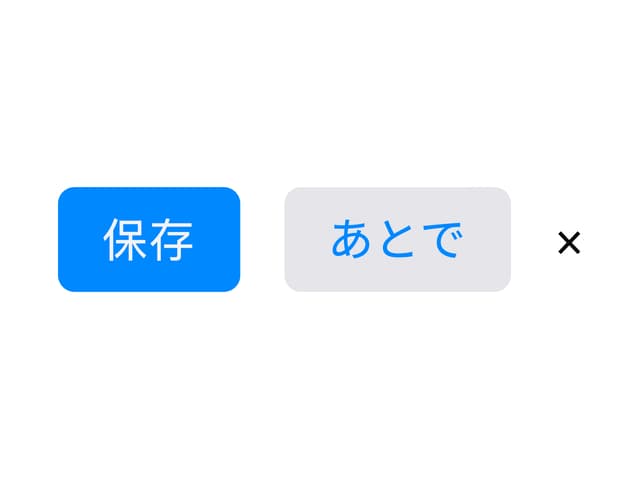
M Button
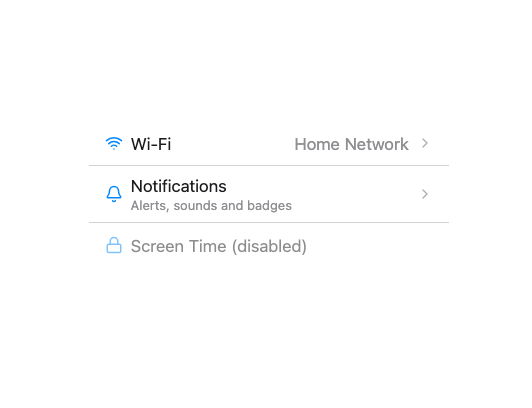
MListItem
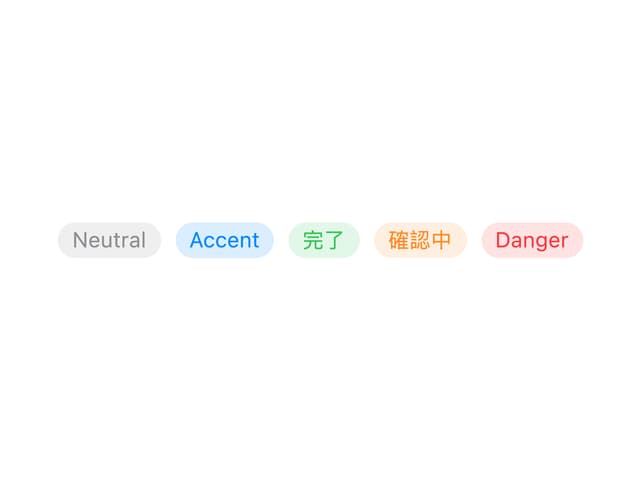
MBadge
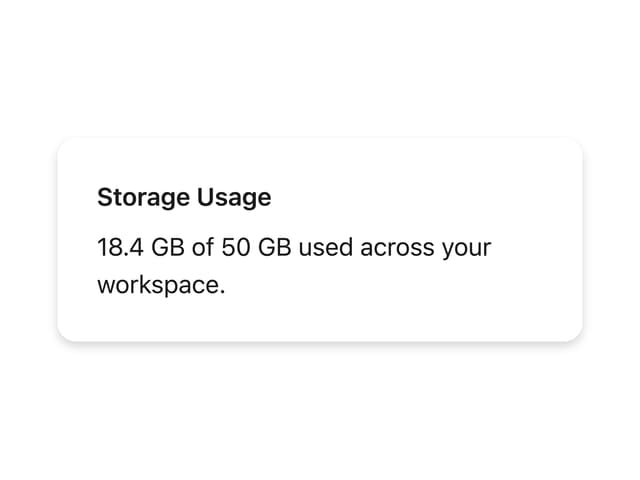
MCard
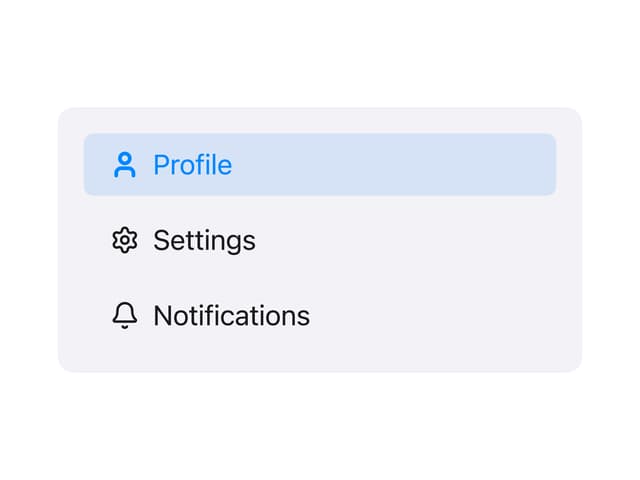
Side Panel Item
MText Input
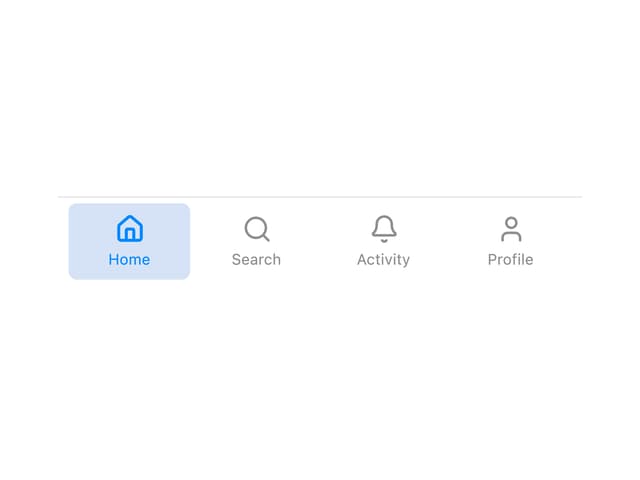
Tab Bar Item
MCheckbox
More in Navigation
View all

Sidebar
271

Tabs
15
Pagination
108

Breadrcrumb
23

Sidebar
344
Footer
447

Pagination
90
Pagination with Arrows
5
