
About
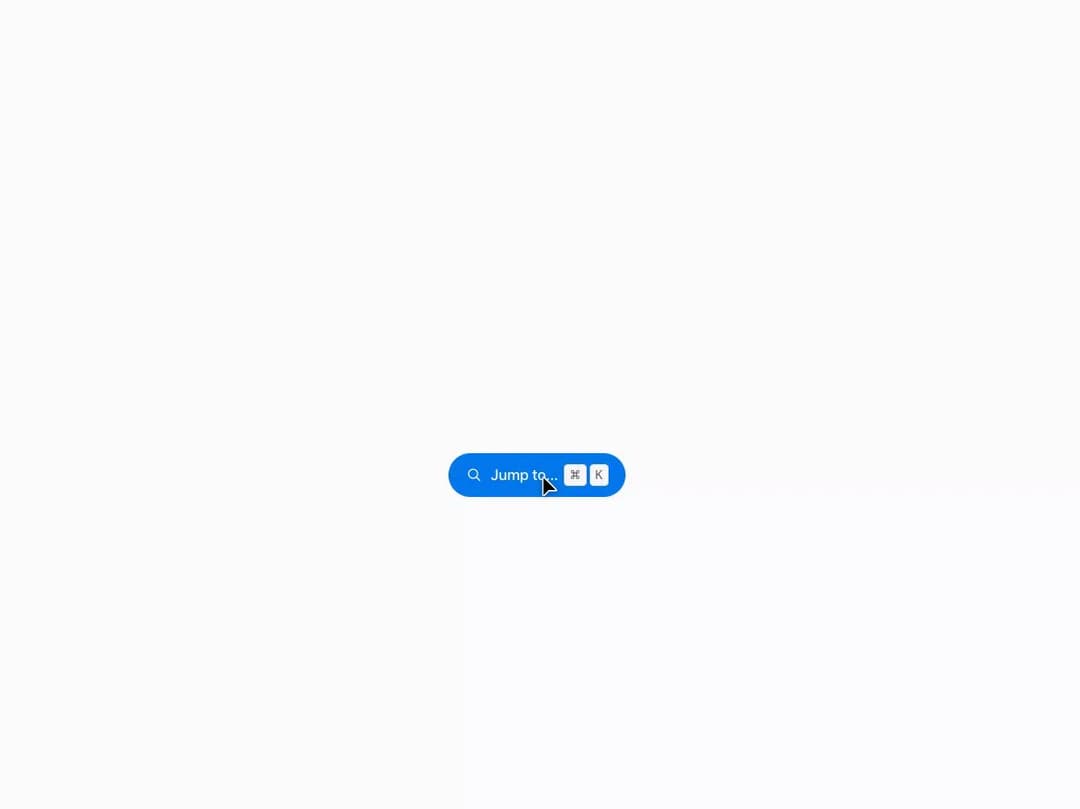
A ⌘K-style jump-to overlay that filters a list of commands as you type, with arrow-key navigation, Enter to run the highlighted item, and Escape to close.
Built with React and Tailwind. Copy the prompt and paste it into Claude Code, Cursor or Lovable: your agent adds Command Palette to your project and fits it to your theme.
Code
How Command Palette is used: the demo's code. The component's own source comes with a free account.
Usage.tsx
"use client";

import CommandPalette, {
  CommandGroup,
  CommandItem,
} from "@/components/ui/command-palette";
import { Icon } from "@/components/ui/command-palette-utils/Icon";
import { Kbd } from "@/components/ui/command-palette-utils/Kbd";
import { useEffect, useState } from "react";

export default function CommandPaletteDemo() {
  const [open, setOpen] = useState(false);

  useEffect(() => {
    const onKeyDown = (event: KeyboardEvent) => {
      if ((event.metaKey || event.ctrlKey) && event.key.toLowerCase() === "k") {
        event.preventDefault();
        setOpen(true);
      }
    };
    document.addEventListener("keydown", onKeyDown);
    return () => document.removeEventListener("keydown", onKeyDown);
  }, []);

  return (
    <div
      className="mors-scope flex min-h-[480px] w-full items-center justify-center"
      style={{ background: "var(--mors-color-canvas)" }}
    >
      <button
        type="button"
        className="mors-button mors-button--primary mors-button--pill"
        onClick={() => setOpen(true)}
      >
        <span className="mors-button-affix">
          <Icon name="search" />
        </span>
        <span className="mors-button-label">
          Jump to… <Kbd keys={["⌘", "K"]} />
        </span>
      </button>

      <CommandPalette open={open} onClose={() => setOpen(false)}>
        <CommandGroup heading="Pages">
          <CommandItem
            icon={<Icon name="home" />}
            shortcut={<Kbd keys={["G", "H"]} />}
            onSelect={() => console.log("Home selected")}
          >
            Home
          </CommandItem>
          <CommandItem
            icon={<Icon name="inbox" />}
            keywords={["mail", "messages"]}
            onSelect={() => console.log("Inbox selected")}
          >
            Inbox
          </CommandItem>
        </CommandGroup>
        <CommandGroup heading="Actions">
          <CommandItem
            icon={<Icon name="sun" />}
            onSelect={() => console.log("Theme toggled")}
          >
            Toggle appearance
          </CommandItem>
          <CommandItem
            icon={<Icon name="trash" />}
            onSelect={() => console.log("Cleared local data")}
          >
            Clear local data
          </CommandItem>
        </CommandGroup>
      </CommandPalette>
    </div>
  );
}
More by murad-sinatra
View all
Table
Tooltip
Popover
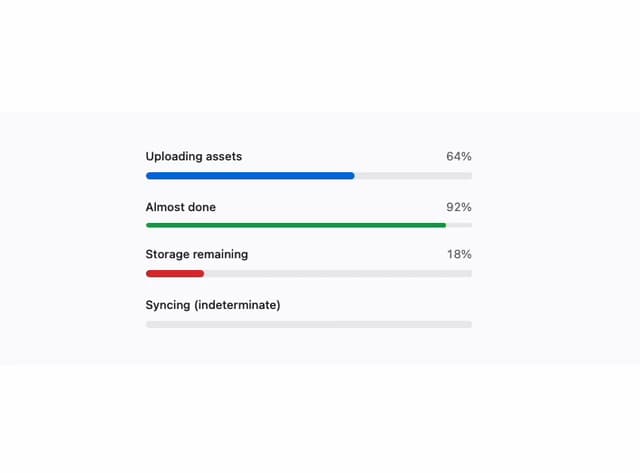
Loaders
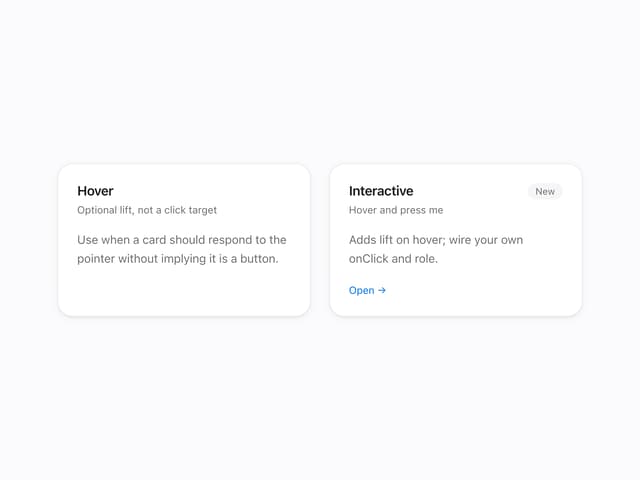
Mors Card
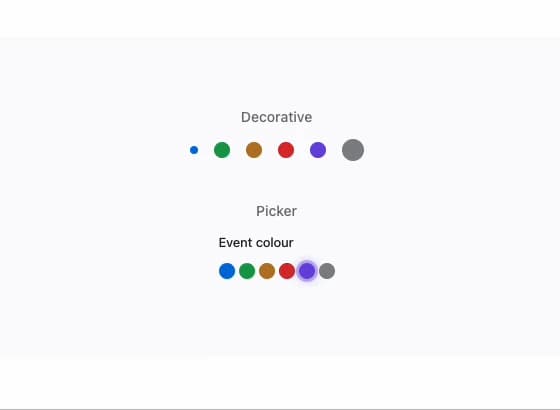
Swatch
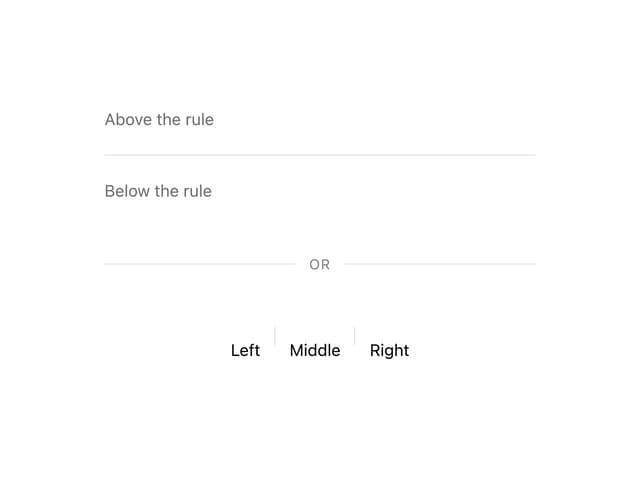
Divider
Token Field