
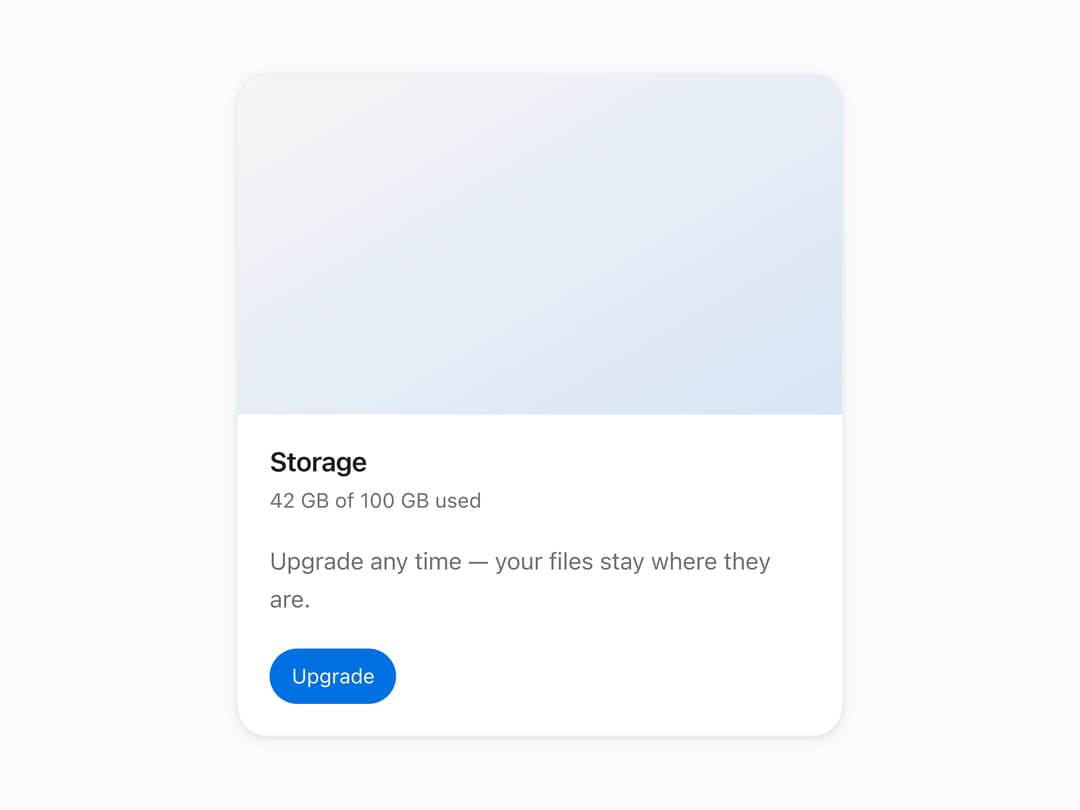
About
A rounded content card with header, body, footer and media subcomponents for grouping related information in a panel or grid.
Built with React and Tailwind. Copy the prompt and paste it into Claude Code, Cursor or Lovable: your agent adds Mors Card to your project and fits it to your theme.
Code
How Mors Card is used: the demo's code. The component's own source comes with a free account.
Usage.tsx
import {
  Card,
  CardHeader,
  CardBody,
  CardFooter,
  CardMedia,
} from "@/components/ui/mors-card";

export default function CardWithMediaDemo() {
  return (
    <div
      className="mors-scope flex min-h-screen w-full items-center justify-center p-10"
      style={{
        background: "var(--mors-color-canvas)",
        color: "var(--mors-color-text)",
      }}
    >
      <div className="w-full max-w-sm">
        <Card padding="none">
          <CardMedia ratio="16 / 9" />
          <div
            style={{
              padding: "var(--mors-space-6)",
              display: "flex",
              flexDirection: "column",
              gap: "var(--mors-space-5)",
            }}
          >
            <CardHeader title="Storage" subtitle="42 GB of 100 GB used" />
            <CardBody>
              Upgrade any time — your files stay where they are.
            </CardBody>
            <CardFooter>
              <button
                type="button"
                style={{
                  padding: "8px 14px",
                  borderRadius: "999px",
                  border: "none",
                  background: "var(--mors-color-accent)",
                  color: "#fff",
                  fontFamily: "var(--mors-font-sans)",
                  fontSize: "var(--mors-text-sm)",
                  cursor: "pointer",
                }}
              >
                Upgrade
              </button>
            </CardFooter>
          </div>
        </Card>
      </div>
    </div>
  );
}
More by murad-sinatra
View all
Table
1
Number Field
1
Command Palette
Tooltip
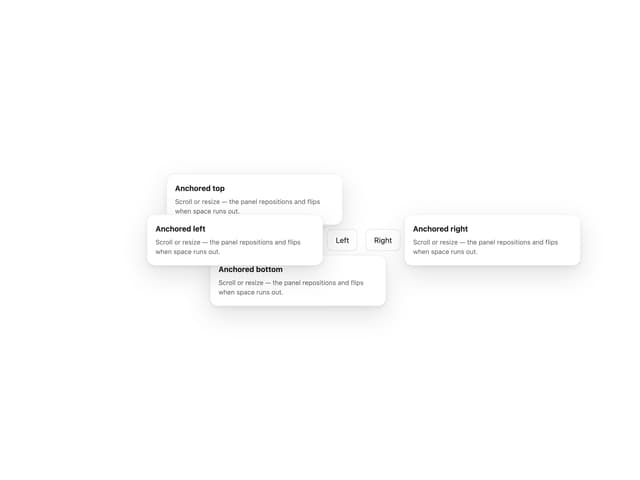
Popover
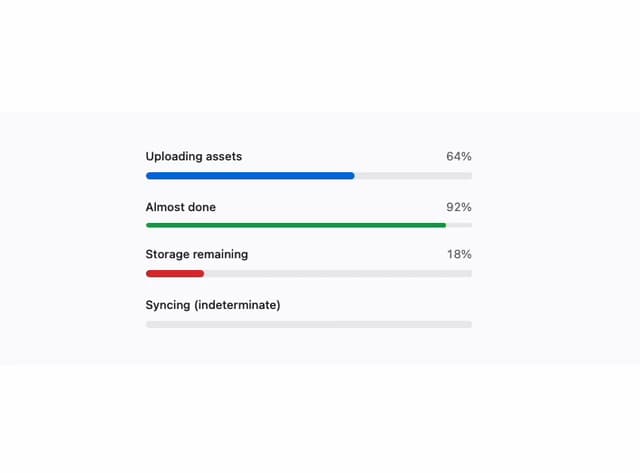
Loaders
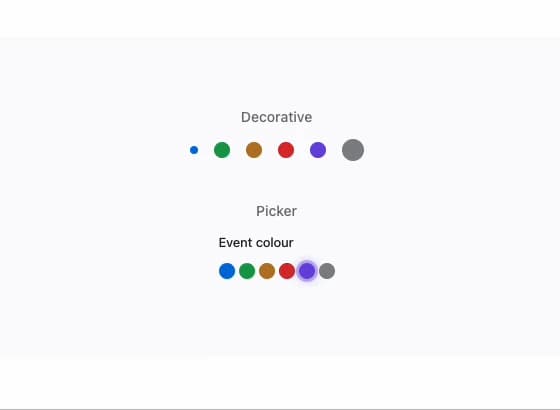
Swatch
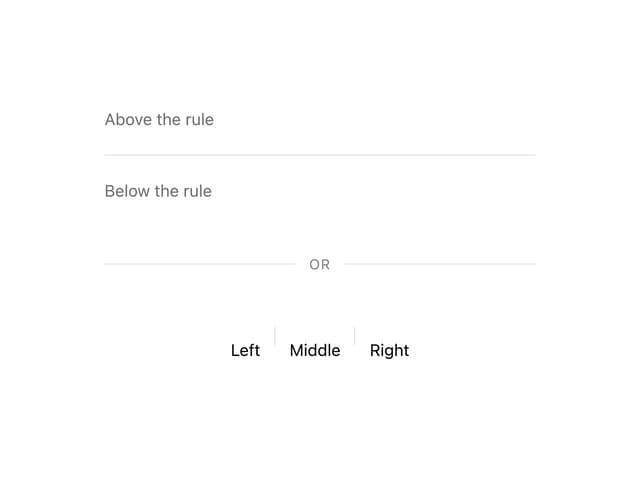
Divider
More in Cards
View all

Course Design Cards
1.1K

Statistics Card 2
270
Statistics Card 7
297
Card
56
Stats cards with links
86

Interactive Tech Stack Bento Grid with Hover Effects
147
The Item one
3

Card Studio
36
