
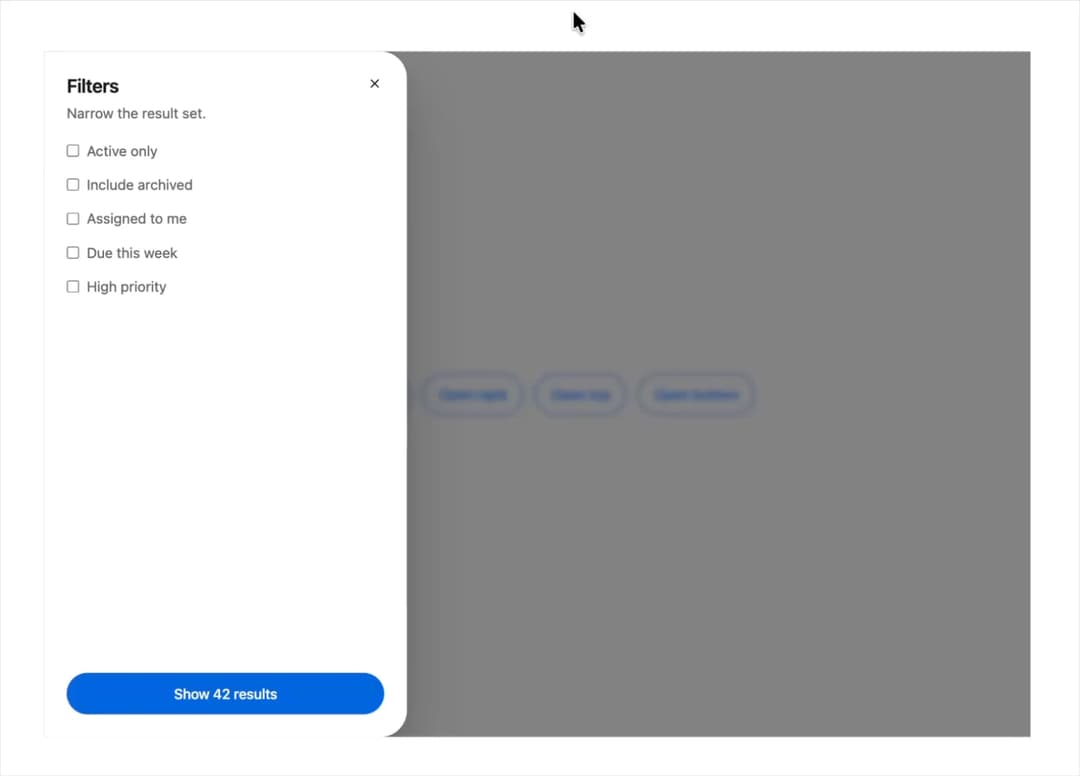
About
An edge-anchored sliding panel for filters, record details, or secondary navigation that overlays the page from the left, right, top, or bottom.
Built with React and Tailwind. Copy the prompt and paste it into Claude Code, Cursor or Lovable: your agent adds Drawer to your project and fits it to your theme.
Code
How Drawer is used: the demo's code. The component's own source comes with a free account.
Usage.tsx
"use client";

import * as React from "react";
import { Drawer } from "@/components/ui/drawer";

type Side = "left" | "right" | "top" | "bottom";

const FILTERS = [
  "Active only",
  "Include archived",
  "Assigned to me",
  "Due this week",
  "High priority",
];

export default function DrawerDemo() {
  const [open, setOpen] = React.useState(false);
  const [side, setSide] = React.useState<Side>("right");

  const openDrawer = (next: Side) => {
    setSide(next);
    setOpen(true);
  };

  return (
    <div className="mors-scope flex h-screen w-full flex-wrap items-center justify-center gap-3 bg-[var(--mors-color-canvas)] p-10">
      {(["left", "right", "top", "bottom"] as const).map((s) => (
        <button
          key={s}
          type="button"
          className="mors-button mors-button--secondary mors-button--md mors-button--pill"
          onClick={() => openDrawer(s)}
        >
          Open {s}
        </button>
      ))}

      <Drawer
        open={open}
        onClose={() => setOpen(false)}
        side={side}
        title="Filters"
        description="Narrow the result set."
        footer={
          <button
            type="button"
            className="mors-button mors-button--primary mors-button--md mors-button--pill mors-button--block"
            onClick={() => setOpen(false)}
          >
            Show 42 results
          </button>
        }
      >
        <div
          style={{
            display: "flex",
            flexDirection: "column",
            gap: "var(--mors-space-4)",
          }}
        >
          {FILTERS.map((label) => (
            <label
              key={label}
              style={{
                display: "flex",
                alignItems: "center",
                gap: "var(--mors-space-3)",
              }}
            >
              <input type="checkbox" />
              {label}
            </label>
          ))}
        </div>
      </Drawer>
    </div>
  );
}
More by murad-sinatra
View all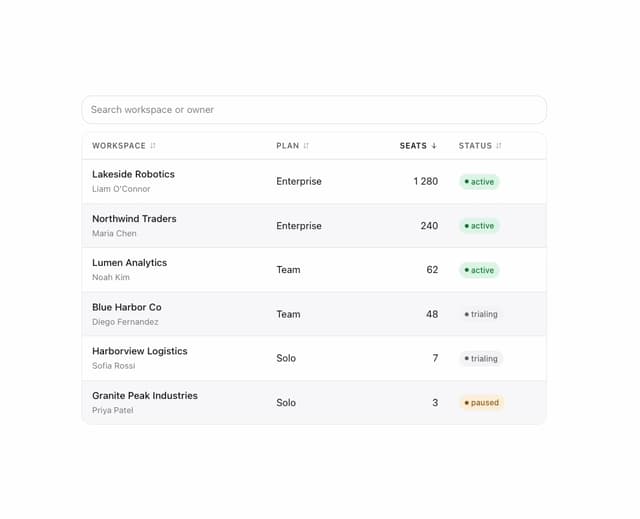
Table
2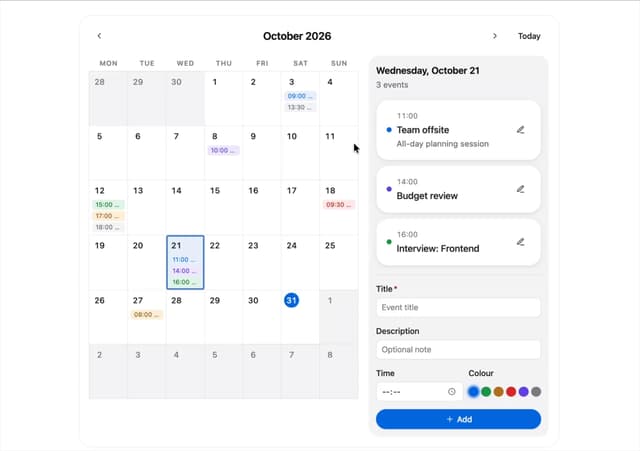
Event Calendar
1
Command Palette
1
Toggles
1
Number Field
1
Tooltip
Popover
Loaders