
About
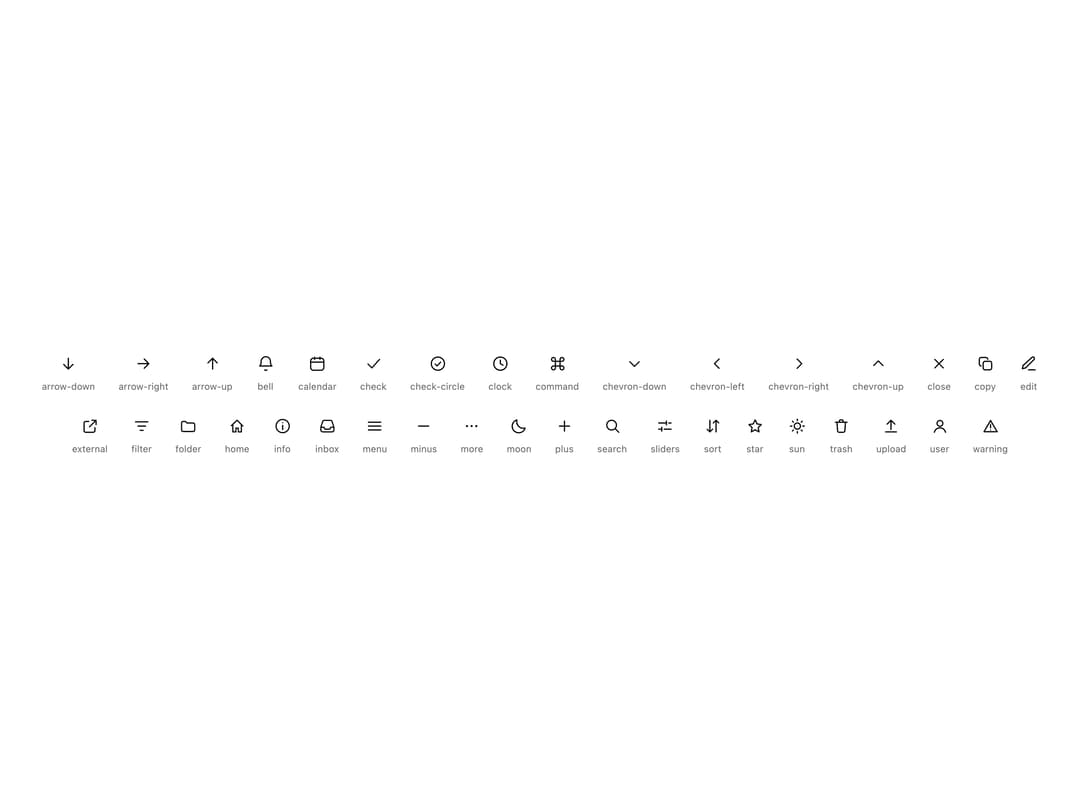
A monochrome, stroke-based SVG icon component that renders one of a small built-in glyph set (arrows, chevrons, bell, calendar, search, trash, etc.) sized relative to text, for use inside buttons, inputs, lists and nav rows.
Built with React and Tailwind. Copy the prompt and paste it into Claude Code, Cursor or Lovable: your agent adds Icon to your project and fits it to your theme.
Code
How Icon is used: the demo's code. The component's own source comes with a free account.
Usage.tsx
import Icon, { type IconName } from "@/components/ui/icon";

const NAMES: IconName[] = [
  "arrow-down",
  "arrow-right",
  "arrow-up",
  "bell",
  "calendar",
  "check",
  "check-circle",
  "clock",
  "command",
  "chevron-down",
  "chevron-left",
  "chevron-right",
  "chevron-up",
  "close",
  "copy",
  "edit",
  "external",
  "filter",
  "folder",
  "home",
  "info",
  "inbox",
  "menu",
  "minus",
  "more",
  "moon",
  "plus",
  "search",
  "sliders",
  "sort",
  "star",
  "sun",
  "trash",
  "upload",
  "user",
  "warning",
];

export default function IconDemo() {
  return (
    <div className="w-full h-full flex flex-wrap items-center justify-center gap-7 p-10 bg-background">
      {NAMES.map((name) => (
        <div
          key={name}
          className="flex flex-col items-center gap-2 text-foreground"
        >
          <Icon name={name} size={22} />
          <span className="text-[11px] text-muted-foreground">{name}</span>
        </div>
      ))}
    </div>
  );
}
More by murad-sinatra
View all
Table
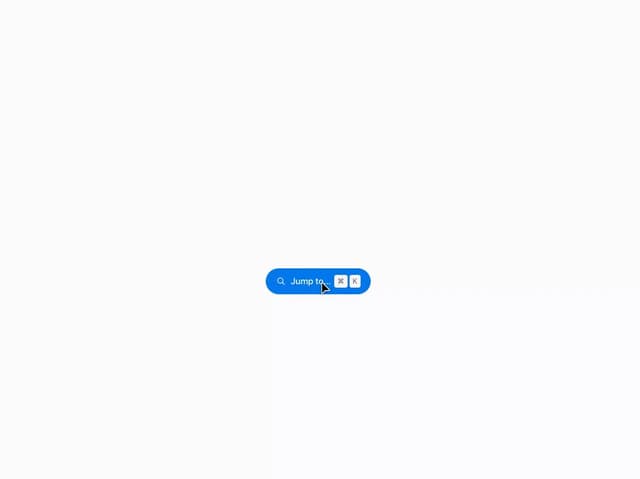
Command Palette
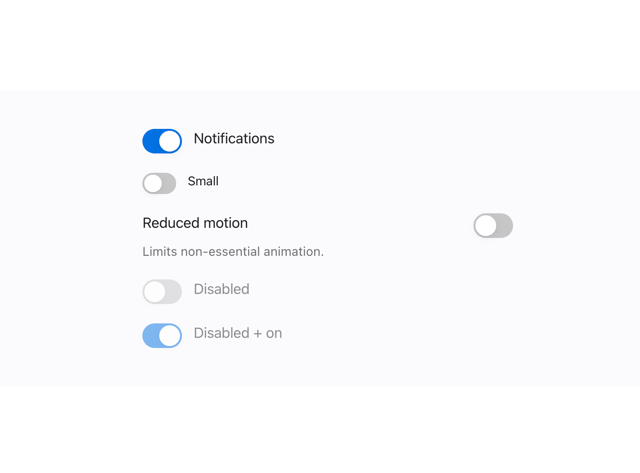
Toggles
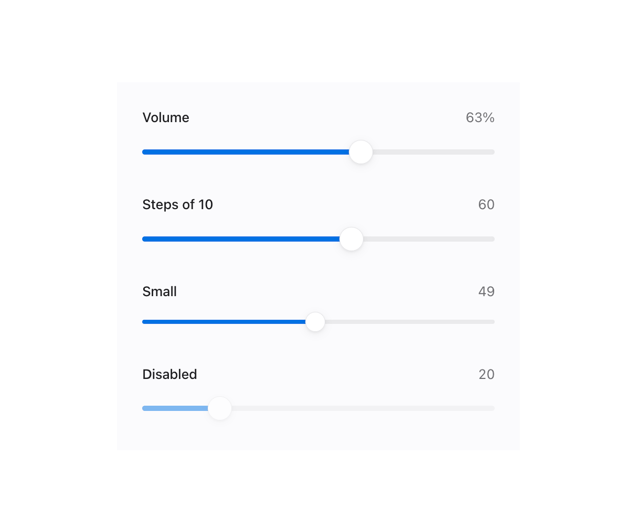
Range Slider
Number Field