
About
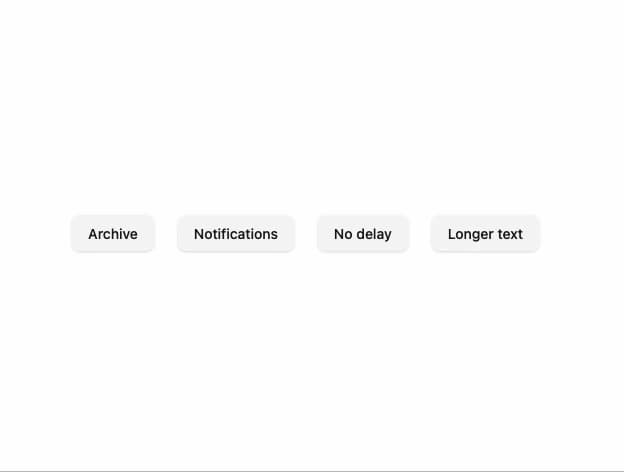
A floating tooltip that reveals short helper text next to a trigger element on hover or keyboard focus, with automatic placement flipping and escape-key dismissal.
Built with React and Tailwind. Copy the prompt and paste it into Claude Code, Cursor or Lovable: your agent adds Tooltip to your project and fits it to your theme.
Code
How Tooltip is used: the demo's code. The component's own source comes with a free account.
Usage.tsx
import Tooltip from "@/components/ui/tooltip";
import { Button } from "@/components/ui/button";

export default function TooltipDemo() {
  return (
    <div className="flex min-h-[320px] w-full flex-wrap items-center justify-center gap-6 bg-background p-10 text-foreground">
      <Tooltip content="Archive this project">
        <Button variant="secondary">Archive</Button>
      </Tooltip>
      <Tooltip
        content="Notifications are muted until Monday"
        placement="bottom"
      >
        <Button variant="secondary">Notifications</Button>
      </Tooltip>
      <Tooltip content="Appears instantly" delay={0} placement="right">
        <Button variant="secondary">No delay</Button>
      </Tooltip>
      <Tooltip
        content="Tooltips wrap to a maximum of 18rem, which is enough for a sentence but not a paragraph."
        placement="top"
      >
        <Button variant="secondary">Longer text</Button>
      </Tooltip>
    </div>
  );
}
More by murad-sinatra
View all
Number Field
1
Table
Command Palette
Popover
Loaders
Mors Card
Swatch
Divider