
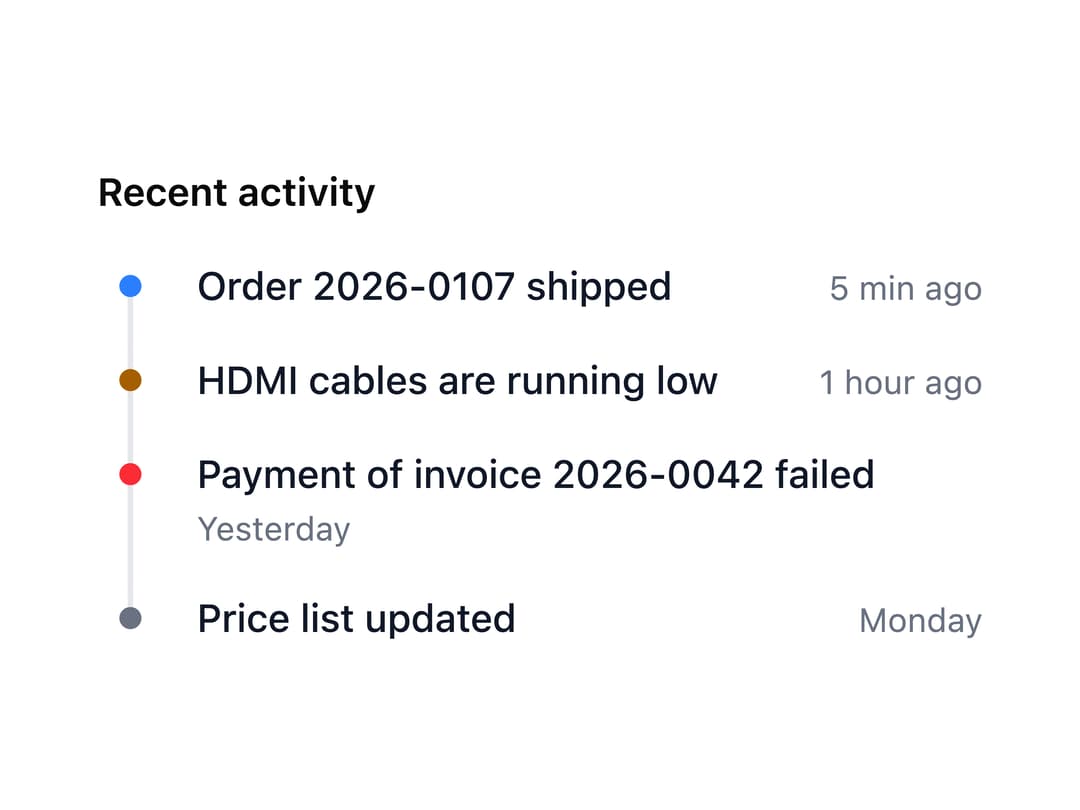
About
A vertical list of dated events — an activity feed, audit log or project history — with colored/icon markers, optional alternating layout, locale-aware timestamps and a loading skeleton state.
Built with React and Tailwind. Copy the prompt and paste it into Claude Code, Cursor or Lovable: your agent adds Timeline to your project and fits it to your theme.
Code
How Timeline is used: the demo's code. The component's own source comes with a free account.
Usage.tsx
import Timeline from "@/components/ui/timeline";

// Compact, e.g. in a sidebar - the times here are texts of the app
export default function Compact() {
  return (
    <div className="max-w-xs">
      <h3 className="mb-3 text-sm font-semibold">Recent activity</h3>
      <Timeline
        items={[
          { time: "5 min ago", title: "Order 2026-0107 shipped" },
          {
            color: "warning",
            time: "1 hour ago",
            title: "HDMI cables are running low",
          },
          {
            color: "danger",
            time: "Yesterday",
            title: "Payment of invoice 2026-0042 failed",
          },
          { color: "neutral", time: "Monday", title: "Price list updated" },
        ]}
        size="sm"
      />
    </div>
  );
}
Dependencies
More by robertlib
View all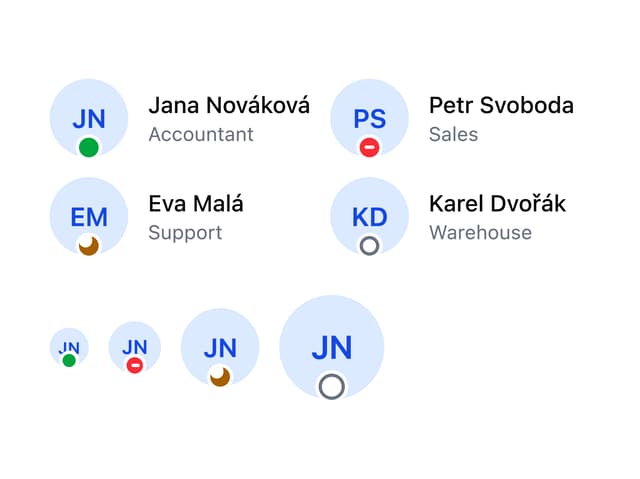
Avatar
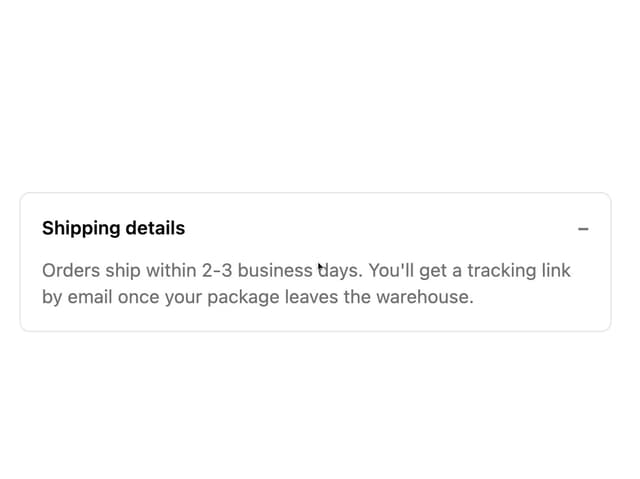
Collapsible Content
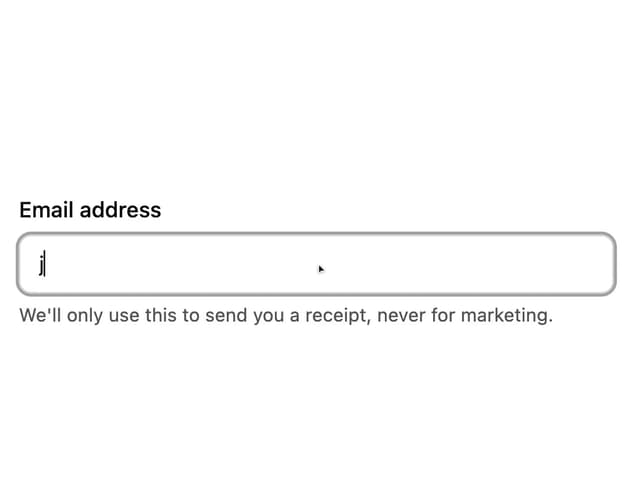
Form Description
Chip
Switch
Form Error
Select
Spinner