
About
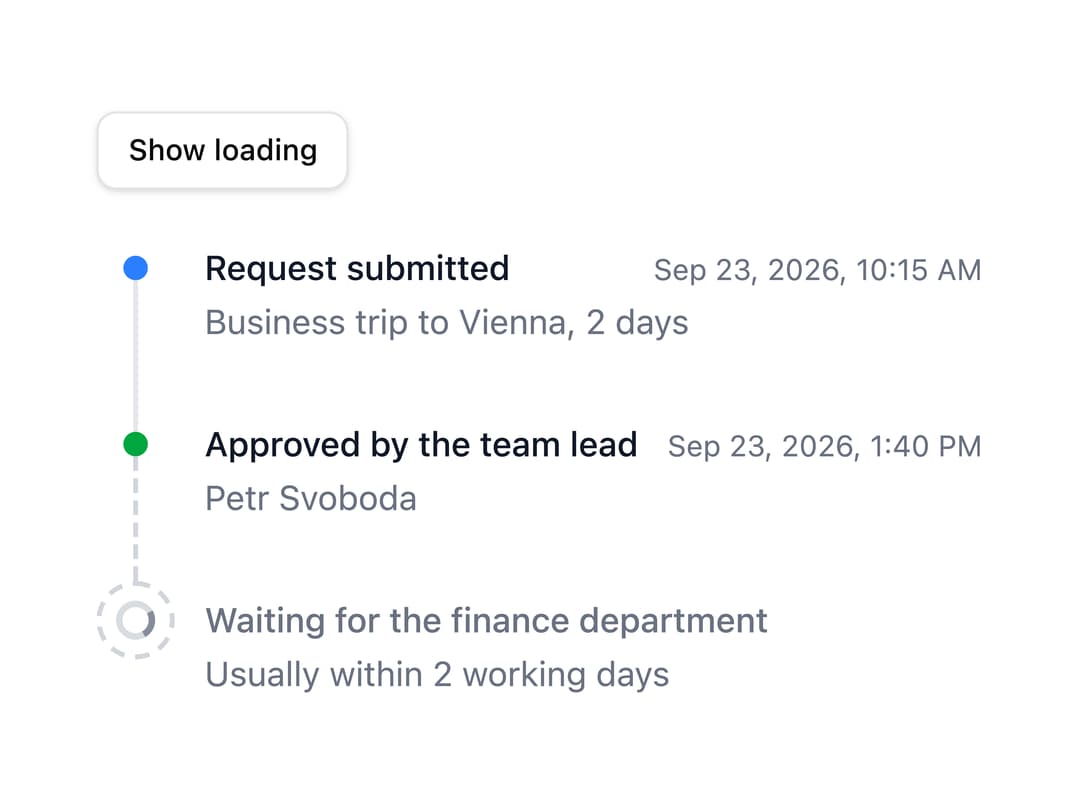
A vertical list of dated events — an activity feed, audit log or project history — with colored/icon markers, optional alternating layout, locale-aware timestamps and a loading skeleton state.
Built with React and Tailwind. Copy the prompt and paste it into Claude Code, Cursor or Lovable: your agent adds Timeline to your project and fits it to your theme.
Code
How Timeline is used: the demo's code. The component's own source comes with a free account.
Usage.tsx
import { useState } from "react";
import { Button } from "@/components/ui/button";
import Timeline from "@/components/ui/timeline";

// An approval that is still to come - and placeholders while it loads
export default function Pending() {
  const [loading, setLoading] = useState(false);

  return (
    <div className="space-y-4">
      <Button onClick={() => setLoading(!loading)} size="sm" variant="outline">
        {loading ? "Show data" : "Show loading"}
      </Button>
      <Timeline
        items={[
          {
            description: "Business trip to Vienna, 2 days",
            id: "submitted",
            time: new Date(2026, 8, 23, 10, 15),
            title: "Request submitted",
          },
          {
            color: "success",
            description: "Petr Svoboda",
            id: "lead",
            time: new Date(2026, 8, 23, 13, 40),
            title: "Approved by the team lead",
          },
          {
            description: "Usually within 2 working days",
            id: "finance",
            pending: true,
            title: "Waiting for the finance department",
          },
        ]}
        loading={loading}
      />
    </div>
  );
}
Dependencies
More by robertlib
View all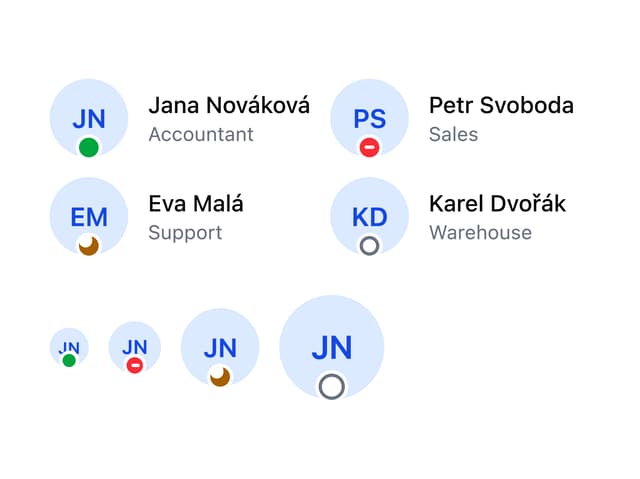
Avatar
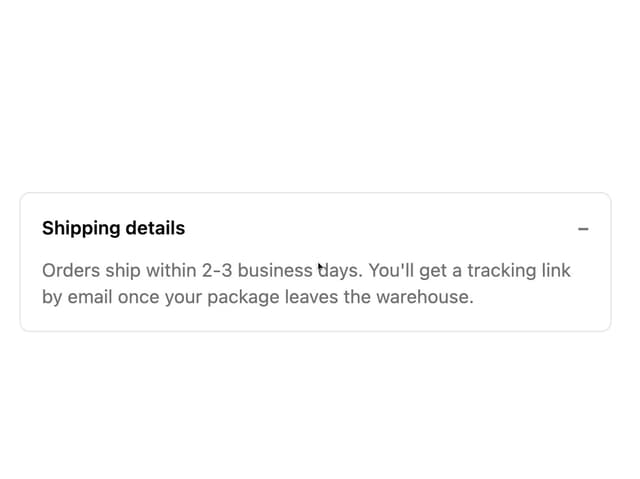
Collapsible Content
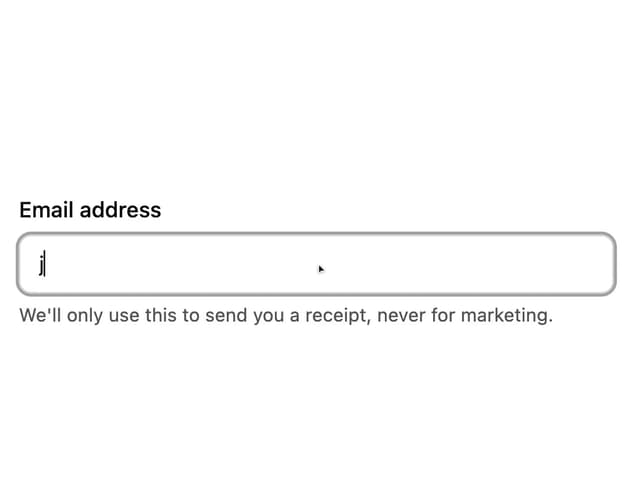
Form Description
Chip
Switch
Form Error
Select
Spinner