
About
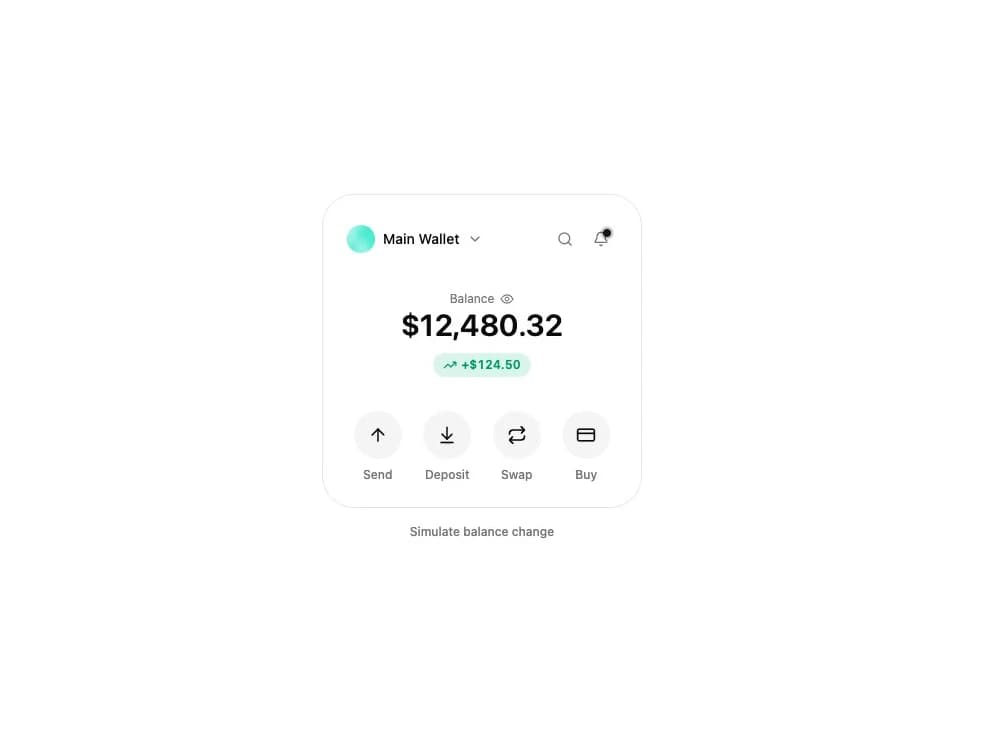
A crypto wallet overview card showing an account switcher, a hideable balance with change indicator, a morphing search bar, and send/deposit/swap/buy actions.
Built with React and Tailwind. Copy the prompt and paste it into Claude Code, Cursor or Lovable: your agent adds Wallet Card to your project and fits it to your theme.
Code
How Wallet Card is used: the demo's code. The component's own source comes with a free account.
Usage.tsx
import { WalletCard } from "@/components/ui/wallet-card";
import { useState } from "react";

const ACCOUNTS = [
  {
    id: "main",
    name: "Main Wallet",
    address: "0x8f3Cb1a29e4D7c6F1B2a3E9d0C4b5A6f7D8e9C0b",
  },
  {
    id: "trading",
    name: "Trading",
    address: "0x1a2B3c4D5e6F7a8B9c0D1e2F3a4B5c6D7e8F9a0B",
  },
  {
    id: "cold",
    name: "Cold Storage",
    address: "0x9F8e7D6c5B4a3E2d1C0b9A8f7E6d5C4b3A2e1F0d",
  },
];

const RECENT_SEARCHES = [
  "vitalik.eth",
  "0xA0b8-6EB4",
  "Uniswap",
  "Send to Trading",
];

function WalletCardPreview() {
  const [balance, setBalance] = useState(12480.32);

  return (
    <div className="flex w-full flex-col items-center gap-4 p-6 bg-background text-foreground">
      <WalletCard
        accounts={ACCOUNTS}
        balance={balance}
        defaultChange={124.5}
        searchRecent={RECENT_SEARCHES}
        hasNotifications
      />
      <button
        type="button"
        className="text-xs font-medium text-muted-foreground hover:text-foreground transition-colors"
        onClick={() =>
          setBalance(
            (b) =>
              b + (Math.random() > 0.5 ? 1 : -1) * (50 + Math.random() * 400),
          )
        }
      >
        Simulate balance change
      </button>
    </div>
  );
}

export default WalletCardPreview;
Dependencies
More by sidiora-labs
View all
Preview Rail
2
Expandable Tabs
1
Morphing Modal
1
Not Found

Text Cascade
Smooth Scroll
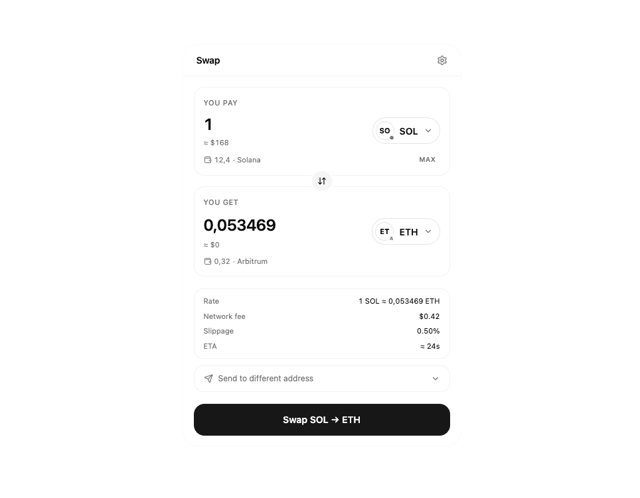
Swap
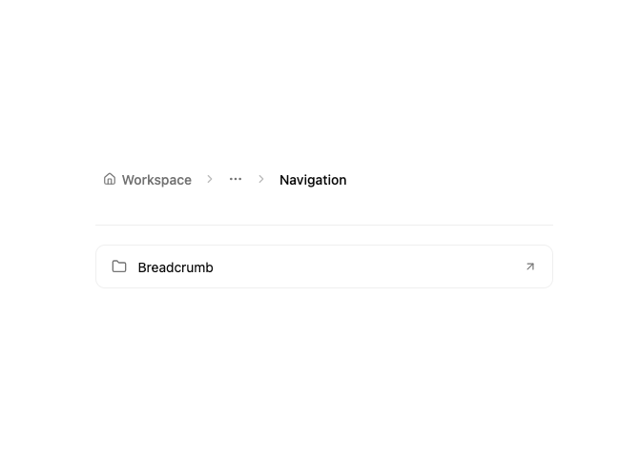
Motion Breadcrumb
More in Cards
View all

Statistics Card 7
295

Course Design Cards
1.1K

Interactive Tech Stack Bento Grid with Hover Effects
89
The Item one
3
Stats cards with links
81
Card
56
Statistics Card 2
269

Weather Card
55
