
About
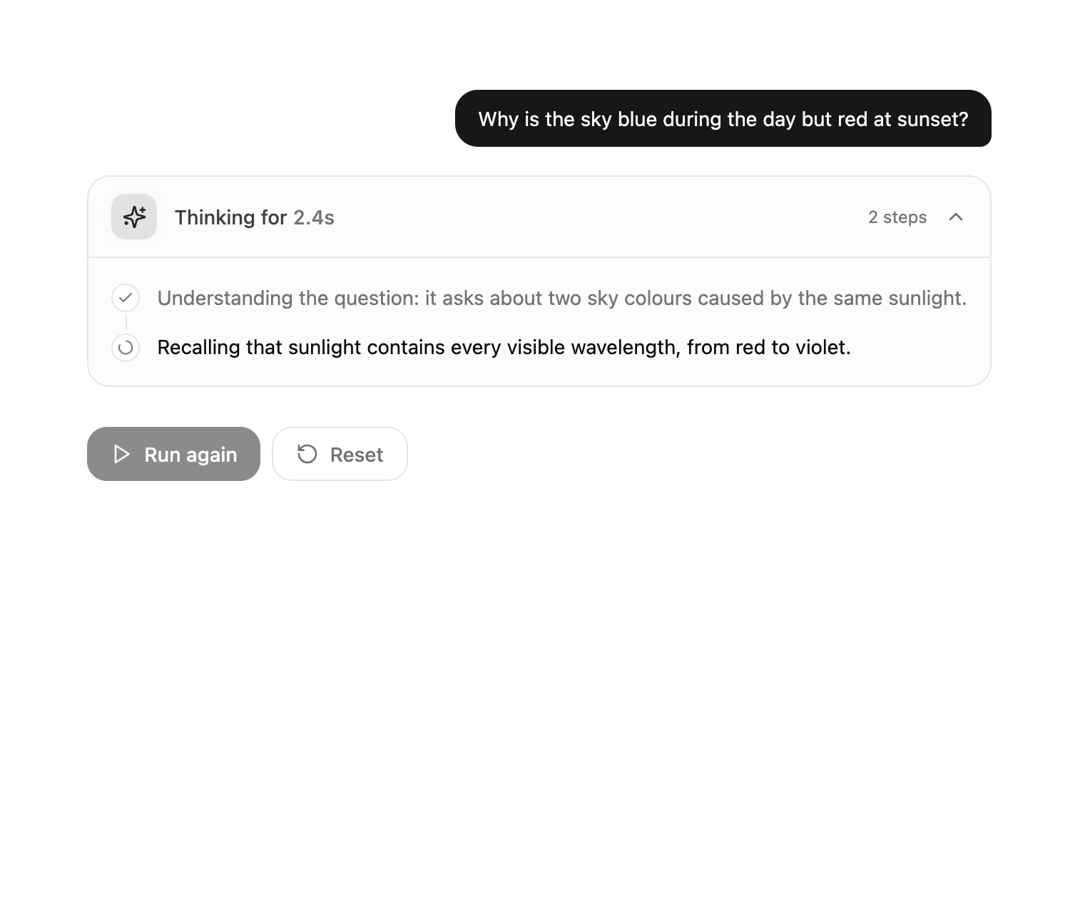
A sleek, collapsible reasoning container designed for AI chat interfaces. Displays live thinking timers, step-by-step logic traces, and auto-collapses smoothly once the final response begins.
Built with React and Tailwind. Copy the prompt and paste it into Claude Code, Cursor or Lovable: your agent adds AI Chain-of-Thought Reasoning Accordion to your project and fits it to your theme.
Code
How AI Chain-of-Thought Reasoning Accordion is used: the demo's code. The component's own source comes with a free account.
Usage.tsx
// This is a file with a demo for your component
// That's what users will see in the preview
// Create new files in this directory to add more demos

"use client";

import * as React from "react";
import { motion } from "framer-motion";
import { Play, RotateCcw } from "lucide-react";
import { ReasoningAccordion } from "@/components/ui/ai-chain-of-thought-reasoning-accordion";


/* ------------------------------------------------------------------ */
/* Mock reasoning flow                                                 */
/* ------------------------------------------------------------------ */

const QUESTION = "Why is the sky blue during the day but red at sunset?";

const REASONING = [
  "Understanding the question: it asks about two sky colours caused by the same sunlight.",
  "Recalling that sunlight contains every visible wavelength, from red to violet.",
  "Rayleigh scattering affects short wavelengths much more strongly than long ones.",
  "Blue light is scattered in all directions across the sky, so we see it from everywhere.",
  "Our eyes are more sensitive to blue than violet, and the sun emits less violet, so the sky looks blue.",
  "At sunset the light crosses far more air, so blue is scattered away and warm reds remain.",
];

const ANSWER =
  "Air molecules scatter short, blue wavelengths far more than long, red ones. During the day that scattered blue reaches your eyes from every direction. At sunset sunlight travels through much more atmosphere, most of the blue is scattered out of the beam, and the remaining light looks orange and red.";

// When each step appears (ms), when thinking ends, and when the answer shows up
const STEP_TIMES = [600, 1700, 2900, 4100, 5400, 6600];
const FINISH_AT = 7600;
const ANSWER_AT = 9000;


/* ------------------------------------------------------------------ */
/* Demo                                                                */
/* ------------------------------------------------------------------ */

export default function DemoOne() {
  const [steps, setSteps] = React.useState<string[]>([]);
  const [isThinking, setIsThinking] = React.useState(false);
  const [answer, setAnswer] = React.useState<string | null>(null);
  const [started, setStarted] = React.useState(false);
  const timers = React.useRef<number[]>([]);

  const clearTimers = () => {
    timers.current.forEach(window.clearTimeout);
    timers.current = [];
  };

  // Simulated stream: steps arrive one by one, then thinking ends and the answer appears
  const run = React.useCallback(() => {
    clearTimers();
    setStarted(true);
    setSteps([]);
    setAnswer(null);
    setIsThinking(true);
    STEP_TIMES.forEach((t, i) => {
      timers.current.push(window.setTimeout(() => setSteps((s) => [...s, REASONING[i]]), t));
    });
    timers.current.push(window.setTimeout(() => setIsThinking(false), FINISH_AT));
    timers.current.push(window.setTimeout(() => setAnswer(ANSWER), ANSWER_AT));
  }, []);

  const reset = () => {
    clearTimers();
    setStarted(false);
    setSteps([]);
    setAnswer(null);
    setIsThinking(false);
  };

  // Start automatically on load, and clean up on unmount
  React.useEffect(() => {
    run();
    return clearTimers;
  }, [run]);

  return (
    <div className="flex min-h-dvh justify-center bg-background px-4 py-10 text-foreground sm:py-16">
      <div className="w-full max-w-2xl space-y-5">
        {/* User message */}
        <div className="flex justify-end">
          <p className="max-w-[85%] rounded-2xl rounded-br-md bg-primary px-4 py-2.5 text-sm text-primary-foreground">{QUESTION}</p>
        </div>

        {/* Reasoning accordion */}
        {started && <ReasoningAccordion steps={steps} isThinking={isThinking} />}

        {/* Final answer */}
        {answer && (
          <motion.p
            initial={{ opacity: 0, y: 8 }}
            animate={{ opacity: 1, y: 0 }}
            transition={{ duration: 0.5 }}
            className="text-[15px] leading-7 text-foreground"
          >
            {answer}
          </motion.p>
        )}

        {/* Controls */}
        <div className="flex gap-2 pt-2">
          <button
            type="button"
            onClick={run}
            disabled={isThinking}
            className="inline-flex items-center gap-2 rounded-xl bg-primary px-4 py-2 text-sm font-medium text-primary-foreground transition-opacity hover:opacity-90 focus-visible:outline-none focus-visible:ring-2 focus-visible:ring-ring focus-visible:ring-offset-2 focus-visible:ring-offset-background disabled:cursor-not-allowed disabled:opacity-50"
          >
            <Play className="size-4" />
            {started ? "Run again" : "Start"}
          </button>
          <button
            type="button"
            onClick={reset}
            className="inline-flex items-center gap-2 rounded-xl border border-border px-4 py-2 text-sm font-medium text-muted-foreground transition-colors hover:bg-accent hover:text-accent-foreground focus-visible:outline-none focus-visible:ring-2 focus-visible:ring-ring"
          >
            <RotateCcw className="size-4" />
            Reset
          </button>
        </div>
      </div>
    </div>
  );
}
Dependencies
More by themeocean
View all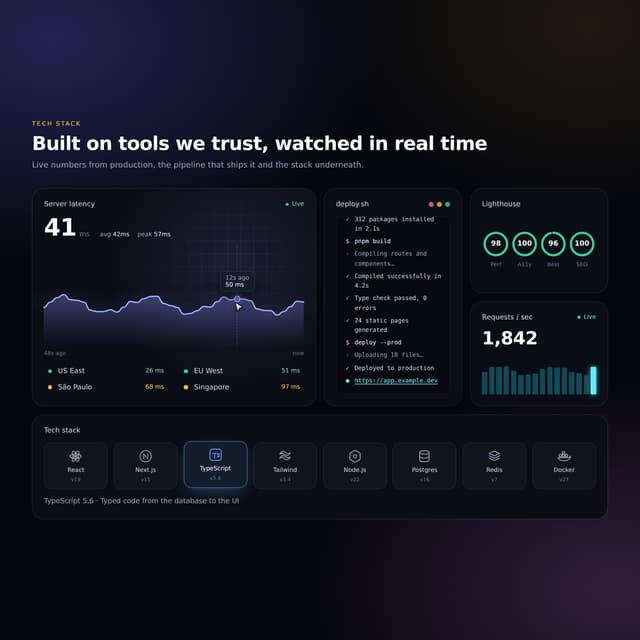

Interactive Tech Stack Bento Grid with Hover Effects
443
Mac-Style Floating Dock
60
Nexus 3D Animated Login - Futuristic Authentication UI
26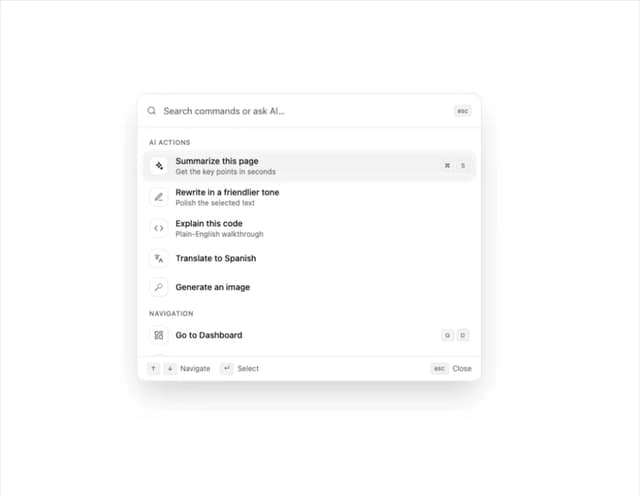
Sleek AI Command Menu (CMDK) with Fuzzy Search
8
3D Animated Tilt & Dynamic Glow Card
5
Split Developer Hero with Interactive Code Terminal
2
Multi-State Action Button with Micro-Animations
2
Interactive AI Chat Input with Micro-Interactions
2
More in AI chats
View all

AI Actions
336

Aquarium Prompt
24
Attachments
33
Message Thread
55
Agent Chat
18
Color Picker
159
Chat Bubble
194
Commit
27


