
About
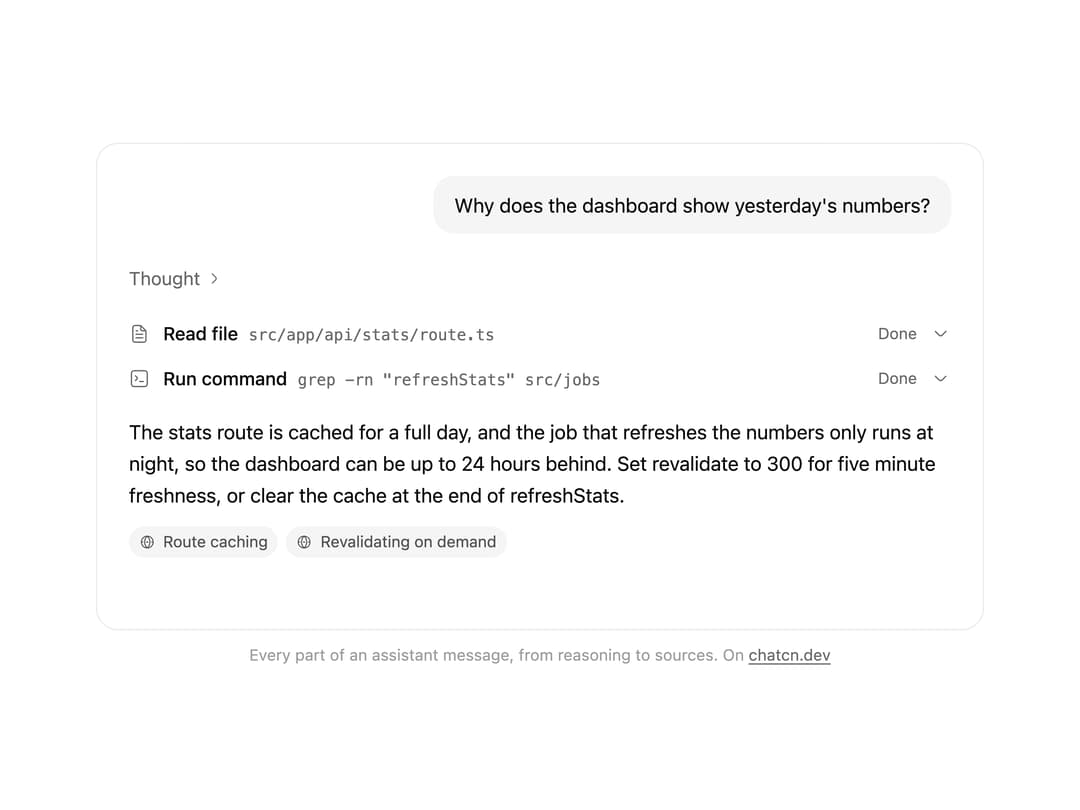
Renders every part of an assistant message as it streams: reasoning, tool calls, text with a caret and sources.
Built with React and Tailwind. Copy the prompt and paste it into Claude Code, Cursor or Lovable: your agent adds Message Parts to your project and fits it to your theme.
Code
How Message Parts is used: the demo's code. The component's own source comes with a free account.
Usage.tsx
"use client"

import * as React from "react"
import { cn } from "@/lib/utils"
import { ChatcnMessage, ChatcnPart, MessageParts } from "@/components/ui/message-parts"

type Stage = {
  reasoning: number
  reasoningDone: boolean
  read: "none" | "input-streaming" | "input-available" | "output-available"
  grep: "none" | "input-streaming" | "input-available" | "output-available"
  answer: number
  sources: boolean
}

const REASONING =
  "Check how long the stats route is cached, then how often the job that fills it runs."

const ANSWER =
  "The stats route is cached for a full day, and the job that refreshes the numbers only runs at night, so the dashboard can be up to 24 hours behind. Set revalidate to 300 for five minute freshness, or clear the cache at the end of refreshStats."

/** The finished message, which the loop opens on so the first frame shows every part. */
const FINAL: Stage = {
  reasoning: REASONING.split(" ").length,
  reasoningDone: true,
  read: "output-available",
  grep: "output-available",
  answer: ANSWER.split(" ").length,
  sources: true,
}

const reducedMotion = () =>
  typeof window !== "undefined" && window.matchMedia("(prefers-reduced-motion: reduce)").matches

const STOP = Symbol("stop")

/**
 * Runs `script` in a loop with a `wait(ms)` that stops cleanly on unmount or once `active` turns
 * false. Reduced motion never starts it.
 */
function useLoop(
  script: (wait: (ms: number) => Promise<void>) => Promise<void>,
  active = true,
) {
  const ref = React.useRef(script)
  ref.current = script
  React.useEffect(() => {
    if (!active || reducedMotion()) return
    let alive = true
    const timers = new Set<number>()
    const wait = (ms: number) =>
      new Promise<void>((resolve, reject) => {
        const id = window.setTimeout(() => {
          timers.delete(id)
          if (alive) resolve()
          else reject(STOP)
        }, ms)
        timers.add(id)
      })
    ;(async () => {
      try {
        while (alive) await ref.current(wait)
      } catch (error) {
        if (error !== STOP) throw error
      }
    })()
    return () => {
      alive = false
      for (const id of timers) window.clearTimeout(id)
    }
  }, [active])
}

const START: Stage = { reasoning: 0, reasoningDone: false, read: "none", grep: "none", answer: 0, sources: false }

const WORD_MS = 42

const READ = {
  path: "src/app/api/stats/route.ts",
  output: "export const revalidate = 86400\n\nexport async function GET() {\n  return Response.json(await getStats())\n}",
}

const GREP = {
  command: 'grep -rn "refreshStats" src/jobs',
  output: "src/jobs/nightly.ts:12  await refreshStats()",
}

const SOURCES: ChatcnPart[] = [
  { type: "source-url", sourceId: "s1", url: "https://docs.harborjs.dev/caching/route-config", title: "Route caching" },
  { type: "source-url", sourceId: "s2", url: "https://docs.harborjs.dev/caching/revalidate", title: "Revalidating on demand" },
]

function build(s: Stage): ChatcnMessage {
  const parts: ChatcnPart[] = []
  if (s.reasoning > 0) {
    parts.push({
      type: "reasoning",
      text: REASONING.split(" ").slice(0, s.reasoning).join(" "),
      state: s.reasoningDone ? "done" : "streaming",
    })
  }
  if (s.read !== "none") {
    parts.push({ type: "step-start" })
    parts.push({
      type: "tool-read_file",
      toolCallId: "call_read",
      state: s.read,
      input: { path: READ.path },
      output: s.read === "output-available" ? READ.output : undefined,
    })
  }
  if (s.grep !== "none") {
    parts.push({
      type: "tool-run_command",
      toolCallId: "call_grep",
      state: s.grep,
      input: { command: GREP.command },
      output: s.grep === "output-available" ? GREP.output : undefined,
    })
  }
  if (s.answer > 0) {
    parts.push({
      type: "text",
      text: ANSWER.split(" ").slice(0, s.answer).join(" "),
      state: s.answer >= ANSWER.split(" ").length ? "done" : "streaming",
    })
  }
  if (s.sources) parts.push(...SOURCES)
  return { id: "msg_stats", role: "assistant", parts }
}

const FIT_CSS = "html,body{overflow:hidden}[data-fit-small] [data-fit-hide]{display:none!important}"

/**
 * 21st shows a demo in a small frame: about 674 by 421 on a component page, 358 by 224 on a
 * phone and 245 by 139 on a profile card. A demo taller than its frame gets scrollbars, which
 * render white on dark pages. FitFrame fills the frame exactly instead.
 *
 * - "scale": the content shrinks until it fits, centered. For visuals such as orbs.
 * - "crop": the content stays at full size from the top and fades out at the bottom. For text
 *   that streams in, where a changing scale would make the page breathe.
 *
 * `minWidth` lays out a wide demo (a table, a two column panel) at that width and scales it down
 * to the frame, instead of letting it collapse to a narrow layout. The frame centers it, so it
 * shrinks evenly on both sides.
 *
 * Anything marked `data-fit-hide` (state buttons, the chatcn.dev line) drops out in frames
 * shorter than `hideBelow`, so a profile card shows the visual alone.
 */
function FitFrame({
  children,
  mode = "scale",
  hideBelow = 360,
  minWidth,
}: {
  children: React.ReactNode
  mode?: "scale" | "crop"
  hideBelow?: number
  minWidth?: string
}) {
  const content = React.useRef<HTMLDivElement>(null)
  const [cropped, setCropped] = React.useState(false)

  React.useLayoutEffect(() => {
    const el = content.current
    if (!el) return
    const measure = () => {
      const vw = window.innerWidth
      const vh = window.innerHeight
      el.toggleAttribute("data-fit-small", vh < hideBelow)
      // Layout sizes ignore the transform, so measuring never feeds back.
      const w = Math.max(el.offsetWidth, el.scrollWidth)
      const h = Math.max(el.offsetHeight, el.scrollHeight)
      const scale = mode === "scale" ? Math.min(1, vw / w, vh / h) : 1
      el.style.transform = scale < 1 ? `scale(${scale})` : ""
      setCropped(mode === "crop" && h > vh + 1)
    }
    measure()
    const observer = new ResizeObserver(measure)
    observer.observe(el)
    // Content that changes inside a fixed width box (a headline that cycles words) never resizes
    // the box itself, so changes below it measure again on the next frame.
    let frame = 0
    const mutations = new MutationObserver(() => {
      cancelAnimationFrame(frame)
      frame = requestAnimationFrame(measure)
    })
    mutations.observe(el, { subtree: true, childList: true, characterData: true })
    window.addEventListener("resize", measure)
    return () => {
      observer.disconnect()
      mutations.disconnect()
      cancelAnimationFrame(frame)
      window.removeEventListener("resize", measure)
    }
  }, [mode, hideBelow])

  const fade = "linear-gradient(to bottom, #000 calc(100% - 40px), transparent)"
  return (
    <div
      className="flex w-full justify-center overflow-hidden"
      style={{
        height: "100dvh",
        alignItems: mode === "crop" ? "flex-start" : "center",
        maskImage: cropped ? fade : undefined,
        WebkitMaskImage: cropped ? fade : undefined,
      }}
    >
      <style>{FIT_CSS}</style>
      <div
        ref={content}
        className="w-full shrink-0"
        style={{ transformOrigin: mode === "crop" ? "top center" : "center", minWidth }}
      >
        {children}
      </div>
    </div>
  )
}

/* -------------------------------------------------------------------------------------------------
 * Types and context
 * -----------------------------------------------------------------------------------------------*/

type MessageRole = "user" | "assistant" | "system"

type MessageLayout = "auto" | "bubble" | "flat" | "compact"

type MessageState = "streaming" | "done" | "edited" | "error" | "stopped" | "queued"

/* -------------------------------------------------------------------------------------------------
 * Message
 * -----------------------------------------------------------------------------------------------*/

interface MessageProps extends React.ComponentProps<"div"> {
  /** Who wrote it. Named `from` so the ARIA `role` attribute stays free. */
  from: MessageRole
  /**
   * `auto` gives users a subtle bubble and assistants a flat, document-style block. `compact`
   * is the dense log style for agent traces and side panels. Defaults to `auto`.
   */
  layout?: MessageLayout
  /** Lifecycle state. Defaults to `done`. */
  state?: MessageState
  /** Follows a message from the same author: tightens the gap and hides the avatar. */
  grouped?: boolean
  /** The newest message. Keeps its actions visible instead of revealing them on hover. */
  latest?: boolean
  /**
   * Enter animation. Defaults to animating only messages that arrive after the conversation
   * mounted, so restored history appears at once.
   */
  animate?: boolean
  /** Announce the text to screen readers when streaming finishes. Defaults to true. */
  announce?: boolean
}

/** Scroll behavior for imperative calls. `smooth` falls back to instant under reduced motion. */
type ChatcnScrollBehavior = "smooth" | "instant"

/* -------------------------------------------------------------------------------------------------
 * Context
 * -----------------------------------------------------------------------------------------------*/

interface ConversationContextValue {
  scrollRef: (element: HTMLElement | null) => void
  contentRef: (element: HTMLElement | null) => void
  spacerRef: (element: HTMLElement | null) => void
  /** Within the threshold of the bottom. */
  isAtBottom: boolean
  /** Following new content. */
  isSticky: boolean
  /** More than one viewport from the bottom. */
  isFar: boolean
  /** Messages that arrived below while the reader was scrolled up. */
  unread: number
  scrollToBottom: (options?: { behavior?: ChatcnScrollBehavior }) => void
  scrollToTurn: (element: HTMLElement, options?: { behavior?: ChatcnScrollBehavior }) => void
  /** Read text to screen readers through the conversation's polite live region. */
  announce: (text: string) => void
  /** False during the first render, so restored history does not animate in. */
  ready: boolean
}

const ConversationContext = React.createContext<ConversationContextValue | null>(null)

/** Scroll state and controls of the nearest `Conversation`. Returns null outside one. */
function useConversation() {
  return React.useContext(ConversationContext)
}

interface MessageContextValue {
  from: MessageRole
  /** Resolved layout: `auto` becomes `bubble` for users and `flat` for everyone else. */
  layout: Exclude<MessageLayout, "auto">
  state: MessageState
  /** The newest message: its actions stay visible. */
  latest: boolean
}

const MessageContext = React.createContext<MessageContextValue | null>(null)

/**
 * One turn in the conversation. Compose `MessageAvatar`, `MessageContent`, `MessageMeta`,
 * `MessageStatus` and `MessageActions` inside it.
 */
function Message({
  from,
  layout: layoutProp = "auto",
  state = "done",
  grouped = false,
  latest = false,
  animate,
  announce = true,
  className,
  children,
  ...props
}: MessageProps) {
  const conversation = useConversation()
  const layout: MessageContextValue["layout"] =
    layoutProp === "auto" ? (from === "user" ? "bubble" : "flat") : layoutProp
  const [enter] = React.useState(() => animate ?? conversation?.ready ?? false)
  const ref = React.useRef<HTMLDivElement>(null)

  // Screen readers hear the finished reply once, never token by token.
  const previous = React.useRef(state)
  React.useEffect(() => {
    const was = previous.current
    previous.current = state
    if (!announce || was !== "streaming" || state === "streaming") return
    const text = ref.current?.querySelector('[data-slot="message-content"]')?.textContent?.trim()
    if (text) conversation?.announce(text)
  }, [state, announce, conversation])

  const value = React.useMemo(
    () => ({ from, layout, state, latest }),
    [from, layout, state, latest],
  )

  return (
    <MessageContext.Provider value={value}>
      <div
        ref={ref}
        data-slot="message"
        data-role={from}
        data-layout={layout}
        data-message-state={state}
        data-grouped={grouped ? "" : undefined}
        data-latest={latest ? "" : undefined}
        aria-busy={state === "streaming" || undefined}
        className={cn(
          "group/message relative flex min-w-0 flex-col",
          layout === "compact" ? "gap-1" : "gap-2",
          layout === "bubble" ? "items-end" : "items-start",
          from === "system" && layout !== "compact" && "items-center text-center",
          grouped && (layout === "compact" ? "-mt-2" : "-mt-4"),
          // An avatar sits in the start gutter (the end gutter for bubbles).
          layout === "bubble"
            ? "has-[>[data-slot=message-avatar]]:pe-9"
            : "has-[>[data-slot=message-avatar]]:ps-9",
          enter &&
            (from === "user"
              ? "ease-(--chatcn-ease-out-soft) transition-[opacity,translate] duration-200 starting:translate-y-2 starting:opacity-0 motion-reduce:starting:translate-y-0"
              : "ease-(--chatcn-ease-out-soft) transition-opacity duration-150 starting:opacity-0"),
          className,
        )}
        {...props}
      >
        {children}
      </div>
    </MessageContext.Provider>
  )
}

/** Role, layout and state of the nearest `Message`. Returns null outside one. */
function useMessage() {
  return React.useContext(MessageContext)
}

/* -------------------------------------------------------------------------------------------------
 * MessageContent
 * -----------------------------------------------------------------------------------------------*/

/**
 * The text of a message, capped at a 68ch measure. Plain text keeps its line breaks. Markdown
 * renderers drop in as children and inherit the 15/24 prose size.
 */
function MessageContent({ className, children, ...props }: React.ComponentProps<"div">) {
  const ctx = useMessage()
  const layout = ctx?.layout ?? "flat"
  const from = ctx?.from ?? "assistant"
  const state = ctx?.state ?? "done"
  const plain = typeof children === "string"

  return (
    <div
      data-slot="message-content"
      className={cn(
        "text-(color:--chatcn-fg) min-w-0 [overflow-wrap:anywhere]",
        // Bubbles fill their lines: pretty wrapping would leave a wide, half-empty bubble.
        layout !== "bubble" && "text-pretty",
        plain && "whitespace-pre-wrap",
        layout === "bubble" &&
          "text-[0.9375rem]/[1.5rem] tracking-[-0.006em] rounded-(--chatcn-radius-xl) bg-(color:--chatcn-fill) max-w-[80%] px-4 py-2.5 text-start",
        layout === "flat" && "text-[0.9375rem]/[1.5rem] tracking-[-0.006em] w-full max-w-[68ch]",
        layout === "compact" &&
          (from === "user"
            ? "text-[0.875rem]/[1.25rem] tracking-[-0.003em] rounded-(--chatcn-radius-md) bg-(color:--chatcn-fill) max-w-full px-3 py-1.5"
            : "text-[0.875rem]/[1.25rem] tracking-[-0.003em] w-full max-w-[68ch]"),
        from === "system" && "text-[0.8125rem]/[1.25rem] text-(color:--chatcn-fg-muted) max-w-[60ch]",
        // Queued turns are not sent yet: an outline instead of a fill says "pending".
        state === "queued" &&
          from === "user" &&
          "text-(color:--chatcn-fg-muted) border-(color:--chatcn-border-strong) border border-dashed bg-transparent",
        state === "error" && from === "user" && "text-(color:--chatcn-fg-muted)",
        className,
      )}
      {...props}
    >
      {children}
    </div>
  )
}

const ASK = "Why does the dashboard show yesterday's numbers?"

/** The line under each 21st demo that points back to the kit. */
function MoreOn({ slug, children }: { slug: string; children: React.ReactNode }) {
  return (
    <p data-fit-hide className="text-[0.75rem]/[1rem] text-(color:--chatcn-fg-faint) text-center text-balance">
      {children}{" "}
      <a
        href={`https://chatcn.dev/docs/components/${slug}`}
        target="_blank"
        rel="noopener"
        className="text-(color:--chatcn-fg-subtle) hover:text-(color:--chatcn-fg) underline underline-offset-2"
      >
        chatcn.dev
      </a>
    </p>
  )
}

/**
 * One assistant message assembled from its parts as they stream: reasoning that folds to "Thought
 * for 2 s", a file read and a command, each running then landing, the answer with a caret, then
 * its sources. It opens on the finished message, then plays it again. The parts are AI SDK style message parts, so a real stream renders the same way.
 * Loops.
 */
export default function MessagePartsPreview() {
  const [stage, setStage] = React.useState<Stage>(FINAL)
  const [streaming, setStreaming] = React.useState(false)

  useLoop(async (wait) => {
    setStage(FINAL)
    setStreaming(false)
    await wait(4000)
    setStage(START)
    setStreaming(true)
    await wait(1100)
    const r = REASONING.split(" ").length
    for (let i = 1; i <= r; i += 1) {
      setStage((s) => ({ ...s, reasoning: i }))
      await wait(WORD_MS + 20)
    }
    await wait(500)
    setStage((s) => ({ ...s, reasoningDone: true, read: "input-streaming" }))
    await wait(500)
    setStage((s) => ({ ...s, read: "input-available" }))
    await wait(900)
    setStage((s) => ({ ...s, read: "output-available", grep: "input-streaming" }))
    await wait(450)
    setStage((s) => ({ ...s, grep: "input-available" }))
    await wait(900)
    setStage((s) => ({ ...s, grep: "output-available" }))
    await wait(700)
    const a = ANSWER.split(" ").length
    for (let i = 1; i <= a; i += 1) {
      setStage((s) => ({ ...s, answer: i }))
      await wait(WORD_MS)
    }
    await wait(300)
    setStage((s) => ({ ...s, sources: true }))
    setStreaming(false)
    await wait(600)
  })

  const message = React.useMemo(() => build(stage), [stage])

  return (
    <FitFrame minWidth="38rem">
      <div className="flex w-full flex-col items-center justify-center gap-3 p-4">
        <div className="bg-(color:--chatcn-bg) rounded-(--chatcn-radius-xl) shadow-(--chatcn-shadow-border) h-[23rem] w-full max-w-2xl overflow-hidden">
          <div className="flex h-full flex-col gap-5 overflow-hidden px-6 py-6">
            <Message from="user">
              <MessageContent>{ASK}</MessageContent>
            </Message>
            <Message from="assistant" animate={false}>
              <MessageContent>
                <MessageParts message={message} streaming={streaming} />
              </MessageContent>
            </Message>
          </div>
        </div>
        <MoreOn slug="message-parts">Every part of an assistant message, from reasoning to sources. On</MoreOn>
      </div>
    </FitFrame>
  )
}
Dependencies
More by Aadi
View all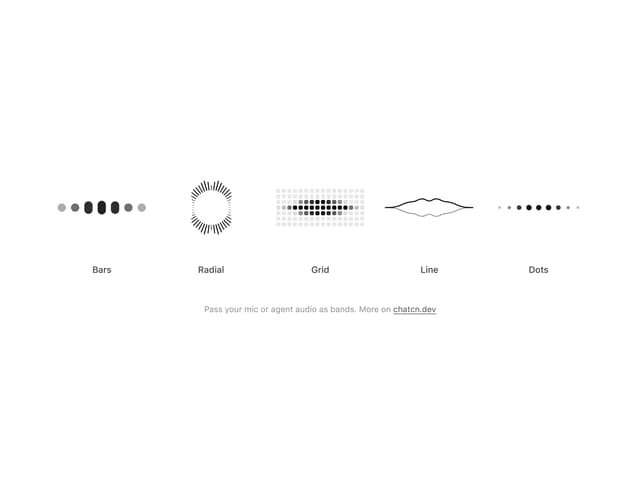
Audio Visualizer
29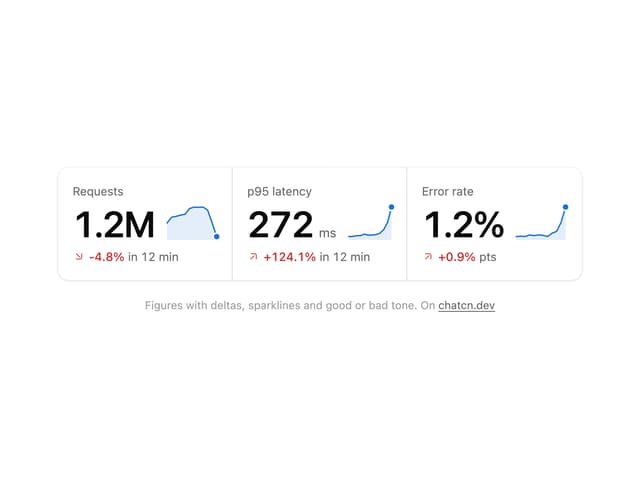
Stat Card
24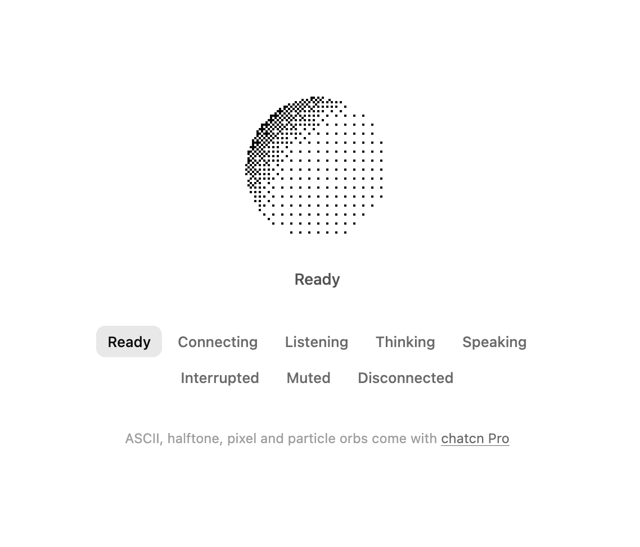
Dither Orb
23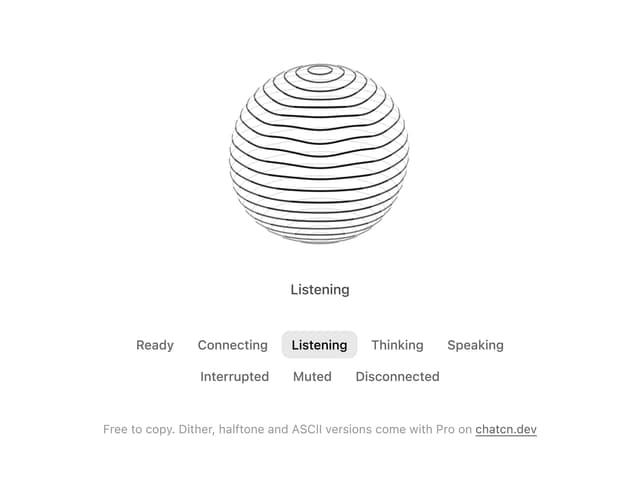
Voice Orb
17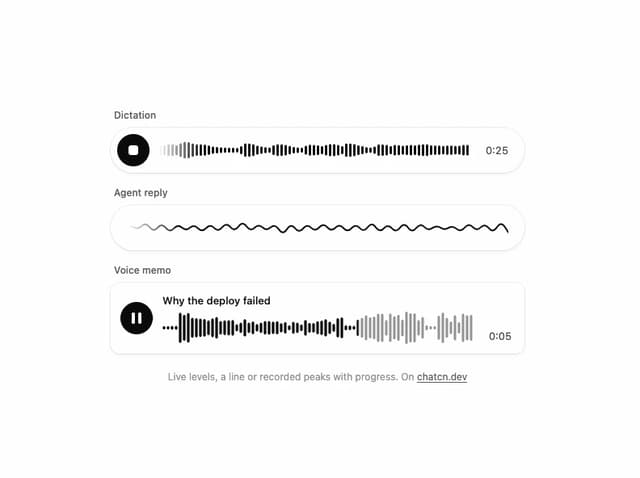
Waveform
13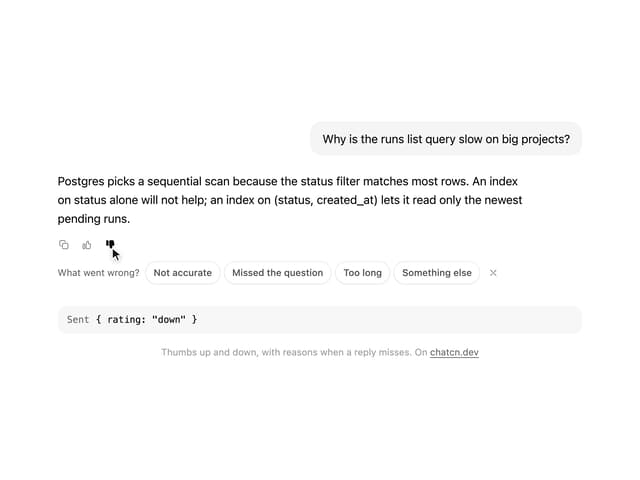
Message Feedback
12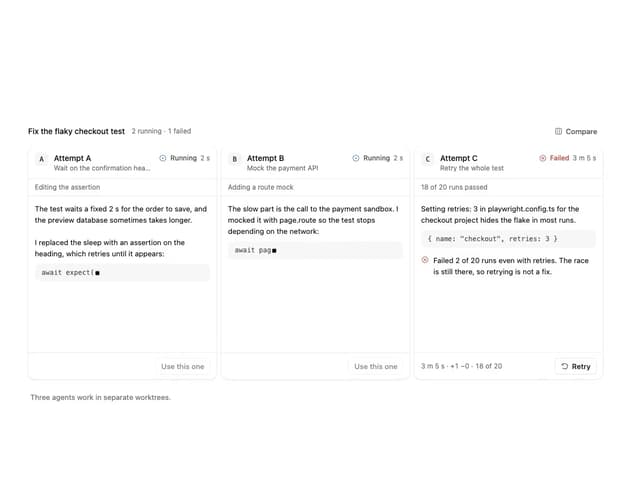
Agent Lanes
11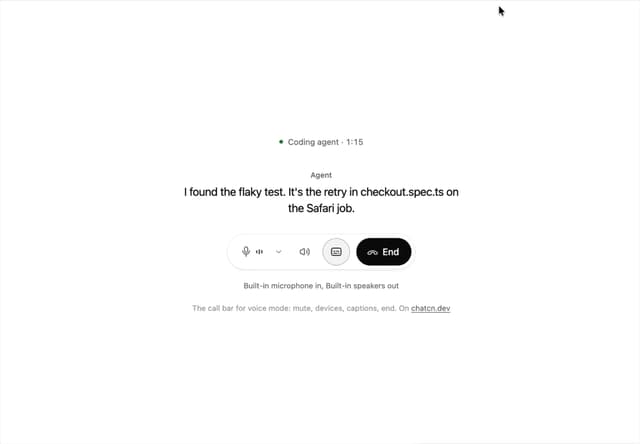
Voice Controls
10
More in AI chats
View all

AI Actions
349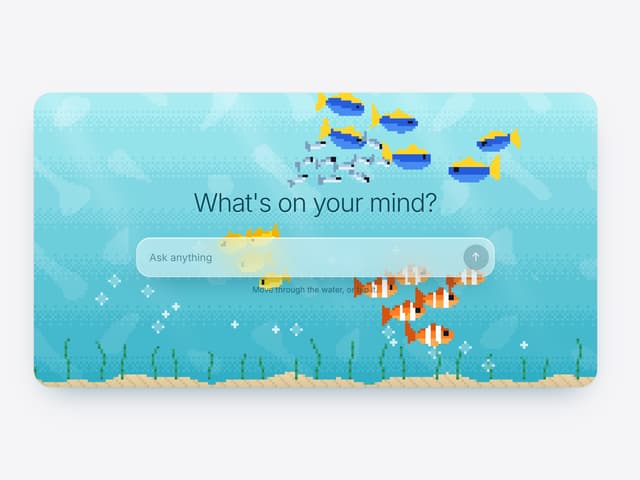

Aquarium Prompt
95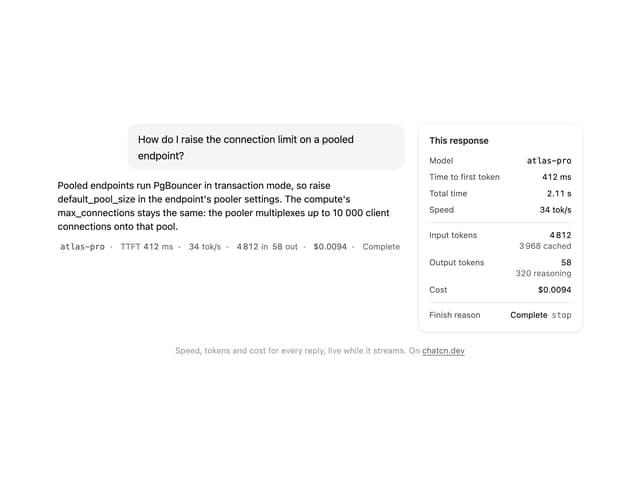
Generation Stats

Chat Bubble
202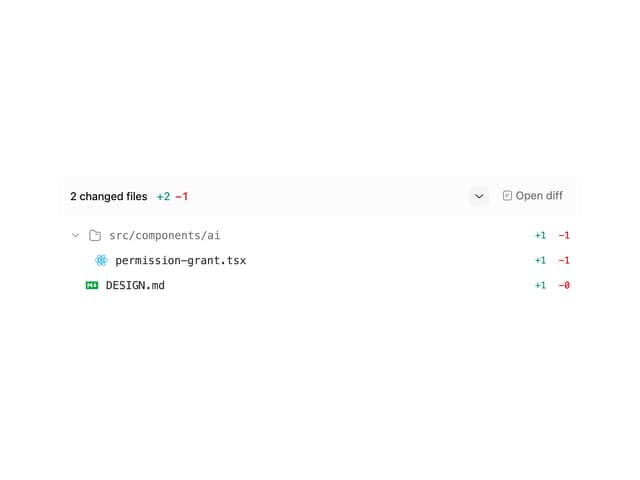
Commit
36
Color Picker
190
Environment Variables
27

Message With Header And Delivery Status
57

