
About
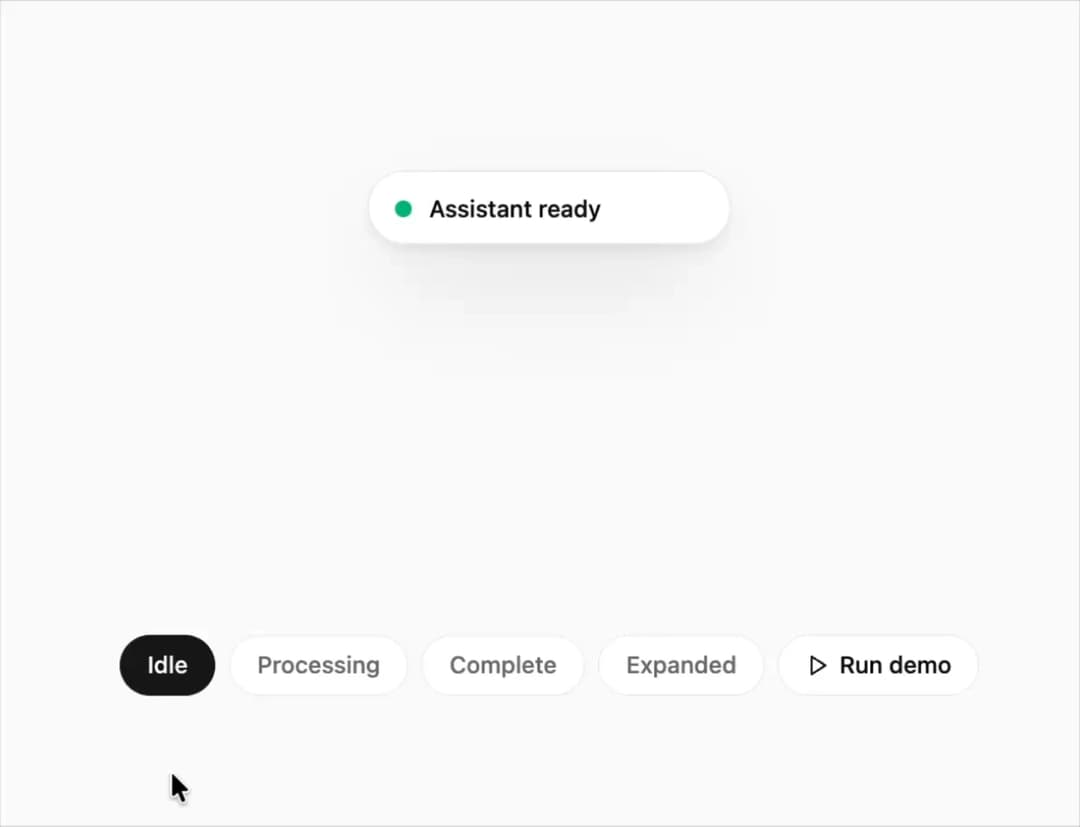
An Apple Dynamic Island-inspired morphing status widget built with Framer Motion spring physics. Smoothly expands from a compact idle pill into rich live states for AI tasks, file uploads, and audio playback.
Built with React and Tailwind. Copy the prompt and paste it into Claude Code, Cursor or Lovable: your agent adds Morphing Dynamic Island Status & Action Pill to your project and fits it to your theme.
Code
How Morphing Dynamic Island Status & Action Pill is used: the demo's code. The component's own source comes with a free account.
Usage.tsx
// This is a file with a demo for your component
// That's what users will see in the preview
// Create new files in this directory to add more demos

"use client";

import * as React from "react";
import { Clock, Coins, Copy, Cpu, Pause, Play, RotateCcw, type LucideIcon } from "lucide-react";
import { Component, type IslandState } from "@/components/ui/morphing-dynamic-island-status-action-pill";
import { cn } from "@/lib/utils";


/* ------------------------------------------------------------------ */
/* Demo content                                                        */
/* ------------------------------------------------------------------ */

const METRICS: { icon: LucideIcon; label: string; value: string }[] = [
  { icon: Cpu, label: "Tokens", value: "12.4k" },
  { icon: Clock, label: "Latency", value: "820 ms" },
  { icon: Coins, label: "Cost", value: "$0.03" },
];

function Details({ paused, onPause, onRetry }: { paused: boolean; onPause: () => void; onRetry: () => void }) {
  return (
    <div className="space-y-3">
      {/* Live numbers */}
      <div className="grid grid-cols-3 gap-2">
        {METRICS.map(({ icon: Icon, label, value }) => (
          <div key={label} className="rounded-xl border border-border bg-muted/40 p-2.5">
            <Icon className="size-3.5 text-muted-foreground" aria-hidden="true" />
            <p className="mt-1.5 text-sm font-semibold tabular-nums">{value}</p>
            <p className="text-[11px] text-muted-foreground">{label}</p>
          </div>
        ))}
      </div>

      {/* Quick controls */}
      <div className="flex gap-2">
        <button
          type="button"
          onClick={onPause}
          className="inline-flex h-9 flex-1 items-center justify-center gap-1.5 rounded-xl bg-primary text-xs font-semibold text-primary-foreground transition-opacity hover:opacity-90 focus-visible:outline-none focus-visible:ring-2 focus-visible:ring-ring"
        >
          {paused ? <Play className="size-3.5" aria-hidden="true" /> : <Pause className="size-3.5" aria-hidden="true" />}
          {paused ? "Resume" : "Pause"}
        </button>
        <button
          type="button"
          onClick={onRetry}
          aria-label="Restart"
          className="grid size-9 place-items-center rounded-xl border border-border text-muted-foreground transition-colors hover:bg-accent hover:text-accent-foreground focus-visible:outline-none focus-visible:ring-2 focus-visible:ring-ring"
        >
          <RotateCcw className="size-4" aria-hidden="true" />
        </button>
        <button
          type="button"
          aria-label="Copy result"
          className="grid size-9 place-items-center rounded-xl border border-border text-muted-foreground transition-colors hover:bg-accent hover:text-accent-foreground focus-visible:outline-none focus-visible:ring-2 focus-visible:ring-ring"
        >
          <Copy className="size-4" aria-hidden="true" />
        </button>
      </div>
    </div>
  );
}


/* ------------------------------------------------------------------ */
/* Demo                                                                */
/* ------------------------------------------------------------------ */

const COPY: Record<IslandState, { title: string; subtitle?: string }> = {
  idle: { title: "Assistant ready" },
  processing: { title: "Summarizing report", subtitle: "Reading 14 pages" },
  complete: { title: "Summary ready", subtitle: "6 key points found" },
  expanded: { title: "Summarizing report", subtitle: "Reading 14 pages" },
};

const BUTTONS: { id: IslandState; label: string }[] = [
  { id: "idle", label: "Idle" },
  { id: "processing", label: "Processing" },
  { id: "complete", label: "Complete" },
  { id: "expanded", label: "Expanded" },
];

export default function DemoOne() {
  const [state, setState] = React.useState<IslandState>("idle");
  const [progress, setProgress] = React.useState(0);
  const [paused, setPaused] = React.useState(false);

  // The state the island returns to when the card is closed
  const lastState = React.useRef<IslandState>("processing");

  const go = (next: IslandState) => {
    if (next !== "expanded") lastState.current = next;
    if (next === "processing") {
      setProgress(0);
      setPaused(false);
    }
    if (next === "complete") setProgress(100);
    setState(next);
  };

  // Progress moves on its own while something is processing. When it hits 100 the island finishes.
  React.useEffect(() => {
    const running = state === "processing" || (state === "expanded" && lastState.current === "processing");
    if (!running || paused) return;

    const id = window.setInterval(() => {
      setProgress((p) => Math.min(100, p + 4));
    }, 160);
    return () => window.clearInterval(id);
  }, [state, paused]);

  React.useEffect(() => {
    if (progress < 100) return;
    if (state === "processing") go("complete");
    else if (state === "expanded" && lastState.current === "processing") lastState.current = "complete";
  }, [progress, state]);

  // Expanded view shows the live phase it was opened from
  const phase = state === "expanded" ? lastState.current : state;
  const copy = phase === "complete" ? COPY.complete : COPY[state === "expanded" ? "processing" : state];

  return (
    <div className="flex min-h-[560px] w-full flex-col items-center justify-center gap-10 bg-muted/40 px-4 py-16 text-foreground">
      <div className="flex min-h-[260px] w-full items-start justify-center pt-6">
        <Component
          state={state}
          title={copy.title}
          subtitle={copy.subtitle}
          progress={phase === "idle" ? undefined : progress}
          actionLabel="Open"
          onAction={() => go("idle")}
          onToggleExpand={() => go(state === "expanded" ? lastState.current : "expanded")}
          expandedContent={
            <Details
              paused={paused}
              onPause={() => setPaused((p) => !p)}
              onRetry={() => {
                setPaused(false);
                setProgress(0);
                lastState.current = "processing";
                setState("expanded");
              }}
            />
          }
        />
      </div>

      {/* Buttons to try every state */}
      <div role="group" aria-label="Island state" className="flex flex-wrap items-center justify-center gap-2">
        {BUTTONS.map((b) => (
          <button
            key={b.id}
            type="button"
            aria-pressed={state === b.id}
            onClick={() => go(b.id)}
            className={cn(
              "h-9 rounded-full border px-4 text-sm font-medium transition-colors focus-visible:outline-none focus-visible:ring-2 focus-visible:ring-ring",
              state === b.id ? "border-primary bg-primary text-primary-foreground" : "border-border bg-card text-muted-foreground hover:text-foreground"
            )}
          >
            {b.label}
          </button>
        ))}
        <button
          type="button"
          onClick={() => go("processing")}
          className="inline-flex h-9 items-center gap-1.5 rounded-full border border-border bg-card px-4 text-sm font-medium text-foreground transition-colors hover:bg-accent focus-visible:outline-none focus-visible:ring-2 focus-visible:ring-ring"
        >
          <Play className="size-3.5" aria-hidden="true" />
          Run demo
        </button>
      </div>
    </div>
  );
}
Dependencies
More by themeocean
View all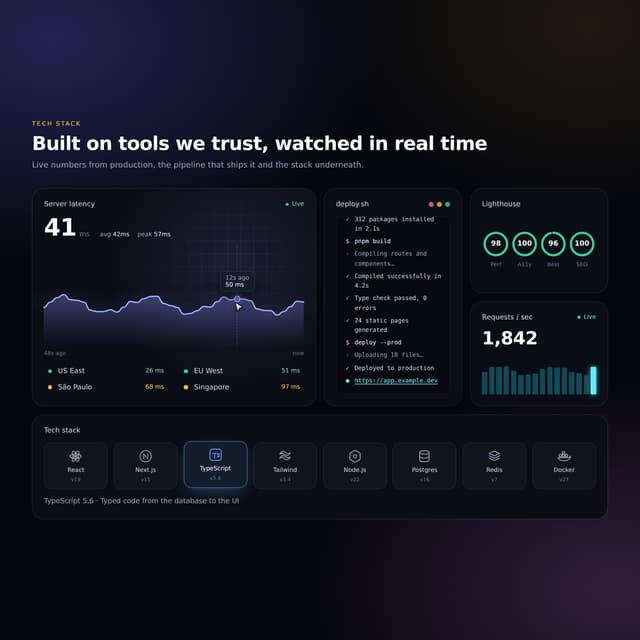

Interactive Tech Stack Bento Grid with Hover Effects
707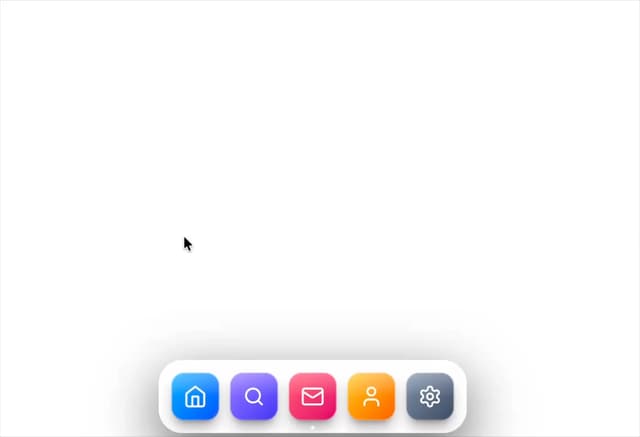
Mac-Style Floating Dock
74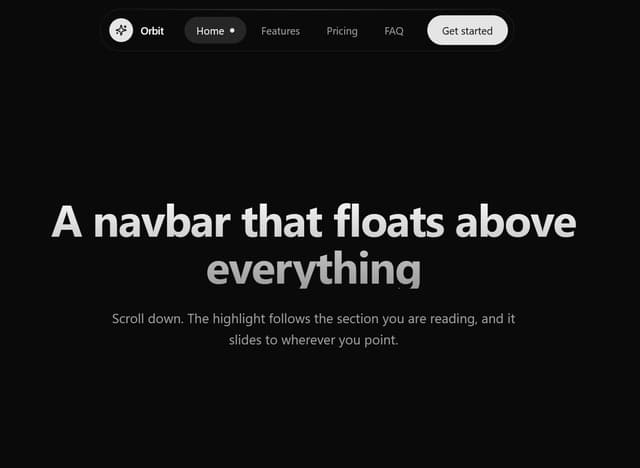
Floating Glassmorphic Navbar with Morphing Pill Indicator
62
Nexus 3D Animated Login - Futuristic Authentication UI
51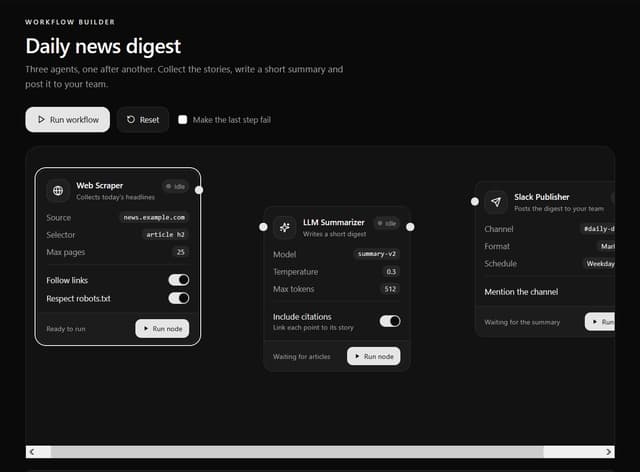
Interactive AI Agent Workflow Node Card
23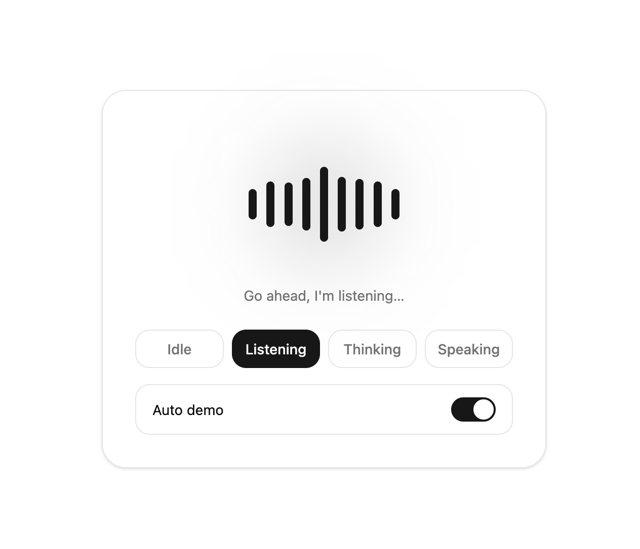
Interactive AI Voice Assistant Audio Visualizer
18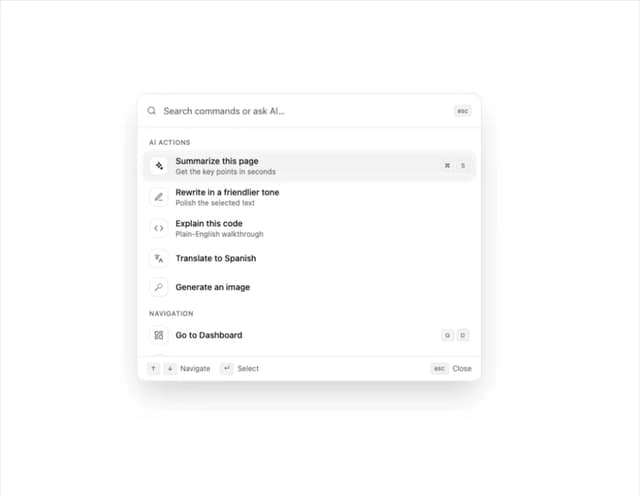
Sleek AI Command Menu (CMDK) with Fuzzy Search
18
3D Animated Tilt & Dynamic Glow Card
14
More in AI chats
View all

AI Actions
361

Aquarium Prompt
158
Color Picker
224

AI Task List
198
Interactive LLM Token & Context Window Visualizer
2

AI Orb
211

Message
53
Commit
43
