
About
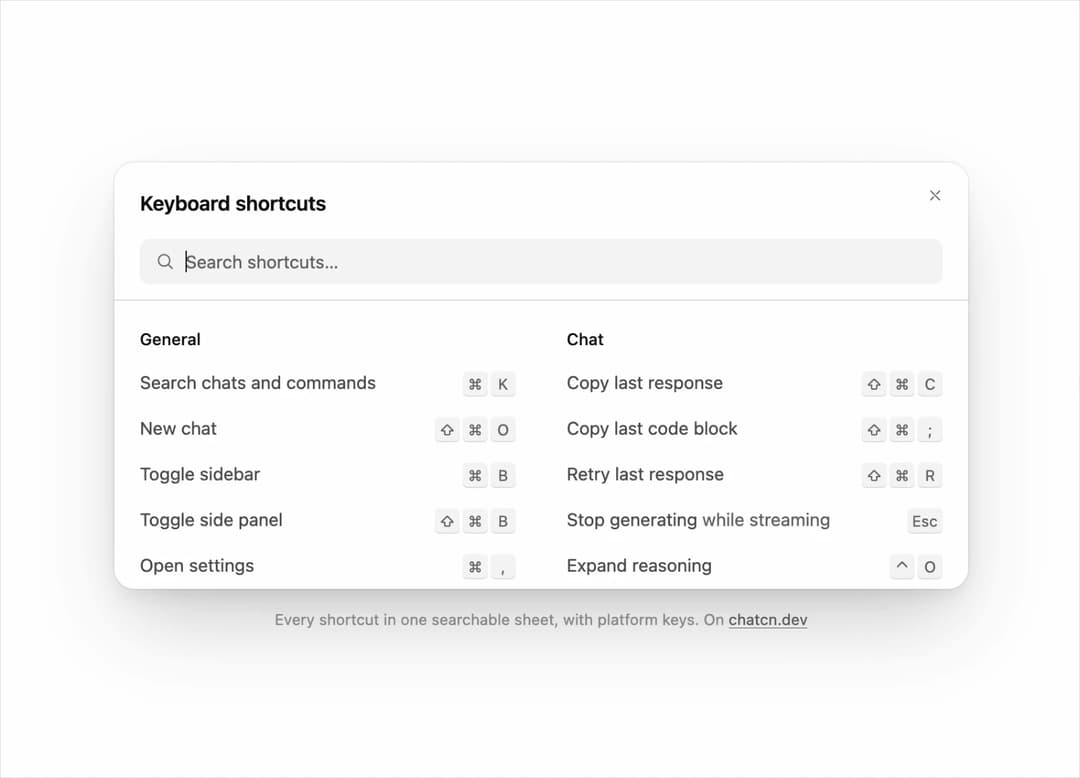
A searchable sheet of every keyboard shortcut in a chat app, grouped by area, with platform key labels.
Built with React and Tailwind. Copy the prompt and paste it into Claude Code, Cursor or Lovable: your agent adds Keyboard Shortcuts to your project and fits it to your theme.
Code
How Keyboard Shortcuts is used: the demo's code. The component's own source comes with a free account.
Usage.tsx
"use client"

import * as React from "react"
import { KeyboardShortcuts } from "@/components/ui/keyboard-shortcuts"

const reducedMotion = () =>
  typeof window !== "undefined" && window.matchMedia("(prefers-reduced-motion: reduce)").matches

const STOP = Symbol("stop")

/**
 * Runs `script` in a loop with a `wait(ms)` that stops cleanly on unmount or once `active` turns
 * false. Reduced motion never starts it.
 */
function useLoop(
  script: (wait: (ms: number) => Promise<void>) => Promise<void>,
  active = true,
) {
  const ref = React.useRef(script)
  ref.current = script
  React.useEffect(() => {
    if (!active || reducedMotion()) return
    let alive = true
    const timers = new Set<number>()
    const wait = (ms: number) =>
      new Promise<void>((resolve, reject) => {
        const id = window.setTimeout(() => {
          timers.delete(id)
          if (alive) resolve()
          else reject(STOP)
        }, ms)
        timers.add(id)
      })
    ;(async () => {
      try {
        while (alive) await ref.current(wait)
      } catch (error) {
        if (error !== STOP) throw error
      }
    })()
    return () => {
      alive = false
      for (const id of timers) window.clearTimeout(id)
    }
  }, [active])
}

/** Searches the tour types: each narrows the list to something different. Empty shows them all. */
const QUERIES = ["copy", "stop", "chat"]

/** Types into the dialog's own search field, the way a keyboard would. */
function typeInto(input: HTMLInputElement | null, value: string) {
  if (!input) return
  const setter = Object.getOwnPropertyDescriptor(HTMLInputElement.prototype, "value")?.set
  setter?.call(input, value)
  input.dispatchEvent(new Event("input", { bubbles: true }))
}

const TYPE_MS = 110

const FIT_CSS = "html,body{overflow:hidden}[data-fit-small] [data-fit-hide]{display:none!important}"

/**
 * 21st shows a demo in a small frame: about 674 by 421 on a component page, 358 by 224 on a
 * phone and 245 by 139 on a profile card. A demo taller than its frame gets scrollbars, which
 * render white on dark pages. FitFrame fills the frame exactly instead.
 *
 * - "scale": the content shrinks until it fits, centered. For visuals such as orbs.
 * - "crop": the content stays at full size from the top and fades out at the bottom. For text
 *   that streams in, where a changing scale would make the page breathe.
 *
 * `minWidth` lays out a wide demo (a table, a two column panel) at that width and scales it down
 * to the frame, instead of letting it collapse to a narrow layout. The frame centers it, so it
 * shrinks evenly on both sides.
 *
 * Anything marked `data-fit-hide` (state buttons, the chatcn.dev line) drops out in frames
 * shorter than `hideBelow`, so a profile card shows the visual alone.
 */
function FitFrame({
  children,
  mode = "scale",
  hideBelow = 360,
  minWidth,
}: {
  children: React.ReactNode
  mode?: "scale" | "crop"
  hideBelow?: number
  minWidth?: string
}) {
  const content = React.useRef<HTMLDivElement>(null)
  const [cropped, setCropped] = React.useState(false)

  React.useLayoutEffect(() => {
    const el = content.current
    if (!el) return
    const measure = () => {
      const vw = window.innerWidth
      const vh = window.innerHeight
      el.toggleAttribute("data-fit-small", vh < hideBelow)
      // Layout sizes ignore the transform, so measuring never feeds back.
      const w = Math.max(el.offsetWidth, el.scrollWidth)
      const h = Math.max(el.offsetHeight, el.scrollHeight)
      const scale = mode === "scale" ? Math.min(1, vw / w, vh / h) : 1
      el.style.transform = scale < 1 ? `scale(${scale})` : ""
      setCropped(mode === "crop" && h > vh + 1)
    }
    measure()
    const observer = new ResizeObserver(measure)
    observer.observe(el)
    // Content that changes inside a fixed width box (a headline that cycles words) never resizes
    // the box itself, so changes below it measure again on the next frame.
    let frame = 0
    const mutations = new MutationObserver(() => {
      cancelAnimationFrame(frame)
      frame = requestAnimationFrame(measure)
    })
    mutations.observe(el, { subtree: true, childList: true, characterData: true })
    window.addEventListener("resize", measure)
    return () => {
      observer.disconnect()
      mutations.disconnect()
      cancelAnimationFrame(frame)
      window.removeEventListener("resize", measure)
    }
  }, [mode, hideBelow])

  const fade = "linear-gradient(to bottom, #000 calc(100% - 40px), transparent)"
  return (
    <div
      className="flex w-full justify-center overflow-hidden"
      style={{
        height: "100dvh",
        alignItems: mode === "crop" ? "flex-start" : "center",
        maskImage: cropped ? fade : undefined,
        WebkitMaskImage: cropped ? fade : undefined,
      }}
    >
      <style>{FIT_CSS}</style>
      <div
        ref={content}
        className="w-full shrink-0"
        style={{ transformOrigin: mode === "crop" ? "top center" : "center", minWidth }}
      >
        {children}
      </div>
    </div>
  )
}

/** The line under each 21st demo that points back to the kit. */
function MoreOn({ slug, children }: { slug: string; children: React.ReactNode }) {
  return (
    <p data-fit-hide className="text-[0.75rem]/[1rem] text-(color:--chatcn-fg-faint) text-center text-balance">
      {children}{" "}
      <a
        href={`https://chatcn.dev/docs/components/${slug}`}
        target="_blank"
        rel="noopener"
        className="text-(color:--chatcn-fg-subtle) hover:text-(color:--chatcn-fg) underline underline-offset-2"
      >
        chatcn.dev
      </a>
    </p>
  )
}

/**
 * The shortcuts sheet of a chat app, open in the preview: every shortcut grouped by area with Mac
 * key labels. The tour searches for copy, stop and chat, and the list narrows to the matches each
 * time, then clears. Loops. Type in the search to take over.
 */
export default function KeyboardShortcutsPreview() {
  const [container, setContainer] = React.useState<HTMLDivElement | null>(null)
  const [touring, setTouring] = React.useState(true)
  const input = () => container?.querySelector<HTMLInputElement>('input[type="search"]') ?? null

  useLoop(async (wait) => {
    for (const q of QUERIES) {
      await wait(2000)
      for (let n = 1; n <= q.length; n++) {
        typeInto(input(), q.slice(0, n))
        await wait(TYPE_MS)
      }
      await wait(2000)
      typeInto(input(), "")
    }
  }, touring && container !== null)

  return (
    <FitFrame minWidth="42rem">
      <div className="flex w-full flex-col items-center justify-center gap-4 p-6">
        <div
          ref={setContainer}
          onKeyDown={() => setTouring(false)}
          className="relative h-[21rem] w-full max-w-2xl [transform:translateZ(0)] [&_[data-slot=dialog-backdrop]]:hidden"
        >
          {container ? (
            <KeyboardShortcuts
              open
              onOpenChange={() => {}}
              hotkey={null}
              apple
              container={container}
              // The preview is scaled, so the screen based offsets would not fit it.
              className="top-0 left-0 h-full max-h-full w-full max-w-none translate-x-0 translate-y-0"
            />
          ) : null}
        </div>
        <MoreOn slug="keyboard-shortcuts">Every shortcut in one searchable sheet, with platform keys. On</MoreOn>
      </div>
    </FitFrame>
  )
}
Dependencies
More by Aadi
View all
Audio Visualizer
29
Stat Card
24
Dither Orb
23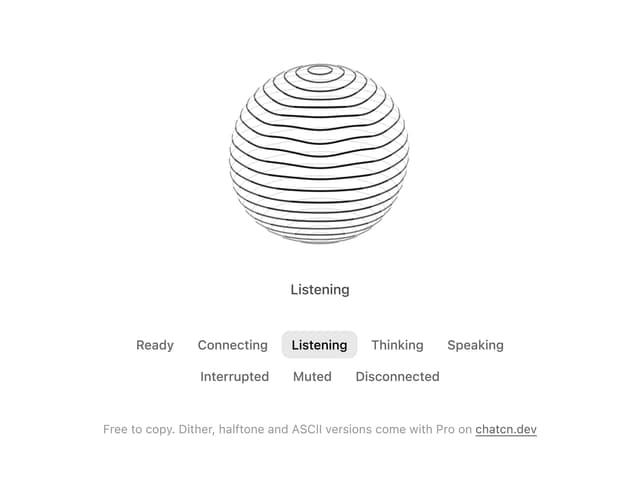
Voice Orb
17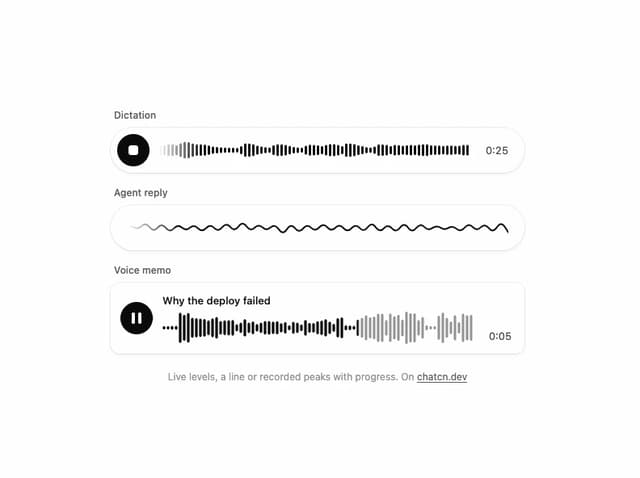
Waveform
13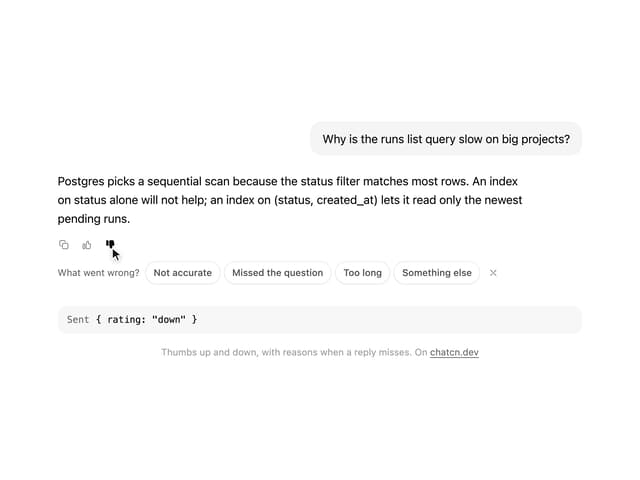
Message Feedback
12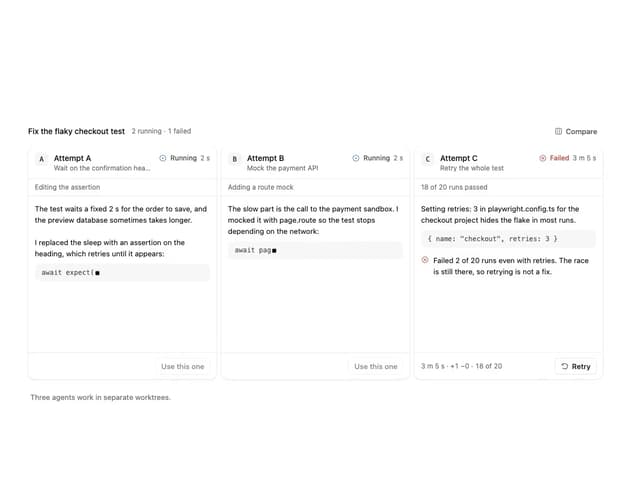
Agent Lanes
11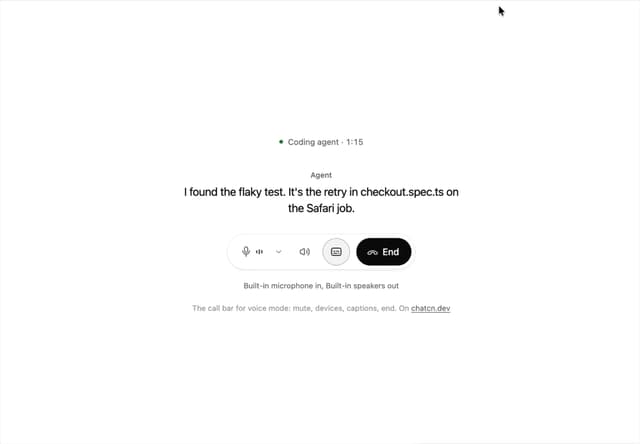
Voice Controls
10
More in AI chats
View all

AI Actions
349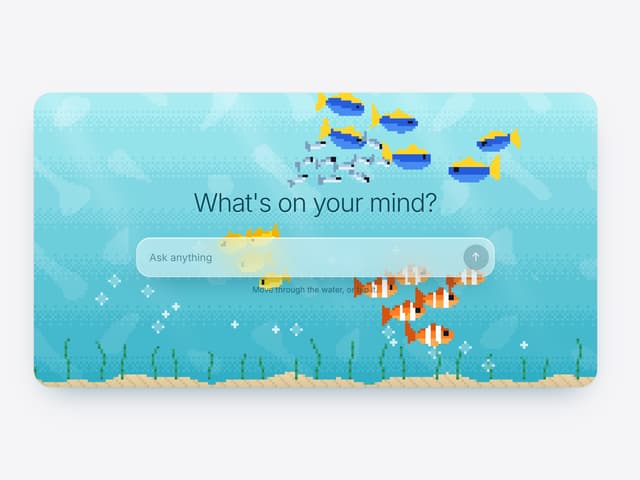

Aquarium Prompt
95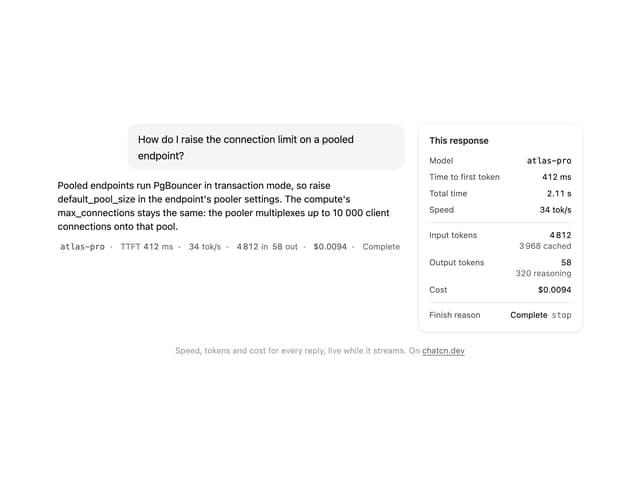
Generation Stats

Chat Bubble
202
Commit
36
Color Picker
190
Environment Variables
27

Message With Header And Delivery Status
57

