
About
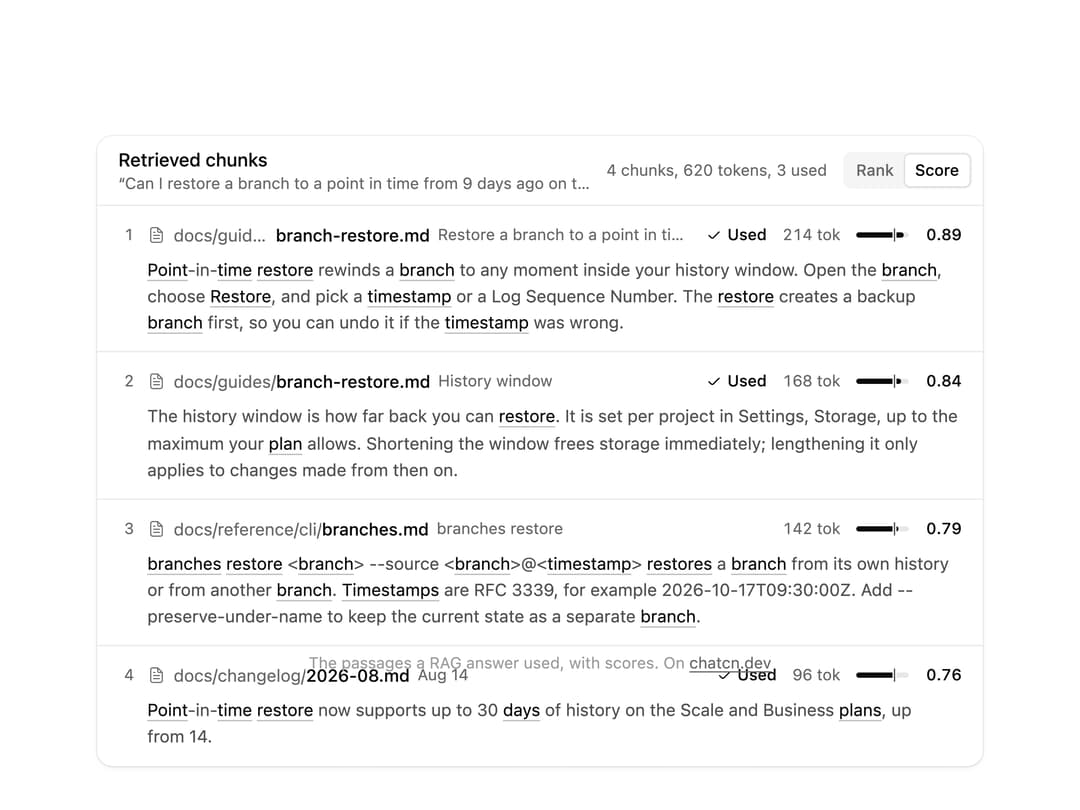
The passages a RAG answer was built from: each chunk with its source path, section, token count and relevance score, the words that matched highlighted, which ones were used, and a switch between rank and score order.
Built with React and Tailwind. Copy the prompt and paste it into Claude Code, Cursor or Lovable: your agent adds Retrieved Chunks to your project and fits it to your theme.
Code
How Retrieved Chunks is used: the demo's code. The component's own source comes with a free account.
Usage.tsx
"use client"

import * as React from "react"
import { RetrievedChunk, RetrievedChunks } from "@/components/ui/retrieved-chunks"

const FIT_CSS = "html,body{overflow:hidden}[data-fit-small] [data-fit-hide]{display:none!important}"

/**
 * 21st shows a demo in a small frame: about 674 by 421 on a component page, 358 by 224 on a
 * phone and 245 by 139 on a profile card. A demo taller than its frame gets scrollbars, which
 * render white on dark pages. FitFrame fills the frame exactly instead.
 *
 * - "scale": the content shrinks until it fits, centered. For visuals such as orbs.
 * - "crop": the content stays at full size from the top and fades out at the bottom. For text
 *   that streams in, where a changing scale would make the page breathe.
 *
 * `minWidth` lays out a wide demo (a table, a two column panel) at that width and scales it down
 * to the frame, instead of letting it collapse to a narrow layout. The frame centers it, so it
 * shrinks evenly on both sides.
 *
 * Anything marked `data-fit-hide` (state buttons, the chatcn.dev line) drops out in frames
 * shorter than `hideBelow`, so a profile card shows the visual alone.
 */
function FitFrame({
  children,
  mode = "scale",
  hideBelow = 360,
  minWidth,
}: {
  children: React.ReactNode
  mode?: "scale" | "crop"
  hideBelow?: number
  minWidth?: string
}) {
  const content = React.useRef<HTMLDivElement>(null)
  const [cropped, setCropped] = React.useState(false)

  React.useLayoutEffect(() => {
    const el = content.current
    if (!el) return
    const measure = () => {
      const vw = window.innerWidth
      const vh = window.innerHeight
      el.toggleAttribute("data-fit-small", vh < hideBelow)
      // Layout sizes ignore the transform, so measuring never feeds back.
      const w = Math.max(el.offsetWidth, el.scrollWidth)
      const h = Math.max(el.offsetHeight, el.scrollHeight)
      const scale = mode === "scale" ? Math.min(1, vw / w, vh / h) : 1
      el.style.transform = scale < 1 ? `scale(${scale})` : ""
      setCropped(mode === "crop" && h > vh + 1)
    }
    measure()
    const observer = new ResizeObserver(measure)
    observer.observe(el)
    // Content that changes inside a fixed width box (a headline that cycles words) never resizes
    // the box itself, so changes below it measure again on the next frame.
    let frame = 0
    const mutations = new MutationObserver(() => {
      cancelAnimationFrame(frame)
      frame = requestAnimationFrame(measure)
    })
    mutations.observe(el, { subtree: true, childList: true, characterData: true })
    window.addEventListener("resize", measure)
    return () => {
      observer.disconnect()
      mutations.disconnect()
      cancelAnimationFrame(frame)
      window.removeEventListener("resize", measure)
    }
  }, [mode, hideBelow])

  const fade = "linear-gradient(to bottom, #000 calc(100% - 40px), transparent)"
  return (
    <div
      className="flex w-full justify-center overflow-hidden"
      style={{
        height: "100dvh",
        alignItems: mode === "crop" ? "flex-start" : "center",
        maskImage: cropped ? fade : undefined,
        WebkitMaskImage: cropped ? fade : undefined,
      }}
    >
      <style>{FIT_CSS}</style>
      <div
        ref={content}
        className="w-full shrink-0"
        style={{ transformOrigin: mode === "crop" ? "top center" : "center", minWidth }}
      >
        {children}
      </div>
    </div>
  )
}

const restoreQuery =
  "Can I restore a branch to a point in time from 9 days ago on the Launch plan?"

/** What the retriever returned for the failed eval case: the plan limits chunk ranked 6th. */
const restoreChunks: RetrievedChunk[] = [
  {
    id: "k1",
    rank: 1,
    source: "docs/guides/branch-restore.md",
    href: "#branch-restore",
    location: "Restore a branch to a point in time",
    score: 0.89,
    tokens: 214,
    used: true,
    text: "Point-in-time restore rewinds a branch to any moment inside your history window. Open the branch, choose Restore, and pick a timestamp or a Log Sequence Number. The restore creates a backup branch first, so you can undo it if the timestamp was wrong.",
  },
  {
    id: "k2",
    rank: 2,
    source: "docs/guides/branch-restore.md",
    href: "#branch-restore",
    location: "History window",
    score: 0.84,
    tokens: 168,
    used: true,
    text: "The history window is how far back you can restore. It is set per project in Settings, Storage, up to the maximum your plan allows. Shortening the window frees storage immediately; lengthening it only applies to changes made from then on.",
  },
  {
    id: "k3",
    rank: 3,
    source: "docs/reference/cli/branches.md",
    location: "branches restore",
    score: 0.79,
    tokens: 142,
    used: false,
    text: "branches restore <branch> --source <branch>@<timestamp> restores a branch from its own history or from another branch. Timestamps are RFC 3339, for example 2026-10-17T09:30:00Z. Add --preserve-under-name to keep the current state as a separate branch.",
  },
  {
    id: "k4",
    rank: 4,
    source: "docs/changelog/2026-08.md",
    location: "Aug 14",
    score: 0.76,
    tokens: 96,
    used: true,
    text: "Point-in-time restore now supports up to 30 days of history on the Scale and Business plans, up from 14.",
  },
  {
    id: "k5",
    rank: 5,
    source: "docs/guides/backups.md",
    location: "Branching versus backups",
    score: 0.74,
    tokens: 188,
    used: false,
    text: "Branches are not backups on their own: a branch shares storage with its parent until it diverges. For a copy you can keep beyond the history window, export with pg_dump on a schedule, or create a branch from a timestamp and leave it unchanged. Restoring from a long-lived branch does not depend on the history window, because the branch holds its own data once it diverges from the parent.",
  },
  {
    id: "k6",
    rank: 6,
    source: "docs/introduction/plans.md",
    href: "#plans",
    location: "p. 3, Limits by plan",
    score: 0.69,
    tokens: 122,
    used: false,
    text: "History window: Free 1 day, Launch 7 days, Scale 30 days, Business 30 days. Restoring to a point older than your plan's window is not possible, even if the project was on a higher plan at that time.",
  },
  {
    id: "k7",
    rank: 7,
    source: "docs/manage/billing.md",
    location: "Storage pricing",
    score: 0.61,
    tokens: 104,
    used: false,
    text: "History is billed as storage. A longer history window keeps more change records, so a branch with heavy writes uses more storage at 30 days than at 7.",
  },
]

/** The skeleton holds the final layout while the retriever runs, then the chunks land. Replays. */
function RetrievedChunksLoading() {
  const [loading, setLoading] = React.useState(true)
  React.useEffect(() => {
    const id = window.setTimeout(() => setLoading((v) => !v), loading ? 1800 : 5000)
    return () => window.clearTimeout(id)
  }, [loading])
  return (
    <RetrievedChunks
      className="w-full max-w-2xl"
      query={restoreQuery}
      chunks={loading ? [] : restoreChunks.slice(0, 4)}
      loading={loading}
      threshold={0.72}
    />
  )
}

/** The line under each 21st demo that points back to the kit. */
function MoreOn({ slug, children }: { slug: string; children: React.ReactNode }) {
  return (
    <p data-fit-hide className="text-[0.75rem]/[1rem] text-(color:--chatcn-fg-faint) text-center text-balance">
      {children}{" "}
      <a
        href={`https://chatcn.dev/docs/components/${slug}`}
        target="_blank"
        rel="noopener"
        className="text-(color:--chatcn-fg-subtle) hover:text-(color:--chatcn-fg) underline underline-offset-2"
      >
        chatcn.dev
      </a>
    </p>
  )
}

/** The kit's own example, framed for the 21st preview. */
export default function RetrievedChunksPreview() {
  return (
    <FitFrame minWidth="38rem">
      <div className="flex w-full flex-col items-center justify-center gap-4 p-6">
        <div className="flex h-[23.5rem] w-full max-w-2xl items-start justify-center">
          <RetrievedChunksLoading />
        </div>
        <MoreOn slug="retrieved-chunks">The passages a RAG answer used, with scores. On</MoreOn>
      </div>
    </FitFrame>
  )
}
More by Aadi
View all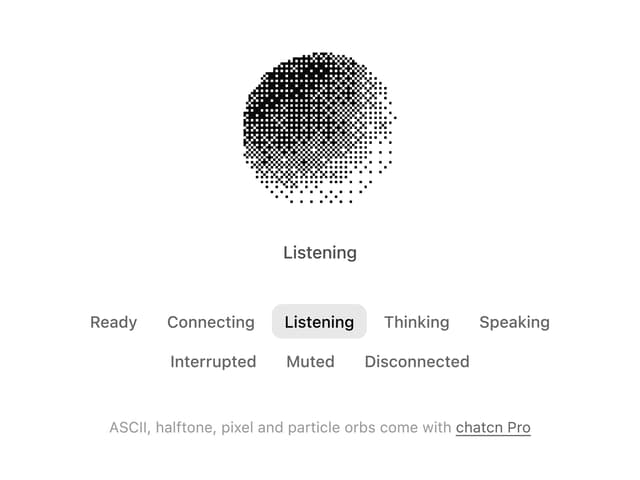
Dither Orb
12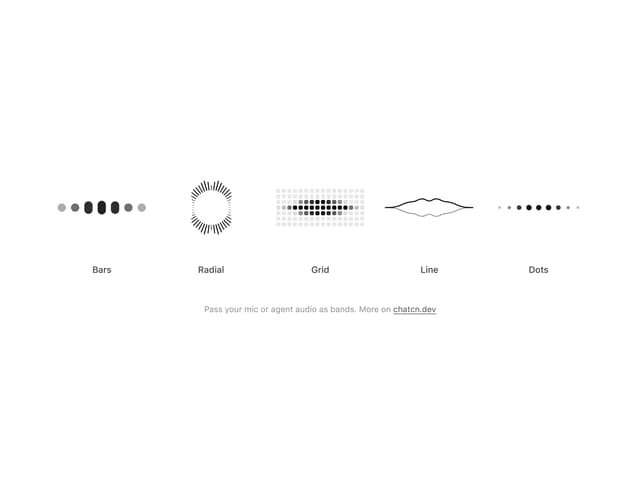
Audio Visualizer
9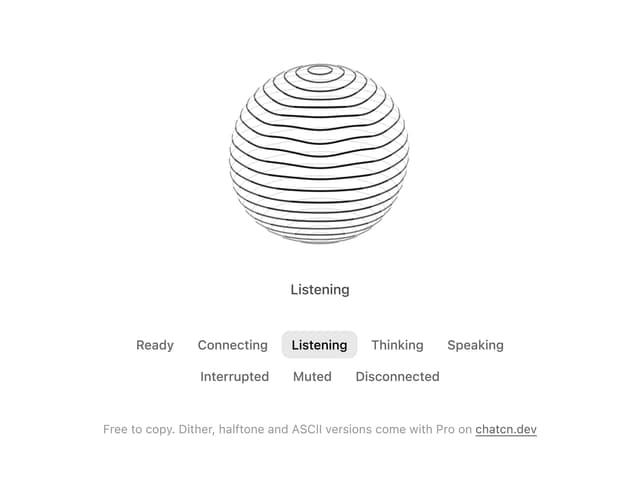
Voice Orb
8
Agent Lanes
6
Computer View
3
Waveform
2
Reasoning
2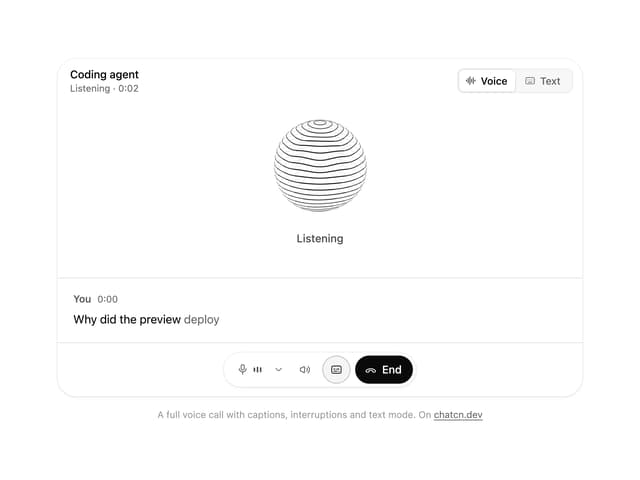
Voice Session
1
More in AI chats
View all

AI Actions
338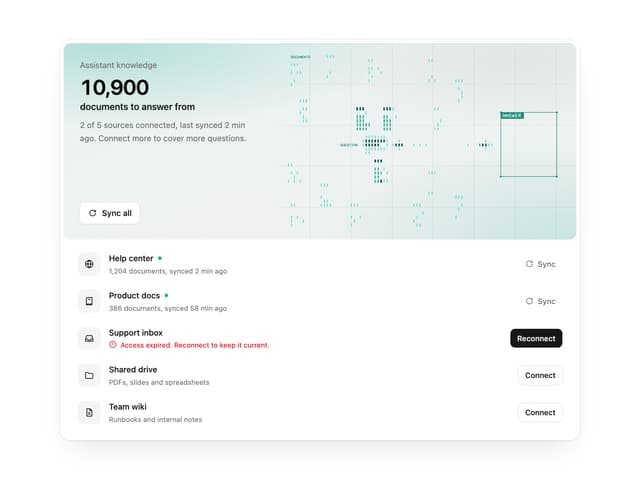

Illos Knowledge Sources
40

Aquarium Prompt
48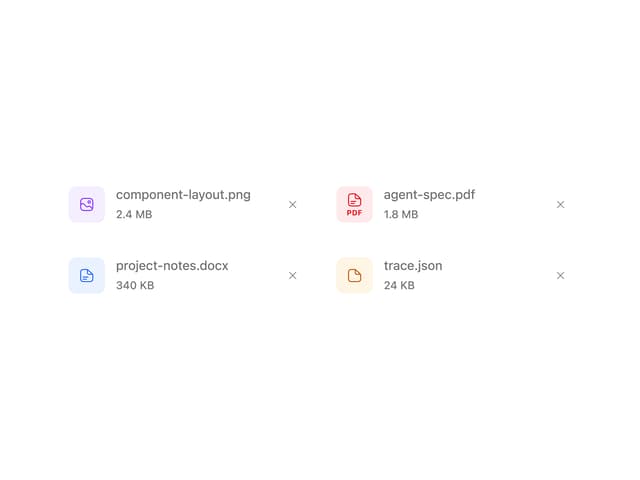
Attachments
38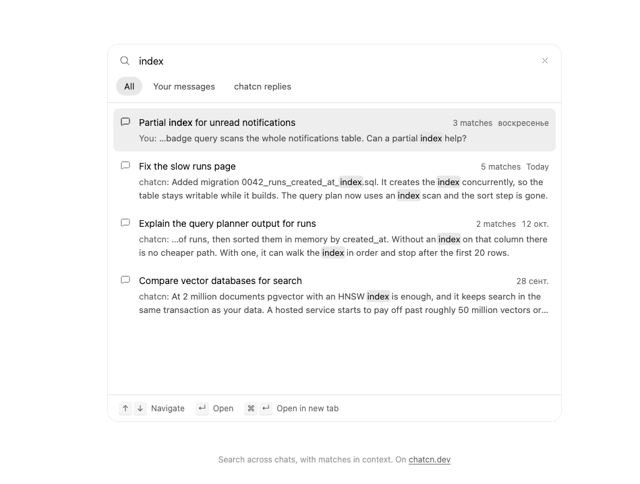
Chat Search
1
Color Picker
171
Commit
32
Chat Bubble
199

