
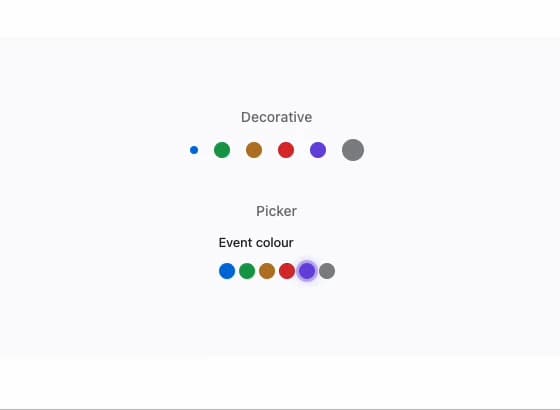
About
A small filled color ball used to represent or pick a semantic tone (accent, success, warning, danger, info, neutral), either as a decorative status dot or, grouped via SwatchGroup, as a labelled color picker control.
Built with React and Tailwind. Copy the prompt and paste it into Claude Code, Cursor or Lovable: your agent adds Swatch to your project and fits it to your theme.
Code
How Swatch is used: the demo's code. The component's own source comes with a free account.
Usage.tsx
"use client";

import React from "react";
import Swatch, { SwatchGroup } from "@/components/ui/swatch";

type Tone = "accent" | "success" | "warning" | "danger" | "info" | "neutral";

export default function SwatchDemo() {
  const [tone, setTone] = React.useState<Tone>("accent");

  return (
    <div
      className="mors-scope flex min-h-[320px] w-full flex-col items-center justify-center gap-10 p-10"
      style={{ background: "var(--mors-color-canvas)" }}
    >
      <div className="flex flex-col items-center gap-3">
        <span
          className="text-sm font-medium"
          style={{ color: "var(--mors-color-text-secondary)" }}
        >
          Decorative
        </span>
        <div className="flex items-center gap-4">
          <Swatch tone="accent" size="sm" />
          <Swatch tone="success" />
          <Swatch tone="warning" />
          <Swatch tone="danger" />
          <Swatch tone="info" />
          <Swatch tone="neutral" size="lg" />
        </div>
      </div>

      <div className="flex flex-col items-center gap-3">
        <span
          className="text-sm font-medium"
          style={{ color: "var(--mors-color-text-secondary)" }}
        >
          Picker
        </span>
        <SwatchGroup
          label="Event colour"
          value={tone}
          onChange={setTone}
          size="sm"
        />
      </div>
    </div>
  );
}
More by murad-sinatra
View all
Number Field
1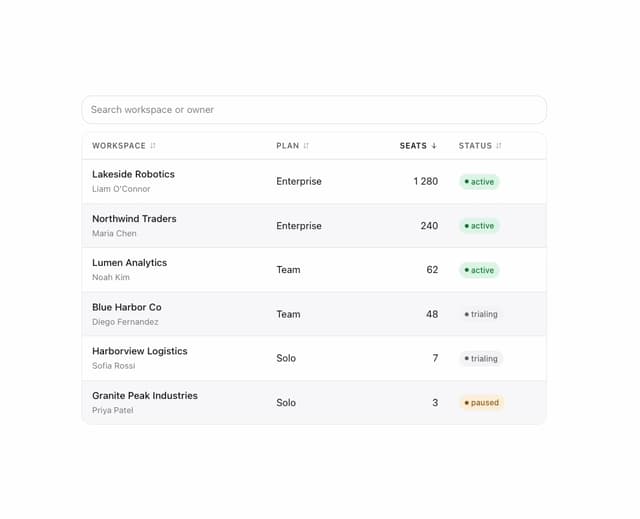
Table
Command Palette
Tooltip
Popover
Loaders
Mors Card
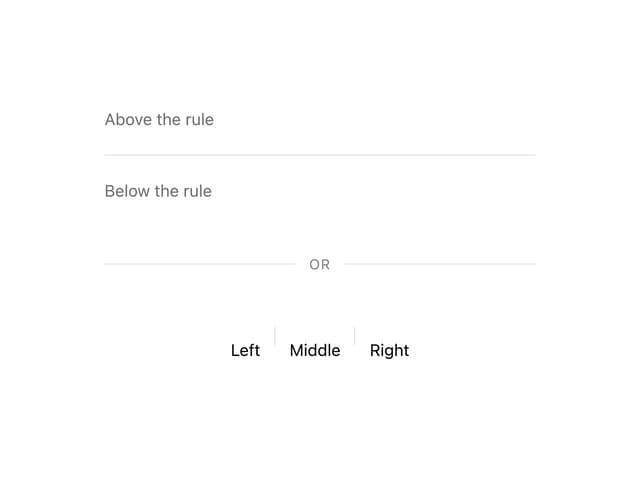
Divider
More in Forms
View all

Premium Auth
517

Contact Card
1K

Book A Demo 1
72
Authentication Card
48

Login 1
52
Login Card
6

Form
16

Modern & Stunning sign in
1.6K

