
About
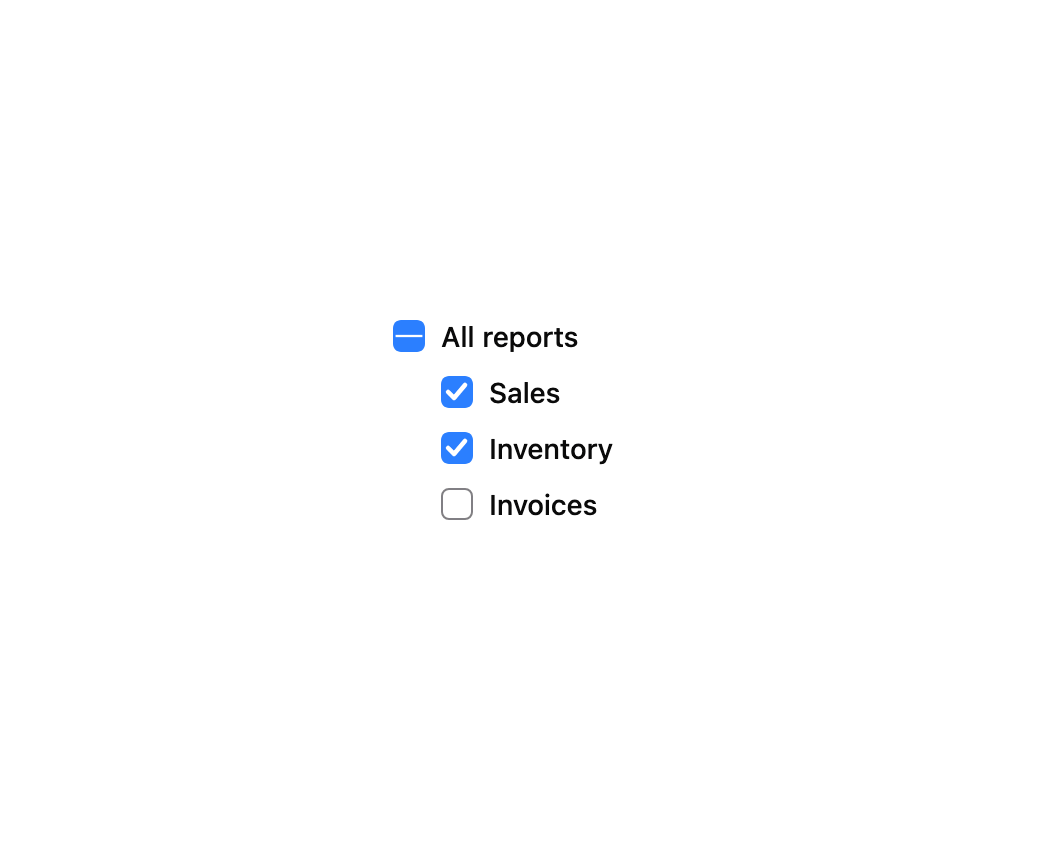
A checkbox form control with a label and optional description that works controlled or uncontrolled, and supports an indeterminate (partly checked) and a read-only state like a native checkbox.
Built with React and Tailwind. Copy the prompt and paste it into Claude Code, Cursor or Lovable: your agent adds Checkbox to your project and fits it to your theme.
Code
How Checkbox is used: the demo's code. The component's own source comes with a free account.
Usage.tsx
import Checkbox from "@/components/ui/checkbox";
import { useState } from "react";

const reports = ["Sales", "Inventory", "Invoices"];

export default function Indeterminate() {
  const [selected, setSelected] = useState(["Sales"]);

  return (
    <div className="space-y-2">
      <Checkbox
        checked={selected.length === reports.length}
        indeterminate={selected.length > 0 && selected.length < reports.length}
        label="All reports"
        onChange={(event) => setSelected(event.target.checked ? reports : [])}
      />
      <div className="space-y-2 pl-6">
        {reports.map((report) => (
          <Checkbox
            checked={selected.includes(report)}
            key={report}
            label={report}
            onChange={(event) =>
              setSelected((current) =>
                event.target.checked
                  ? [...current, report]
                  : current.filter((item) => item !== report),
              )
            }
          />
        ))}
      </div>
    </div>
  );
}
More by robertlib
View all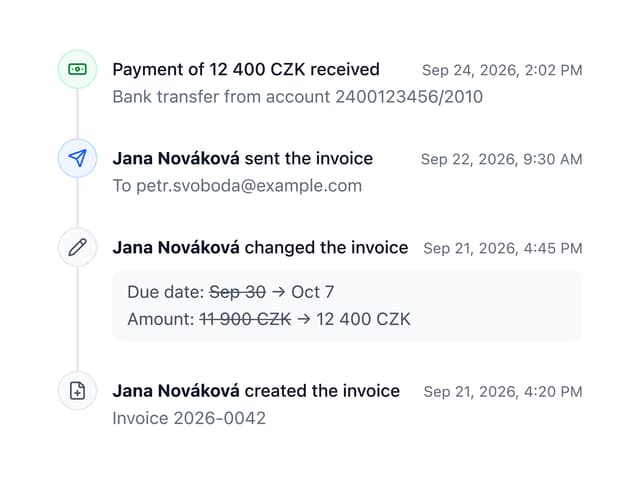
Timeline
17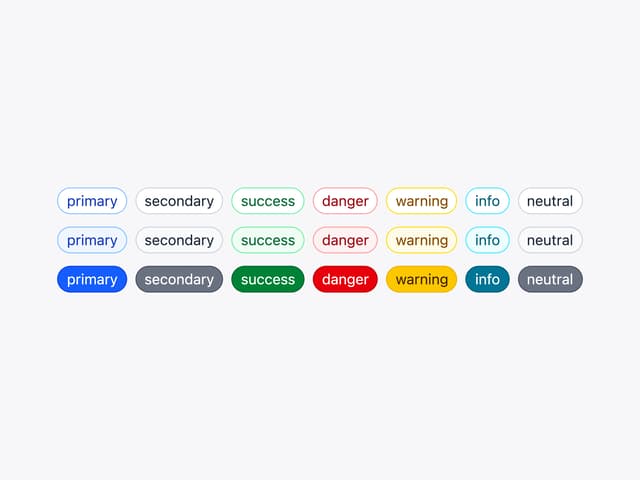
Chip
7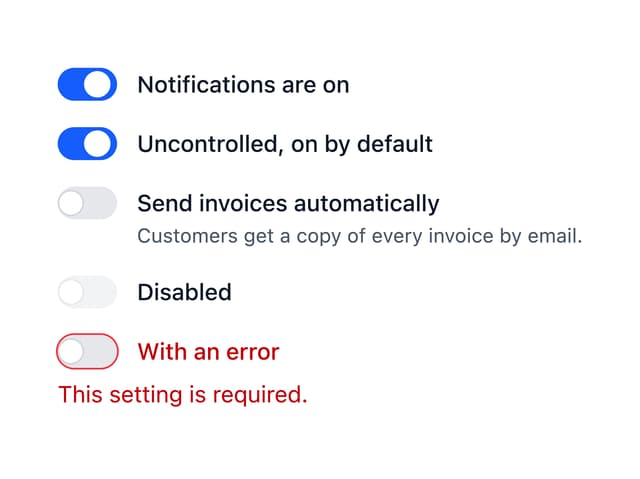
Switch
7
Spinner
5
Progress Indicator
5
Collapsible Content
4
Empty State
4
Form Error
2
More in Forms
View all

Premium Auth
577

Login 1
68

Contact Card
1.1K
Form
18

Login Card
36

Login 2
15

Change Password Form
11

Form
3