
About
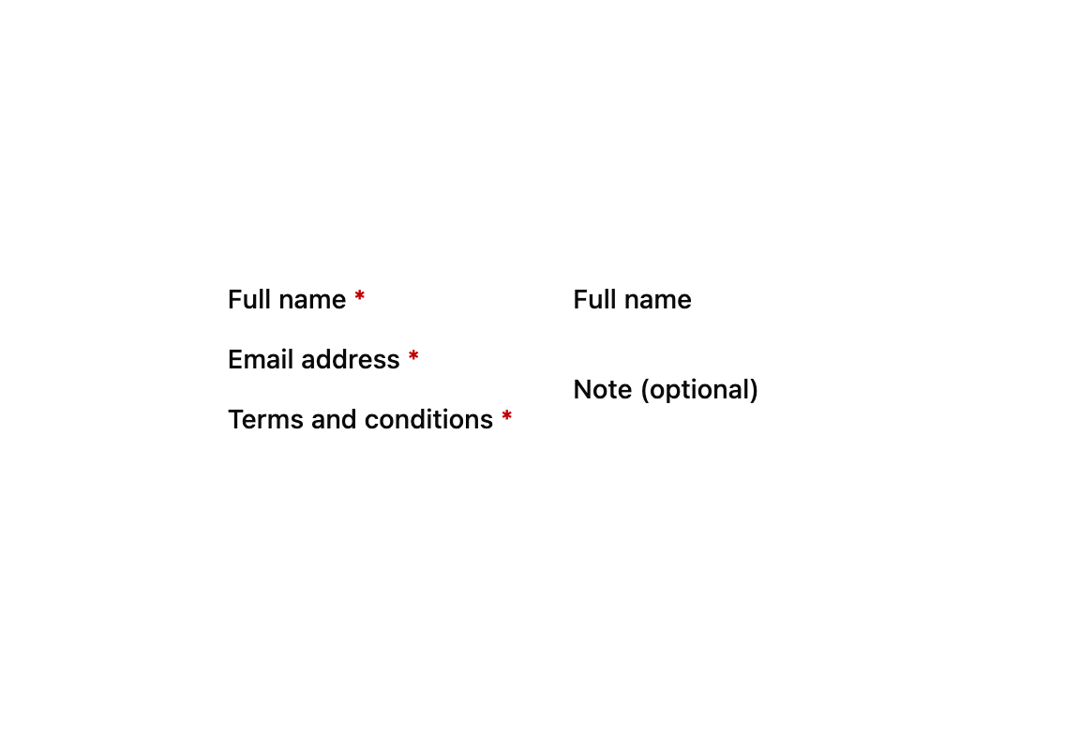
A small asterisk badge placed after a form field's label to visually flag it as required, hidden from screen readers since the control itself announces required state.
Built with React and Tailwind. Copy the prompt and paste it into Claude Code, Cursor or Lovable: your agent adds Required Mark to your project and fits it to your theme.
Code
How Required Mark is used: the demo's code. The component's own source comes with a free account.
Usage.tsx
import RequiredMark from "@/components/ui/required-mark";

export default function RequiredMarkDemo() {
  return (
    <div className="grid gap-8 sm:grid-cols-2">
      {/* Labels laid out by hand - the star is the eye's cue, the control's
          own `required`/`aria-required` is what a screen reader announces */}
      <div className="grid gap-3">
        <span className="text-sm font-medium text-foreground">
          Full name <RequiredMark />
        </span>
        <span className="text-sm font-medium text-foreground">
          Email address <RequiredMark />
        </span>
        <span className="text-sm font-medium text-foreground">
          Terms and conditions <RequiredMark />
        </span>
      </div>

      {/* A form that marks its optional fields instead - this hides the
          stars inside it */}
      <div className="grid gap-3" data-required-mark="hidden">
        <span className="text-sm font-medium text-foreground">
          Full name <RequiredMark />
        </span>
        <span className="text-sm font-medium text-foreground">
          Note (optional)
        </span>
      </div>
    </div>
  );
}
More by robertlib
View all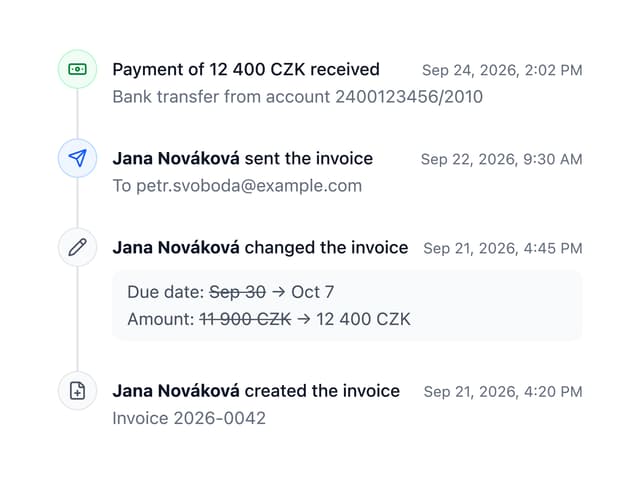
Timeline
8
Spinner
3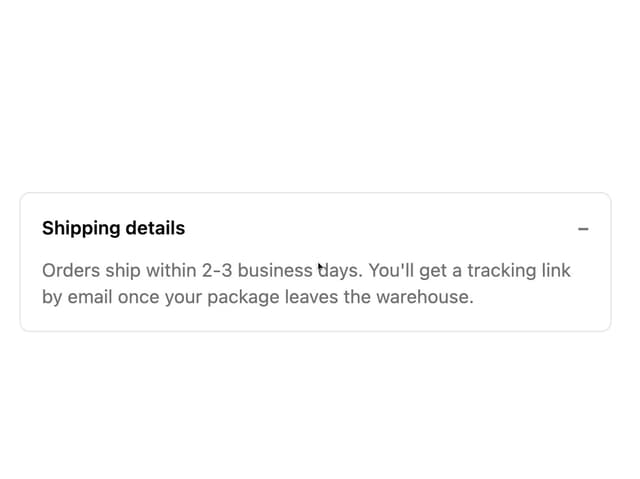
Collapsible Content
1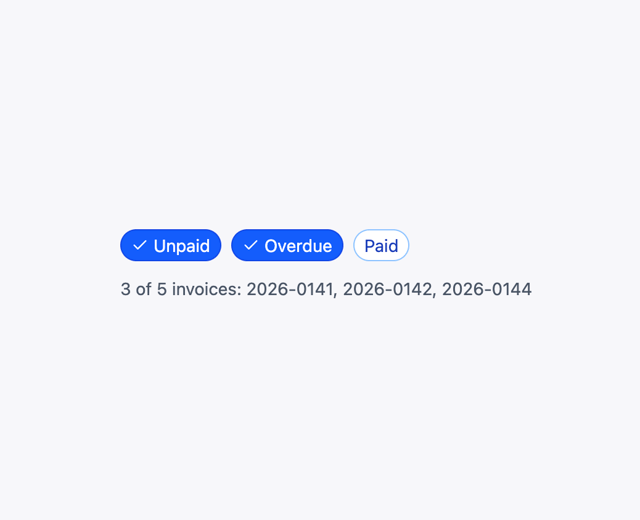
Chip
1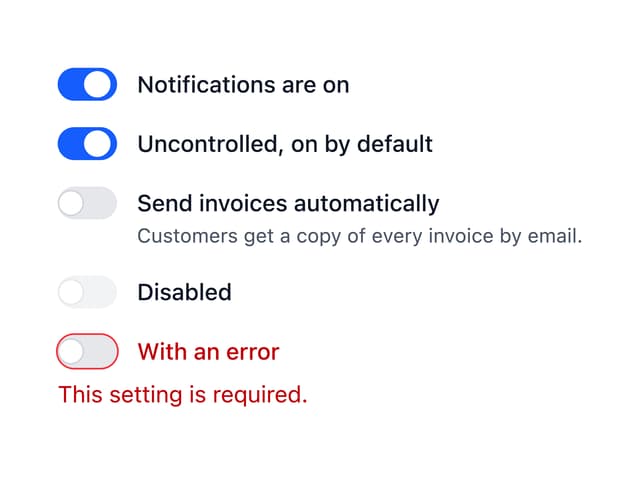
Switch
1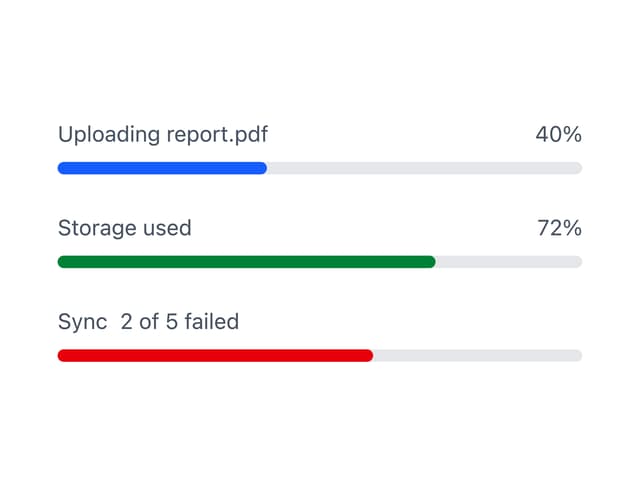
Progress Indicator
1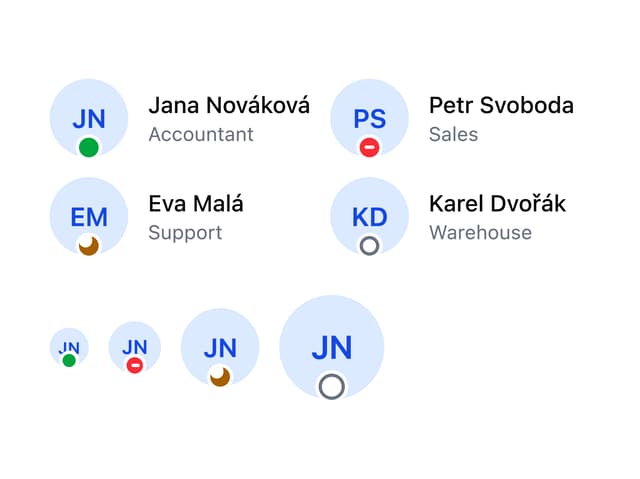
Avatar
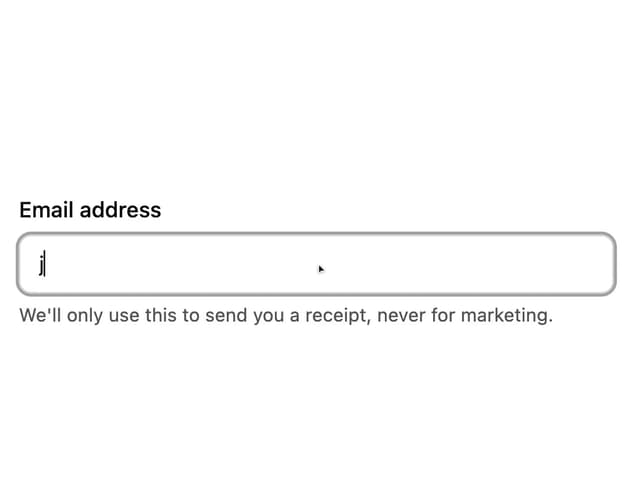
Form Description
More in Forms
View all

Premium Auth
524

Contact Card
1K

Book A Demo 1
73

Login 1
53

Form
137

Card Studio
41

Split Sign In Form
45
SignInPage
667
