
About
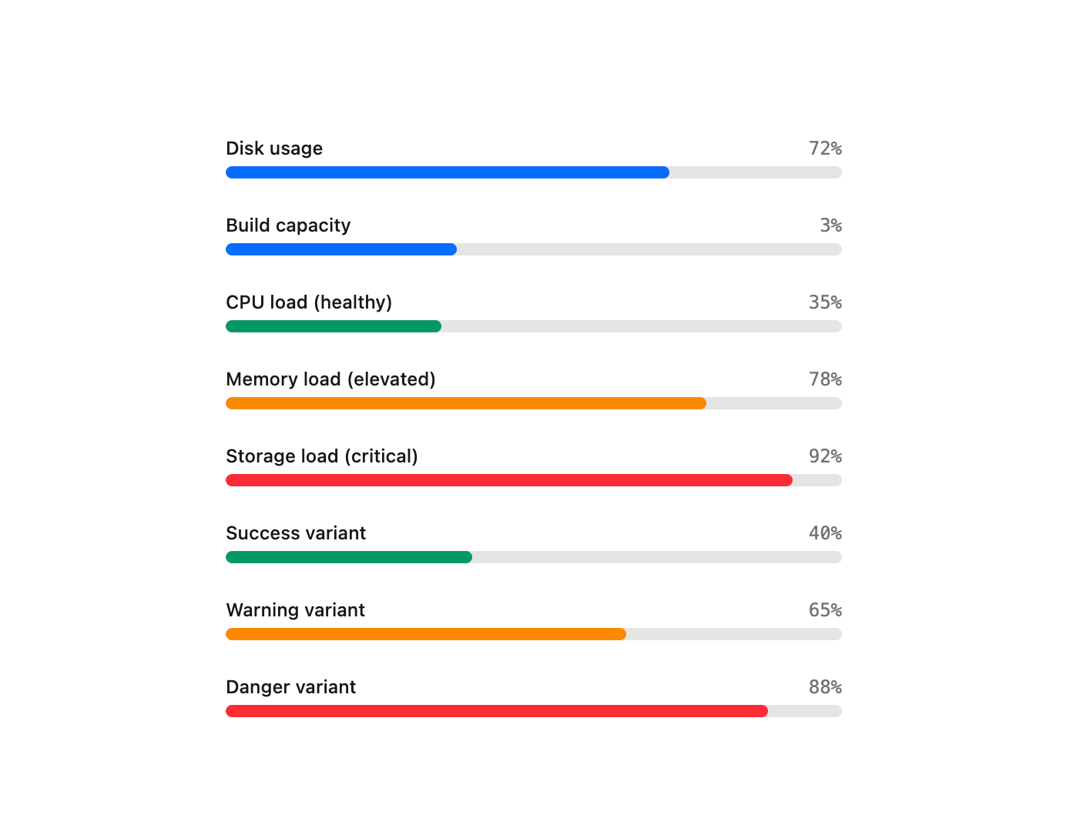
A compound meter/gauge component that displays a bounded numeric value as a labeled progress bar, with automatic color variants (success/warning/danger) based on low/high/optimum thresholds.
Built with React and Tailwind. Copy the prompt and paste it into Claude Code, Cursor or Lovable: your agent adds Meter to your project and fits it to your theme.
Code
How Meter is used: the demo's code. The component's own source comes with a free account.
Usage.tsx
"use client";

import * as React from "react";
import { Meter } from "@/components/ui/meter";

export default function MeterDemo() {
  const [capacity, setCapacity] = React.useState(3);

  return (
    <div className="flex w-full max-w-md flex-col gap-6 bg-background p-6 text-foreground">
      <Meter value={72} label="Disk usage" showValue />
      <Meter
        value={capacity}
        min={0}
        max={8}
        label="Build capacity"
        showValue
        onClick={() => setCapacity((c) => (c >= 8 ? 1 : c + 1))}
      />
      <Meter
        value={35}
        low={60}
        high={85}
        label="CPU load (healthy)"
        showValue
      />
      <Meter
        value={78}
        low={60}
        high={85}
        label="Memory load (elevated)"
        showValue
      />
      <Meter
        value={92}
        low={60}
        high={85}
        label="Storage load (critical)"
        showValue
      />
      <Meter value={40} variant="success" label="Success variant" showValue />
      <Meter value={65} variant="warning" label="Warning variant" showValue />
      <Meter value={88} variant="danger" label="Danger variant" showValue />
    </div>
  );
}
Dependencies
More by russellbloxwich
View all
Switch
Bubble
Field
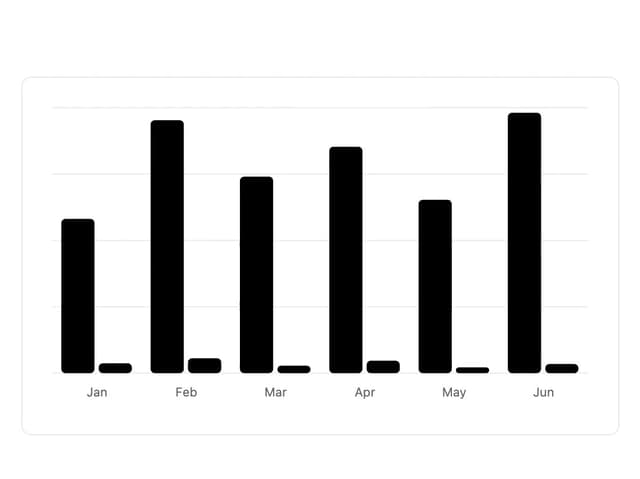
Chart
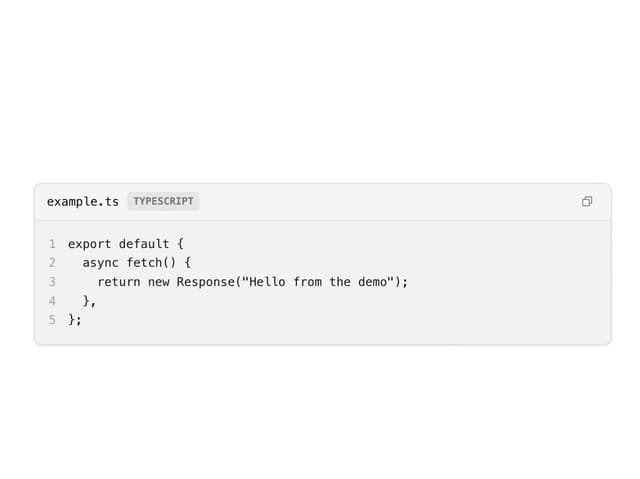
Code Block
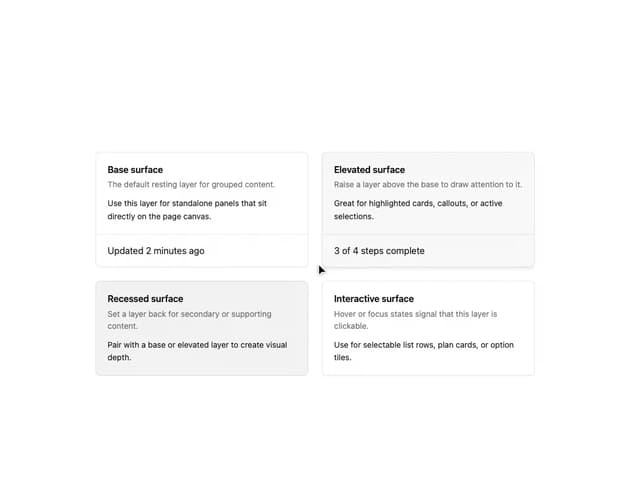
Layer Card
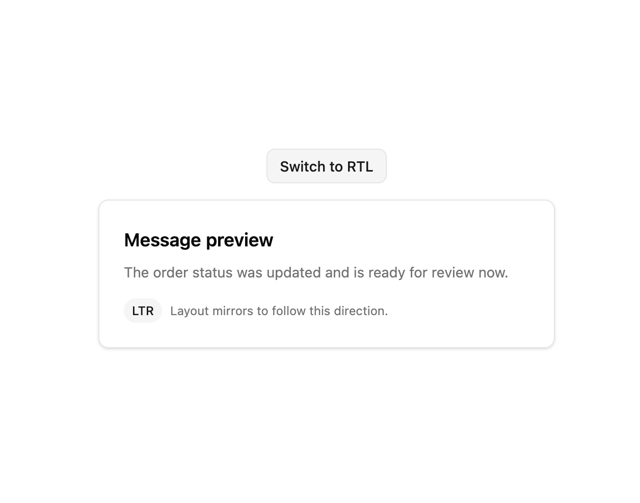
Direction Provider
Toast Notifications