
About
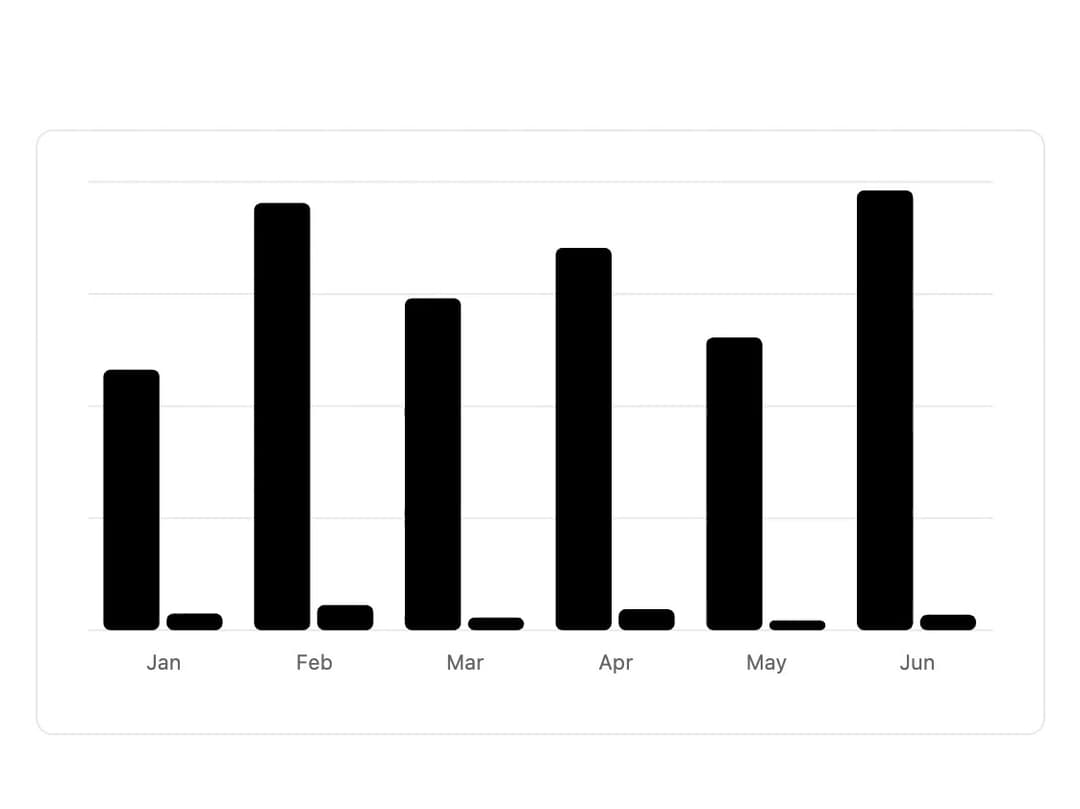
A composable chart component built on Recharts with themeable colors, a styled tooltip, and a legend for displaying bar, line, area, and pie chart data.
Built with React and Tailwind. Copy the prompt and paste it into Claude Code, Cursor or Lovable: your agent adds Chart to your project and fits it to your theme.
Code
How Chart is used: the demo's code. The component's own source comes with a free account.
Usage.tsx
"use client";

import * as React from "react";
import {
  type ChartConfig,
  ChartContainer,
  ChartTooltip,
  ChartTooltipContent,
} from "@/components/ui/chart";
import * as Recharts from "recharts";

const chartData = [
  { month: "January", requests: 186, errors: 12 },
  { month: "February", requests: 305, errors: 18 },
  { month: "March", requests: 237, errors: 9 },
  { month: "April", requests: 273, errors: 15 },
  { month: "May", requests: 209, errors: 7 },
  { month: "June", requests: 314, errors: 11 },
];

const chartConfig = {
  requests: { label: "Requests", color: "#2563eb" },
  errors: { label: "Errors", color: "#f97316" },
} satisfies ChartConfig;

export default function ChartDemo() {
  return (
    <div className="w-full max-w-xl rounded-lg border bg-card p-6 text-card-foreground">
      <ChartContainer config={chartConfig} className="aspect-video">
        <Recharts.BarChart data={chartData}>
          <Recharts.CartesianGrid vertical={false} />
          <Recharts.XAxis
            dataKey="month"
            tickLine={false}
            axisLine={false}
            tickMargin={8}
            tickFormatter={(value) => value.slice(0, 3)}
          />
          <ChartTooltip content={<ChartTooltipContent />} />
          <Recharts.Bar
            dataKey="requests"
            fill="var(--color-requests)"
            radius={4}
          />
          <Recharts.Bar
            dataKey="errors"
            fill="var(--color-errors)"
            radius={4}
          />
        </Recharts.BarChart>
      </ChartContainer>
    </div>
  );
}
Dependencies
More by russellbloxwich
View all
Switch
Bubble
Meter
Field
Code Block
Layer Card
Direction Provider
Toast Notifications
More in Dashboards
View all
Dashboard with Collapsible Sidebar
2.4K

Sidebar
240

SaaS Template
2.4K
Stats Bento
1.1K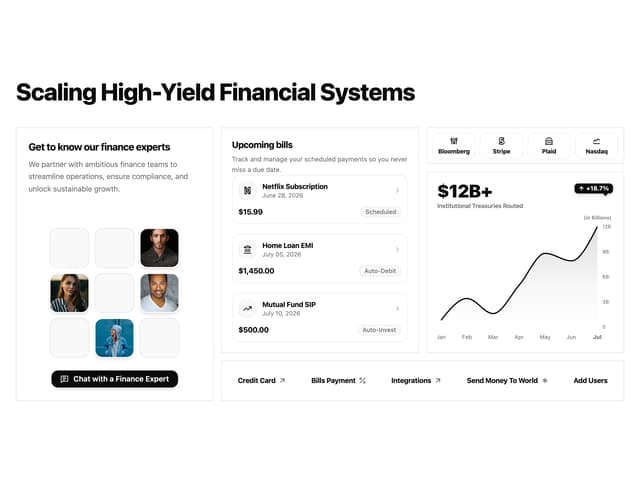

Financial Bento Grid
76

Statistics Card 10
264

Course Design Cards
1.1K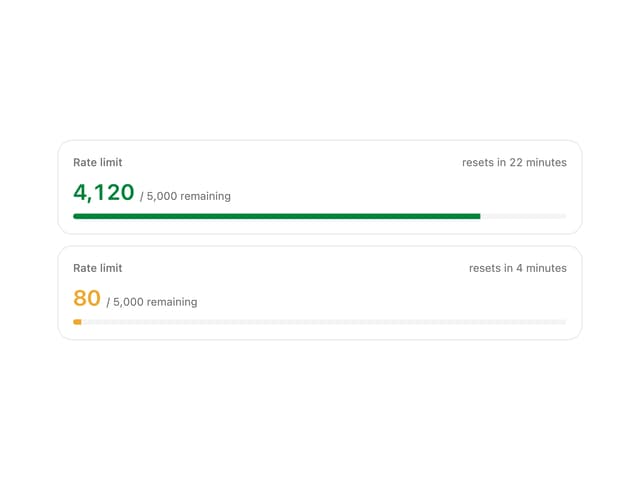
Rate Limit Meter
18


