
About
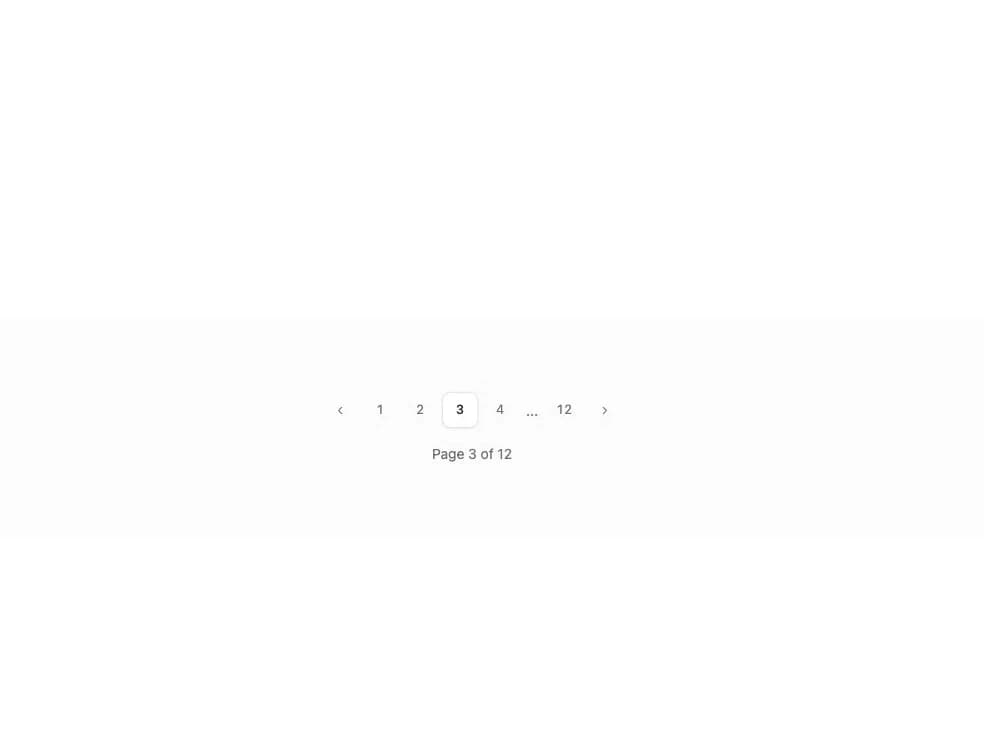
A page navigation control for long lists that shows numbered pages with truncation around the current page, aria-current on the active page, and disabled previous/next buttons at the boundaries.
Built with React and Tailwind. Copy the prompt and paste it into Claude Code, Cursor or Lovable: your agent adds Pagination to your project and fits it to your theme.
Code
How Pagination is used: the demo's code. The component's own source comes with a free account.
Usage.tsx
import Pagination from "@/components/ui/pagination";
import { useState } from "react";

export default function PaginationDemo() {
  const [page, setPage] = useState(3);

  return (
    <div
      className="flex min-h-[220px] w-full flex-col items-center justify-center gap-4 p-8"
      style={{
        background: "var(--mors-color-canvas)",
        color: "var(--mors-color-text)",
      }}
    >
      <Pagination page={page} pageCount={12} onPageChange={setPage} />
      <span
        className="text-sm"
        style={{
          color: "var(--mors-color-text-secondary)",
          fontFamily: "var(--mors-font-sans)",
        }}
      >
        Page {page} of 12
      </span>
    </div>
  );
}
More by murad-sinatra
View all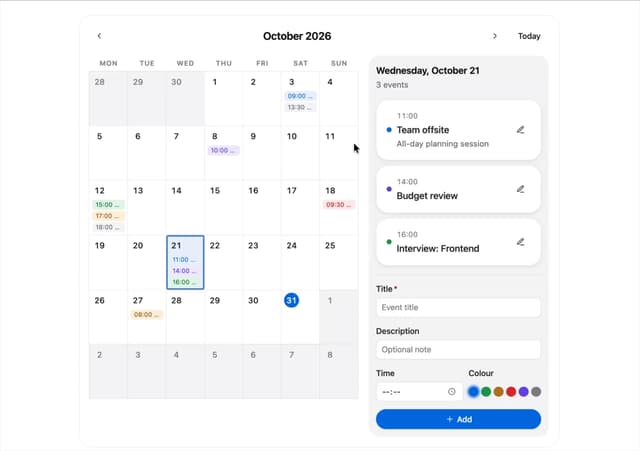
Event Calendar
59
Table
8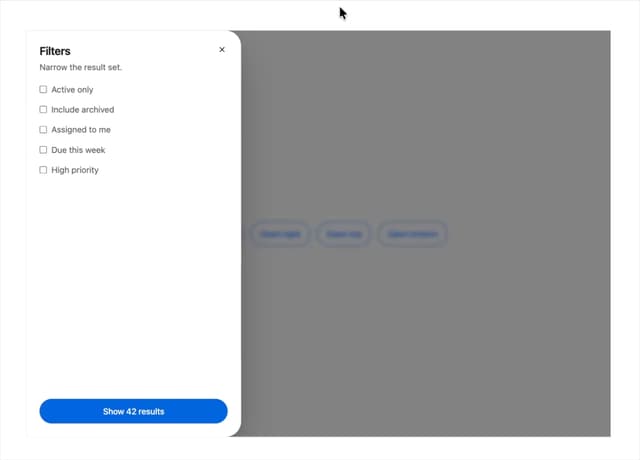
Drawer
6
Combobox
4
Toggles
4
Command Palette
3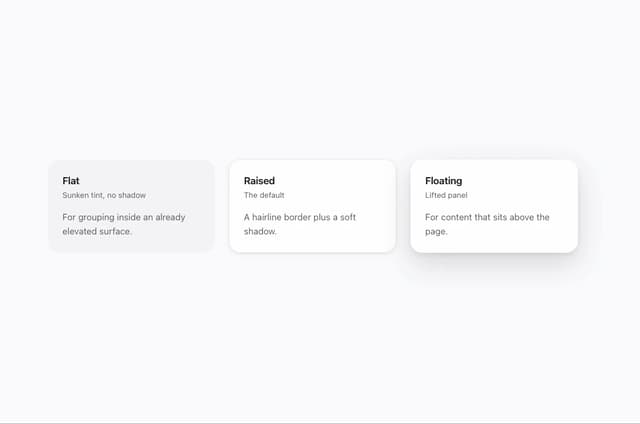
Mors Card
3
Token Field
3
More in Navigation
View all

Footer with Big Wordmark
67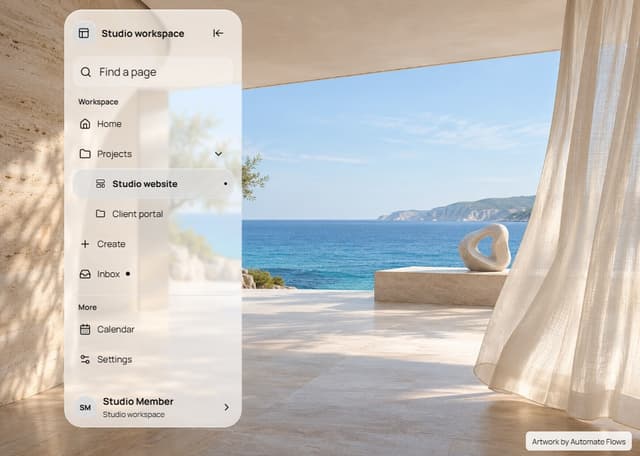

Liquid Glass Expandable Sidebar
179

Sidebar
406

Button Breadcrumb
33
Menu
26
Breadcrumb
7
Pagination with Ellipsis
25

Pagination
112

