
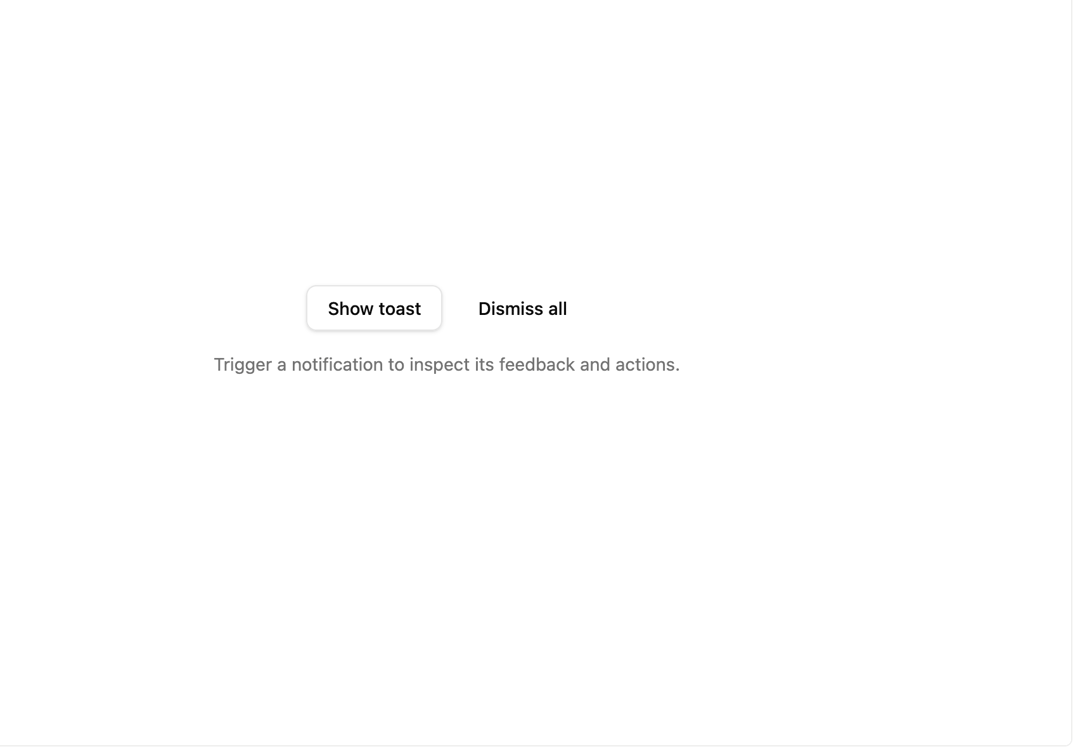
About
A stackable toast notification component for showing brief success, error, warning and info messages with an optional inline action button.
Built with React and Tailwind. Copy the prompt and paste it into Claude Code, Cursor or Lovable: your agent adds Toast Notifications to your project and fits it to your theme.
Code
How Toast Notifications is used: the demo's code. The component's own source comes with a free account.
Usage.tsx
"use client";

import * as React from "react";
import { Button } from "@/components/ui/button";
import Toaster from "@/components/ui/toast";
import { ToastAction } from "@/components/ui/toast-utils/toast-primitives";
import { useToast } from "@/components/ui/toast-utils/use-toast";

export default function ToastDemo() {
  const { toast, dismiss } = useToast();
  const [feedback, setFeedback] = React.useState(
    "Trigger a notification to inspect its feedback and actions.",
  );

  return (
    <div className="flex w-full flex-col items-center justify-center gap-4 p-10">
      <div className="flex flex-wrap items-center justify-center gap-3">
        <Button
          variant="outline"
          onClick={() =>
            toast({
              title: "Evidence saved",
              description: "The local gallery recorded this action.",
              action: (
                <ToastAction
                  altText="Undo saving the sample evidence"
                  onClick={() =>
                    setFeedback("Sample evidence save was undone.")
                  }
                >
                  Undo
                </ToastAction>
              ),
            })
          }
        >
          Show toast
        </Button>
        <Button
          variant="ghost"
          onClick={() => {
            dismiss();
            setFeedback("Notifications dismissed.");
          }}
        >
          Dismiss all
        </Button>
      </div>
      <p role="status" className="text-sm text-muted-foreground">
        {feedback}
      </p>
      <Toaster />
    </div>
  );
}
More by russellbloxwich
View all
Switch
Bubble
Meter
Field
Chart
Code Block
Layer Card
Direction Provider