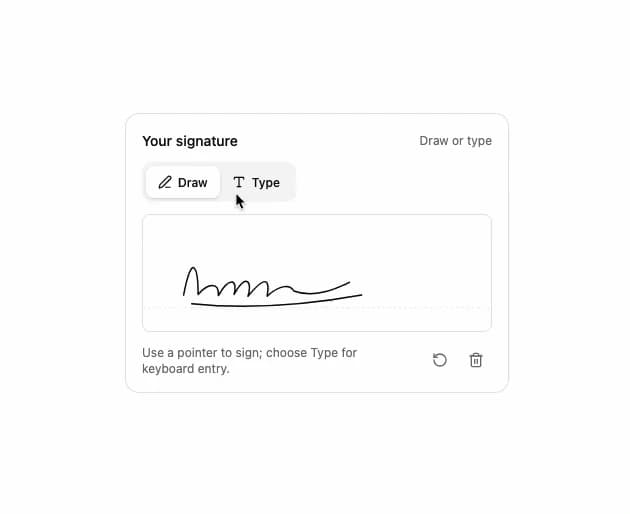
About
A form field for capturing a signature by drawing freehand strokes on a touch/pointer surface or typing a name as a keyboard-accessible alternative, with undo and clear controls.
Built with React and Tailwind. Copy the prompt and paste it into Claude Code, Cursor or Lovable: your agent adds Signature Pad to your project and fits it to your theme.
Code
How Signature Pad is used: the demo's code. The component's own source comes with a free account.
Usage.tsx
import { SignaturePad } from "@/components/ui/signature-pad";

const sample = {
  mode: "draw" as const,
  strokes: [
    "M 70 138 C 85 60 95 92 95 137 C 112 117 132 115 130 139 C 149 105 164 111 157 137 C 178 98 189 116 181 140 C 211 104 219 109 214 140 C 237 119 254 120 260 131 C 295 144 331 128 356 116",
    "M 84 153 C 180 163 271 157 377 138",
  ],
};

export default function SignaturePadDemo() {
  return (
    <SignaturePad
      className="w-full max-w-sm"
      label="Your signature"
      defaultValue={sample}
      name="signature"
    />
  );
}
Dependencies
More by vamsiy78
View all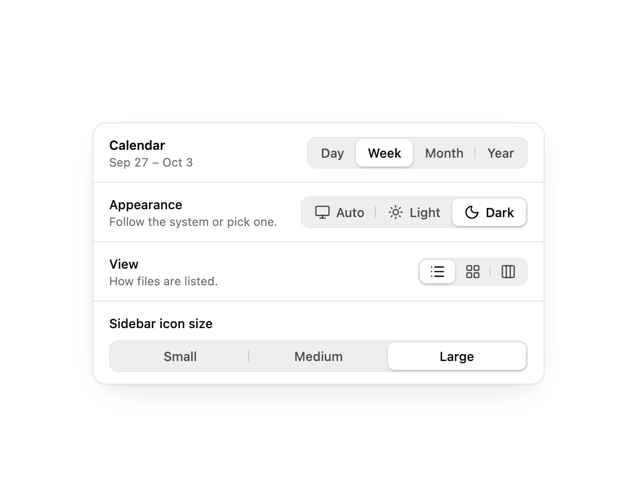

Segmented Control
8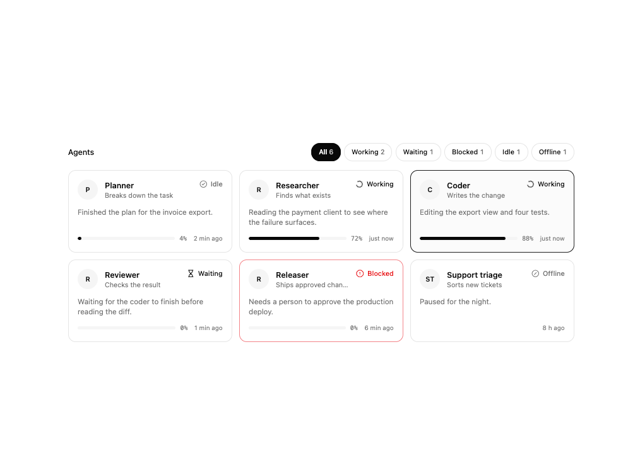
Agent Roster
4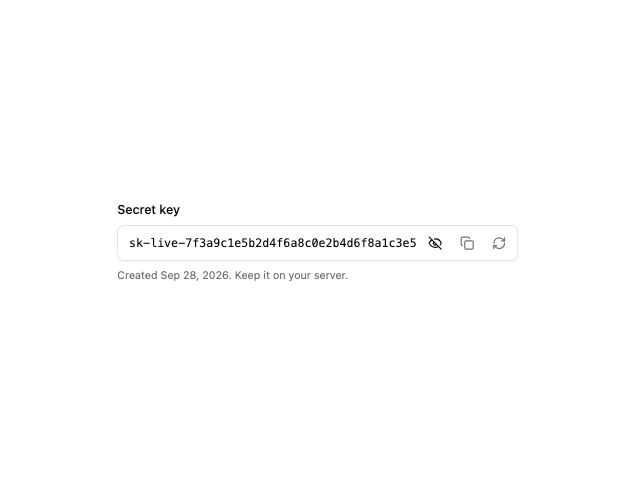
API Key Field
1
Section Tabs
FAQ Accordion Section
Table Of Contents
HUD
Border Beam
More in Forms
View all

Premium Auth
589

Contact Card
1.1K

Login 1
70
Contact Form
28

Form
4

HeroUI Field Error
13

Form
6

Book A Demo 4
69
