About
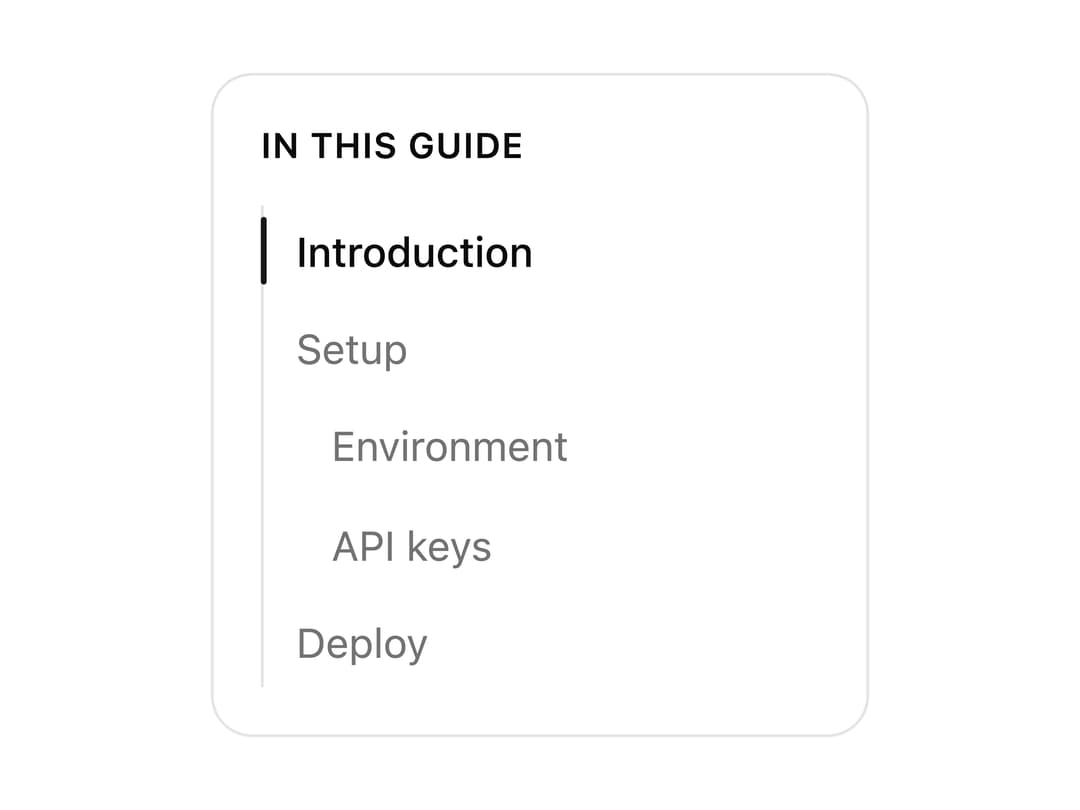
An "on this page" navigation list that auto-collects headings (or takes an explicit list), highlights the current section with a scroll spy, slides an indicator to it, and smooth-scrolls below a sticky header on click.
Built with React and Tailwind. Copy the prompt and paste it into Claude Code, Cursor or Lovable: your agent adds Table Of Contents to your project and fits it to your theme.
Code
How Table Of Contents is used: the demo's code. The component's own source comes with a free account.
Usage.tsx
"use client";
import TableOfContents from "@/components/ui/table-of-contents";
export default function TableOfContentsStates() {
  return (
    <div className="w-56 rounded-xl border bg-card p-4">
      <TableOfContents
        title="In this guide"
        items={[
          { id: "intro", title: "Introduction", level: 2 },
          { id: "setup", title: "Setup", level: 2 },
          { id: "setup-env", title: "Environment", level: 3 },
          { id: "setup-keys", title: "API keys", level: 3 },
          { id: "deploy", title: "Deploy", level: 2 },
        ]}
      />
    </div>
  );
}
Dependencies
More by vamsiy78
View all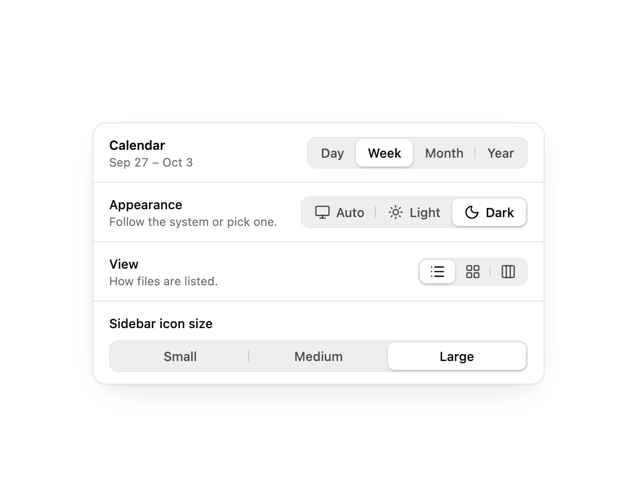

Segmented Control
8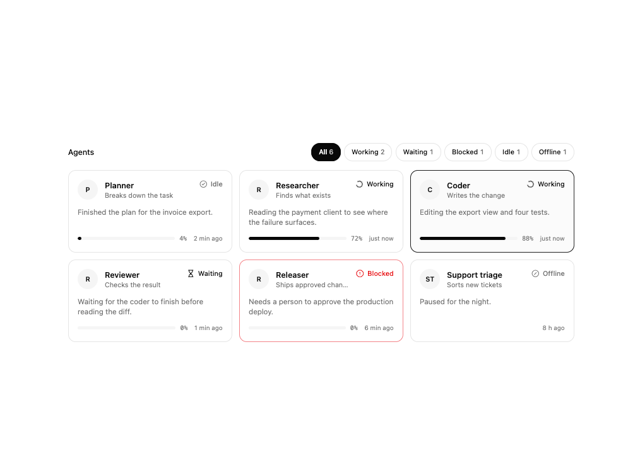
Agent Roster
4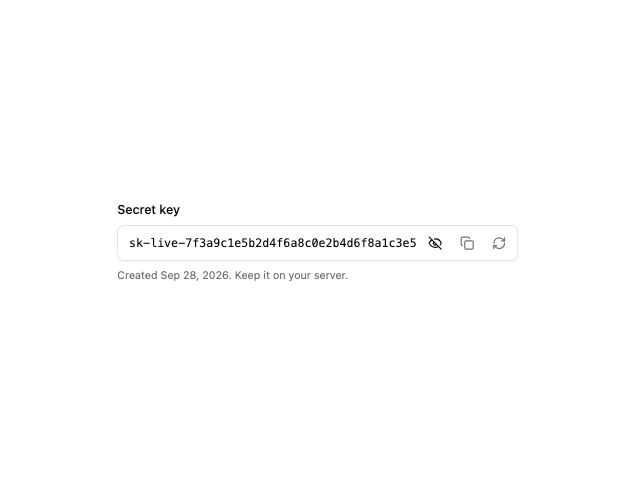
API Key Field
1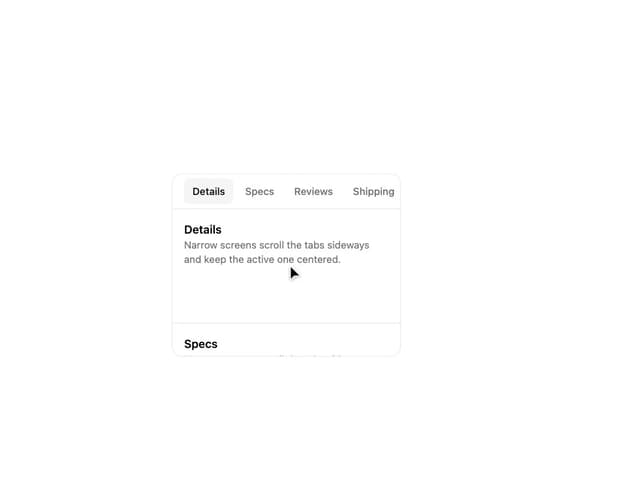
Section Tabs
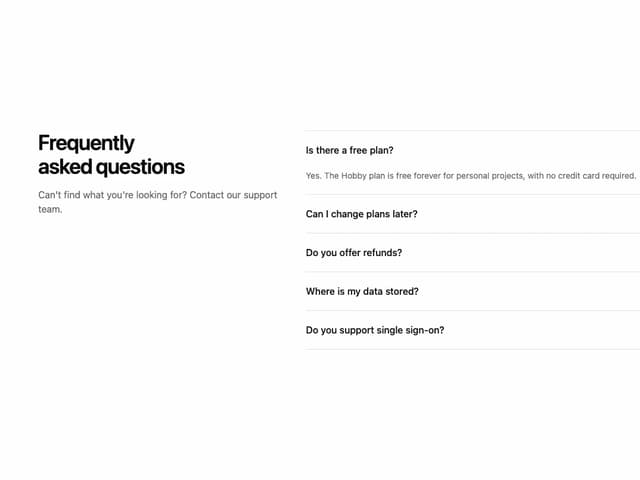
FAQ Accordion Section

Signature Pad
HUD

Border Beam
More in Navigation
View all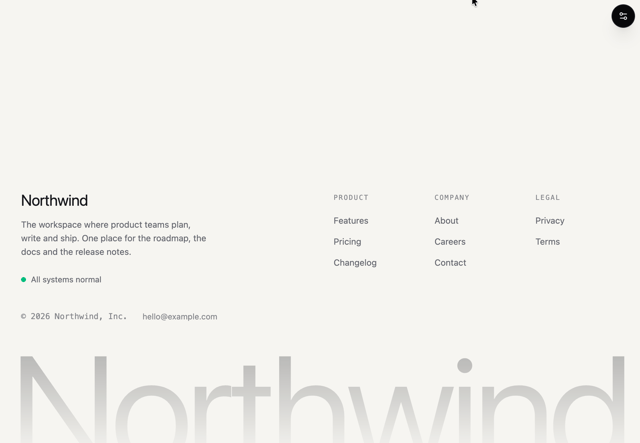

Footer with Big Wordmark
81

Liquid Glass Expandable Sidebar
255

Button Breadcrumb
36

Sidebar
414

Astryx Breadcrumb Item

Menu
27

Progress Bar Stepper
64

Pagination
14
