
About
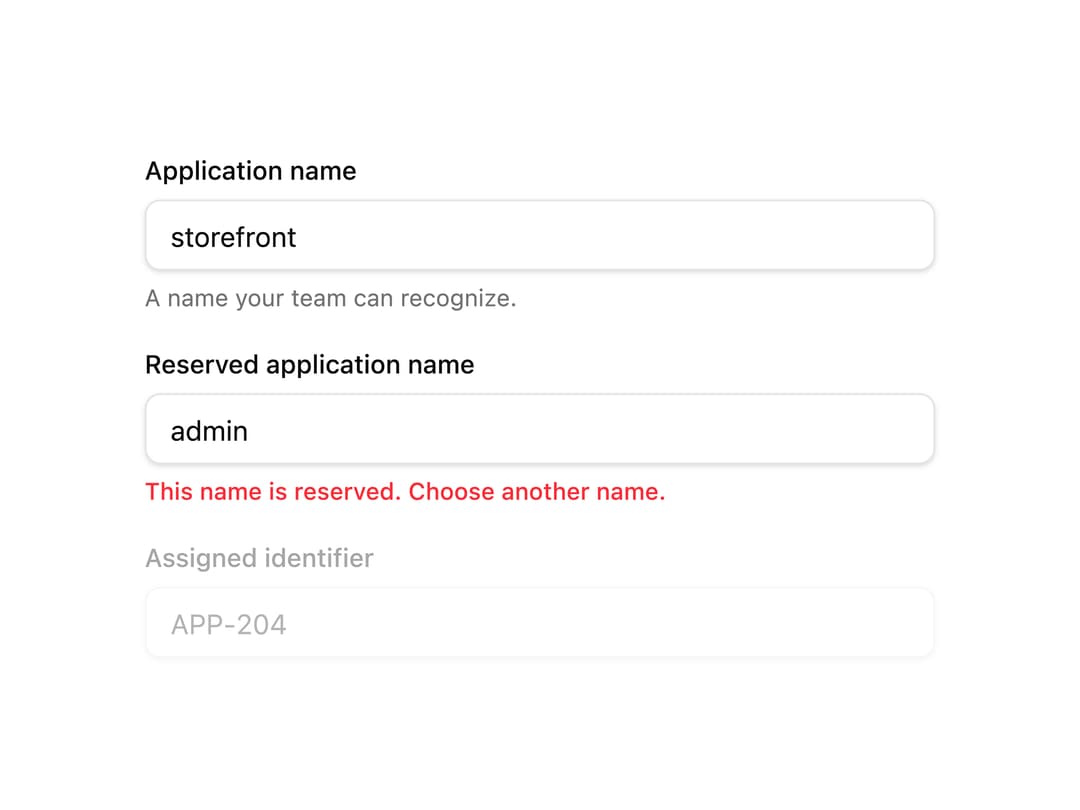
A compound form-field wrapper that connects a label, description and validation error to an input via generated ids and ARIA attributes, with vertical, horizontal and responsive layouts plus fieldset/legend grouping.
Built with React and Tailwind. Copy the prompt and paste it into Claude Code, Cursor or Lovable: your agent adds Field to your project and fits it to your theme.
Code
How Field is used: the demo's code. The component's own source comes with a free account.
Usage.tsx
"use client";

import * as React from "react";
import {
  Field,
  FieldGroup,
  FieldLabel,
  FieldDescription,
  FieldError,
} from "@/components/ui/field";
import { Input } from "@/components/ui/input";

export default function FieldDemo() {
  const id = React.useId();
  const [name, setName] = React.useState("storefront");

  return (
    <div className="w-full max-w-md p-6 bg-background text-foreground">
      <FieldGroup>
        <Field>
          <FieldLabel htmlFor={`${id}-name`}>Application name</FieldLabel>
          <Input
            id={`${id}-name`}
            value={name}
            onChange={(event) => setName(event.target.value)}
            aria-describedby={`${id}-name-help`}
          />
          <FieldDescription id={`${id}-name-help`}>
            A name your team can recognize.
          </FieldDescription>
        </Field>
        <Field error>
          <FieldLabel htmlFor={`${id}-invalid`}>
            Reserved application name
          </FieldLabel>
          <Input
            id={`${id}-invalid`}
            defaultValue="admin"
            aria-invalid="true"
            aria-describedby={`${id}-invalid-help`}
          />
          <FieldError id={`${id}-invalid-help`}>
            This name is reserved. Choose another name.
          </FieldError>
        </Field>
        <Field disabled>
          <FieldLabel htmlFor={`${id}-disabled`}>
            Assigned identifier
          </FieldLabel>
          <Input id={`${id}-disabled`} value="APP-204" disabled />
        </Field>
      </FieldGroup>
    </div>
  );
}
More by russellbloxwich
View all
Switch
Bubble
Meter
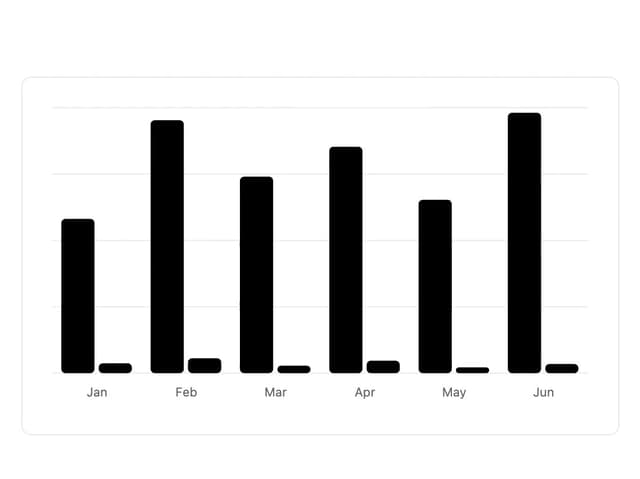
Chart
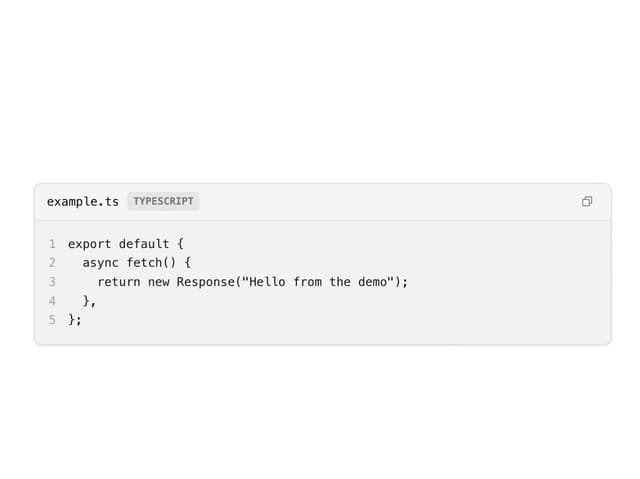
Code Block
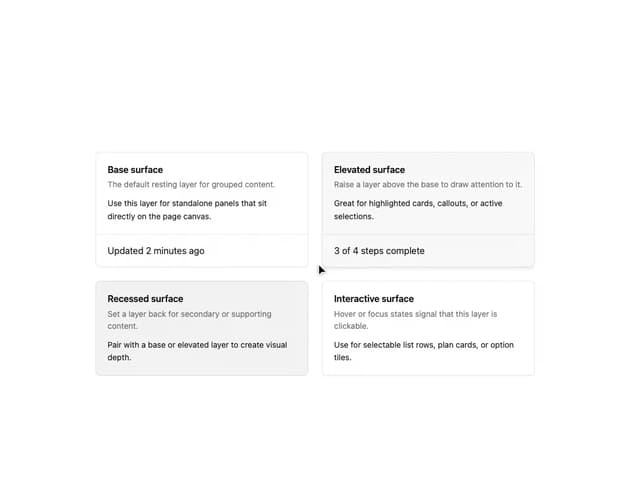
Layer Card
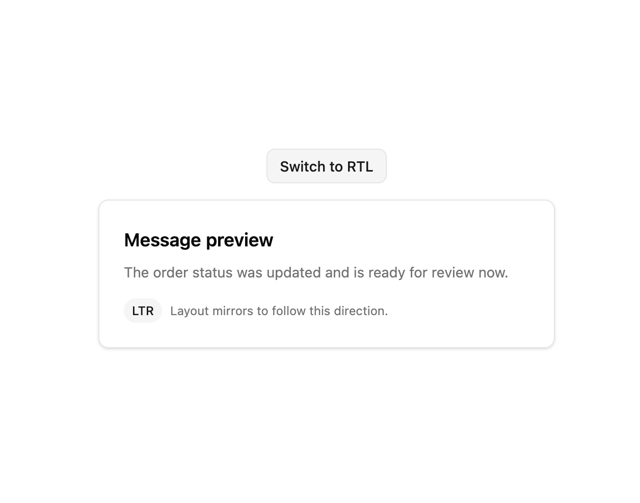
Direction Provider
Toast Notifications
More in Forms
View all

Premium Auth
504

Login 1
52
Authentication Card
47

Book A Demo 3
83

Contact Card
1K
Book A Demo 1
70
Book A Demo 4
52

Form
136
